Sound design is the art of creating and shaping sounds from scratch, and synthesizers and samplers are the main instruments for doing it. This guide is for producers, film and game hopefuls, and curious musicians who want to understand how synths work, choose between hardware and software, and start building their own patches, samples, and sound effects.
It can look intimidating, with all those knobs and acronyms, but nearly every synth is built from the same few parts. Once you can name them and hear what each one does, a new instrument stops being a mystery and becomes a variation on something you already know.
How a synthesizer works
A classic synth signal flows through three stages. An oscillator generates a raw tone, a filter removes or emphasizes frequencies to shape its color, and an amplifier controls its volume over time. Our explainer on VCO, VCF, and VCA covers each stage, and what a synthesizer is gives the bigger picture if you’re starting from zero.
What makes a sound move is modulation. An envelope shapes how a sound starts, holds, and fades; the ADSR envelope is the first control worth mastering, since it decides whether a patch plucks, swells, or sustains. An LFO adds slow, repeating movement such as vibrato, tremolo, or a filter that sweeps up and down, explained in what an LFO is. To hear raw waveforms and pitches on their own, try the free online tone generator.
Types of synthesis
Different synths create their starting sound in different ways, and each approach has a character:
- Subtractive: start with a bright, harmonically rich wave and filter it down. It’s the most intuitive method and the best place to learn; see subtractive synthesis explained.
- FM: one oscillator modulates another’s pitch to create metallic, bell-like, and glassy tones. Subtractive vs FM synthesis compares the two.
- Wavetable: scan through a series of waveforms to create evolving, modern tones, as covered in what a wavetable synth is.
- Granular: chop a recording into tiny grains and rearrange them into textures and clouds; read what granular synthesis is.
You don’t need to learn all four at once. Get comfortable with subtractive first, because its filter-and-envelope thinking carries over to every other type.
Hardware or software?
Software synths are affordable, recall every setting with your project, and let you run many instances at once. Hardware gives you hands-on control, no screen fatigue, and often a sound and workflow that inspire different ideas. Our comparison of hardware vs software synths weighs the trade-offs, and analog vs digital synths addresses the related debate about circuits and character.
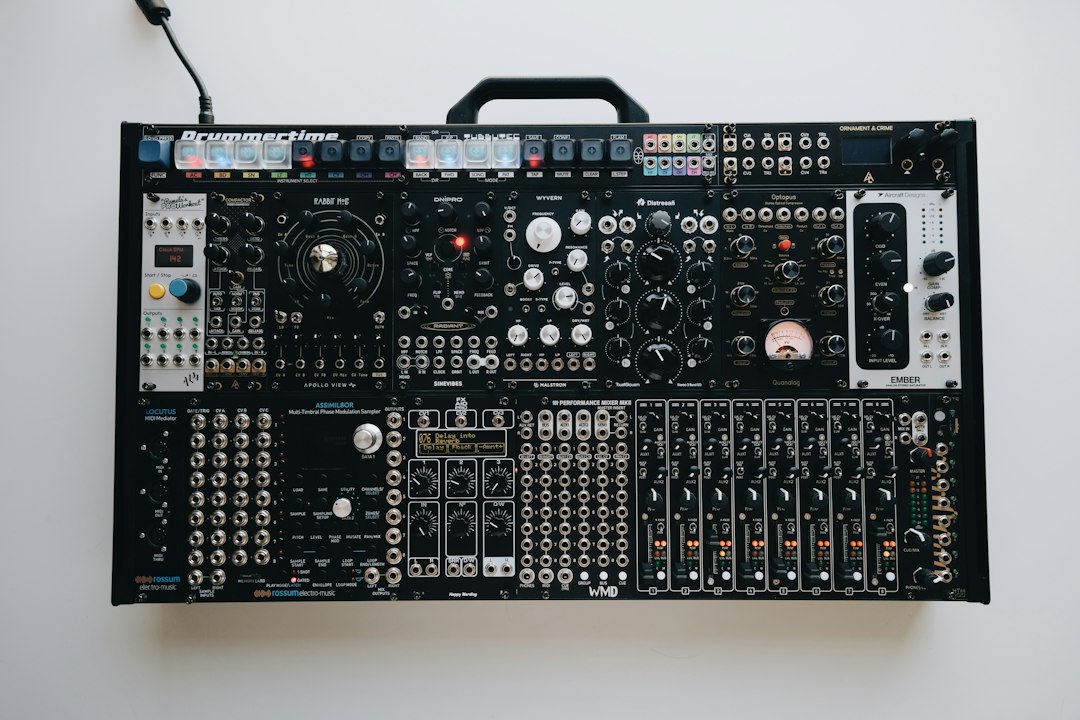
On the software side, the best synth VST plugins roundup covers the main contenders, and the popular wavetable showdown in Serum vs Massive helps if you’re deciding between those two. If you’re drawn to hardware, what your first synth should be helps you avoid buying something too complex too soon, and the best semi-modular synths list is a gentle introduction to patching. Modular is its own deep world; Eurorack for beginners explains how to start without overspending on modules you won’t use.
Sampling and samplers
A sampler plays back recorded audio instead of generating tones, which means any sound can become an instrument. What a sampler is covers the basics of mapping, slicing, and pitching samples, and the best hardware samplers list is a good starting point if you want a dedicated box. Resampling, where you record a synth or effected sound and then mangle it again, is one of the most creative tricks in the toolkit; see resampling sounds.
If you’d rather start from existing material, sample libraries and subscription services are worth understanding. Whether Splice is worth it depends on how many sounds you use, and where to get royalty-free samples lists safe sources. Anyone making beats with samples will find the techniques continue in our beat making guide.
Designing your own sounds
The best way to learn sound design is to recreate sounds you already know. Start with an initialized patch, a single saw wave, and rebuild a sound step by step. A few classic exercises:
- Pads: slow attack, long release, and gentle movement; making a pad sound walks through it.
- Bass: a solid fundamental with controlled upper harmonics, covered in designing a bass sound.
- Plucks: a fast filter envelope with no sustain, as in making a pluck.
Sound design reaches well beyond music, too. Film, trailer, and game audio rely on recorded and synthesized effects, from footsteps to impacts. What Foley is explains the craft of recording everyday sounds to picture, and sound design for video games covers how interactive audio differs from linear media. For quick experiments, the AI sound effects generator creates starting material you can then layer and process.
Explore the Synths & Sound Design guide
Start here
- What Is Foley?
- What Are VCO, VCF and VCA?
- Is Splice Worth It? An Honest Look
- A Guide to Behringer Synths
- What Is a Rompler?
- A Guide to the Akai MPC
How-to guides
- How to Use Koala Sampler
- How to Patch a Modular Synth
- How to Make Glitch Sounds
- How to Sync Hardware Synths
- Patchbays and Mixers for a Synth Setup
- How to Make Footstep Sounds
- How to Make Whoosh Sounds
- How to Make a Pluck Sound
Gear picks
- The Best Hardware Samplers
- The Best Workstation Synths
- The Best Synths for Techno
- The Best Wavetable Hardware Synths
- The Best Analog Drum Machines
- The Best Semi-Modular Synths
Comparisons & reviews
- Serum vs Massive: Which Synth VST Wins?
- Serum Review: Is It Still the Best Synth VST?
- Omnisphere Review: The Ultimate Synth?
- Splice vs Loopcloud: Which Sample Subscription?
- The Best Serum Alternatives for Wavetable Synthesis
Free tools
AI Sound EffectsTone GeneratorNote Frequency CalculatorVirtual Piano
Frequently asked questions
What is the easiest synth for a beginner to learn on?
A simple subtractive synth with one or two oscillators, a single filter, and clearly labeled envelopes is the easiest place to start. Fewer controls mean you hear the effect of each one clearly. Many DAWs include a basic synth like this, so you can learn the fundamentals for free before deciding whether to buy a plugin or hardware.
Do I need hardware synths to make professional music?
No. Software synths are used on countless professional records and can cover nearly any sound hardware can. People buy hardware for the hands-on workflow, the inspiration of a physical instrument, or a particular character they love. If you’re unsure, learn on software first and only add hardware when you know what you want from it.
What’s the difference between a synthesizer and a sampler?
A synthesizer generates sound from oscillators or other sources inside the instrument, while a sampler plays back recordings of real sounds. In practice the line is blurry, because many synths can load samples as oscillators and many samplers have filters, envelopes, and LFOs. Both are shaped with the same tools, so skills on one carry over.
How do I start learning sound design?
Pick one synth and stay with it for a while. Start every patch from an initialized sound, change one control at a time, and listen closely to what it does. Then try recreating sounds from songs you love. Recording sound effects with your phone and processing them in a sampler is another practical, inexpensive way to build skills.
What MIDI controller do I need for software synths?
A basic MIDI keyboard with velocity-sensitive keys is enough to play software synths, and the number of keys depends on whether chords and two-handed parts are needed. Assignable knobs and faders help when tweaking filter and envelope settings by hand. Check that the controller is class-compliant or supported by the DAW in use.
Can I use synth presets in music I release commercially?
Synth presets that ship with a plugin are usually licensed for use in original music, which is how most producers use them. Third-party preset packs and samples have their own license terms, and some restrict reselling the sounds themselves. Read the license that came with the synth or preset pack, and ask a music lawyer if anything is unclear.
Why does my synth patch sound thin?
A thin synth patch usually needs more harmonic content or width. Try adding a second oscillator slightly detuned, enabling unison voices, or adding a sub oscillator an octave lower for weight. Chorus and gentle saturation thicken the sound further, though too much width can make the part weaker in mono.
How do I record a hardware synth into my DAW?
Connect the hardware synth’s audio outputs to line inputs on an audio interface, using two inputs for stereo, and record it as an audio track. Connect MIDI or USB so the DAW can play the synth from a MIDI track and keep it in time. Set levels so the loudest notes peak well below clipping.
Do I need a polyphonic synth or is monophonic enough?
A monophonic synth plays one note at a time, which suits basslines and leads, while a polyphonic synth plays chords and pads. Beginners who mostly want bass and lead sounds can learn plenty on a mono synth. Most software synths are polyphonic by default, so the question matters mainly when choosing hardware.