Mixing & Mastering
Turn rough takes into release-ready tracks. Practical mixing and mastering guides covering EQ, compression, levels, loudness and the workflow that gets your songs sounding finished.Start here: The Best Free VST Plugins · The Best EQ Plugins · The Best Compressor Plugins · The Best Reverb Plugins.
-
ADPTR MetricAB Review: The Reference Tool
A detailed Metric AB review of ADPTR’s reference-comparison plugin, its loudness-matched A/B switching, real metering targets, and why it belongs…
-
Brainworx bx_masterdesk Review: One Knob?
A hands-on bx_masterdesk review of Brainworx’s simplified analog mastering console, its guided workflow, real loudness targets, and its deliberate limits.
-
iZotope Ozone Elements Review: Enough?
An honest Ozone Elements review of iZotope’s budget mastering suite, what the Master Assistant delivers, real loudness targets, and its…
-

IK Multimedia T-RackS 5 Review: Worth It?
A practical T-RackS review of IK Multimedia’s modular mastering suite, its analog-modeled gear, real loudness targets, and where it beats…
-

How to Mix Into a Limiter (Without Killing It)
Learn how to mix into a limiter the right way: gain staging, settings, and dB targets so your mix stays…
-
Best Stock Plugins (and When to Upgrade)
The best stock plugins in every DAW for EQ, compression and reverb, with exact settings and honest advice on when…
-

5 FabFilter Pro-Q Alternatives Worth Buying
The best FabFilter Pro-Q alternatives for surgical and musical EQ, including free options. Honest pros, cons and settings for each…
-
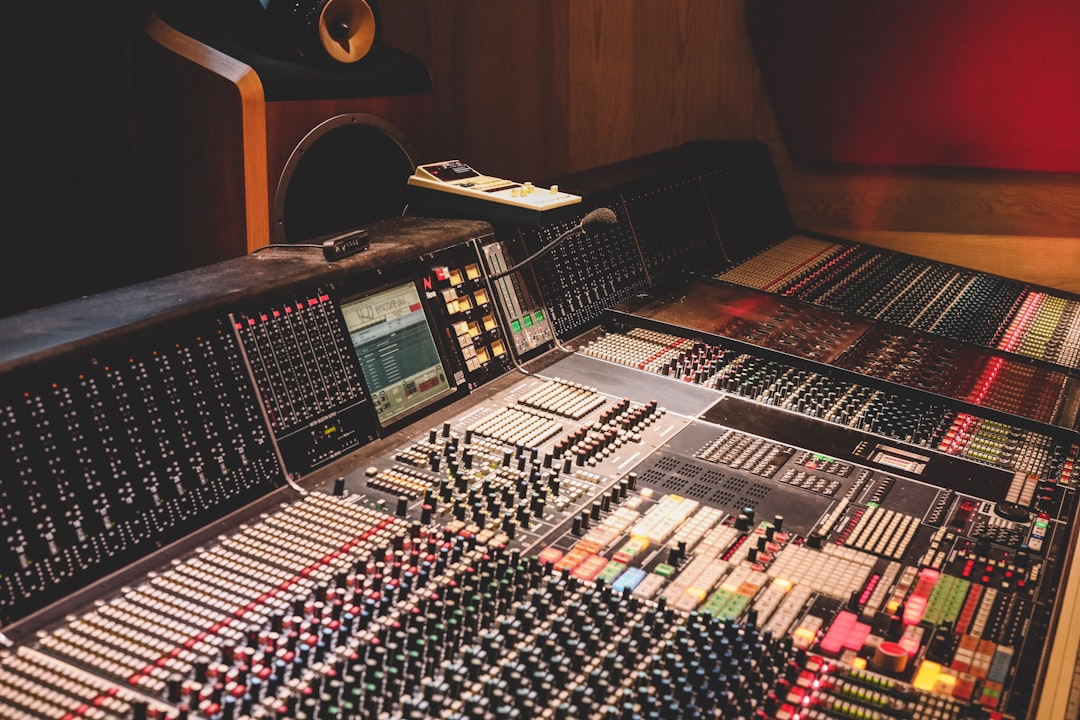
soothe2 vs Gullfoss: Which Resonance Fixer?
soothe2 vs Gullfoss compared for taming harshness and resonance. Settings, use cases, pros and cons to help you pick the…
-
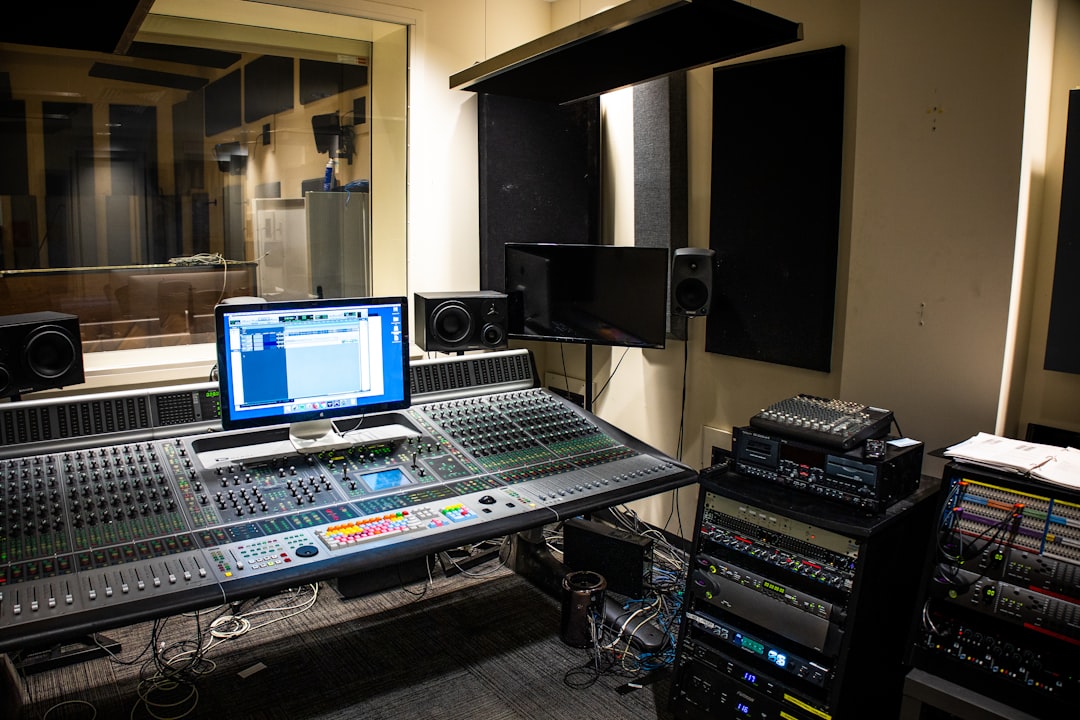
FabFilter vs Waves: Which Plugin Suite Wins?
FabFilter vs Waves compared for mixing: workflow, sound, CPU and value. Honest pros and cons to help you pick the…
-
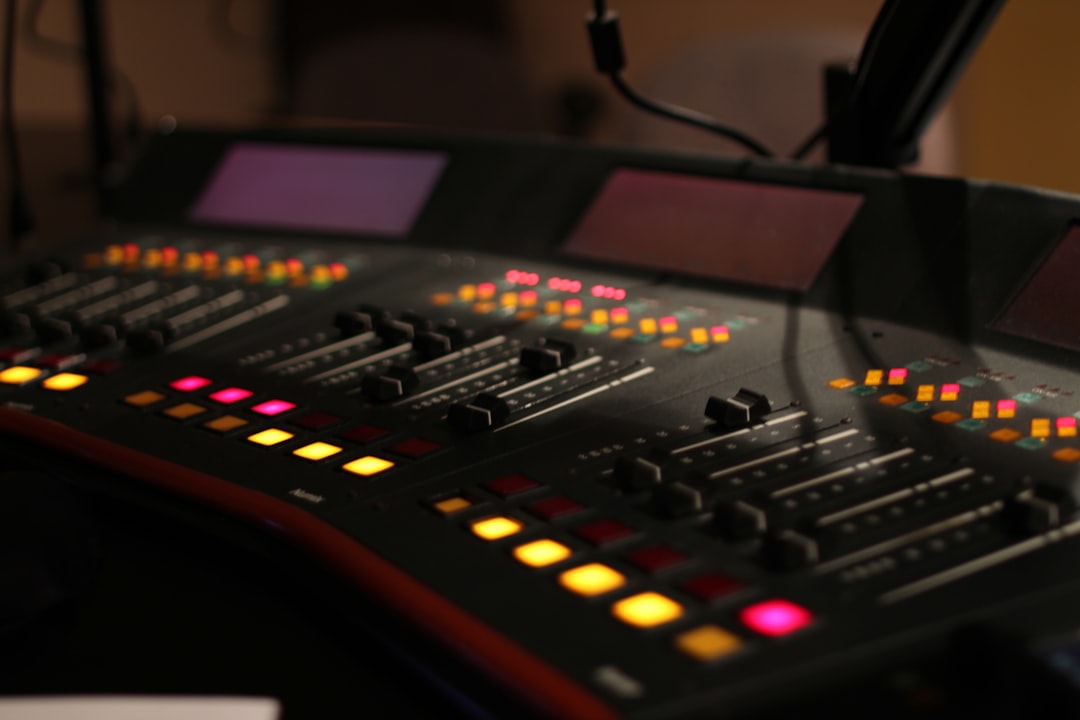
Gullfoss Review: The Intelligent Auto EQ
An honest Gullfoss review of Soundtheory’s intelligent EQ, how its five controls work, and concrete settings for clearer vocals, buses…