
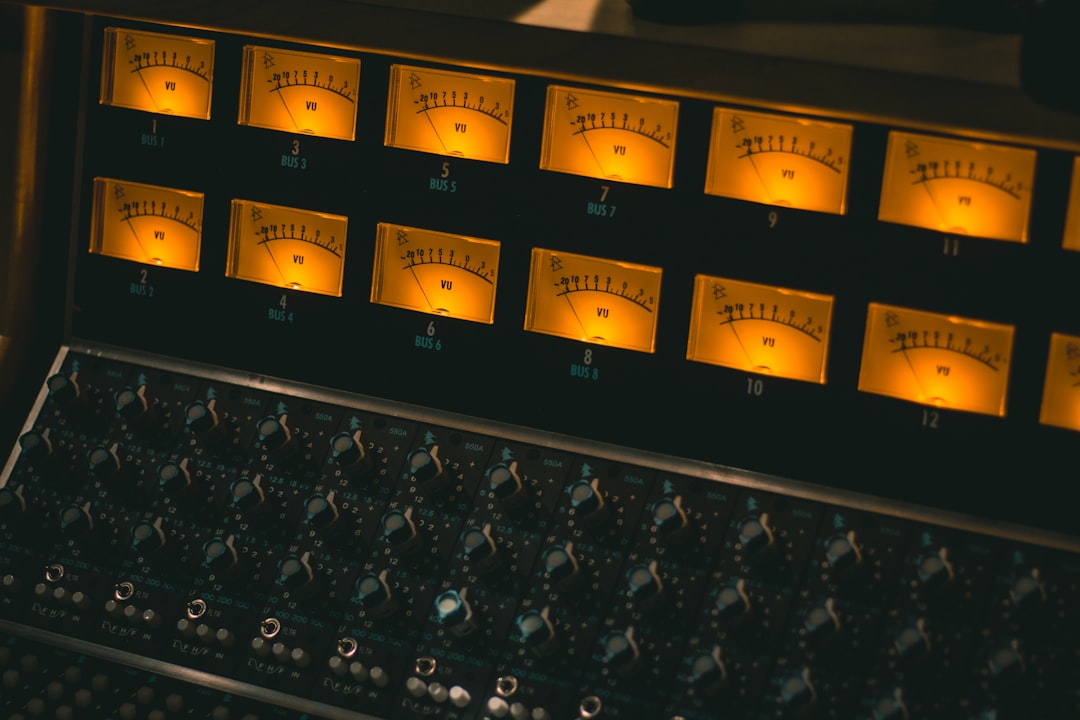
This bx_masterdesk review looks at a plugin that takes the opposite philosophy to the sprawling mastering suites: instead of dozens of modules, brainworx bx_masterdesk hands you a streamlined analog-modeled mastering console designed so you can finish a master with a handful of controls. It is a deliberate exercise in constraint, and whether that constraint feels liberating or frustrating depends entirely on what you want from a mastering tool.
The Philosophy Behind bx_masterdesk
Brainworx built masterdesk to model a full analog mastering chain and expose only the controls that matter, in a single window laid out like a hardware console. You get input level, a foreground/background balance, tone controls, width, and a master volume that drives an internal limiter. There is no chain to build and no module order to fret over, because the signal path is fixed and modeled after a professional analog rack. The appeal is speed and confidence: you push the input, shape the tone, and the console keeps the result musical rather than letting you dig a hole with surgical over-processing.
Even with a simplified interface, the loudness rules do not bend. Aim for an integrated level around -14 LUFS for the major streaming platforms and keep true-peak at or below -1 dBTP on export. The reason is intersample peaking during lossy encoding, where a file at 0 dBFS overshoots on playback. masterdesk includes built-in metering with a true-peak readout and a loudness display, so drive the master volume until the loudness meter sits near your target and the peak meter respects that -1 dBTP ceiling.
The Controls That Matter
The genius of masterdesk is that each control does something musically obvious.
- Input and Master: Input sets how hard you hit the modeled chain, and Master sets output loudness into the limiter. For most material, drive until you see a few dB of limiting on peaks and back off if the mix starts to sound flat. Two to three dB of reduction is a healthy master; much more and you lose punch.
- Tone section: Broad, analog-voiced bass, mid, and treble controls. These are shelving-style moves, so nudge them in small amounts. A gentle treble lift adds air and a small bass lift adds weight, both in the sub-2 dB range you would use on any master EQ.
- Foreground/Background: This clever control balances the perceived front and back of the mix, effectively a musical way to add or reduce density and depth without a traditional compressor threshold.
- Width and Mono Maker: Widen for polish, and use the mono maker to keep low frequencies centered below roughly 120 Hz so your master survives club systems and phone speakers alike.
Sound and Honest Limits
The sound is the reason to reach for masterdesk. Because it models an analog chain end to end, even aggressive settings retain a pleasing cohesion, and it is very hard to make something sound broken. That safety net is exactly what a producer who is not a full-time mastering engineer wants. The trade-off is control. There is no per-band dynamic processing, no surgical notch for a nasty resonance, and no reference-track matching. If a mix has a specific problem, masterdesk can polish around it but cannot fix it, and you would want a dedicated EQ or a resonance tool like soothe2 in the chain before it.
Pros and Cons
The constraint that makes masterdesk pleasant is also its ceiling.
- Pro: Extremely fast, musical results with almost no way to make a mix sound obviously wrong.
- Pro: Genuine analog-modeled tone and glue that flatters most digital mixes out of the box.
- Pro: Built-in true-peak and loudness metering keeps you honest about delivery targets.
- Con: No surgical or dynamic control, so it cannot correct problem mixes on its own.
- Con: The fixed chain frustrates engineers who want to reorder modules or dial specific parameters.
- Con: No reference-matching, so you rely on your own ears and a separate meter for genre targets.
Who bx_masterdesk Is For
If you are a producer or mixing engineer who wants professional-sounding masters quickly and does not want to become a mastering specialist, masterdesk is one of the most confidence-inspiring tools you can buy. It is ideal for finishing your own well-balanced mixes and for anyone who finds full suites paralyzing. It is less suited to the engineer mastering varied client material who needs surgical correction and reference matching on demand.
The workflow is refreshingly simple: set the input, shape tone in small moves, balance foreground and background to taste, then drive the master until your loudness meter lands near target with true-peak at or below -1 dBTP. Master against a reference at matched loudness and export letting the streaming platforms normalize down. For the reasoning behind chain order and when to add a corrective plugin ahead of masterdesk, see our mastering guide, and check your loudness for free in the audio tools hub before you commit. bx_masterdesk will not replace a full mastering rig for a working engineer, but as a fast, musical, hard-to-break finisher for your own tracks, it earns its place.



