
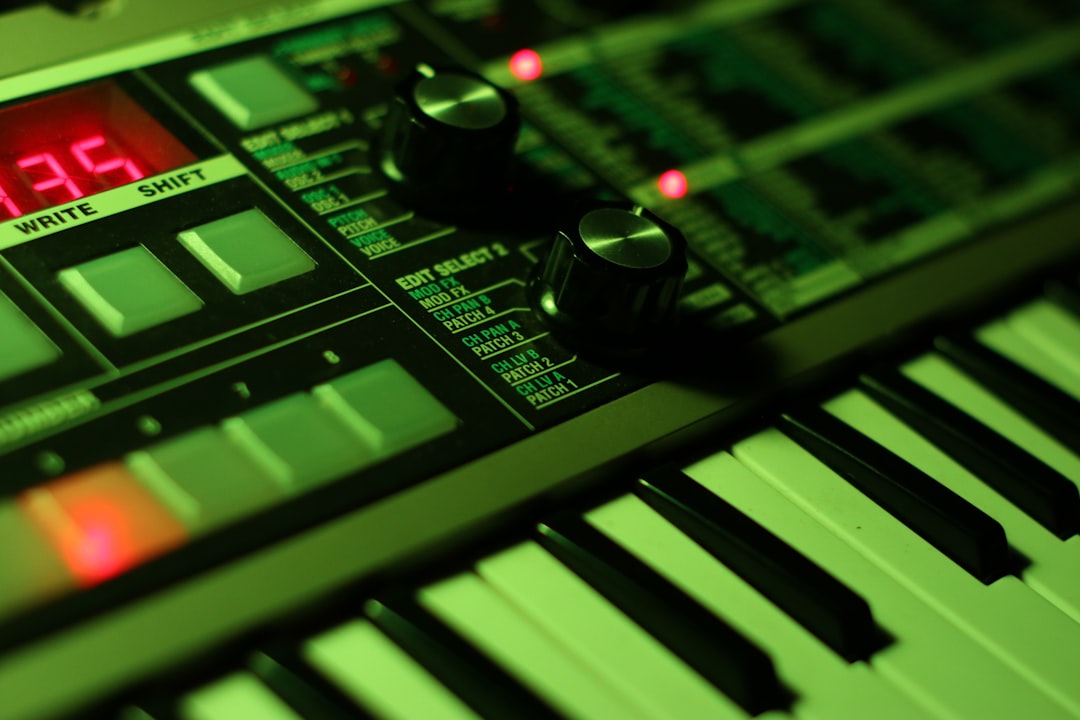
The choice in desktop vs keyboard synths comes down to space, cost and how you like to play. Desktop (and rack) synths drop the keyboard to save money and desk space, relying on a MIDI controller or sequencer to play them; keyboard synths put the same sound engine under your fingers as a self-contained instrument. Neither is better — they suit different setups.
Violet Recording is reader-supported — we may earn a commission from links on this page, at no extra cost to you.
Here’s how the two formats compare, and how to pick the right one for your studio.
Quick answer
- Choose a keyboard synth if it’s your main or only synth, you want to play live, and you have the space.
- Choose a desktop synth if you already own a good controller, you’re tight on space or budget, or you’re building a multi-synth rig driven from a DAW or sequencer.
What’s actually different
The sound engine is often identical between formats — many makers sell the same synth as a keyboard and as a desktop or “module” version. What changes is everything around the engine:
| Keyboard synth | Desktop synth | |
|---|---|---|
| Built-in keys | Yes | No (needs a controller) |
| Desk space | Larger footprint | Compact |
| Cost for same engine | Usually higher | Usually lower |
| Standalone playable | Yes | Only with controller/sequencer |
| Best for | Performing, single-synth setups | Multi-synth rigs, studios |
The case for keyboard synths
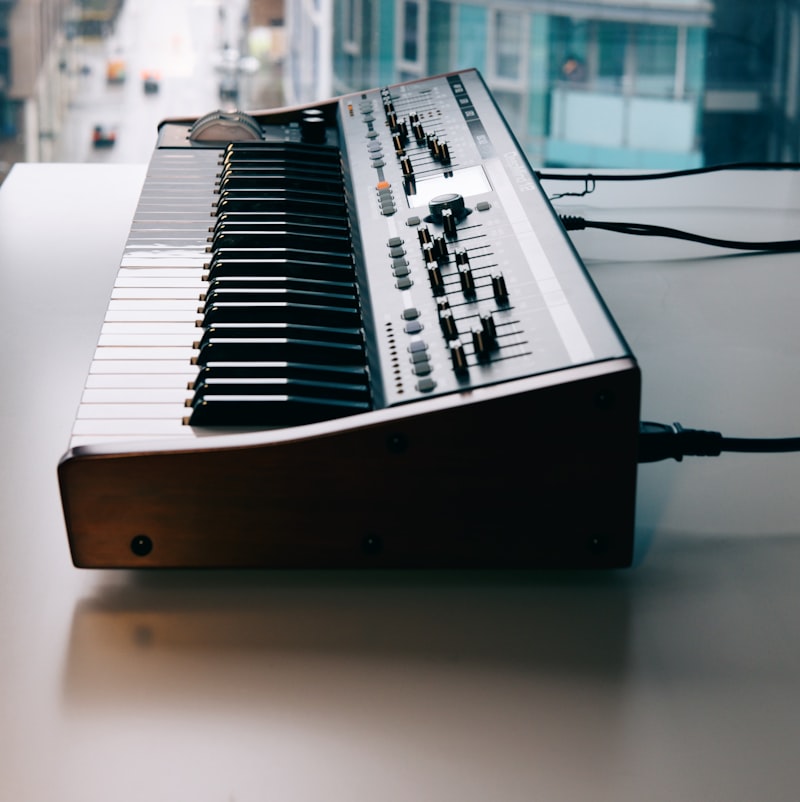
A keyboard synth is a complete instrument. Power it on and play — no controller, no MIDI routing, no decisions. That immediacy matters if a synth is your main creative tool or you perform live, where one self-contained box is more reliable than a controller plus a module.
Keyboard versions also tend to integrate the keys with the sound, mapping aftertouch, velocity and the mod wheel straight to the engine. Instruments like the Moog Matriarch, Korg Minilogue, Sequential Prophet and Novation Summit are built around that hands-on, all-in-one experience.
- Pros: immediate, performance-ready, expressive controls built in, great as a first or only synth.
- Cons: more expensive, takes more space, redundant keys if you already own a controller.
If you’re choosing a first instrument, our guides on what your first synth should be and the best hardware synths for beginners are worth a read.
The case for desktop synths
Desktop and rack synths strip out the keyboard to save money and space. That’s a smart trade once you own one good keyboard for hardware synths, because a single controller can play several desktop modules. Stack a few on a desk or in a rack and you have a lot of sound for the footprint.
Desktops also fit DAW-centric and sequenced workflows. If your parts come from a sequencer, a drum machine or your computer, you may rarely touch a keyboard at all — so paying for one on every synth makes little sense. It does mean you’ll want to connect each module to your DAW cleanly, but once that’s set up the workflow is fast. Many classics come in desktop form: the Moog Mother-32, Korg Volca line, Roland Boutique series, Behringer Model D and Arturia MicroFreak (semi-desktop) all favour the compact format.
- Pros: cheaper for the same engine, space-efficient, ideal for multi-synth and sequenced setups.
- Cons: needs a controller or sequencer to play, less immediate, fewer onboard expressive controls.
How to decide
Ask yourself three questions:
- Do you already own a good MIDI controller? If yes, a desktop synth avoids paying for keys twice.
- Is this your main instrument or one of many? A main/only synth leans keyboard; one voice in a rig leans desktop.
- How do you make music — playing in parts, or sequencing them? Hands-on playing favours keyboards; sequenced and DAW work favours desktops.
Space and budget often settle it. In a small room, three desktop synths plus one controller fit where two keyboard synths wouldn’t. Our guide to building a hardware music setup shows how desktops scale, and whether you should buy a hardware synth at all is worth checking first.
Don’t forget the hidden costs of going desktop
A desktop synth looks cheaper on the price tag, but the format moves a few costs off the synth and onto the rest of your rig. Plan for these before you assume you’re saving money:
- A controller you actually enjoy playing. A cheap, stiff keybed undermines every desktop you plug it into. If you don’t already own one you like, factor a decent controller into the total.
- Cables and a hub. Each module needs power and MIDI (or USB) in. A few synths quickly turn into a tangle, and you may want a powered USB hub or a MIDI interface with several ports.
- Mixer or interface inputs. Every desktop has its own audio output, so a multi-synth rig needs enough inputs on your mixer or audio interface to hear them all at once.
- Desk or rack space. “Compact” per unit still adds up. Three desktops side by side, plus a controller in front, can take as much bench depth as one keyboard synth.
None of this cancels the savings — a controller and a couple of cables are far cheaper than buying keys on every synth — but it’s why the desktop advantage is biggest when you’re adding your second, third or fourth voice rather than your first.
Playability and expression: the real trade-off
The most overlooked difference isn’t price or size — it’s how the instrument responds to your hands. A keyboard synth wires the keybed straight into the engine, so velocity, aftertouch and the mod and pitch wheels are tuned to that specific sound. With a desktop, your expression is only as good as the controller driving it, and a generic controller may not pass aftertouch or may map the wheels to the wrong parameters until you set it up.
If you write melodic, expressive parts that lean on dynamics and vibrato, that integration is worth paying for. If your music is more about patches, sequences and evolving textures — where you’re tweaking filter and envelope knobs rather than playing virtuosic lines — a desktop loses very little, because the knobs you actually reach for are right there on the panel.
Common mistakes when choosing
- Buying a desktop with no controller in mind. A module is silent until something plays it. Decide what will drive it before you buy, not after.
- Paying for keys you’ll never use. If a synth lives permanently in a sequenced rig, a keyboard version is money spent on a keybed that gathers dust.
- Underestimating depth, not just width. People measure desk space by width and forget that a controller sits in front of the modules, eating bench depth.
- Assuming the desktop sounds worse. It doesn’t. When the engine is shared, the audio is identical; only the playing interface changes.
- Ignoring the back panel. Check the MIDI, USB, audio and sync connections match the rest of your gear before committing — a format that won’t talk to your sequencer is a false economy.
A middle path: semi-modular and grooveboxes
Plenty of gear blurs the line. Semi-modular desktop units like the Moog Mother-32 add patchability, while grooveboxes and synth-sequencers from Elektron, Korg and Roland are desktop-format but include their own sequencing, so they don’t strictly need a keyboard at all. If hands-on playing isn’t your priority, these can replace a keyboard synth outright.
There’s also the obvious hybrid: buy the keyboard version of your main synth and add desktop modules around it. The keyboard becomes both an instrument and the controller for the rest of the rig, which is often the most practical answer for a one-person studio.
Frequently asked questions
Are desktop synths cheaper than keyboard versions?
Usually, yes. When a maker sells the same engine in both formats, the desktop version typically costs less because it omits the keybed. You’ll need a controller to play it, but one controller can drive several desktops.
Can a desktop synth sound as good as a keyboard one?
Yes — the sound engine is often identical between the two formats. The difference is the keyboard and physical controls, not the audio quality, so a desktop version sounds the same as its keyboard sibling.
Should my first synth be a keyboard or desktop?
If it’s your only synth and you like playing by hand, a keyboard version is the more complete instrument. Choose a desktop if you already own a controller, are short on space or budget, or plan to sequence your parts.
Can one MIDI controller play several desktop synths?
Yes, and that’s a big part of their appeal. You can route one controller to several modules — switching MIDI channels, daisy-chaining MIDI, or using a hub or interface with multiple ports — so a single good keybed plays your whole desktop collection.
Do I still need a keyboard if my desktop synth has a built-in sequencer?
Not necessarily. Grooveboxes and synth-sequencers can program and trigger parts on their own, so you can write entire patterns without ever touching a keyboard. A controller still helps if you want to play melodies in by hand or audition sounds quickly.
Shop related gear
Compare a keyboard synth with a desktop unit:
Patchable analog sound design with no cables required to start.



