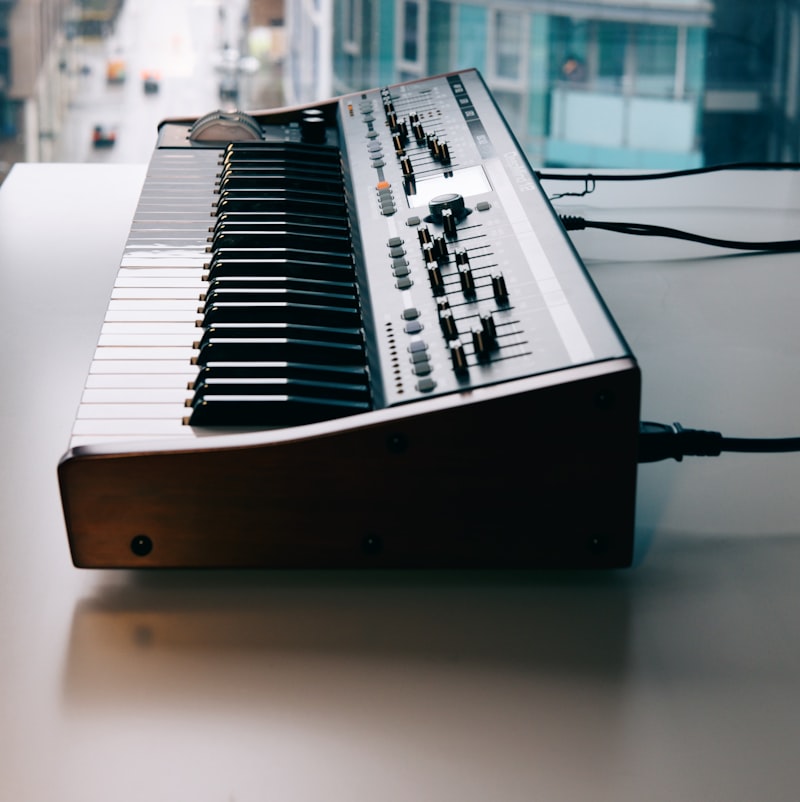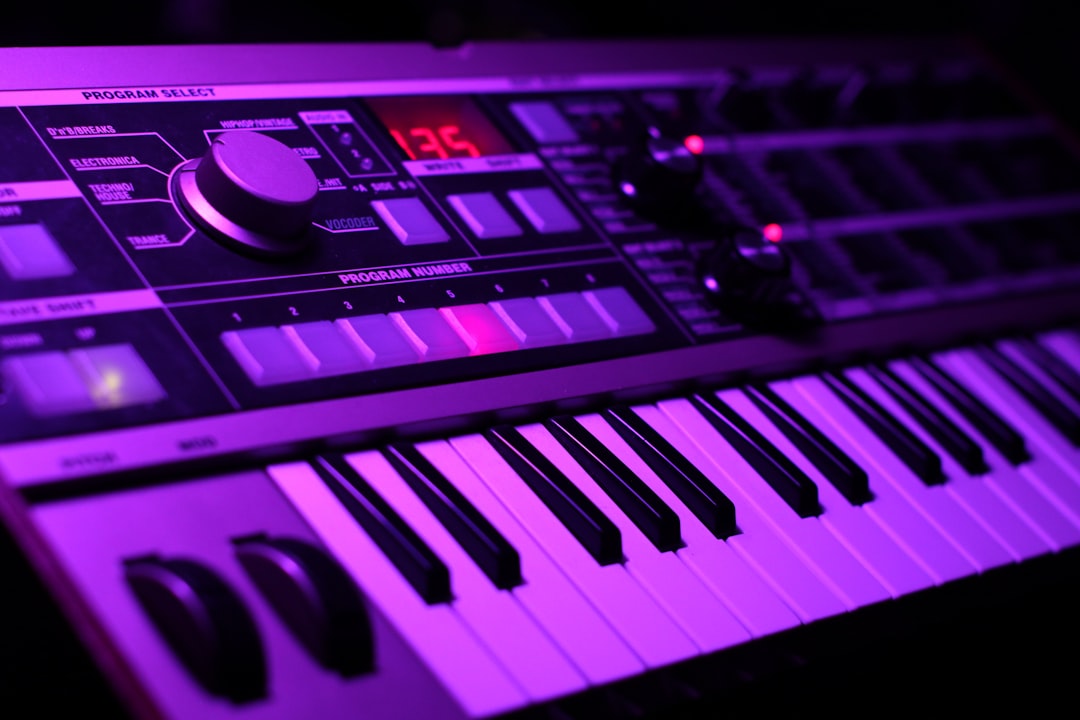
The best keyboard for hardware synths is a MIDI controller with a 5-pin DIN MIDI output (so it can drive synths directly, not just over USB), key feel you enjoy playing, and enough hands-on controls to perform your patches. If your synth is a desktop or rack unit with no keys, a good MIDI keyboard is what turns it into a playable instrument.
In a hurry? Jump to our MIDI keyboard picks — or read on for the full breakdown.
Violet Recording is reader-supported — we may earn a commission from links on this page, at no extra cost to you.
- Controller with 5-pin DIN MIDI out — drive hardware synths computer-free
- 25-key controller — tight desks, Volcas, Eurorack
- 49-key controller with aftertouch — chords & expressive leads
This guide covers what to look for, then leaves space for our current picks across sizes and budgets.
Quick answer
- Driving desktop/rack synths directly: get a controller with a 5-pin DIN MIDI out.
- Mostly through a DAW/computer: a USB-MIDI controller is fine and simpler.
- Tight on space: a 25- or 37-key unit suits Volcas, MicroFreak-style desktop synths and Eurorack.
- Playing chords and leads: step up to 49 keys or more with aftertouch.
DIN MIDI vs USB: the key decision
This is the spec that catches people out. Many cheap controllers only have USB and assume a computer is always in the chain. But a hardware synth often has a 5-pin DIN MIDI input, not a USB host port, so it can’t be played by a USB-only controller without a computer in between.
- Want a computer-free setup (controller straight into a Moog, Behringer or Roland synth)? You need a controller with a DIN MIDI out.
- Always running a DAW? A USB controller works — the computer receives USB-MIDI and forwards it to the synth. Our guide on connecting a hardware synth to your DAW shows this routing.
The safest choice for a hardware-focused player is a controller that has both USB and DIN MIDI, so it works standalone or with a computer.
What to look for in a keyboard for hardware synths
1. Key count and size
More keys means more range but a bigger desk footprint. Match it to your music:
| Keys | Best for |
|---|---|
| 25 | Bass, leads, mono synths, tight desks, Eurorack |
| 37 | A nice balance for desktop synths and Volcas |
| 49 | Chords and two-hand playing without dominating the room |
| 61+ | Pianistic playing and live multi-synth rigs |
2. Key feel and aftertouch
Synth-action keys are light and fast, suiting leads and basslines; semi-weighted keys feel more substantial. Aftertouch — extra expression from pressing harder on a held key — is worth having if your synths respond to it, since many Moog, Arturia and Sequential instruments map it to filter or vibrato.
3. Hands-on controls
Knobs, faders and pads let you tweak filter cutoff, resonance and envelopes while you play, which is the whole point of hardware. Assignable controls also help you steer onboard parameters over MIDI. If you sequence, built-in arpeggiator and chord modes add a lot of fun.
4. Pitch and mod control
Expressive lead playing leans on pitch bend and a mod wheel (or a ribbon/touch strip, as on some Arturia units). Confirm these are present and feel good, since cheaper controllers sometimes cut them.
5. Power and portability
If you’ll play synths without a computer, check the controller can be powered without USB to a host — some run from a power supply or send MIDI over DIN while powered separately. For travel, a compact, bus-powered unit is convenient.
Controller keyboard vs a synth with keys
Worth asking before you buy: do you need a dedicated controller at all? If you mostly play one synth, a keyboard version of that synth may serve you better than a desktop unit plus a controller. Our comparison of desktop vs keyboard synths weighs this up. A separate controller shines when you own several desktop or rack synths and want one good keyboard to play them all.
Our picks
Best overall keyboard for hardware synths
The all-rounder: DIN and USB MIDI, expressive keys with aftertouch, and enough knobs and pads to perform patches without a computer.
The Arturia KeyStep Pro is a strong all-rounder here, combining DIN and USB MIDI with CV/gate outputs and a polyphonic sequencer, so it can drive both MIDI synths and CV-based gear. Its keys and controls let you perform and sequence patches without a computer.
Best compact controller (25–37 keys)
For desktop synths, Volcas and Eurorack on a small desk: portable, with the essential controls and a DIN out for standalone use.
The Arturia KeyStep is a popular compact choice, offering DIN MIDI out plus CV/gate in a slim, portable body that suits desktop synths, Volcas and Eurorack. The Korg SQ-64 is an alternative if you lean more towards sequencing than keyboard playing.
Best for expressive playing
If you play leads and chords, a controller with quality semi-weighted keys, full-size pitch/mod controls and aftertouch makes hardware synths sing.
A controller with semi-weighted keys and full-size pitch and mod wheels, such as an Akai MPK-series keyboard, makes leads and chords feel natural on hardware synths. Look for one with aftertouch if you want extra expression under your fingers.
Best value pick
A budget-friendly controller that still includes DIN MIDI out, so you can play hardware synths without overspending.
A Novation Launchkey or a smaller Akai MPK Mini delivers solid USB control affordably, though check the model has a DIN MIDI out if you plan to play hardware synths directly rather than only through a computer.
Connecting and using your controller
- Match MIDI channels. Set the controller and synth to the same channel, or use the synth’s Omni mode while you test.
- Use the controller as your clock master. Many have an arpeggiator and can send MIDI clock to sync your hardware synths.
- Mind power. For computer-free playing, confirm the unit can run and send DIN MIDI without a USB host.
Frequently asked questions
Can any MIDI keyboard control a hardware synth?
Only if the connection matches. To play a hardware synth directly, the keyboard needs a 5-pin DIN MIDI out to reach the synth’s MIDI in. USB-only controllers need a computer in between to forward the notes.
How many keys do I need?
For bass and lead lines on mono synths, 25 to 37 keys are plenty. For chords and two-handed playing, 49 keys or more is more comfortable. Match key count to your music and your available desk space.
Do I need aftertouch?
Only if your synths use it. Many Moog, Arturia and Sequential instruments map aftertouch to vibrato or filter movement, so it adds real expression. If your gear ignores it, you can save money and skip it.
Shop related gear
A full-size controller to play your synths: