
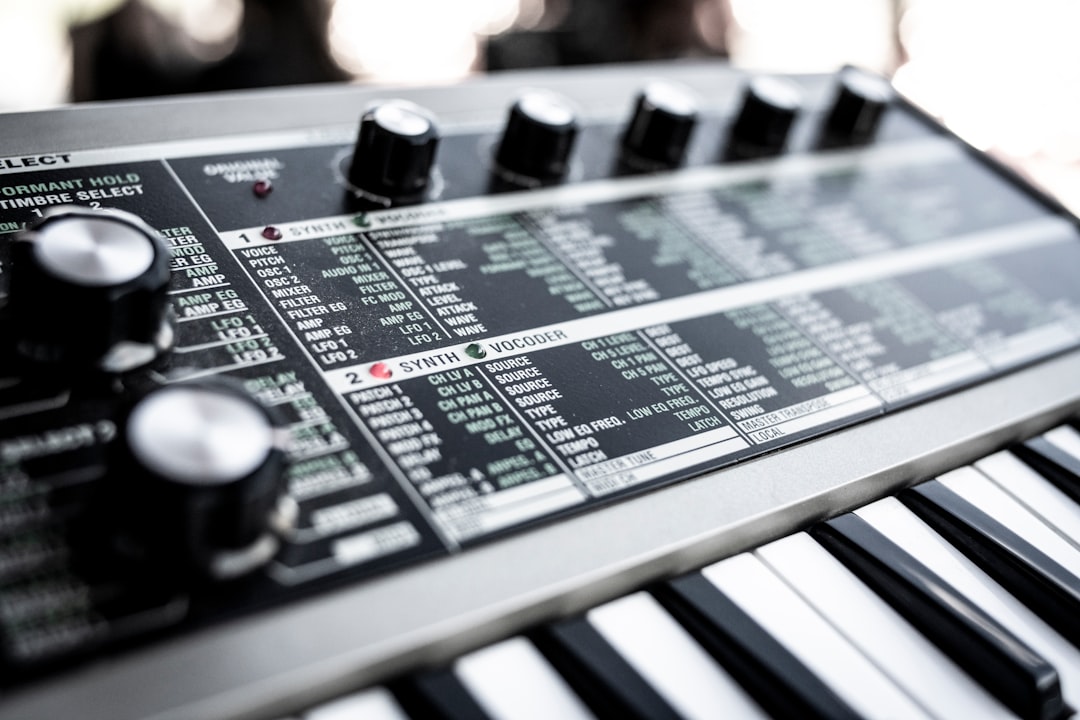
To build a hardware music setup, start with one capable synth or groovebox, add a way to hear and record it (an audio interface and monitors), then grow outward with a controller, a drum machine and a means to sync and route everything. The trick is to expand in the right order so each piece earns its place instead of gathering dust.
This guide lays out a realistic path from a single instrument to a full hardware-centric studio, with links to the deeper how-tos along the way.
Start with one core instrument
Resist the urge to buy a pile of gear at once. A single versatile instrument teaches you more than three you barely touch. Good first choices are an all-in-one groovebox — browse the best grooveboxes for a self-contained start — a semi-modular synth like the Moog Mother-32, or a polysynth such as the Korg Minilogue or Arturia MicroFreak.
If you’re still deciding whether hardware is even right for you, read should you buy a hardware synth and what your first synth should be before spending.
Add a way to hear and record
A synth is only as good as your ability to capture and judge it. Two early purchases:
- An audio interface with clean line inputs to get your synth into a DAW. Our guide to the best audio interfaces for synths covers what matters, and our interface setup walkthrough gets you running.
- Monitoring — studio monitors or headphones so you mix what’s really there. If you’re unsure which to prioritise, see monitors vs headphones for mixing.
With those in place you can already record a hardware synth and start making finished tracks.
Decide: standalone, hybrid or computer-free
Hardware setups fall into three broad styles. Pick the one that fits how you like to work:
- Hybrid (most common): hardware synths into a DAW. You get hardware’s hands-on sound with the DAW’s editing and mixing power. Our guide on connecting a hardware synth to your DAW is the backbone here.
- Computer-free (dawless): a groovebox or sequencer drives synths and a drum machine, recorded only at the end. Liberating, but you lean on a clock master and a mixer.
- Mostly DAW with one hardware voice: software for most parts, one or two hardware synths for character.
None of these is permanent. Most people start hybrid because it is the most forgiving — the DAW catches your audio and lets you fix mistakes — and only drift towards a dawless rig once they know exactly which boxes they reach for. Choosing a style up front simply stops you buying gear that fights the way you actually want to work.
Add control and sequencing
Once you have desktop or rack synths, you need a way to play and trigger them:
- A MIDI keyboard to play everything. See our picks for the best keyboards for hardware synths, and note the desktop vs keyboard synth trade-off as you grow.
- A sequencer or groovebox if you want patterns without a computer. Elektron, Korg and Roland units double as the brain of a dawless rig.
Get everything in time
The moment you own two devices with their own tempo, you need to sync your hardware synths. Choose one clock master (a drum machine, groovebox or your DAW) and set everything else to external clock. This single concept is what makes a multi-box setup feel like one instrument rather than several arguing over the beat.
Add rhythm
A dedicated drum machine transforms a synth setup. Options range from the analog Roland TR-8 and Arturia DrumBrute to sample-based Elektron and Korg units. Browse the best analog drum machines to find a fit, and remember it can also serve as your clock master.
Route and mix your gear
As boxes multiply, cabling becomes the real challenge. This is where a patchbay or mixer earns its keep — a mixer lets you blend several synths into a stereo pair and add send effects, while a patchbay keeps re-patching tidy. A small hardware mixer also lets you record a live jam as a stereo submix when you don’t need separate tracks.
A sensible order to buy
| Stage | Add | Why |
|---|---|---|
| 1 | One core synth or groovebox | Learn one instrument deeply |
| 2 | Audio interface + monitoring | Hear and record properly |
| 3 | MIDI keyboard / controller | Play and tweak your gear |
| 4 | Drum machine + sync | Add rhythm, lock the tempo |
| 5 | Mixer / patchbay | Route and blend as you grow |
How to choose what to add next
When you are tempted by the next purchase, judge it against how you actually finish music rather than what looks exciting in a demo. Three questions keep your buying honest:
- What is stopping me finishing tracks right now? If your problem is thin drums, a drum machine helps; if it is muddy mixes, treating the room or upgrading monitoring matters far more than another synth.
- Will it replace a chore or just add a new toy? A patchbay or mixer earns its place by removing friction you already feel. A second polysynth, however lovely, rarely does.
- Can my current setup already do this? Many grooveboxes sequence external gear, and most interfaces have spare inputs. Use what you own to its limit before spending.
Buying to fix a real bottleneck, rather than to chase inspiration, is what stops a hardware setup turning into an expensive shelf of idle boxes.
Common mistakes to avoid
Most stalled hardware studios trip over the same handful of problems. Knowing them in advance saves money and frustration:
- Buying breadth before depth. Three half-learned synths make worse music than one you know inside out. Master each box before adding the next.
- Ignoring clock until it is a mess. Decide your clock master early. Retrofitting sync onto a tangle of devices that each think they are in charge is painful.
- Under-spending on monitoring. A great synth through poor speakers in an untreated room still sounds poor. Honest monitoring is not the glamorous purchase, but it is the one that improves every track.
- Cable chaos. Run power and audio leads apart to avoid hum, label your patch cables, and add a patchbay before re-patching becomes a daily annoyance.
- No way to capture ideas quickly. If recording a jam takes ten minutes of setup, you will skip it. Keep a fast path — even a stereo submix into your interface — always ready.
Room and ergonomics
Hardware lives on a desk or in a rack, so plan the physical space. Keep frequently tweaked gear within reach, route power and audio cables separately to avoid hum, and treat the room so your monitoring is honest. Our small-room setup guide and acoustic treatment guide help here.
Frequently asked questions
What’s the first thing to buy for a hardware setup?
One versatile instrument plus a way to hear and record it — typically a capable synth or groovebox, an audio interface and monitoring. Master that core before adding controllers, drum machines and mixers.
Do I need a computer for a hardware setup?
No. A dawless setup uses a groovebox or sequencer as the brain and records the output at the end. Many people prefer a hybrid setup, though, running hardware synths into a DAW for easier editing and mixing.
How do I keep all my gear in time?
Pick one clock master — usually a drum machine, groovebox or your DAW — and set every other device to follow it over MIDI or analog clock. That keeps sequencers, arpeggiators and drums locked to a single tempo.
How much should I budget to start?
Enough for one good instrument, a basic audio interface and monitoring you trust — not a wall of gear. It is far better to buy a small, complete setup you can finish tracks on, then expand one bottleneck at a time, than to spread the same money thinly across boxes you never learn.



