A good DJ setup for beginners has just four parts: a DJ controller, DJ software, cueing headphones, and speakers. Put those together with a laptop you already own and you can learn every core skill at home. This guide walks through each piece, how to connect it, and what you can leave out until later.
Part of our DJing guide — explore the full guide →
The goal is a setup that’s affordable, easy to learn on, and good enough to grow with.
1. The controller
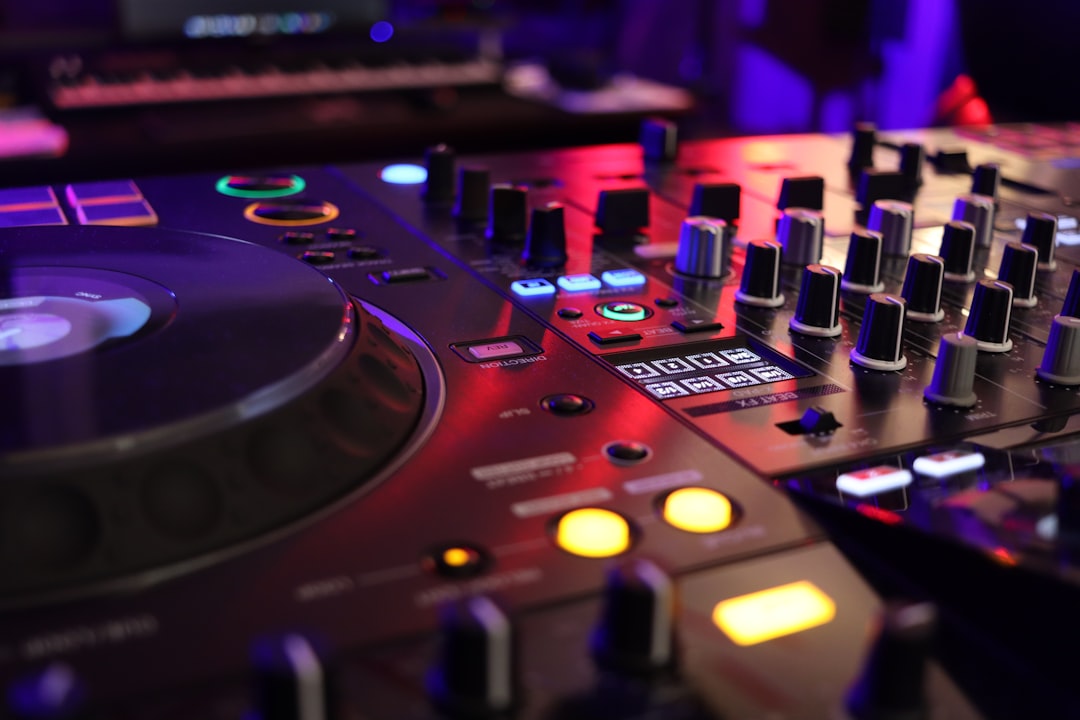
An entry-level DJ controller is the heart of a beginner setup. It gives you two decks and a mixer in one box and plugs into your laptop. Strong starting points include the Pioneer DJ DDJ-FLX4, beginner models from Hercules and Numark, and the Roland DJ-202. Look for one bundled with software so you can start straight away. For a fuller comparison see the best DJ controllers.
2. The software
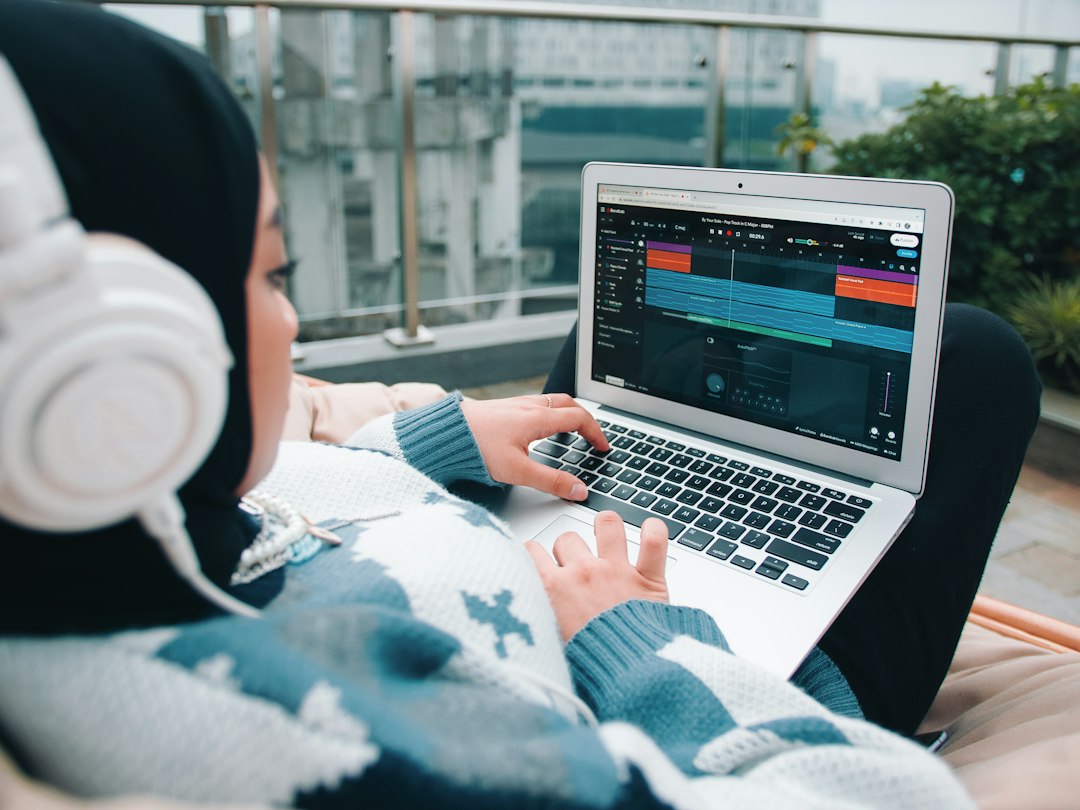
The software loads, organises and mixes your tracks. Your controller will support a specific package — often Serato DJ Pro or rekordbox — and you can also start with free, open-source Mixxx. Stick with what your controller supports at first. Compare them in the best DJ software.
3. Headphones
You cue the next track in your headphones before mixing it in, so you need a closed-back, isolating pair. The Sennheiser HD 25 is a long-time DJ standard, and the Pioneer HDJ range and Audio-Technica ATH-M50x also work well. More options in the best DJ headphones.
4. Speakers
For home practice, any decent powered speakers or studio monitors are fine. You only need louder DJ or PA speakers once you start playing to a room. See the best DJ speakers when that day comes.
If your practice speakers will double as your everyday music system, a good pair of active hi-fi speakers works well. Our picks for the best powered bookshelf speakers plug straight into a controller’s RCA outputs.
How to choose your first controller
With the four pieces understood, most of your decision comes down to the controller, because it sets which software you’ll learn and how much room you have to grow. A few practical things to weigh up:
- Software fit. The bundled software matters more than the badge on the box. Decide whether you want to learn Serato or rekordbox — both are industry standard — and buy a controller that maps cleanly to it.
- Jog wheels and layout. Larger, responsive jog wheels make manual beatmatching and scratching far easier to feel. Cramped controls are the most common thing beginners outgrow.
- A built-in soundcard. Almost every modern controller has one, but confirm it — it’s what lets you hear your cue in the headphones and the mix on the speakers at the same time.
- Standalone vs laptop-tethered. Pure beginner controllers need a laptop. That’s fine and keeps the price down; you only need a standalone unit once you’re gigging without a computer.
Don’t over-buy. A two-channel controller teaches everything you need, and the money saved is better spent on music and practice time. If you want specific picks, see the best 2-channel DJ controllers.
How to connect it all
- Install your DJ software and any controller drivers, then update the firmware.
- Connect the controller to your laptop by USB.
- Plug your speakers into the controller’s master output.
- Plug headphones into the controller’s headphone jack (often on the front).
- In the software, confirm the controller is detected and audio is routing correctly.
A detailed walk-through is in how to set up a DJ controller.
Setting your levels
Once everything is connected, spend two minutes getting your gain staging right — it’s the difference between a clean mix and a distorted one. Set the master volume to a moderate level, then use each channel’s gain (trim) so the loudest part of a track peaks just into the yellow on the level meters, never pinning the red. Keep the channel faders near the top during normal play and control the room with the master, not by maxing everything out. If your tracks vary wildly in loudness, nudge the gain per track so each one sits at a similar level when you bring it in. Getting this habit early saves you from the harsh, clipped sound that gives beginner mixes away.
Add some music
Your setup is useless without tracks. Buy music you love from Beatport, Bandcamp or Beatsource — see where to buy music for DJing — and organise it from day one so you can find the right record fast, as covered in how to organize your music library for DJing.
What to skip for now
Leave out the four-channel controller, separate mixer, effects units and premium accessories until you know what you need. A simple two-channel setup teaches every fundamental. For costs, see how much it costs to start DJing, and once you’re set up, start with how to DJ: a beginner’s guide.
Common beginner mistakes
A few avoidable missteps trip up almost everyone starting out:
- Buying gear before software. Choosing a controller that doesn’t cleanly support the software you want means relearning later. Pick the software direction first.
- Using open-back or earbud-style headphones. They leak sound and don’t isolate, so you can’t cue accurately in a noisy room. Closed-back is the point.
- Practising too quietly — or far too loud. A sensible monitoring level protects your hearing and lets you judge the mix honestly. If you can’t talk over it comfortably, it’s too loud.
- Neglecting the music library. A messy collection kills your flow mid-set. Tag, rate and sort tracks as you add them, not later.
- Chasing gear instead of skills. The fundamentals — beatmatching, phrasing, reading energy — are the same on a cheap controller and a club setup. Hours of practice beat any upgrade.
Frequently asked questions
Do I need a powerful laptop?
Not especially. Most reasonably modern laptops run DJ software fine. Close background apps, keep the software updated, and you’ll avoid most performance issues.
Should I buy new or used gear to start?
Either works. Used entry-level controllers can be great value. Just confirm the unit works fully and that current software still supports it before buying.
Can this setup grow with me?
Yes. The skills transfer directly to bigger controllers, CDJs and club mixers. You’ll likely upgrade hardware over time, but a solid beginner setup is never wasted.
How long does it take to learn the basics?
Most people can mix two tracks together smoothly within a few weeks of regular practice. Getting tight, musical and confident takes longer, but the early wins come quickly once your setup is reliable and your music is well organised.