The cost to start DJing is lower than most people expect. You don’t need a club rig — a laptop you already own, a free piece of software, and an entry-level controller can get you mixing for a modest outlay. From there, costs scale with your ambitions. This guide breaks down what you actually need to spend versus what you can skip.
Part of our DJing guide — explore the full guide →
Note that prices change constantly and vary by region, so we’ll focus on the relative cost of each piece rather than specific figures.
The cheapest way to start
The lowest-cost route uses things you may already have plus one purchase:
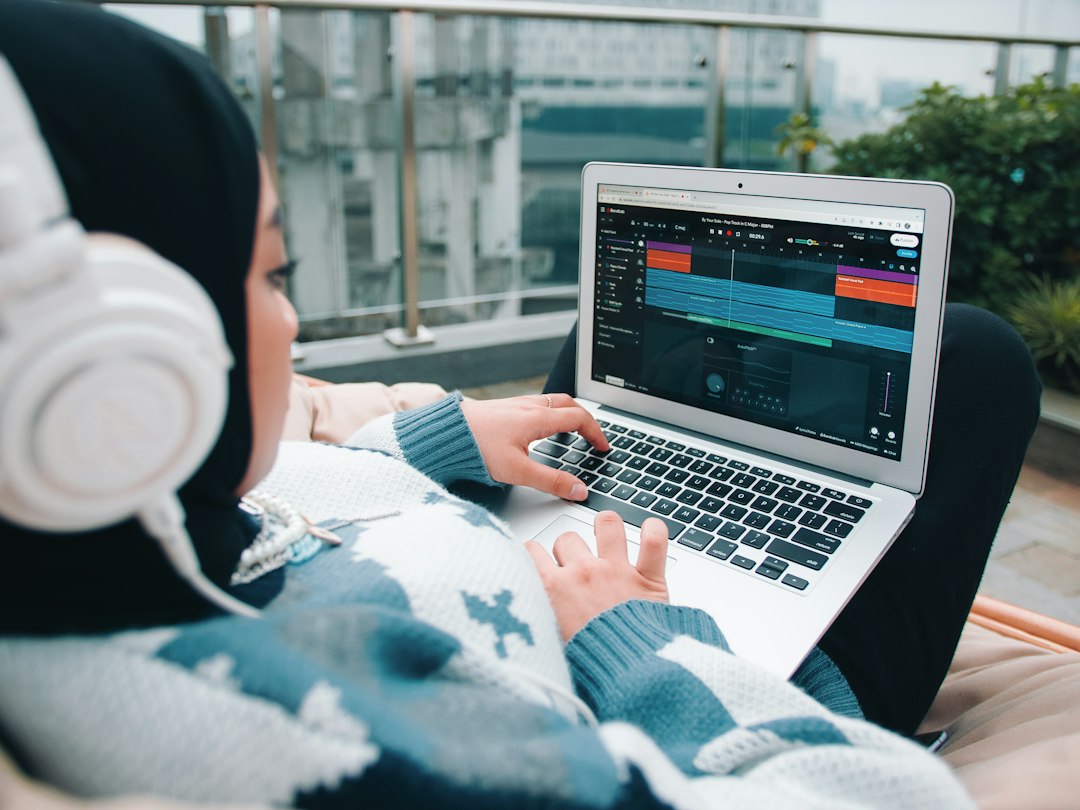
- Laptop — use the one you own.
- Software — free, open-source Mixxx to begin.
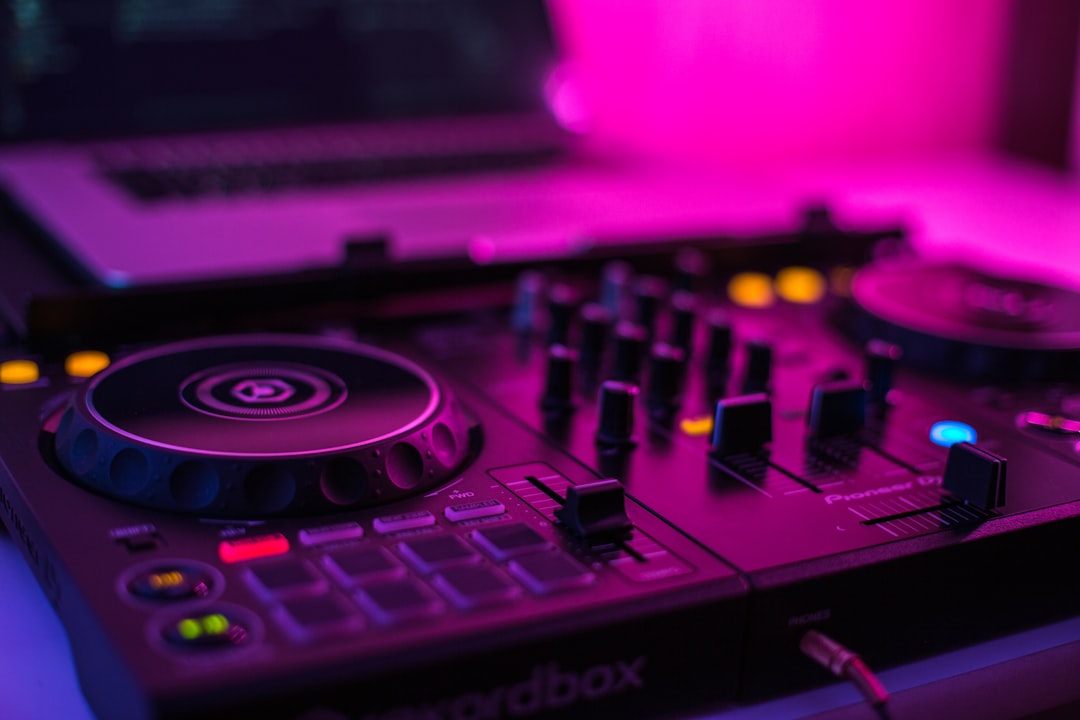
- Controller — an entry-level unit like the Pioneer DJ DDJ-FLX4, a Hercules or Numark model, or the Roland DJ-202.
- Headphones — any closed-back pair you have; upgrade later.
In this scenario your only real cost is the controller. That’s genuinely enough to learn every core skill. See a DJ setup for beginners for the full picture.
Where the money goes
As you get serious, costs come from a predictable list. Roughly in order of priority:
- Controller or decks — the biggest single item.
- Cueing headphones — DJ favourites include the Sennheiser HD 25 and Pioneer HDJ range; see the best DJ headphones.
- Speakers — monitors for home, louder speakers if you play out. See the best DJ speakers.
- Software licence — if you move beyond free or bundled software like Serato DJ Pro or rekordbox.
- Music — buying tracks from Beatport, Bandcamp or Beatsource, or a record-pool subscription.
- Accessories — a stand, a case, a USB hub. See the best DJ accessories.
Setup tiers
| Tier | What you get |
|---|---|
| Starter | Entry controller + free software + headphones you own. Learn everything at home. |
| Committed | Better controller, dedicated DJ headphones, monitors, paid/bundled software, a growing library. |
| Gigging | Standalone-capable controller or CDJ familiarity, gig-ready speakers, backups, transport cases. |
How to budget for your first setup
The trap most beginners fall into is spending the whole budget on hardware and nothing on the things that actually make them better. A useful way to plan is to split your spending into three buckets: the controller, the listening chain, and the music.
Put the largest share into the controller, because it is the piece you touch constantly and the one whose layout shapes the habits you build. The listening chain — headphones for cueing and a pair of speakers or monitors — comes next, and it is worth more than people think, since you can only mix as well as you can hear. Music is the smallest upfront cost but the one that recurs, so leave a little headroom for it rather than emptying your wallet on day one.
If your budget is genuinely tight, the smart order is: buy the controller, use free software, borrow or use any headphones you own, and listen through your existing laptop speakers or hi-fi until you can afford a dedicated pair. Every one of those compromises is fine for learning, and none of them holds back your technique.
Ongoing costs to expect
Beyond the upfront gear, budget for music — the one cost that never really stops, since a fresh library is part of staying relevant. Some DJs buy tracks individually; others use record pools for a steady flow. See where to buy music for DJing. A software subscription or upgrade may also be ongoing depending on your choice in the best DJ software.
What you can safely skip at first
You don’t need a four-channel controller, a separate mixer, studio monitors, effects units, or premium headphones to begin. These are upgrades you make once you know you’re committed and understand what you’re missing. Spending less at the start and more on practice time is the smarter move.
Common mistakes that waste money
A few predictable errors cost beginners more than they should, and all of them are easy to avoid — they sit alongside the wider list of common DJ mistakes to avoid:
- Buying too big, too soon. A four-channel club controller is wasted on someone learning to beatmatch two tracks. Start small and upgrade when you can name the specific feature you are missing.
- Overspending on headphones before you can hear the difference. A solid mid-range pair is plenty at first; the premium models reward ears that have already been trained.
- Ignoring the speakers entirely. Mixing only on headphones hides problems that a room full of people will hear instantly. Even modest monitors improve your judgement.
- Paying for software you don’t need yet. Free and bundled software covers every fundamental. A licence becomes worthwhile only when you hit a feature you actually use.
- Chasing gear instead of practising. The single best-value investment is hours on the equipment you already have. New hardware rarely fixes a skill gap.
The cost of choosing decks or CDJs instead
A turntable setup means two decks plus a mixer, which costs more than an all-in-one controller, and a CDJ-and-mixer rig is the most expensive route of all. Most beginners save money and learning time by starting on a controller — see DJ controller vs turntables vs CDJs.
Frequently asked questions
Can I start DJing for free?
Almost. Software like Mixxx is free, and you can preview mixing on a laptop alone, but you’ll want a controller fairly quickly to make hands-on mixing natural. That controller is the one near-essential cost.
Is cheap DJ gear worth it?
Yes, for learning. Entry-level controllers are designed to teach the fundamentals, and the skills transfer to bigger gear. You won’t outgrow the skills, only the hardware.
What’s the most worthwhile upgrade after a starter setup?
Usually good cueing headphones and decent speakers, because they directly improve your ability to hear and judge your mixes. Music is the other ongoing investment that pays off.
How long before I need to upgrade my starter gear?
There’s no fixed timeline — it depends on how often you play and what you start to miss. Many DJs happily learn for a year or more on an entry-level controller. Upgrade when a specific limitation gets in your way, not simply because newer gear exists.