
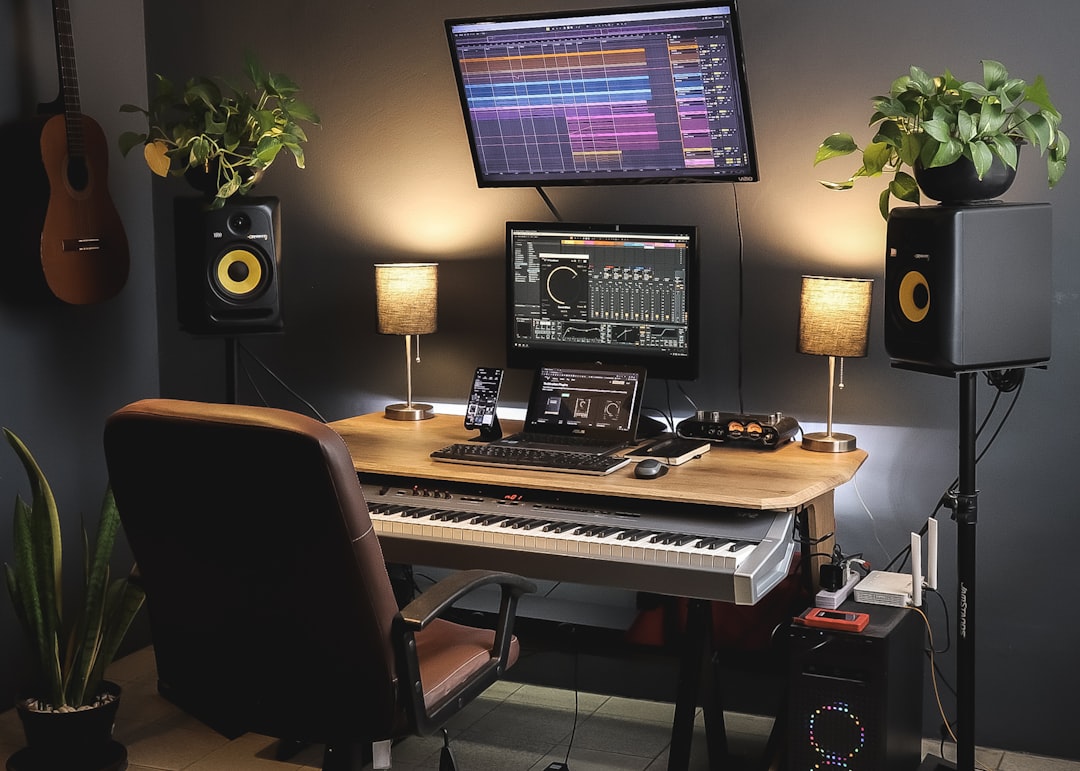
You can absolutely make beats without a daw — no laptop full of plugins required. Standalone hardware like a groove box or MPC-style sampler, a browser-based drum machine, or a dedicated beat app on your phone will all program drums, hold an 808 line and arrange a full track on their own. The craft is identical whether you build it in software or on a pad grid; only the box changes. This guide shows you how to do it end to end.
Violet Recording is reader-supported — we may earn a commission from links on this page, at no extra cost to you.
If you’ve been staring at a complicated piece of software and losing the fun of it, working outside a DAW is a genuine relief. You get fewer menus, more hands-on knobs and pads, and a workflow that keeps you in the groove instead of the mixer. Follow the steps in order and you’ll have a finished, arranged beat by the end.
Why make beats without a DAW at all?
A DAW is powerful, but it’s also a lot of screen. For many producers, that endless timeline is exactly what kills momentum — you spend more time clicking than nodding your head. Making beats on dedicated hardware or a focused app flips that. Everything is one or two button presses away, the sequencer is built for rhythm first, and the constraints push you to finish rather than tweak forever.
There are three realistic routes, and none of them need a computer:
- Hardware groove boxes and samplers. Standalone units — an MPC-style sampler, a Roland or Elektron groove box, a Teenage Engineering pocket unit — record, sequence, sample and even mix without ever touching a laptop. This is how a huge amount of hip-hop and electronic music has always been made.
- Browser tools. You can program a whole pattern in a tab. Our free online drum machine, metronome and BPM tools let you build and time a groove with nothing but a browser — a great zero-cost way to learn the fundamentals before you spend a cent.
- Phone and tablet apps. Dedicated beat apps (not full mobile DAWs) give you a pad grid, a step sequencer and a sample library in your pocket. See our roundup of the best beat-making apps if you’re picking one.
Pick whichever you already have access to. The steps below apply to all three.
What you’ll need and the steps at a glance
To make beats without a daw you need one sequencer (hardware, browser or app), a set of drum sounds, one bass or 808 sound, and a pair of headphones. That’s the entire shopping list. Here’s the path we’ll follow:
- Set your tempo and program the core drum pattern.
- Add a pitched 808 or bassline.
- Bring in a melody using samples or one-shots.
- Add swing and velocity so it feels human.
- Arrange the loop into a real track and export it.
Step 1: Set the tempo and lay down the drums
Start with tempo (BPM), because it sets the entire feel. Lo-fi and boom-bap live around 80–95 BPM, trap around 130–150 (usually felt half-time, so it seems like 65–75), and house or pop nearer 120–128. Most hardware and apps have a global tempo setting; dial it in first. If you’re unsure what a genre runs at, tap it out with our free BPM finder and metronome before you commit.
Now open the step sequencer — a row of (usually) 16 steps representing one bar, split into 16th notes. Programming drums on this grid is the heart of beat-making, and it works the same on an MPC, in a browser, or on a phone. Lay down the three core pieces:
- Kick — the low thump. Put one on step 1 and another around step 7 or 11 to anchor the groove.
- Snare or clap — the backbeat. Place it on beats 2 and 4 (steps 5 and 13). This is what heads nod to.
- Hi-hats — the ticks that drive momentum. Fill steady 8th or 16th notes across the bar.
Hit play and loop it. That’s a beat. Everything after this is about making it feel alive instead of robotic.
Make the hi-hats bounce
Straight 16th hats sound stiff. This is where modern beats get their signature bounce: add fast rolls by packing two or three hats onto a single step (32nd-note or triplet subdivisions), and vary how hard each one hits. Loud, soft, loud, soft. On pads you can play these in by hand; on a grid, edit the velocity per step. That dynamic movement is the difference between a demo and something that sounds produced.
Step 2: Add the 808 or bassline
The 808 — a long, tuned sub-bass named after the Roland TR-808 drum machine — is the low-end engine of hip-hop and trap. Unlike a kick, an 808 is pitched, so you place notes at different heights to build a bassline that moves. Nearly every groove box and beat app has a bass or 808 sound you can play across the pads.
Keep it simple at first: follow your kick placement, hold one note for a bar, then move to a second note. A classic beginner move is to glide between two notes (portamento) for that rubbery, connected feel. Two rules save a lot of grief:
- Don’t let the 808 and kick fight. If they hit the same low frequency at the same instant, the low end turns to mud. Either tune the kick above the 808 or shorten one so they take turns.
- Stay in one key. Pick a root note that sounds good and keep the 808 and melody in the same scale. You don’t need to read music — move a note up or down until it sits right.
Step 3: Bring in a melody with samples and one-shots
Here’s the shortcut that makes making beats without a daw genuinely easy: samples and loops. A melody loop is a short, pre-made phrase — a piano riff, a guitar lick, a synth arpeggio — recorded in a known key and tempo. Load it into your sampler or app, and it plays back in time. Instant melody, no keyboard skills.
Most hardware and apps ship with a starter library, and it’s a great place to learn. When you want fresh, professional-sounding material — thousands of royalty-free loops, one-shots and 808s you can search by key, BPM and genre, then load straight onto your hardware or device — a sample service like Splice is the standard tool producers reach for.
A few tips so loops don’t sound lazy:
- Chop it. Slice the loop, mute a bar, rearrange the pieces. Now it’s yours, not a preset.
- Match the key. Loops are labelled with a key (e.g. “F minor”). Keep everything in that key or transpose the loop to match your 808.
- Layer thin. One strong idea beats three fighting for space. Add a pad or a bell counter-melody only if there’s room.
Step 4: Add swing and groove so it doesn’t sound like a machine
A perfectly quantised (grid-snapped) beat can feel rigid. Swing nudges every other note slightly late, creating the laid-back bounce you hear in lo-fi, boom-bap and neo-soul. Almost every groove box and app has a swing or “shuffle” percentage — start around 8–16% and push it up until the beat feels loose but still in the pocket.
Two more humanising tricks: vary your velocities across the whole kit, not just the hats, and pull a few hits a hair off the grid by hand. Those tiny imperfections are what separate a beat that slaps from one that sounds like a typing exercise. To lock your internal timing while you tweak, keep our free metronome and drum tools running alongside.
Step 5: Arrange it into a real track and export
A looping 4-bar idea is a beat; a song has an arrangement — sections that build and release tension. On hardware you chain patterns into a song; in an app you copy the loop and add or remove parts. A reliable structure:
- Intro (4–8 bars): strip it back — melody alone, or just hats and a filtered version of the beat.
- Verse (16 bars): the full groove, but leave space for a vocal even if there isn’t one yet.
- Hook (8 bars): the biggest section — full melody, maybe a counter-line, and let the 808 hit hardest.
- Breakdown (4–8 bars): drop the drums or the 808 to reset the ear before the final hook.
Glue the sections with transitions: a reverse cymbal, a snare roll that speeds into the hook, or a beat of silence before the drop. That build-and-release movement is what keeps a listener engaged for three minutes instead of eight bars. When you’re happy, bounce or export to a WAV — most standalone gear exports to an SD card or USB drive, and apps export straight to a file you can share.
Turn a beat idea into a finished original track
Sometimes you’ve got a vibe in your head but not the hours to program every layer, or you want something fully original that no one else can also download. If that’s you, Solmi can turn a simple idea or prompt into a complete, original track you can build on or use as a springboard for your own arrangement. It’s a fast way to get past a blank sequencer.
Frequently asked questions
Can you really make professional beats without a DAW?
Yes. Entire genres were built on standalone hardware long before laptop DAWs existed, and plenty of charting producers still finish tracks on an MPC, a groove box or even a phone. A DAW adds convenience for large arrangements and detailed mixing, but the core craft — drum programming, 808s, swing and arrangement — happens identically on dedicated gear. Learn the fundamentals first and the tool matters far less than most beginners think.
What’s the cheapest way to start making beats without a DAW?
A browser is free. You can program a full pattern, set the tempo and practise swing with our online drum machine and BPM tools without installing anything. From there, a low-cost beat app on a phone you already own is the next step up. Dedicated hardware is the biggest investment, so try the free routes first and buy a box only once you know you love the workflow.
Where do I get drum sounds and loops for hardware or an app?
Your device or groove box ships with a starter library — start there for free. When you want more variety and pro-quality material sorted by key and BPM, a sample subscription like Splice gives you a huge, searchable catalogue of royalty-free loops, one-shots and 808s you can load onto most hardware and apps. Chop and rearrange what you download so the finished beat sounds like you.
Ready to keep going? Browse more tutorials in our Mobile Music Production hub, compare the tools in our guide to the best beat-making apps and free DAWs for beginners, and once you’ve got a beat you love, learn how to start selling beats.



