
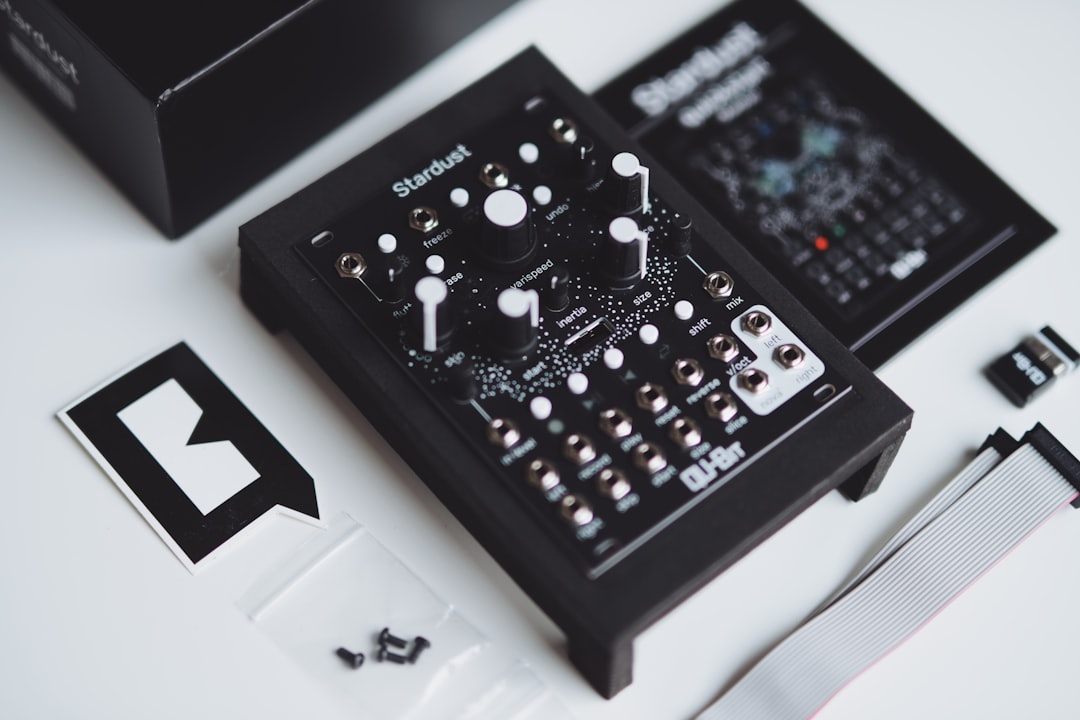
Sound design for video games is the craft of creating sounds that respond to the player in real time. Unlike film, where every sound plays in a fixed order, game audio has to be interactive: the same action can happen thousands of times, in any order, so your sounds need built-in variation and must work no matter when they trigger.
This guide covers what makes game sound different, the core categories of game audio, and a beginner-friendly workflow for designing assets that feel alive rather than repetitive.
How game audio differs from film audio
The biggest shift from linear media is interactivity. A footstep, gunshot or menu click might fire constantly, so a single static sample becomes grating fast. Game sound design solves this with:
- Variation — multiple versions of each sound, plus randomised pitch and volume so repeats never sound identical.
- Layering by surface or state — different footstep sets for grass, metal or water; different engine loops by RPM.
- Loops and one-shots — sustained ambiences and engines loop seamlessly, while impacts and pickups are one-shots.
If you are new to the discipline overall, what is sound design and sound design for beginners give you the foundation before you specialise.
The main categories of game sound
Most game audio falls into a handful of buckets:
- UI sounds — menu clicks, confirmations, errors, notifications.
- Player actions — footsteps, jumps, weapon fire, abilities.
- World and ambience — wind, water, machinery, crowd beds that establish a place.
- Feedback — pickups, level-ups, damage, success and failure cues.
- Creatures and characters — enemy vocalisations and movement.
Several of these have their own deep dives, including designing sound effects for games and making footstep sounds.
A beginner workflow for game sound
The asset-creation process mirrors film — source, edit, layer, process — with extra attention to variation:
- Source: record your own material with a Zoom or Tascam recorder, pull from libraries, or design in synths like Vital, Serum or Phase Plant.
- Edit: trim tightly with clean starts so sounds trigger instantly with no lag.
- Layer: stack elements for weight — see layering sounds.
- Process: EQ, saturation and reverb to give each sound its character.
- Create variation: bounce several versions, or design the asset so an engine can randomise pitch and volume.
Make sounds loop and trigger cleanly
Two technical habits matter constantly in games. First, seamless loops: ambiences and engine tones must loop with no click or pump at the join, so edit at zero crossings and crossfade the loop point. Second, tight transients: action sounds need the attack right at the start of the file so they fire the instant the player presses a button. Latency or a slow fade-in makes a game feel sluggish.
Designing UI and feedback sounds
UI and feedback audio shapes how a game feels. These sounds are usually short, clean and pitched — synthesised blips, soft clicks, satisfying confirmations. They should be consistent as a family (related timbres and pitches) so the interface feels coherent, an idea explored further in designing UI and app sounds. A rising motif for success and a duller, lower one for failure communicate instantly. Synths excel here because you control pitch and length precisely; the ideas in making sci-fi sounds are handy for futuristic UI palettes.
How to build variation that survives thousands of repeats
Variation is the single habit that separates convincing game audio from amateur work, so it is worth slowing down to do it properly. The goal is not just “more files” but a controlled spread of difference that the ear reads as natural rather than random.
- Record or design several true takes. Three to five genuine variations of a footstep, impact or reload give an engine real material to choose from. These should differ in performance — a slightly harder step, a looser grip — not just in processing.
- Randomise pitch within a tight window. A small spread, roughly a couple of semitones either side, keeps a sound recognisable while killing the “machine-gun” effect of identical repeats. Wider swings start to sound comedic, so restraint matters.
- Vary volume gently. A decibel or two of random level change adds life without making the mix feel inconsistent.
- Round-robin your takes. Most middleware can cycle through variations so the same one never plays twice in a row. Combine round-robin selection with pitch and volume randomisation for the most natural result.
- Split by state and surface. Rather than one giant pool, build separate sets for each context — wood, gravel, water, sprint versus walk — so the right family of sounds is always in play.
Get this right early and almost everything else in game audio becomes easier, because the same approach scales from footsteps to weapon sounds for games to creature vocalisations.
Common mistakes to avoid
A few errors show up again and again in beginner game audio, and all of them are easy to fix once you know to look for them:
- One sample for a repeated action. The classic mistake — a single static footstep or hit. Always build a small pool with variation.
- Silence or fade at the start of the file. Even a few milliseconds of dead air before the attack makes triggering feel late. Trim hard to the transient.
- Clicky or pumping loops. A loop that ticks or surges at the join breaks immersion instantly. Edit at zero crossings and crossfade the seam.
- Over-processed UI sounds. Heavy reverb and long tails clutter the interface and slow down feedback. Keep menu and feedback cues short and dry.
- Inconsistent loudness. Wildly different levels between assets force constant volume juggling later. Aim for a sensible, consistent reference level as you design.
- Ignoring the engine. Delivering assets without thinking about how they will be triggered, looped or randomised often means redoing the work. Design with playback in mind from the start.
Frequently asked questions
Do I need to know a game engine to design game sounds?
Basic familiarity helps. You can create assets in a DAW alone, but understanding how engines like Unity or Unreal — and audio middleware such as Wwise or FMOD — handle triggering, looping and randomisation lets you deliver sounds that work well in-game.
Why do my game sounds get annoying when repeated?
Because there is no variation. Provide several versions of frequently triggered sounds, and randomise pitch and volume slightly on each play. That stops the ear from hearing the exact same sample over and over.
Is game sound design different from film sound design?
The asset craft is similar, but games are interactive and non-linear. You design for variation, seamless loops and instant triggering rather than a fixed timeline, and you often hand sounds to an engine that assembles them in real time.
How many variations should I make for a repeated sound?
There is no fixed rule, but three to five true takes is a sensible starting point for common actions like footsteps and impacts. Combine those takes with round-robin selection plus small random pitch and volume changes, and even very frequent sounds will stay fresh.



