
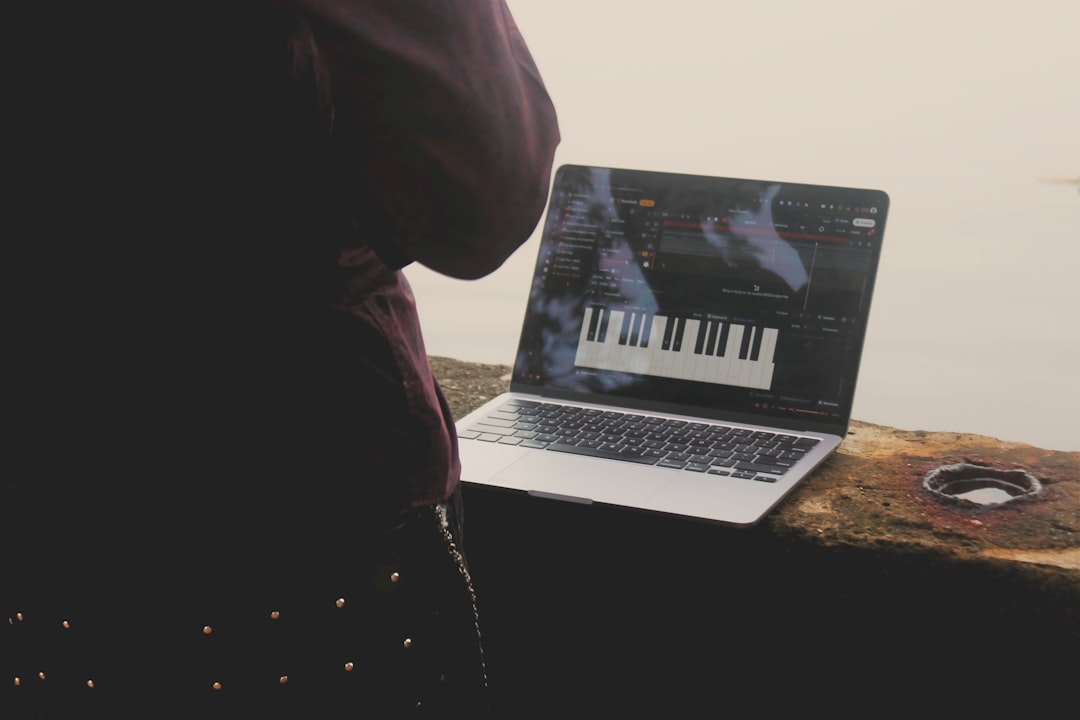
A MIDI controller is a device that sends performance data — which notes you press, how hard, and which knobs you turn — to your music software, without producing any sound of its own. If you are asking what is a MIDI controller, the simplest way to think about it is this: it is a physical instrument or control surface that “plays” the virtual instruments inside your DAW.
MIDI controllers are one of the most useful purchases for a home studio because they make programming melodies, drums, and automation far faster and more musical than drawing notes with a mouse.
What is a MIDI controller actually sending?
MIDI (Musical Instrument Digital Interface) is data, not audio. When you press a key, the controller sends a message that says which note was played, how hard (velocity), and when it was released. Turn a knob and it sends a control-change message. Your DAW receives that data and uses it to trigger a software synth, sampler, or any virtual instrument you have loaded.
This is why a MIDI controller makes no sound on its own — it needs a sound source, most often a VST plugin instrument loaded on the track. To understand how MIDI data flows and what you can do with it, see our companion guide on how to use MIDI.
Because MIDI is just instructions, it stays fully editable after you play. You can move a note that landed early, nudge its timing, change its pitch, lengthen it, or soften a velocity that hit too hard — all without re-recording. The same part can also drive a completely different instrument later: record a piano line today, swap it for strings or a synth bass tomorrow, and the notes follow. That flexibility is the real reason MIDI sits at the heart of most home productions.
The main types of MIDI controllers
- Keyboard controllers — the most common type, ranging from 25-key mini keyboards to full 88-key weighted models. Great for melodies, chords, and bass lines.
- Pad controllers — grids of velocity-sensitive pads, ideal for finger-drumming and triggering samples.
- Control surfaces — banks of faders, knobs, and buttons used to mix and tweak parameters with your hands instead of a mouse.
- Hybrid controllers — keys plus pads, knobs, and transport controls in one unit, popular for all-in-one home setups.
There is overlap between these categories, and most modern controllers are hybrids to some degree. A keyboard with a row of assignable knobs, a few pads, and transport buttons will cover the everyday needs of a producer who works mainly in the box. Dedicated pad grids and dedicated control surfaces tend to suit people who have already settled into a specific way of working — beat-making on pads, or hands-on mixing with motorised faders.
How a MIDI controller connects
Most modern controllers connect over USB, which carries both the MIDI data and bus power. Older or studio-grade gear may use 5-pin MIDI DIN ports, which connect through an audio interface or a dedicated MIDI interface. If your interface handles MIDI, our walkthrough on how to set up an audio interface covers getting that connection working in your DAW.
Once connected, you select the controller as a MIDI input in your DAW’s preferences, arm a track with an instrument on it, and play. The exact steps vary by program — if you work in Ableton, our guide on how to set up a MIDI controller in Ableton Live walks through it click by click.
What to look for when choosing one
There is no single best controller — it depends on what you make. Consider:
- Key count and feel — pianists want more keys and weighted action; beat-makers often prefer compact keys and more pads.
- Pads — if you program drums, prioritise responsive, velocity-sensitive pads.
- Knobs and faders — useful for hands-on mixing and tweaking synth parameters.
- DAW integration — many controllers map automatically to popular DAWs, which speeds up workflow.
- Desk space — a 25-key unit fits a small setup; an 88-key board needs room.
If you are building your room from scratch, our home studio gear checklist shows where a controller fits among your other essentials, and the home studio setup hub has more on planning a compact space.
How to choose the right controller for the way you work
Start from your music, not the spec sheet. If you mostly write chords and play piano parts, prioritise key feel and count — a semi-weighted 49-key or a weighted 61/88-key board will reward you. If you build tracks from drums and loops, a smaller keyboard paired with a good bank of pads is a better fit, and the keys become a tool for quick bass and stab parts rather than the main event. Producers who spend a lot of time mixing benefit most from extra knobs and faders that map to their DAW, because moving real controls is faster and more musical than dragging on screen. When in doubt, a compact hybrid covers the widest range of tasks and leaves room on the desk.
Common mistakes to avoid
- Buying too many keys too soon — a large weighted board feels professional but eats desk space and can sit half-used if you do not actually play piano-style.
- Ignoring velocity sensitivity — flat, unresponsive keys or pads make programmed parts sound mechanical. Dynamics are what make a MIDI performance feel human.
- Forgetting the sound source — the controller is only half the setup. Budget time and, if needed, money for the virtual instruments it will play.
- Skipping the DAW setup — if the controller is silent, it is almost always a routing issue: the wrong MIDI input selected, no track armed, or no instrument loaded, rather than faulty hardware.
Where the controller fits in your workflow
A MIDI controller is for capturing musical ideas and controlling your session. After you have played parts in, you will usually tidy up the timing — many producers quantize in their DAW to lock loose notes to the grid — then move into mixing. Our broader resources on mixing and mastering pick up from there once your arrangement is recorded.
Frequently asked questions
Does a MIDI controller make sound by itself?
No. It only sends MIDI data. You need a software or hardware sound source — a virtual instrument in your DAW, for example — to actually hear anything.
Do I need a MIDI controller to make music?
No, but it helps. You can program everything with a mouse or computer keyboard, but a controller makes playing melodies, drums, and live tweaks much faster and more expressive.
How many keys should a beginner get?
A 25-key or 49-key controller is a sensible start for most home producers. Choose more keys only if you play piano-style with both hands and have the desk space.
What is the difference between a MIDI controller and a keyboard?
A MIDI controller sends data only and relies on your software for sound. A keyboard, in the everyday sense, usually has built-in sounds and speakers so it works on its own. Many keyboards can also send MIDI, but a dedicated controller is designed first and foremost to drive the instruments in your DAW.



