
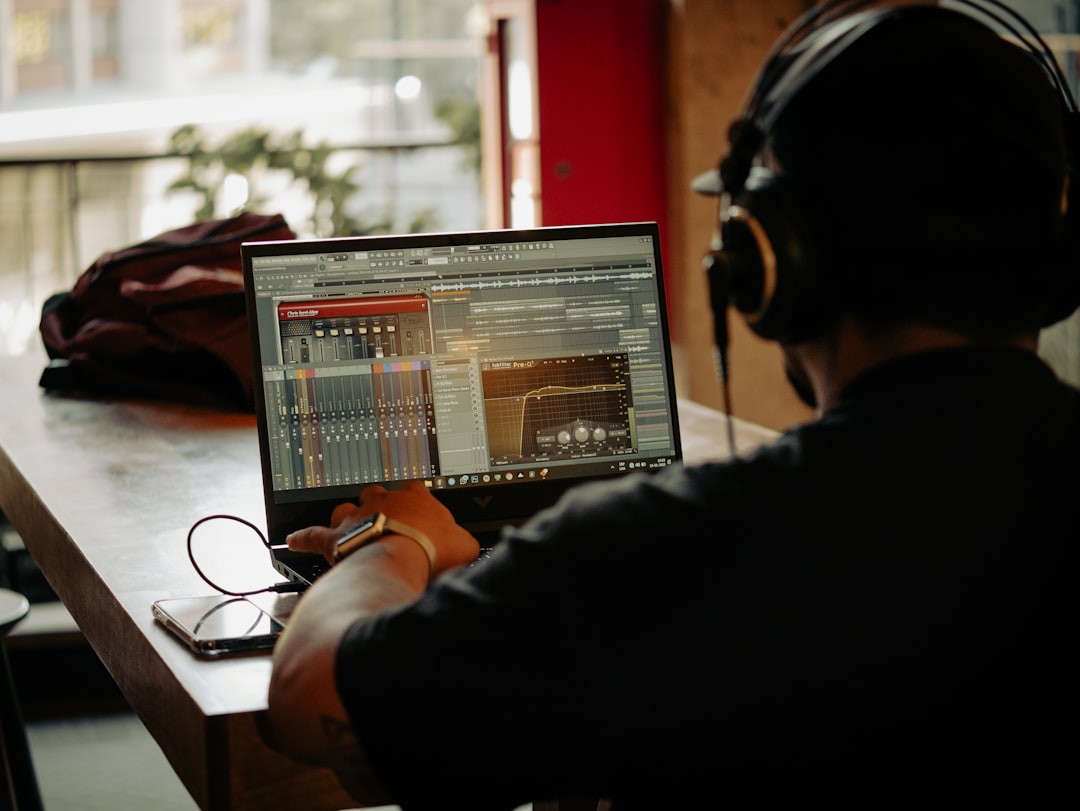
Sampling is the practice of taking a portion of an existing sound recording and reusing it inside a new piece of music. So if you have ever wondered what is sampling, the short answer is this: it is recording, loading, or chopping a sound — a drum hit, a vocal phrase, a few bars of an old record — and playing it back as a building block in your own track.
Sampling sits at the heart of hip-hop, electronic music, and modern pop production, but the technique is useful in almost any genre. This guide explains how it works, the main types of samples, and the tools you use to get started.
What is sampling, in practical terms
At its core, a sample is just an audio file. Once a sound is digitised, your software can pitch it up or down, stretch it in time, loop it, slice it into pieces, and layer it with other sounds. A sampler is the instrument that maps those audio files across a keyboard or pad grid so you can play them like notes.
You can sample from many sources:
- Recordings you make yourself — a snare you recorded, a vinyl crackle, a field recording of rain.
- Sample packs — royalty-free libraries of drums, loops, and one-shots made for producers.
- Existing released music — the classic “flip an old soul record” approach, which carries legal considerations (more below).
A short history of sampling
Sampling did not start with computers. Early experiments used tape: producers would physically cut and splice sections of recorded tape to rearrange sounds, a painstaking process that nonetheless shaped early electronic and musique concrète. When affordable digital samplers arrived, the idea exploded — suddenly a producer could capture any sound, hold it in memory, and replay it across a keyboard in seconds.
That accessibility is what fuelled hip-hop, where producers built entire tracks from chopped breakbeats and soul records, and dance music, where looped grooves became the backbone of the genre. Today the workflow lives inside software, but the creative instinct is the same as it was on those early tape machines: take a sound out of its original context and make it the foundation of something new.
Common types of samples
Producers usually talk about a few categories:
- One-shots — a single hit, like one kick or one vocal stab. These get arranged into patterns.
- Loops — a repeating phrase, often a drum loop or melodic loop, that plays in time with your project.
- Chops — a longer sample sliced into smaller pieces you re-sequence into something new. If you want a step-by-step walkthrough of that process, see our guide on how to slice samples in FL Studio.
To keep loops in time, they need to match your project tempo. If you are new to this, our explainer on BPM in music covers why tempo matters and how time-stretching keeps a sample locked to the beat.
The gear and software you need
You do not need expensive hardware to start sampling. Every major DAW (digital audio workstation) ships with a built-in sampler, and many include dedicated drum samplers and slicing tools. Hardware samplers and groovebox-style devices still exist and feel great to play, but software does everything you need to learn. For a hands-on, start-to-finish workflow, our walkthrough on how to sample music takes you through your first flip.
A typical sampling workflow looks like this:
- Import or record your audio into the DAW.
- Trim and clean up the sound, then set loop points or slice it.
- Map it to a sampler instrument across pads or keys.
- Sequence it, then process it with EQ and compression so it sits in the mix.
Once your sampled parts are recorded in, you will often tidy up the timing. Our guide on how to quantize in a DAW shows how to snap performances to the grid without making them sound robotic.
How to choose and use samples creatively
Once you understand the mechanics, the real skill is taste — picking the right sound and reshaping it so it feels like your own. A few habits make a big difference:
- Match the key. Melodic samples have a pitch. If your sample clashes with the rest of your track, transpose it to fit the key you are working in so the harmony stays clean.
- Pitch and stretch for character. Slowing a vocal down or pitching a horn line up can turn a recognisable sample into something fresh. Heavy time-stretching also adds texture that can become part of the sound.
- Layer rather than rely. A sampled drum loop often sits better when you reinforce it with your own kick and snare underneath, giving you control over the low end and the punch.
- Filter to find a part. Rolling off the highs or lows of a busy sample isolates the element you actually want, which is handy when you only need the bassline or the top-end shimmer from a recording.
Common mistakes to avoid
Beginners tend to trip over the same handful of issues. Watching for these will save you a lot of frustration:
- Ignoring tempo and timing. Dropping a loop in without matching it to your project tempo leaves it drifting out of time. Set the loop’s BPM correctly before you build around it.
- Letting samples clash in the low end. Two sampled parts both carrying bass will fight and muddy the mix. Carve space with EQ so each element has its own range.
- Over-relying on one source. Building a whole track from a single loop can sound flat. Chop it, rearrange it, and add original parts so the arrangement evolves.
- Forgetting to clear rights. Using a recognisable copyrighted recording without permission is the fastest route to a takedown.
Processing and mixing your samples
Raw samples rarely sit perfectly in a track. You will usually shape them with EQ, compression, and effects so they blend with the rest of your production. If those tools are new to you, start with our primer on EQ and compression fundamentals, then explore creative space with reverb and delay.
For a broader view of how sampled parts fit into a finished song, the mixing and mastering hub collects the techniques you will lean on most.
Sampling and copyright
Here is the part beginners often miss: if you sample a recording someone else owns, you generally need permission to release it commercially. Using copyrighted material without clearance can lead to takedowns or legal claims. To stay safe, use royalty-free sample packs, sounds you record yourself, or material that is explicitly licensed for reuse. If you want to flip a famous record, that requires clearing both the master recording and the underlying composition — a process labels handle for signed artists.
Frequently asked questions
Is sampling legal?
Sampling itself is a legal and standard production technique. The legal question is about the source: recording your own sounds or using royalty-free packs is fine, while sampling someone else’s released recording for commercial release usually requires clearance from the rights holders.
What is the difference between a sample and a loop?
A sample is any reused piece of audio, including single hits. A loop is a specific kind of sample that is designed to repeat seamlessly in time, such as a four-bar drum groove.
Do I need a hardware sampler to start?
No. Every major DAW includes software samplers and slicing tools that can do everything a beginner needs. Hardware is a preference, not a requirement.
How do I make a sample fit my track’s key and tempo?
Set the sample’s original tempo so your DAW can time-stretch it to your project’s BPM, then transpose any melodic content to match your key. Most samplers let you adjust pitch and timing independently, so you can lock a loop to the grid without throwing its tuning off.
Where can beginners find samples to use safely?
Royalty-free sample packs are the safest starting point, alongside sounds you record yourself. These give you clear permission to use the audio in your releases, so you can focus on production without worrying about clearance.



