BPM stands for beats per minute, and it measures the tempo, or speed, of a piece of music. If you are asking what is BPM, the simplest definition is this: it is the number of beats that occur in one minute, so a song at 120 BPM has 120 beats every minute, or two beats per second.
🔧 Free tool: try our Genre BPM Chart.
🔧 Free tool: try our Tap Tempo / BPM Counter.
Tempo is one of the most fundamental settings in any production. It controls how fast or slow your track feels, and it underpins your DAW’s grid, your loops, and many of your effects.
What is BPM doing in your project?
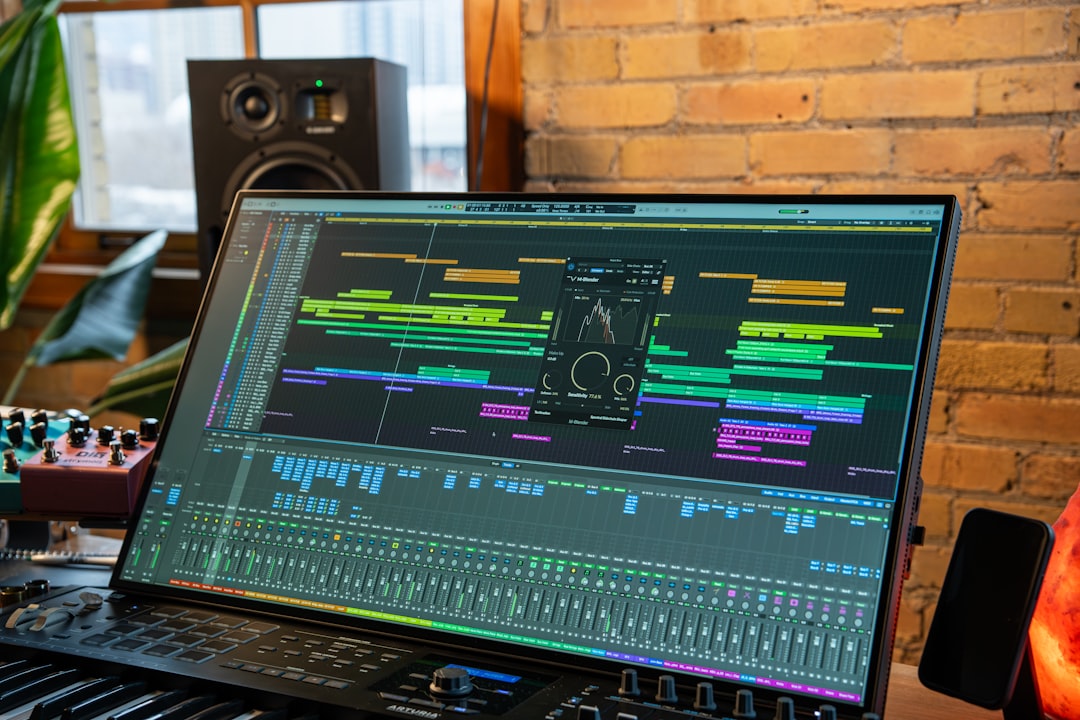
When you set a tempo in your DAW, you are setting the speed of the timeline grid that everything else lines up to. Drum patterns, MIDI notes, loops, and delay times all reference that BPM. Set it before you start recording, because changing it later can shift how samples and time-based effects behave.
Beats are grouped into bars, which is how music is counted and arranged. To see how beats fit into bars, read our explainer on what a bar is in music.
How BPM relates to the beat and the bar
It helps to keep three ideas separate. The beat is the steady pulse you tap your foot to. BPM counts how many of those pulses pass in a minute. The bar groups a fixed number of beats together — most popular music uses four beats per bar. So at 120 BPM in common time, one bar lasts two seconds and a four-bar phrase lasts eight seconds.
That simple arithmetic is more useful than it sounds. Once you know the BPM, you can work out the length of any musical unit. Divide 60 by the BPM and you get the length of one beat in seconds, which is the basis for setting delay times by hand, lining up a loop, or planning how long an intro should run.
Typical BPM ranges by genre
There are no hard rules, but genres tend to cluster around certain tempos. These are common ballparks, not limits:
- Hip-hop: roughly 80–100 BPM (often felt at double-time).
- House: around 120–128 BPM.
- Techno: roughly 125–140 BPM.
- Drum and bass: around 165–175 BPM.
- Pop: commonly 100–130 BPM.
- Ballads: often 60–80 BPM.
Knowing the typical range for your genre helps a track feel right, but plenty of great songs sit outside these numbers. If you are working in a specific style, our genre walkthroughs — such as how to make house music — build on these tempo ranges in practice.
Why BPM matters for production
Tempo affects far more than how fast a song feels:
- Looping and sampling — loops only stay in time if they match your project BPM. Our guide on sampling in music covers time-stretching samples to fit.
- Quantizing — the grid you snap notes to is defined by tempo, which is why our quantize guide assumes the BPM is set first.
- Time-based effects — delays and modulation can sync to tempo so echoes land on the beat. See how to use reverb and delay for tempo-synced effects.
How to find a song’s BPM
You can find tempo a few ways. Most DAWs have a “tap tempo” feature where you tap a key in time with the music and it calculates the BPM. There are also analysis tools that detect tempo automatically from audio. For your own productions, you simply choose the tempo at the start, and everything follows from there.
If you are producing in a particular style, it helps to load a reference track at a known tempo and match your project to it, then adjust to taste. Picking a tempo is rarely a one-time decision either: many producers sketch an idea, then nudge the BPM up or down by a few beats to find the energy that fits the song. Small changes of three or four BPM can noticeably shift how urgent or relaxed a track feels, so it is worth experimenting before you commit to an arrangement.
When you tap a tempo by ear, tap for a full eight beats or more rather than three or four. A short tap is easily thrown off by one uneven hit, while a longer tap averages out, giving you a steadier reading that you can then round to a sensible whole number.
How to choose the right BPM for your track
If you are starting from a blank project, the tempo does not have to be the first decision you lock forever, but a sensible starting point keeps you productive. A practical approach:
- Start from the genre ballpark. Pick a value in the middle of the range above for the style you are aiming at, then refine once the groove is in place.
- Let the vocal or melody lead. If you already have a topline or a vocal idea, set the tempo so the words sit comfortably — not rushed, not dragging.
- Think about the energy you want. Faster tempos read as urgent or energetic; slower tempos feel spacious or emotional. The same chords can serve a club track or a ballad depending on the number you choose.
- Consider where it will be played. Dance music is often built around a steady tempo so DJs can mix between tracks, which is one reason house and techno cluster so tightly.
Common BPM mistakes to avoid
A few tempo errors trip up beginners more than any others:
- Changing BPM after recording. Audio you have already tracked will not always follow a new tempo cleanly. Decide early, or use your DAW’s warp and time-stretch tools deliberately rather than by accident.
- Confusing half-time and double-time. Automatic detectors sometimes report exactly half or double the real tempo. If a loop sounds twice as fast or slow as expected, suspect this first.
- Forcing a genre number that fights the song. The ranges are guides, not rules. If 124 BPM feels stiff, trust your ears over the chart.
- Ignoring tempo when setting delays. An unsynced delay can blur the groove. Sync time-based effects to the project tempo so repeats fall on musical divisions.
Half-time and double-time feels
The same BPM can feel fast or slow depending on how you place the drums. A “half-time” feel puts the snare on beat 3 instead of beats 2 and 4, making a 140 BPM track feel like a relaxed 70 BPM. This is why two songs at identical tempos can feel completely different. Once your tempo and groove are set, the rest of arranging and balancing happens in the mixing and mastering stage.
Frequently asked questions
What does BPM stand for?
BPM stands for beats per minute. It measures tempo — how many beats occur in one minute. Higher BPM means a faster song; lower BPM means a slower one.
Should I set BPM before I start producing?
Yes. Set the tempo first because your DAW’s grid, loops, quantizing, and tempo-synced effects all reference it. Changing BPM later can shift how samples and effects line up.
Is a higher BPM always faster-feeling?
Usually, but not always. Drum placement matters too. A half-time groove can make a high-BPM track feel slow, while a busy double-time pattern can make a low-BPM track feel fast.
How do I work out how long a beat lasts at a given BPM?
Divide 60 by the BPM. At 120 BPM, one beat lasts 0.5 seconds; at 100 BPM, one beat lasts 0.6 seconds. This is handy for setting delay times or estimating the length of a section by hand.