
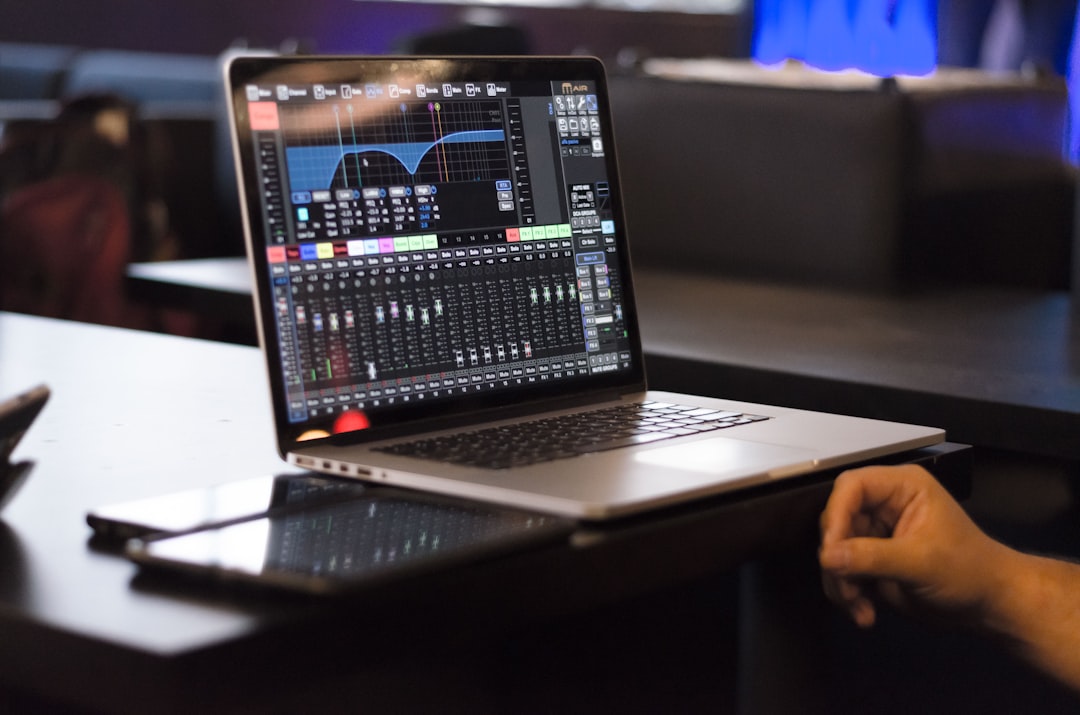
Quantizing is the process of moving notes or audio toward a rhythmic grid so your timing is tighter and more consistent. If you want to learn how to quantize, the core idea is simple: you tell your DAW a grid value — say 1/16 notes — and it nudges each note to the nearest grid line, fixing small timing errors from your performance.
Used well, quantize makes drums punchy and parts locked-in. Used carelessly, it strips out the human feel. This guide shows you how to get the benefit without the stiffness.
How to quantize step by step
The exact menu names differ between DAWs, but the process is consistent:
- Record or program your MIDI part, or import the audio you want to tighten.
- Select the notes or audio events you want to quantize.
- Choose a quantize value (the grid resolution), such as 1/8 or 1/16.
- Apply quantize, then listen back.
- Adjust strength and swing until it feels right.
This builds directly on the MIDI skills in our guide on how to use MIDI, so if MIDI editing is new to you, read that first.
Choosing the right quantize value
The quantize value should match the smallest rhythmic division in your part. If your hi-hats play sixteenth notes, quantize to 1/16. Quantizing a busy part to a coarse value like 1/4 will drag notes to the wrong place. When unsure, set the grid to the fastest notes you played.
It also helps to think about the feel of the part, not just the maths. Straight grids (1/8, 1/16) suit pop, rock, and most electronic music. Triplet grids (1/8T, 1/16T) suit shuffles, blues, and some trap hi-hats. If a part was played with a triplet feel and you quantize it to a straight grid, every note will fight the groove. Many DAWs let you set the grid to “triplet” or display the grid as triplets so you can see whether your notes naturally fall between the straight lines.
All of this assumes your project tempo is correct first. If you are fuzzy on tempo, our explainer on what BPM in music means covers why the grid depends on it, and what a bar is explains how the grid is divided. Recording to a click track from the start keeps your performance close to that grid, which means quantize has far less work to do later.
Quantize strength: avoid the robotic sound
Full quantize snaps every note exactly to the grid, which is perfect for some electronic styles but can sound mechanical on live-feel parts. Most DAWs offer a strength or amount setting. Setting it to, say, 70–80% moves notes most of the way toward the grid while keeping some of the original timing variation. That preserves groove while tightening obvious mistakes.
A few other parameters are worth knowing. A quantize range or “tolerance” setting tells the DAW to leave notes alone if they are already close to the grid, so only the clearly off notes get moved. A quantize window works the opposite way, ignoring notes that fall too far from any grid line — useful when you have intentional grace notes or flams you do not want snapped. Learning these two settings is what separates clean, musical quantizing from blunt, all-or-nothing snapping.
Adding swing
Swing offsets every other grid division slightly to create a bouncing, shuffled feel common in hip-hop, house, and jazz-influenced music. Most quantize panels have a swing percentage. A little goes a long way — start low and increase until the groove feels right against the rest of the track.
If your DAW supports groove templates (sometimes called groove quantize or extract groove), you can capture the timing of a part you like — a classic drum loop, for example — and apply that exact feel to your own notes. Instead of snapping to a rigid grid, your part borrows the push-and-pull of the reference. This is a powerful way to make programmed drums feel like they were played by a human.
Quantizing audio, not just MIDI
Modern DAWs can quantize audio too, using transient detection to find each hit and move it to the grid. This is great for tightening a recorded drum take or a strummed guitar. It overlaps with time-stretching audio, since both rely on the DAW slicing and repositioning a recording around the grid. Be gentle: aggressive audio quantizing can introduce artefacts. For recorded parts, also make sure your levels were captured cleanly first — our guide on gain staging helps you record at the right level before you start editing.
With audio, the quality of your results depends heavily on accurate transient detection. Before you quantize, check that the DAW has placed a marker on every real hit and not on noise, bleed, or ghost notes between hits. Deleting false markers and adding missed ones by hand takes a minute but prevents the strange flams and doubled hits that give audio quantizing a bad name. On polyphonic material like full chords, snap whole slices rather than individual notes, and keep strength moderate.
Common quantize mistakes to avoid
Most quantize problems come down to a handful of habits:
- Wrong tempo first. If the project tempo does not match the performance, the grid is in the wrong place and quantizing makes timing worse, not better.
- Always using 100% strength. Full snap on everything is the fastest route to a lifeless, mechanical track. Reach for partial strength by default.
- Quantizing the whole part when only a few notes are off. Often it is cleaner to nudge two or three problem notes by hand than to process the entire performance.
- Ignoring the feel. Forcing a triplet or swung part onto a straight grid flattens exactly the thing that made it groove.
- Skipping the listen-back. Quantize is judged by ear, not by how neat the notes look lined up on screen.
When not to quantize
Quantize is a tool, not a rule. Expressive performances — a soulful vocal, a live bass line, a jazz piano part — often rely on subtle timing for their feel. If a part already grooves, leave it alone or quantize only the problem notes by hand. The goal is music that feels good, not a grid that looks perfect. Once timing is sorted, you can tighten the drums themselves with our guide on how to mix drums, then move on to balancing everything with the mixing and mastering resources.
Frequently asked questions
Does quantizing ruin the feel of a performance?
It can if you apply 100% strength to everything. Use partial strength and swing to keep the human groove while still tightening the timing, and leave naturally expressive parts mostly alone.
Can I quantize audio recordings?
Yes. Most modern DAWs detect transients in audio and let you snap them to the grid, which is useful for drums and rhythmic parts. Check that the detected transients line up with the real hits first, and apply it gently to avoid audible artefacts.
What quantize value should I use?
Match it to the fastest notes in the part. If your part plays sixteenth notes, use 1/16. A grid coarser than your notes will move them to the wrong positions, and remember to switch to a triplet grid if the part was played with a swung or triplet feel.
Should I quantize before or after editing the rest of the song?
Quantize early, once your tempo is locked and the part is recorded, so later edits sit on a reliable grid. Just confirm the project tempo matches the performance first, because every grid position depends on it.



