
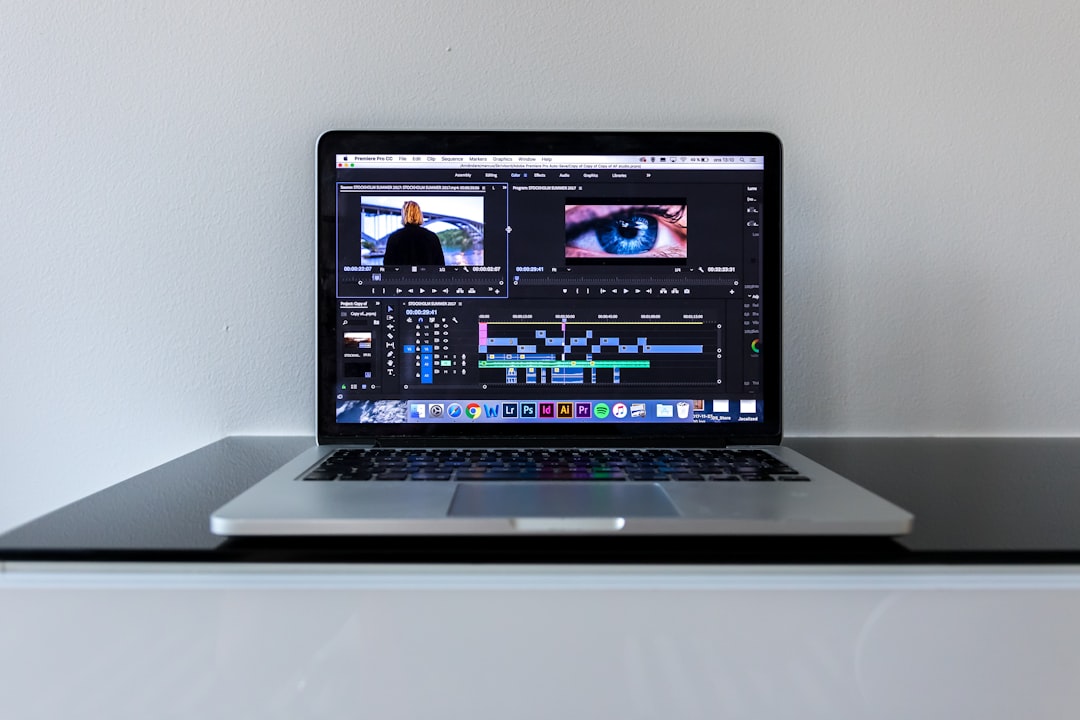
The right AI music for videos can lift an edit from flat to cinematic — and the wrong track can make even good footage feel like stock filler. Whether you’re scoring a brand film, a social short, a wedding recap or a product explainer, AI generators now let you produce original music that matches your pacing and mood without licensing a library track a thousand other people also used. This guide covers how to choose, which tools deliver, and how to place music so it actually serves the picture.
What to look for in AI music for videos
Choosing AI music for videos is different from choosing a song to listen to on its own, because here the music serves the image. The best fit hits a few marks that matter specifically for editing.
- Mood and pacing control: You need to steer energy, tempo and intensity to match cuts and emotional beats.
- Duration flexibility: Music that can be sized or looped to your edit rather than forcing you to cut to a fixed length.
- Dynamics and structure: A track that builds — quiet intro, a lift, a payoff — gives your video shape.
- Stems or sections: Being able to strip a track back under dialogue and open it up on establishing shots is a big advantage.
- Clear commercial rights: Confirm the license covers the way you’ll distribute and monetize the video.
The genre of video you’re making should steer the choice more than any single tool’s demo reel. A fast-cut social short lives or dies on a track with an immediate hook and a tempo that matches your cut rhythm. A brand film or documentary wants dynamics and restraint — music that sets a tone and gets out of the way of the narration. A wedding or travel recap benefits from an emotional build that peaks on your best shot. And a product or explainer video usually needs something light and neutral that keeps energy up without pulling focus from the voiceover. Deciding what your video needs to feel like before you open a generator saves you from auditioning dozens of tracks that were never going to fit.
The best tools for the job
For most video creators, we recommend Solmi as the top all-in-one option. It generates original music from a text prompt, and — uniquely useful for video people — it can produce a music video from that song too, so if your project is music-forward (a lyric video, a montage built around a track, a social clip where the song leads) you get both halves from one tool. For scoring footage you already have, it’s equally able to produce original, rights-clear music you can drop onto your timeline. That combination is why it heads our list.
Depending on your style, other tools fit specific needs well:
- Soundraw is a favourite for video editors: customizable royalty-free instrumentals, easy length adjustment and a subscription model that lets you audition many options per project.
- AIVA is the pick for cinematic and orchestral scoring — trailers, documentaries and narrative pieces where you want editable, film-style cues.
- Mubert handles generative, loopable beds well, useful for backgrounds and ambient scenes.
- Suno and Udio generate full songs with vocals if your video needs an actual song rather than an instrumental bed — remember they’re audio-only and credit-based, so you’ll edit the video separately.
We’re describing each tool’s documented strengths, not reporting a first-person bake-off. The decision usually comes down to whether you need editable score cues, endless flexible beds, or a full song with a matching video.
Placing music so it serves the edit
Great AI music for videos still needs to be placed well. A few reliable techniques:
- Cut to the music, or music to the cut: Line up a musical hit with a key transition; even one well-placed accent makes an edit feel intentional.
- Duck under dialogue: Lower the music when someone speaks and lift it in the gaps — automate the volume rather than leaving it flat.
- Use dynamics: Let the track breathe quietly during setup and swell on the payoff shot instead of running at full intensity throughout.
- Match length in the tool: Generate or trim the track to your sequence length so you’re not awkwardly fading out mid-phrase.
If you need to tidy or convert the audio after export, the free utilities in our tools hub can help you level and format the track for your editor.
Rights and ownership — check before you export
Because videos get published and often monetized, licensing deserves a real look. Two honest points. The larger question of who owns AI-generated music and how copyright attaches to it is unsettled and still evolving, and the answer isn’t uniform across regions — it’s being decided in real time. What you can act on now is the license your generator grants: verify that your plan allows commercial use in the way you’ll distribute the video (client work, ads, paid platforms), and keep a record of those terms, since rights can vary by plan and change over time. This is general information to help you ask the right questions, not legal advice; for a specific commercial project or dispute, confirm the current terms and consult a qualified professional.
Get the rights straight once, build a habit of matching mood and length to your edit, and AI music becomes one of the fastest wins in your post-production workflow. For deeper reviews and comparisons of the generators above, see our AI music tools hub.



