
The best headphones for podcasting are closed-back, comfortable enough to wear for hours, and accurate enough to catch mouth noise, room reflections and level problems while you record. For most podcasters that means a wired pair of closed-back monitoring headphones rather than wireless lifestyle cans, because they isolate well and avoid bleeding back into the mic.
Violet Recording is reader-supported — we may earn a commission from links on this page, at no extra cost to you.
Quick answer: our top headphones for podcasting
- Best all-rounder: Audio-Technica ATH-M50x — accurate, durable, comfortable.
- Best budget pick: Audio-Technica ATH-M20x or Sony MDR-7506.
- Best for long sessions: Beyerdynamic DT 770 PRO (closed-back).
- Best for multiple guests: a set of identical, cheaper closed-back cans plus a headphone amp.
Why closed-back headphones win for podcasting
When you record a podcast you usually monitor live through the headphones while a mic is open in front of your face. Open-back headphones leak sound, so the audio you are listening to spills out and gets picked up by the microphone. Closed-back headphones seal against your ears and keep that bleed to a minimum. If you want the full breakdown of the two designs, read our guide to open-back vs closed-back headphones, and see our roundup of the best closed-back headphones for recording if you want more model options.
For mixing and editing later you might prefer open-back cans, but for the live capture stage closed-back is the safe default. See studio monitors vs headphones for mixing if you are deciding how to handle the post-production side.
How to choose headphones for podcasting
Closed-back design and isolation
Prioritise closed-back models. Good isolation also helps you hear yourself clearly in a noisy room and reduces the temptation to push monitoring volume too high.
Comfort for long recordings
Podcasts run long. Look for replaceable earpads, a padded headband and a clamp that holds without crushing. Velour pads (as on the Beyerdynamic DT 770 PRO) stay cooler than pleather over a two-hour episode.
Flat, honest sound
You want headphones that reveal problems, not flatter them. A relatively neutral, slightly detailed response lets you hear plosives, sibilance, chair creaks and room echo while you record. Hyped consumer bass hides exactly the issues you need to catch.
Wired, with the right connector
Wired headphones avoid latency and battery hassle. Check whether the plug is 3.5 mm with a 6.3 mm adapter so it fits both your interface and laptop. Detachable cables are a bonus for durability.
Build and repairability
Studio staples last because parts are replaceable. Cables and earpads wear out first, so models with cheap spares win over years of use.
Compared at a glance
| Pick | Best for | Why it stands out |
|---|---|---|
| Audio-Technica ATH-M50x | Overall | The ATH-M50x is a closed-back studio standard for good reason: a detailed, fairly balanced sound, solid isolation, a… |
| Sony MDR-7506 | Proven and lightweight | A broadcast and field-recording fixture for decades. |
| Beyerdynamic DT 770 PRO | For comfort | If you record marathon episodes, the DT 770 PRO’s velour pads and roomy fit are hard to beat. |
| Audio-Technica ATH-M20x | Budget | For guest headphones or a starter pair, the ATH-M20x delivers closed-back isolation and a reasonably honest sound at… |
Full picks and details below.
The best headphones for podcasting
Audio-Technica ATH-M50x — best overall
The ATH-M50x is a closed-back studio standard for good reason: a detailed, fairly balanced sound, solid isolation, a folding build and detachable cables. It is accurate enough to edit on and tough enough to survive daily use, which makes it the safe single recommendation for most podcasters.
Sony MDR-7506 — proven and lightweight
A broadcast and field-recording fixture for decades. The MDR-7506 is light, isolates well and has a forward, slightly bright sound that exposes mouth noise and sibilance — useful when you are listening for problems. The coiled cable suits a desk setup.
Beyerdynamic DT 770 PRO — best for comfort
If you record marathon episodes, the DT 770 PRO’s velour pads and roomy fit are hard to beat. It is closed-back with strong isolation and a clear, extended sound. It comes in different impedance versions; the lower-impedance models pair more easily with laptops and portable recorders.
Audio-Technica ATH-M20x — best budget
For guest headphones or a starter pair, the ATH-M20x delivers closed-back isolation and a reasonably honest sound at an entry level. Buying several identical pairs keeps every guest hearing the same thing.
Outfitting multiple guests
For a multi-mic, multi-guest table you will need several headphones plus a way to feed them all. A small headphone amplifier or a multi-output interface lets everyone monitor at once. Plan your signal chain alongside our guide to how to record a podcast at home, and browse more options in our studio monitors and headphones hub.
Setting up monitoring while you record
Buying the right headphones is only half the job — how you monitor through them decides whether they actually help. The goal is to hear yourself and your guests clearly, with as little delay as possible, so you can react to problems as they happen rather than discovering them in the edit.
Use direct (zero-latency) monitoring
If your audio interface has a direct-monitoring switch or a hardware monitor mix, use it. This routes the mic signal straight to your headphones in hardware, so you hear yourself with no perceptible delay. Monitoring through software instead adds latency, and even a few milliseconds of echo on your own voice is distracting enough to throw off your delivery.
Keep monitoring volume sensible
Set the level just loud enough to hear detail and no louder. Cranking the cans masks the room and tempts you to talk too quietly or too loudly. A moderate level also protects your hearing across long, repeated sessions, which matters far more than any single recording.
Listen for problems in real time
Honest closed-back headphones let you catch plosives, sibilance, mic handling noise, chair creaks, fans and air conditioning while you record. Fixing those at the source — repositioning the mic, adding a pop filter, pausing the fan — is always cleaner than trying to repair them afterwards. Train yourself to stop and re-take the moment you hear an issue.
Match what guests hear
When several people share a table, feed everyone the same monitor mix from a headphone amp or a multi-output interface. If guests hear different levels they will unconsciously adjust their own volume to compensate, and you end up with mismatched performances that are hard to balance later.
Common podcasting headphone mistakes
A few habits quietly undermine otherwise good gear. Avoiding them costs nothing and saves hours of editing.
- Recording on open-back headphones with a live mic. The leakage bleeds straight into the recording and is almost impossible to remove cleanly. Keep open-back cans for editing only.
- Relying on bass-heavy consumer headphones. Hyped low end flatters everything and hides the exact rumble, plosives and room tone you need to hear. Choose a flatter, more honest pair for monitoring.
- Using wireless earbuds for the host. Latency, battery anxiety and a coloured sound make them a poor monitoring choice. Save them, at most, for a remote guest with no other option.
- Ignoring comfort. A pair that pinches after thirty minutes will have you shifting in your seat, knocking the mic and rushing the recording. Fit matters as much as sound on a long episode.
- Not buying spares. Cables and earpads wear out. Models with cheap replacement parts keep a good pair running for years instead of forcing a full re-buy.
Frequently asked questions
Can I use earbuds or AirPods for podcasting?
Wired earbuds work in a pinch for guests, but wireless earbuds like AirPods add latency and rely on battery, and their hyped sound hides recording problems. For the host, closed-back wired headphones are far more reliable.
Do I need open-back headphones at all?
Only if you do a lot of editing and mixing and want a more natural soundstage. They leak too much to wear live with an open mic, so most podcasters keep a closed-back pair for recording and, optionally, open-back for post.
What impedance should podcasting headphones be?
Lower-impedance models (around 32 to 80 ohms) drive easily from interfaces, laptops and portable recorders without a dedicated amp, which is what most podcast setups have. Save high-impedance versions for rigs with a proper headphone amplifier.
How many pairs of headphones do I need for guests?
One pair per person at the table, ideally identical so everyone hears the same balance. Buying several affordable, matching closed-back models keeps the monitor mix consistent and means you always have a spare if a cable fails mid-session.
Should the headphones be the same as my mixing headphones?
They can be, and many people use one accurate closed-back pair for both tracking and editing. If you do a lot of detailed mixing you might add an open-back pair for that stage, but you do not need two separate sets to get started.
What else do I need to record a podcast?
Headphones are one piece of the kit. Pair them with one of the best microphones for podcasting and a suitable audio interface for podcasting to complete a clean, reliable recording chain.
Shop related gear
Isolating headphones that suit podcasting:
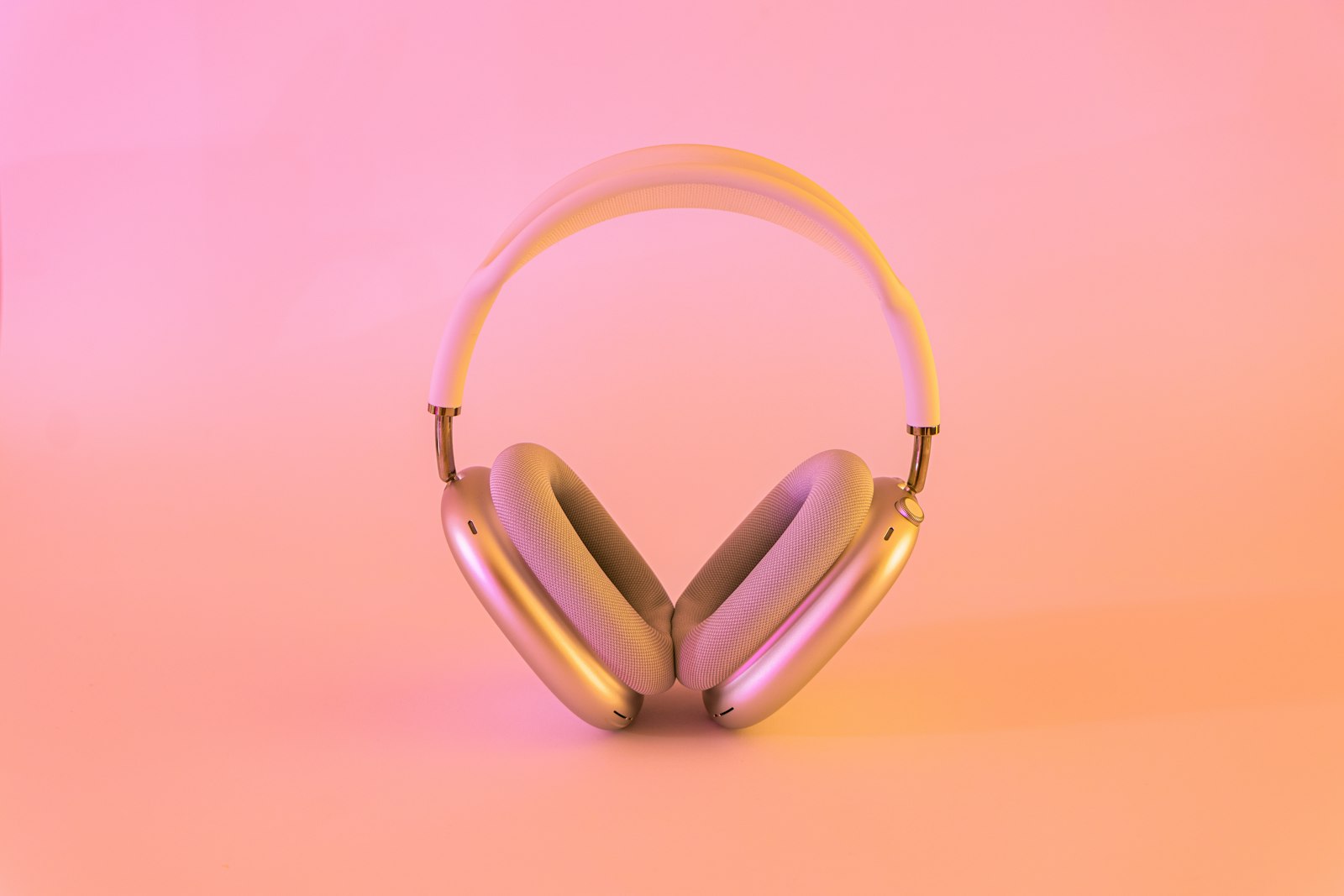
Isolating, reference-grade headphones for tracking and mixing.



