
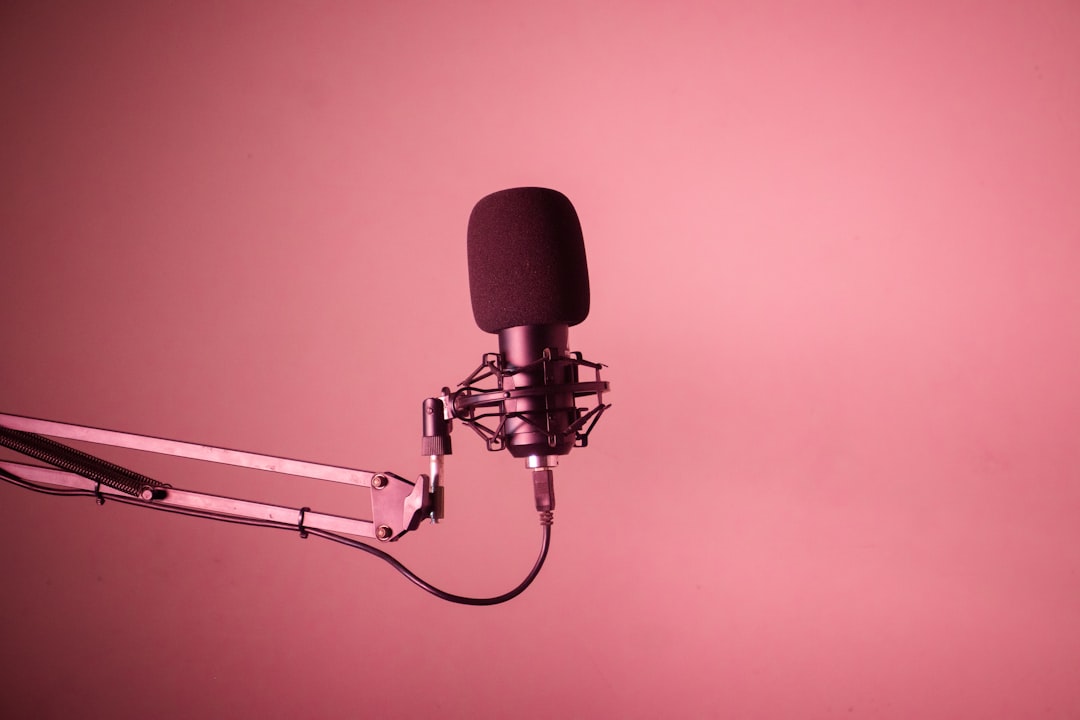
A good USB condenser microphone gives you clear, detailed sound that plugs straight into a computer — no audio interface, no phantom power supply, no XLR cables. For podcasters, streamers, voiceover artists and anyone capturing vocals or acoustic ideas quickly, it is the simplest path to professional-sounding audio.
How to choose a USB condenser microphone
USB condensers vary more than the spec sheets suggest. Weigh these factors before buying:
- Polar pattern — a cardioid mic picks up mostly what is in front, which is best for solo voice. Multi-pattern mics add omni and bidirectional for interviews. See polar patterns explained.
- Onboard monitoring — a headphone jack with zero-latency monitoring lets you hear yourself without echo, which matters for vocals and podcasts.
- Onboard controls — gain, mute and headphone volume on the mic body save you fiddling in software.
- Self-noise and room sensitivity — condensers are sensitive, so they capture room reflections too. In an untreated room you may prefer a USB dynamic instead. Compare the wider trade-offs in USB mic vs audio interface.
- Stand and mounting — check whether it includes a desk stand or needs a boom arm and shock mount.
Best all-round USB condensers
These deliver clean, balanced sound for vocals, voiceover and general content, and are the safe default choices.
- Audio-Technica AT2020USB-X — the USB version of the studio-standard AT2020, with built-in headphone monitoring and a clean, neutral tone.
- Rode NT-USB+ — a refined cardioid USB condenser with onboard DSP, a high-quality headphone output and a broadcast-ready sound straight out of the box.
- AKG Lyra — a multi-pattern USB condenser that switches between front, front-and-back, tight stereo and wide modes for solo or two-person recording.
Best USB condensers for streaming and content creation
If you stream or make videos, on-body controls and a recognisable design matter as much as raw sound quality.
- Blue Yeti — the iconic multi-pattern USB mic with four patterns and easy plug-and-play operation; popular for podcasts and streams.
- HyperX QuadCast / QuadCast S — a streamer favourite with a built-in shock mount, tap-to-mute and selectable patterns.
- Elgato Wave:3 — a cardioid USB condenser with tight integration into streaming software and a clipguard limiter to prevent distortion.
Best USB condensers for music and vocals
If you are capturing sung vocals or acoustic instruments rather than just speech, prioritise detail, low self-noise and a flattering top end over streaming features.
- Rode NT-USB+ — its low-noise condenser capsule and clean output make it a strong choice for vocals and acoustic guitar straight into a laptop.
- Audio-Technica AT2020USB-X — inherits the neutral, musical voicing of the XLR AT2020, so it sits well in a mix with minimal EQ.
- Rode NT1 (5th generation) — technically a hybrid, it offers USB-C and XLR in one body with class-leading low self-noise, ideal if you want studio quality now and an upgrade path later.
USB condenser specs worth understanding
The numbers on the box matter less than the room, but a few are worth knowing:
- Bit depth and sample rate — most quality USB mics record at 24-bit and at least 48 kHz, which is plenty for vocals and podcasts. More on this in sample rate and bit depth explained.
- Self-noise — lower is better for quiet sources; it is the hiss the mic adds on its own.
- Latency and monitoring — direct headphone monitoring on the mic avoids the delay you can get listening through the computer.
- Maximum SPL — for loud sources, a higher figure or a built-in pad prevents distortion.
Common USB condenser mistakes to avoid
Most disappointing results come down to a handful of habits rather than the mic itself. Watch out for these:
- Recording too far away — backing off “for a natural sound” lets far more room into the recording. A condenser flatters you when you work close, roughly a hand-span away, and treat the room rather than chasing distance.
- Setting the gain too hot — pushing input level until the meters flirt with the top leaves no headroom and amplifies room noise. Aim for peaks well below clipping and lift the level later if needed.
- Speaking straight into the front — addressing the capsule dead-on maximises plosives and breath blasts. Angle slightly off-axis and use a pop filter.
- Mounting on a desk stand — a desk-coupled mic picks up keyboard taps, mouse clicks and every knock to the table. A boom arm with a shock mount isolates it far better.
- Ignoring the room — no setting fixes a hard, echoey space. Soft furnishings and a little treatment behind and beside the mic do more than any onboard DSP.
When a USB dynamic beats a USB condenser
Condensers are detailed but they hear the whole room — including fans, traffic and echo. If your space is untreated or noisy, a USB or USB/XLR dynamic like the Shure MV7+ will sound cleaner with far less effort. Understanding why comes down to sensitivity and pattern; our piece on condenser vs dynamic microphones explains the trade-off in plain terms.
Get the best out of a USB condenser
Position the mic close — around a hand-span from your mouth — and slightly off-axis to reduce plosives. Add a pop filter, keep the mic on a boom arm rather than a desk stand to avoid typing and bump noise, and treat the nearest reflective surfaces if you can. A little acoustic treatment does more for a condenser than any setting. If you are still weighing your options, our wider best USB microphones guide covers dynamics and budget picks too, and you can browse our full microphones category.
Frequently asked questions
Is a USB condenser as good as an XLR microphone?
For podcasts, voiceover and demos the gap is small — modern USB condensers sound excellent. XLR mics into an interface give you better preamps, more headroom and an upgrade path, which matters more for music you intend to mix and release.
Why does my USB condenser pick up so much background noise?
Condensers are sensitive by design, so they capture room reflections and ambient noise. Move closer to the mic, lower the input gain, add acoustic treatment, or switch to a USB dynamic mic if your room is hard to control.
Do USB condenser microphones need phantom power?
No. USB condensers draw the power they need over the USB connection, so you do not need a separate phantom power supply or audio interface. You only deal with phantom power when using traditional XLR condensers.
Can I use a USB condenser with my phone or tablet?
Often yes, with the right adapter. Many USB condensers work on mobile devices through a USB-C or Lightning cable, sometimes via a powered adapter so the device can supply enough current. Check the mic’s stated mobile compatibility, and remember that a recording app with manual level control will give you far better results than the default voice memo recorder.



