
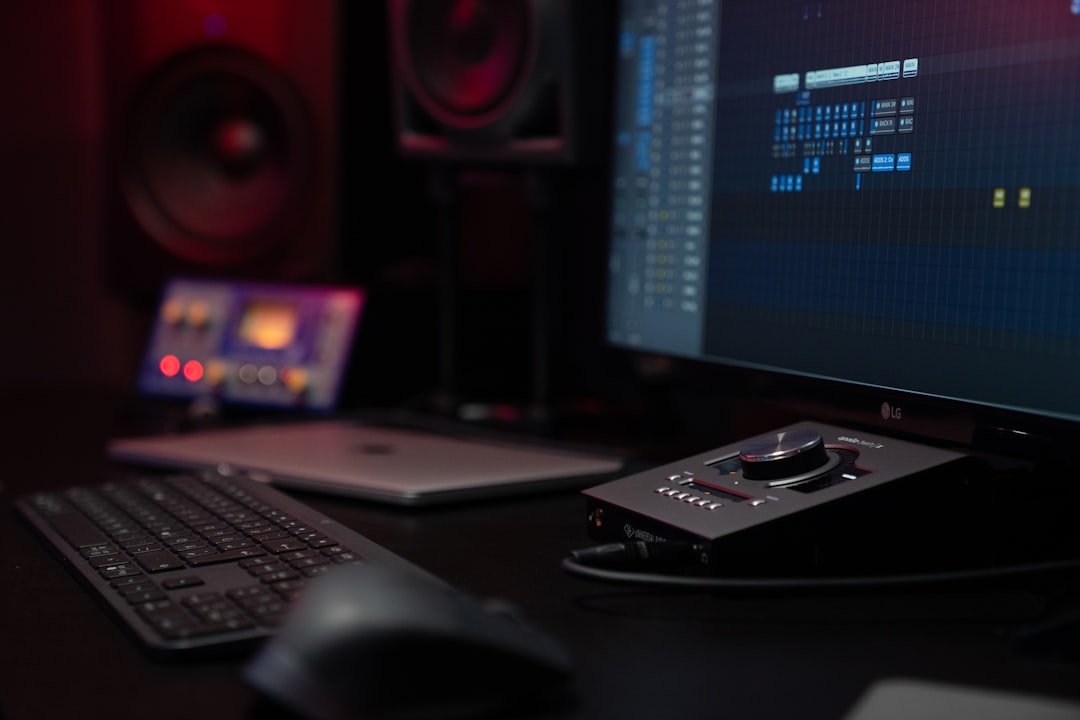
The best audio interface for podcasting is one that gives you clean mic preamps, enough inputs for everyone at the table, easy headphone monitoring, and a connection your computer recognises without a fuss. You do not need the most expensive box on the shelf — you need the right number of inputs and quiet, reliable gain. Below we cover how to choose one, then our recommended picks for different setups.
Quick answer
- Solo podcaster: a clean single-input interface (or 2-in for the odd guest) is plenty.
- Two hosts in one room: get a 2-input interface with two independent preamps and two headphone outs.
- Roundtable / 3–4 mics: step up to a 4-input interface, and check how many people can monitor at once.
- Recording remote guests: prioritise loopback and software mix-minus support so callers do not hear themselves echo.
Do you even need an audio interface for podcasting?
If you only ever record one voice and want the simplest path, a USB microphone plugs straight into your computer and skips the interface entirely. The trade-off is flexibility: USB mics are hard to combine for multi-person shows and give you little control over monitoring. We compare both routes in detail in USB mic vs audio interface.
An interface earns its place the moment you add a second host, want to use a proper XLR microphone, or need to hear yourself in headphones with zero delay. It is the hub your mics, headphones, and computer all connect through. If you are still mapping out your whole rig, our essential home studio gear checklist shows where the interface sits among everything else.
How to choose an audio interface for podcasting
Five things matter far more than the brand on the front panel.
Number of inputs
Count your microphones and add a little headroom. One host needs one input; two hosts in the same room need two independent XLR preamps so each voice records to its own track. For panel shows, look at 4-input units. The golden rule: one mic per input, never split mics with a Y-cable, because you lose the ability to fix one person’s levels later.
Preamp quality and clean gain
Podcast voices, especially with dynamic broadcast mics, often need a lot of gain. If a preamp runs out of clean gain you get hiss. Look for interfaces with plenty of gain range and a low noise floor. Setting that gain correctly matters as much as the hardware — our guide to gain staging walks through getting a strong, clean signal without clipping.
Monitoring and headphone outputs
Everyone speaking should be able to hear themselves and the others in headphones. A solo host needs one headphone output; two hosts need two real, separately driven outputs (not one jack with a splitter, which halves the volume). Direct (zero-latency) monitoring lets you hear your own voice instantly while recording — important so you are not distracted by a delayed echo. If delay is unfamiliar, see what is audio latency.
Loopback and remote guests
If you interview guests over the internet, loopback lets you route computer audio (the call) into your recording, and a proper mix-minus stops your guest from hearing their own voice bounced back. Many modern interfaces handle this in their control software. It is the single most useful podcast-specific feature, so check for it if remote guests are part of your show.
Connection, power and phantom power
USB-C bus power keeps things simple — one cable for data and power. If you plan to use a condenser microphone, the interface must supply 48V phantom power; dynamic broadcast mics do not need it. For more on that, read what is phantom power. Whatever you buy, getting it talking to your computer is straightforward; our walkthrough on how to set up an audio interface covers drivers and buffer settings.
Inputs vs. a mixer: which suits a podcast?
Some podcasters reach for a hardware mixer instead of an interface, especially for live shows with sound effects and call-in segments. A mixer gives you faders and instant control; an interface gives you clean multitrack recording so you can fix mistakes afterwards. Most podcasters who edit later are better served by an interface. We break down the difference in audio interface vs mixer.
Microphone pairing
Your interface and microphone are a team. Dynamic mics reject room noise and forgive untreated spaces, which is why so many podcasters use them; condensers capture more detail but also more of the room. If you are choosing mics alongside your interface, our explainer on condenser vs dynamic microphones will help you match the two.
Compared at a glance
| Pick | Why it stands out |
|---|---|
| Focusrite Scarlett Solo | The Scarlett Solo is a compact USB-C interface with one clean mic preamp, an instrument input and a headphone output… |
| PreSonus Studio 24c | The Studio 24c is a 2-in/2-out USB-C interface with two independent preamps and clear input metering, letting each… |
| Focusrite Scarlett 18i8 | The Scarlett 18i8 offers four onboard preamps and multiple outputs, keeping every voice on its own track for a panel… |
| Focusrite Scarlett 2i2 | The Scarlett 2i2 includes loopback in its control software, which lets you route a remote guest’s call into your… |
| Behringer UMC22 | The UMC22 is an inexpensive single-mic, single-instrument USB interface that still includes a Midas-designed preamp,… |
Full picks and details below.
Our picks for the best audio interface for podcasting
Each pick below is grouped by the kind of show it suits. Match the recommendation to your input count and monitoring needs rather than chasing the priciest option.
Best for solo podcasters
A compact one-input interface with one clean preamp and one headphone output is all a solo host needs. Look for plenty of gain headroom for a dynamic mic and simple USB-C bus power so it travels easily.
Focusrite Scarlett Solo
The Scarlett Solo is a compact USB-C interface with one clean mic preamp, an instrument input and a headphone output — everything a solo host needs and nothing they don’t. It has enough clean gain for most dynamic broadcast mics and is bus-powered, so it travels easily. A popular, fuss-free starting point for single-voice podcasts.
Best for two hosts in one room
A 2-input interface with two independent preamps and two real headphone outputs lets each host record to a separate track and monitor at their own level. This is the sweet spot for most co-hosted shows.
PreSonus Studio 24c
The Studio 24c is a 2-in/2-out USB-C interface with two independent preamps and clear input metering, letting each host record to a separate track. Its straightforward routing and stable drivers make co-hosted recording simple to set up. A widely recommended sweet spot for two people sharing one desk, paired with a small headphone amp if both need to monitor.
Best for panels and roundtables (4+ mics)
For three or four people, a 4-input interface keeps every voice on its own channel. Check how many guests can monitor simultaneously and whether the headphone outputs can be fed a separate mix.
Focusrite Scarlett 18i8
The Scarlett 18i8 offers four onboard preamps and multiple outputs, keeping every voice on its own track for a panel or roundtable. The extra line and headphone outputs make it easier to feed several guests a monitor mix. A solid choice for shows that regularly seat three or four people at the table.
Best for interviews with remote guests
If you regularly bring in callers, prioritise an interface with strong loopback and easy mix-minus routing in its control software so guests never hear themselves echo.
Focusrite Scarlett 2i2
The Scarlett 2i2 includes loopback in its control software, which lets you route a remote guest’s call into your recording and set up a clean mix-minus so they never hear themselves echo. Two preamps cover you and an in-room guest, while the software handles the routing without extra virtual cables. A dependable, affordable pick for interview shows that lean on remote callers.
Best budget pick
An entry-level interface with one or two inputs covers most beginners without overspending. Make sure it still offers phantom power and direct monitoring, since those are the features cheap units sometimes drop.
Behringer UMC22
The UMC22 is an inexpensive single-mic, single-instrument USB interface that still includes a Midas-designed preamp, 48V phantom power and direct monitoring — the features cheaper units often cut. It’s class-compliant and easy to get running. A sensible budget entry point for beginners who want to start a podcast without overspending.
Setting up for your first recording
Once your interface arrives, the workflow is the same regardless of model: connect over USB, install the manufacturer’s driver, set a comfortable buffer size, plug in mics and headphones, then set levels so your loudest moments peak well below clipping. For a full voice-recording walkthrough, see how to record a podcast at home. You can also browse more gear explainers on our audio interfaces hub.
Frequently asked questions
How many inputs do I need for a podcast?
One input per microphone. A solo show needs one, two hosts in the same room need two independent preamps, and a panel of three or four needs a 4-input interface. Recording each mic to its own track is what lets you fix one person’s audio without touching the rest.
Do I need phantom power for podcasting?
Only if you use a condenser microphone, which requires 48V phantom power to work. The dynamic broadcast mics most podcasters favour do not need it. If there is any chance you will use a condenser later, choose an interface that supplies phantom power so you are covered.
What is loopback and why does it matter for podcasts?
Loopback routes your computer’s audio — such as a remote guest’s voice on a call — back into your recording software. Paired with a mix-minus setup, it lets you capture the call cleanly while ensuring your guest does not hear their own voice echoed back, which makes it one of the most useful features for interview shows.



