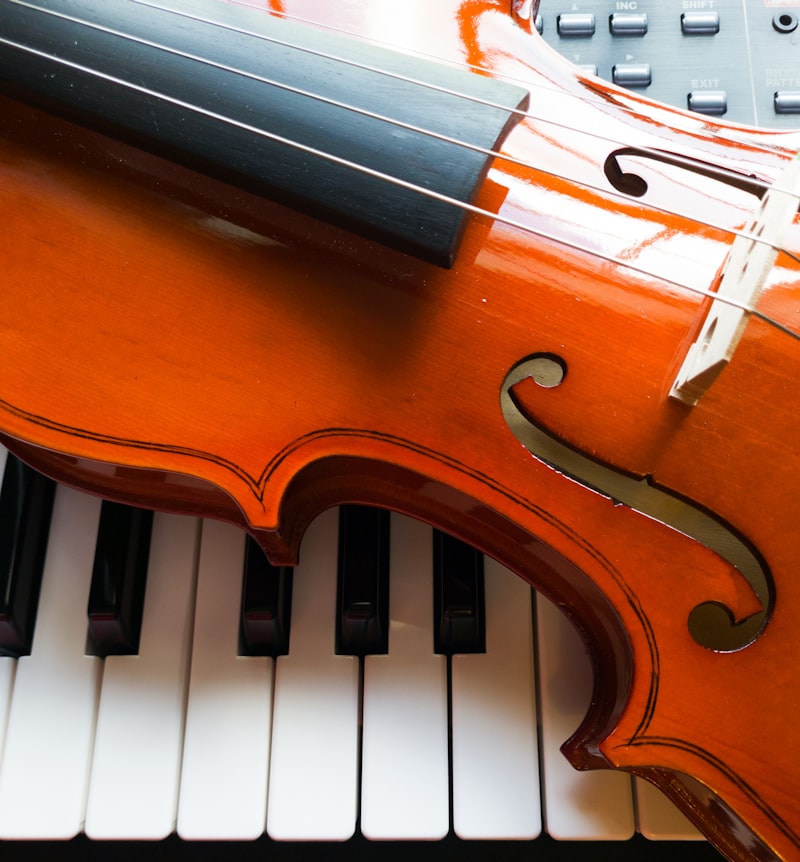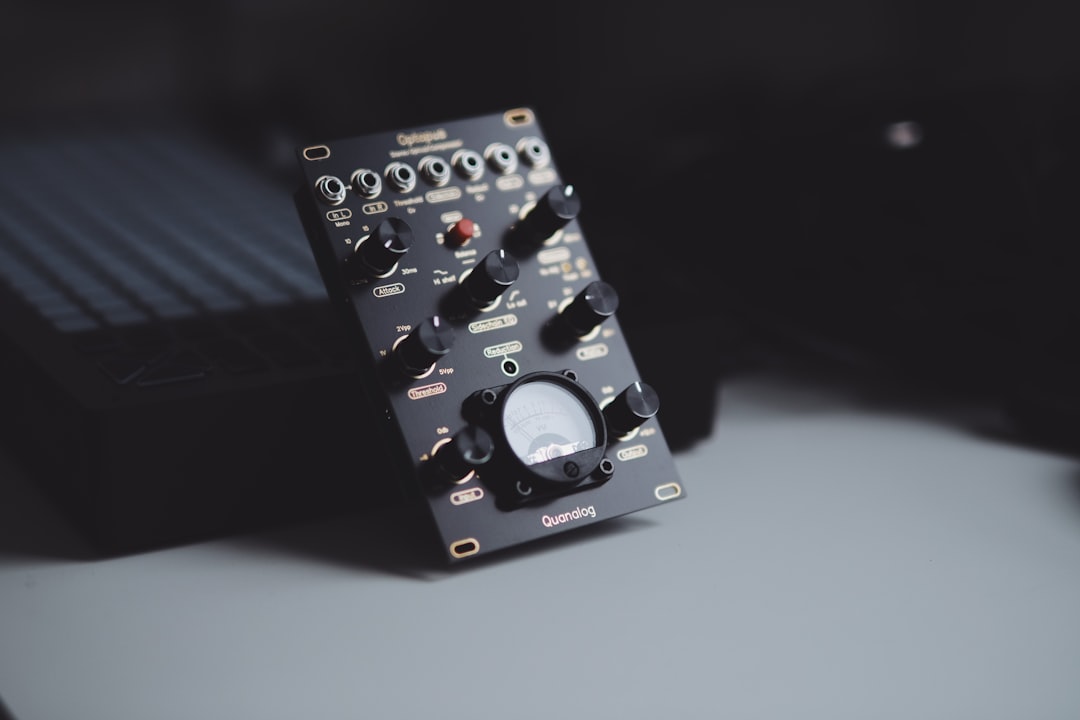
The best workstation synths pack a complete music-production rig into a single keyboard: multiple sound engines, onboard sequencing, effects, and often sampling, so you can write and arrange a whole track without touching a computer. They suit gigging keyboardists, composers, and producers who want one powerful instrument rather than a desk full of modules.
Violet Recording is reader-supported — we may earn a commission from links on this page, at no extra cost to you.
| Pick | Best for |
|---|---|
| Korg Nautilus / Kronos lineage | Multi-engine do-it-all flagship |
| Roland Fantom | Live players and DAW integration |
| Yamaha MODX / MONTAGE | Expressive layered all-rounder |
| Korg Wavestate and Opsix | Hands-on synth-forward sound design |
Quick answer
If you want deep multi-engine power and pro stage features, look at the Korg Nautilus or Roland Fantom. For a strong all-rounder, the Yamaha MODX line and Korg Kronos lineage are long-standing favourites. For a more synth-forward, hands-on take, the Korg Wavestate and Opsix blur the line between workstation and dedicated synth.
What makes a synth a “workstation”?
A workstation is defined by breadth, not by a single sound. The hallmark features are:
- Multiple sound engines. Sample-based, virtual analog, FM and more, often layerable.
- An onboard sequencer. Record multi-track arrangements directly on the instrument.
- Comprehensive effects. Reverbs, delays, amp sims and master processing built in.
- Performance tools. Splits, layers, set lists, and controllers for live use.
This is the opposite philosophy to a focused monosynth. If you are choosing between a do-everything board and a single-character instrument, our look at what your first synth should be is worth a read first, because a workstation is rarely the easiest place to start.
How to choose the best workstation synth for you
Workflow and screen
You will live in the menus, so the interface matters more than on a simple synth. A large touchscreen and logical layout make a deep instrument usable. Try before you buy if you can.
Sound engines you will actually use
Some workstations lean on huge sample libraries (great for realistic pianos and orchestral sounds), others on programmable synthesis. Decide whether you mainly need ready-made multisamples or deep sound design.
Sequencing and song mode
If you plan to write complete arrangements on the board, check the sequencer’s track count and editing depth. If you mostly compose in a DAW, a lighter sequencer is fine.
Live performance features
Gigging players should prioritise fast patch switching, smooth sound transitions, set lists, and reliable build. Studio-only users can weight studio integration instead.
If your set is mostly piano, electric piano and organ, a dedicated stage instrument is often lighter and quicker to use than a full workstation. Our roundup of the best stage pianos and electric pianos covers the boards built for exactly that job.
Connectivity
Look for USB-MIDI and audio over USB, balanced outputs, and assignable controls. You will still want to route it cleanly into your setup — see connecting a hardware synth to your DAW.
Keybed and polyphony
The feel under your fingers shapes how you play. Weighted hammer-action keys suit pianists and anyone who wants acoustic-piano realism, while semi-weighted or synth-action keys are faster for organ, lead and synth parts. Note count matters too: most boards come in 61, 73 and 88-key sizes, so balance portability against the range you actually need. Polyphony is the other quiet spec to check — layering several rich patches and holding sustained chords eats voices quickly, and a board that runs out of polyphony will start cutting earlier notes mid-performance. If voice count is a priority, our roundup of the best polyphonic synths shows what generous polyphony buys you.
Expansion and ongoing support
A workstation is a long-term purchase, so it helps to know it will grow with you. Look at whether the instrument accepts sound expansions, user samples or downloadable libraries, and whether the manufacturer still ships firmware updates. An actively supported platform gains new sounds and fixes over years; an abandoned one is frozen the day you buy it.
The best workstation synths to consider
These are the workstations and workstation-adjacent instruments most worth shortlisting. Specs and available models change over time, so confirm current details before buying.
Korg Nautilus / Kronos lineage
Korg’s flagship workstations are known for stacking many different synthesis and sampling engines (from acoustic-piano modelling to virtual analog and FM) under one touchscreen interface. They are a strong choice for players who want one board that does almost everything.
Roland Fantom
The Fantom combines Roland’s modern sound engines with classic ZEN-Core sounds, deep performance features, and tight DAW integration. It leans toward producers and live players who want a flexible, modern board. The wider Roland range includes lighter options too.
Yamaha MODX / MONTAGE
Yamaha’s MONTAGE and the more affordable MODX pair sample-based AWM2 with FM-X synthesis, plus a clever Motion Control system for evolving sounds. They are popular with keyboardists who want expressive, layered patches.
Korg Wavestate and Opsix
Not traditional workstations, but these powerful Korg synths offer deep wave-sequencing and FM respectively in a more hands-on, performance-focused format. They suit producers who want a workstation’s sonic range without the full song-mode complexity. They sit alongside the rest of the Korg synth family.
Common mistakes when buying a workstation
Workstations are expensive and dense, so it is easy to make a costly choice for the wrong reasons. A few mistakes come up again and again:
- Buying for the spec sheet, not the workflow. A board with the most engines is useless if its menus frustrate you. The instrument you reach for is the one whose interface you enjoy.
- Paying for a song mode you will never use. If you arrange everything in a DAW, a deep onboard sequencer is dead weight. A simpler board may serve you better and cost less.
- Ignoring weight and size. An 88-key flagship is heavy. If you gig, you will be carrying it up stairs and into cars, so factor portability into the decision.
- Skipping the demo. Factory presets sell the instrument, but the sounds you build and the feel of the keys matter more. Spend real time with a board before committing.
- Forgetting the wider setup. A great synth still needs clean outputs, monitoring and a sensible signal path. The keyboard is one part of a working studio, not the whole of it.
Workstation or separate boxes?
A workstation centralises everything, which is great for portability and live use. The trade-off is that you are tied to one company’s ecosystem and menus. Some producers prefer building a setup from focused instruments — a dedicated synth, a sampler, and a drum machine. If that appeals, see how to build a hardware music setup and our picks for hardware samplers to compare the two approaches.
Frequently asked questions
Is a workstation synth good for beginners?
Not usually as a first instrument. Workstations are deep and menu-heavy. Beginners often learn faster on a simpler synth, then move up to a workstation once the fundamentals click.
Do I still need a DAW with a workstation synth?
You can write entire tracks on the board, but most producers still record into a DAW for mixing, editing, and adding plugins. Many modern workstations also stream audio and MIDI over USB, and our guide on how to record a hardware synth walks through getting clean takes into your DAW.
What is the difference between a workstation and a synthesizer?
A synthesizer focuses on generating and shaping sound, often with one engine. A workstation bundles multiple sound engines plus sequencing, effects, and performance features so it can produce a complete arrangement on its own.
How much polyphony do I need on a workstation?
It depends on how you play. Single-line leads and basses need very little, but layering several detailed patches and holding sustained chords with the pedal down can use a lot of voices. If you build rich, stacked sounds, favour a board with generous polyphony so notes do not drop out mid-passage.
What is the best workstation synth overall?
For deep multi-engine power and pro stage features, we point most players to the Korg Nautilus or Roland Fantom. The Yamaha MODX and MONTAGE line is the strongest all-rounder for expressive, layered patches. If you want a workstation’s sonic range in a more hands-on format, the Korg Wavestate and Opsix are worth a look.
Shop related gear
A do-it-all hardware synth: