
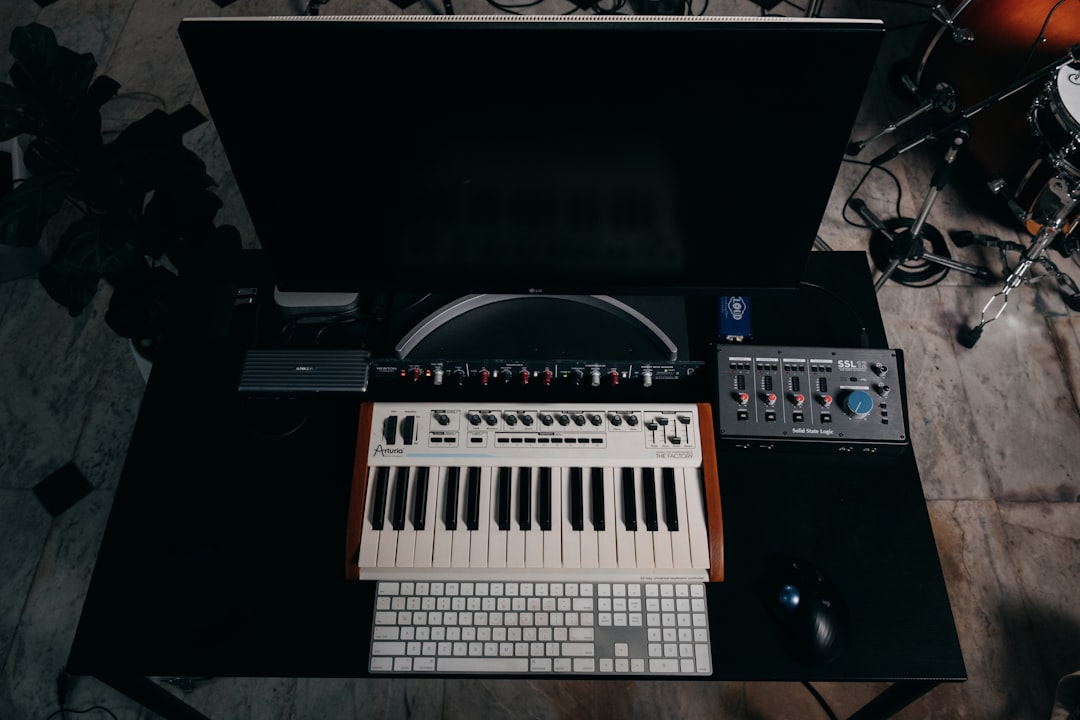
This FL Studio review looks at whether Image-Line’s DAW is still the best pick for beatmakers. FL Studio remains one of the most popular DAWs for beatmakers, hip-hop producers and electronic musicians — and its pattern-based workflow, piano roll and lifetime free updates are the reasons why. If you make beats, it is still one of the fastest tools to get an idea out of your head and into a loop. Whether it is the best DAW for you depends on how you like to work and what genre you produce.
Violet Recording is reader-supported — we may earn a commission from links on this page, at no extra cost to you.
FL Studio review: the quick verdict
FL Studio earns its reputation with beatmakers because it is built around loops, patterns and a genuinely class-leading piano roll — the exact tools a beat producer reaches for most. Add lifetime free updates and it becomes one of the better long-term value buys in the DAW world. It is less obviously suited to long linear recording sessions (tracking a full band, for example), but for programmed music it is fast and fun. If your main job is turning ideas into beats and loops, few DAWs get you there quicker.
Our take: 4.5 / 5 — a class-leading piano roll, a genuinely fast pattern-based workflow and lifetime free updates make FL Studio one of the best long-term value DAWs for anyone whose main job is turning ideas into beats.
What FL Studio is
FL Studio (originally “FruityLoops”) is a digital audio workstation made by Belgian developer Image-Line. It has been around for more than two decades and has grown from a simple step-sequencer drum tool into a full-featured DAW capable of recording, mixing, mastering and finishing a professional release. It runs on Windows and macOS, and Image-Line also offers a mobile version.
What makes it distinctive is its architecture. Instead of the linear, tape-style timeline most DAWs put front and centre, FL Studio is organised around the Channel Rack and Pattern system: you build short musical patterns — a drum groove, a bassline, a chord progression — then arrange those patterns into a full song on the Playlist. For producers who think in loops and sections rather than in continuous takes, this is an intuitive and very quick way to work.
Key features that matter to beatmakers
A lot of DAWs list hundreds of features. Here are the ones that actually change how a beat comes together:
- The piano roll. This is FL Studio’s crown jewel and the feature people most often praise. It is deep, precise and fast, with tools for chords, arpeggios, strumming, humanising, scale-locking and slicing. If you program melodies and 808 lines by hand, you will feel the difference.
- Pattern and Channel Rack workflow. Sketching a groove, duplicating it, and swapping in variations is almost frictionless. It rewards a build-in-blocks mindset.
- Step sequencer. The classic drum-programming grid is still there and still one of the quickest ways to lay down a beat.
- Bundled instruments and effects. FL Studio ships with a strong set of synths, samplers and effects — enough that many producers finish whole tracks without buying a single third-party plugin.
- Stock samplers and slicing tools. Chopping a sample, mapping it across the keyboard and re-sequencing it is well supported, which matters for sample-based hip-hop.
- Automation. Drawing automation clips for filter sweeps, volume rides and effect movement is visual and easy to edit.
How it performs
In general terms, producers describe the learning curve as gentle at the beat-making stage and steeper once you move into detailed mixing and arrangement. The pattern workflow gets you to a loop quickly; turning that loop into a finished three-minute song with dynamics and transitions is where newcomers spend their time. The interface is dense but customisable, and once the muscle memory sets in, most beatmakers work fast. A common experience is that the first beat happens within an hour of opening the program, while true fluency with the mixer, sends and automation takes a few weeks of regular use. That trade-off — quick to start, deep to master — is typical of FL Studio and is worth setting expectations around before you buy.
FL Studio pricing and the lifetime free updates deal
FL Studio is sold in several editions that unlock progressively more features — the entry tiers limit things like audio recording, while the top tiers include everything Image-Line makes. The single most talked-about part of its pricing is lifetime free updates: buy once and you receive all future versions at no extra charge. Over years of ownership that is a genuinely meaningful saving compared with subscription-based DAWs, and it is one of the strongest arguments in FL Studio’s favour.
Image-Line also runs a fully functional trial so you can build tracks before you buy — the main limitation is that you cannot reopen saved projects until you own a licence. For current edition names and exact prices, check the tool site for current terms.
How the editions compare at a glance
| Edition (lower to higher) | Best for | Audio recording | Lifetime free updates |
|---|---|---|---|
| Entry tier | Trying the workflow, MIDI-only beatmaking | Limited | Yes |
| Mid tier | Most beatmakers — recording plus full playlist features | Yes | Yes |
| Top tier | Producers who want every Image-Line plugin included | Yes | Yes |
Edition names and prices change — check the tool site for current terms before buying.
Pros and cons after living with it
No DAW is perfect. Here is the honest balance sheet for a beat-focused producer.
What FL Studio does well
- The best-in-class piano roll for programming melodies and basslines.
- Pattern-based workflow that is genuinely fast for beats and loops.
- Lifetime free updates — buy once, own it forever.
- A strong bundle of stock instruments and effects, so you can start with nothing extra.
- Huge community, tutorials and preset packs, which shortens the learning curve.
Where it falls short
- Less natural for long, linear multitrack recording (tracking a live band).
- The dense interface can overwhelm complete beginners at first.
- Mixer routing and advanced arrangement have a steeper learning curve than the beat-making side.
- Some workflows that are one click in other DAWs take a moment to find here.
FL Studio alternatives worth considering
FL Studio is excellent, but it is not the only good option — and the “best” DAW is genuinely personal. If you record a lot of live audio or want a more linear timeline, consider Ableton Live, which many producers pair or compare with FL Studio; see our FL Studio vs Ableton breakdown. Logic Pro is a strong, one-price choice for Mac users. If budget is the priority, start with a free option — we round these up in best free DAWs for beginners. And if you specifically make hip-hop, our guide to the best DAW for hip-hop compares the top contenders head to head.
Whichever DAW you land on, the stock plugins will only take you so far — at some point you will want a dedicated compressor or synth. Our guides to the best compressor plugins and the best free synth VSTs are good next steps.
Who FL Studio is for
Buy FL Studio if you make beats, hip-hop, trap, EDM or any programmed, loop-based music and you want a fast, pattern-driven workflow with the best piano roll on the market. The lifetime free updates make it especially appealing if you plan to keep the same DAW for years. It is also a smart pick for beginners on a budget who want a low entry tier that grows with them.
Look elsewhere if your work is mostly recording live musicians end to end, if you are already deep in the Ableton or Logic ecosystem, or if you strongly prefer a traditional linear timeline. For a wider view of setting up your room and signal chain around your DAW, start with our build a home studio on a budget guide and browse the rest of the Home Studio Setup hub.
Frequently asked questions
Is FL Studio good for beginners?
Yes. The pattern and step-sequencer workflow gets beginners making beats quickly, and the fully functional trial plus a lower-priced entry edition make it easy to start. The interface looks busy at first, but the enormous library of free tutorials flattens the learning curve fast.
Does FL Studio really include lifetime free updates?
Image-Line’s long-standing policy is that once you buy a licence you receive all future versions at no additional cost. That is a major reason producers choose it over subscription-based DAWs. Always confirm the current terms at purchase — check the tool site for current terms.
Is FL Studio better than Ableton for making beats?
For pure beatmaking and melody programming, many producers prefer FL Studio’s piano roll and pattern workflow. Ableton tends to win for live performance, warping audio and a more linear session view. Neither is objectively “better” — see our full FL Studio vs Ableton comparison to decide which fits how you work.



