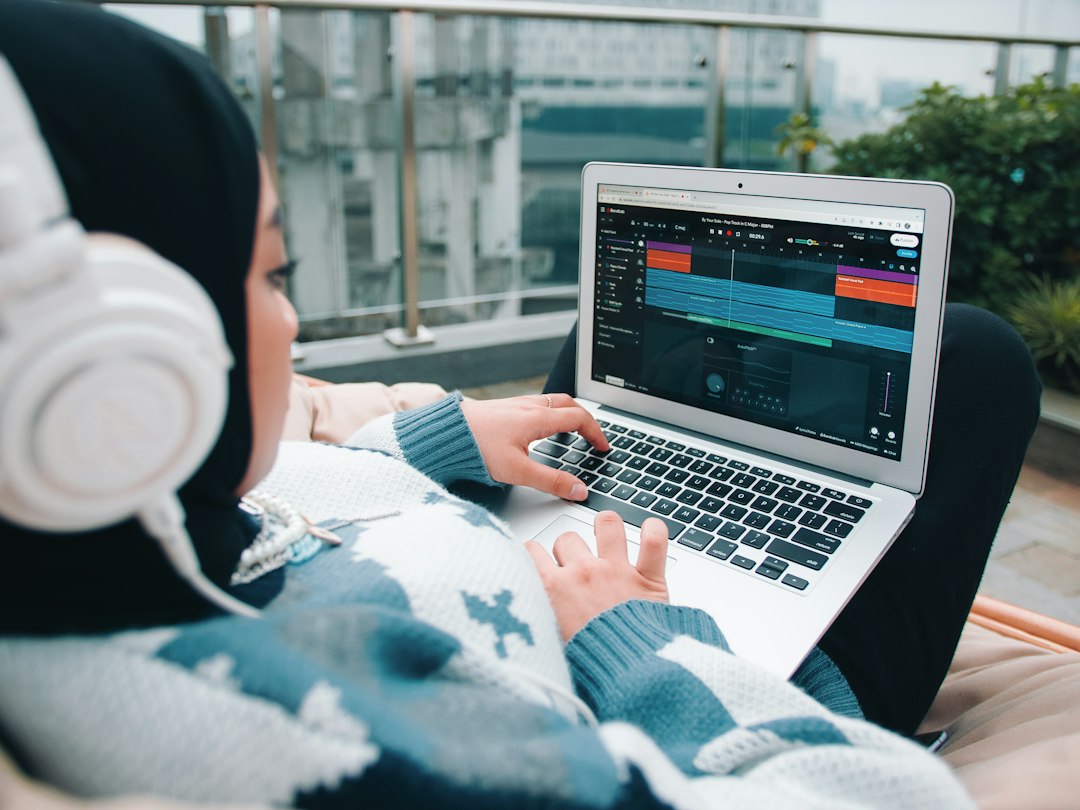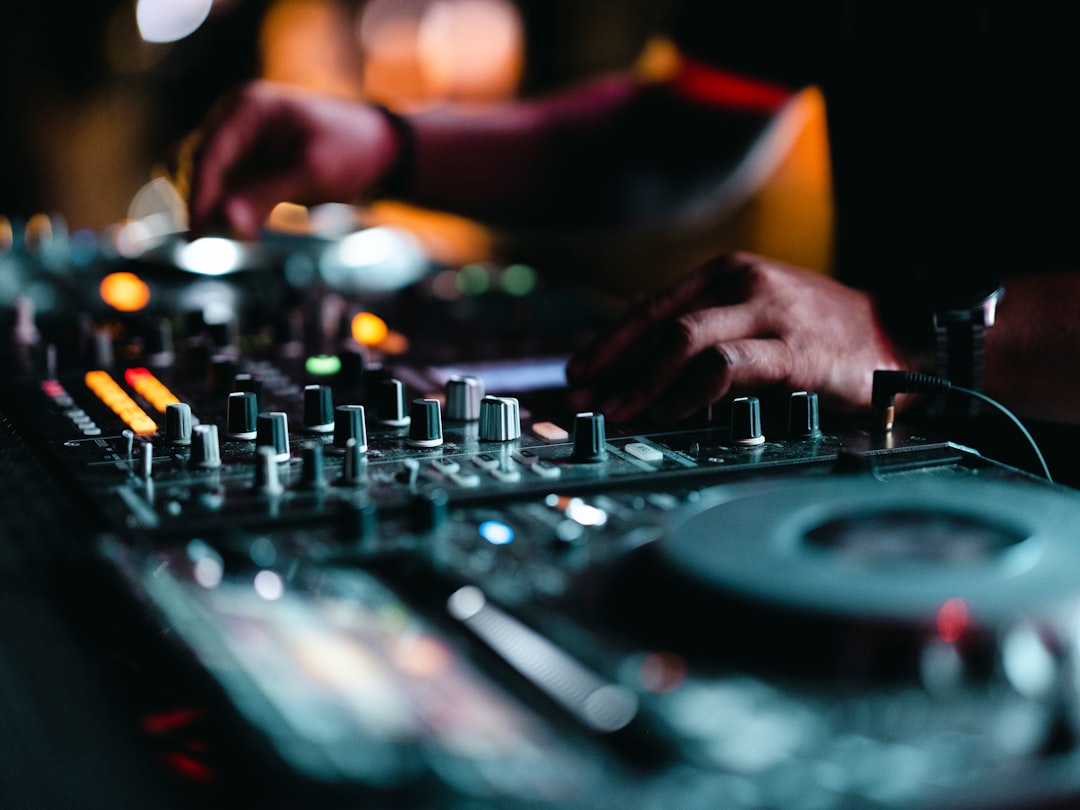
The choice of controller vs turntables vs CDJs comes down to how you want to mix and where you want to play. A controller is the cheapest and easiest way in; turntables give you the tactile vinyl feel and scratching; CDJs and standalone players are the club and festival standard. None is “best” universally — the right pick depends on your goals.
Part of our DJing guide — explore the full guide →
Quick answer: Start on a controller if you’re new and on a budget. Choose turntables if you love vinyl or want to scratch. Move to CDJs if you plan to play clubs that use them. Here’s the full comparison.
How each one works
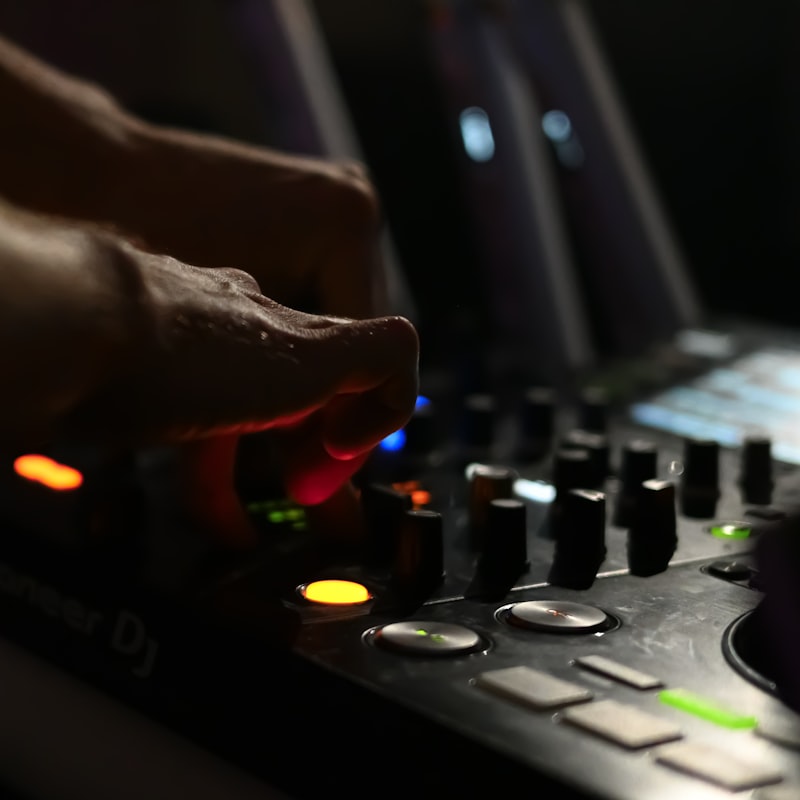
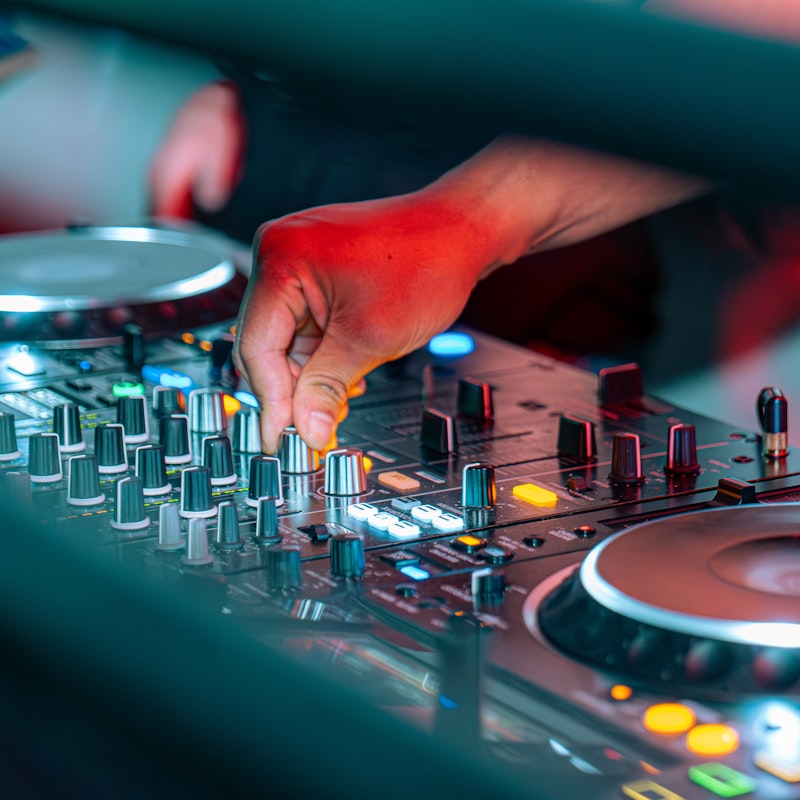
- DJ controller — a single unit with two jog wheels and a mixer that connects to a laptop and controls software like Serato DJ Pro, rekordbox or Traktor Pro. The two most common choices for beginners come down to Serato vs rekordbox, and the laptop does the processing.
- Turntables — two record decks feeding a separate mixer. You can play actual vinyl, or use timecode control vinyl with software for digital tracks.
- CDJs / standalone players — club-standard media players like the Pioneer CDJ-3000 and XDJ units, or Denon DJ Prime players. They read music from USB drives and run without a laptop, paired with a standalone mixer such as a Pioneer DJM.
Cost
Controllers are by far the most affordable way to get two decks and a mixer in one box, which is why they dominate beginner setups. A turntable setup means buying two decks plus a mixer, and often building a record collection. CDJ-and-mixer rigs are the most expensive, aimed at professional and club use. For a full breakdown see how much it costs to start DJing.
If you do go the turntable route, a growing collection needs somewhere safe to live, and our guide to vinyl record storage ideas and furniture covers shelving and crates that keep records upright and protected.
Learning curve
Controllers are the gentlest to learn: the software shows waveforms, sync is available, and the layout is logical. Turntables are the steepest — beatmatching by ear and handling vinyl takes patience, but it builds excellent fundamentals. CDJs sit in the middle; they’re standalone and feature-rich, with a workflow close to rekordbox. Whatever you choose, the core skills in beatmatching and EQ mixing as a DJ transfer across all three.
Portability and reliability
Controllers are light and easy to carry but depend on a laptop, which adds a point of failure. CDJs and standalone players are rugged and laptop-free, which is why venues install them. Turntables are heavy, sensitive to vibration and need careful transport, so they’re more of a home or studio setup unless a venue provides them.
Feel and creativity
Turntables offer the most tactile, hands-on feel and are the only true platform for traditional scratching — see how to scratch for beginners if that appeals. Modern controllers and CDJs include performance pads, loops, hot cues and effects that open up a different kind of creativity. Many DJs end up combining approaches.
If you are shopping for vinyl decks for the first time, note that a DJ turntable and an all-in-one home deck are different machines. Our guide to turntable vs record player explains the difference before you buy.
Comparison at a glance
| Controller | Turntables | CDJs / Standalone | |
|---|---|---|---|
| Relative cost | Lowest | Medium | Highest |
| Needs a laptop | Usually yes | Yes (for digital) | No |
| Best for | Beginners, home | Vinyl, scratching | Clubs, gigs |
| Portability | High | Low | Medium |
How to choose for your situation
Rather than asking which platform is “best”, it helps to work backwards from how and where you actually intend to play. A few honest questions narrow the decision quickly:
- What’s your budget right now? If money is tight, an all-in-one controller gives you the most usable kit for the least cash, and you can always upgrade later without wasting what you’ve learned.
- Where will you perform? If your local clubs and the gigs you want all run CDJs, it pays to get comfortable on that workflow early — even if you practise on a controller running rekordbox at home, since the layout is close.
- What pulled you towards DJing? If it was crate-digging, vinyl culture and the physical act of scratching, turntables will keep you motivated in a way software never quite matches.
- How much space and how much transport? A controller slips into a backpack; a pair of turntables and a mixer is a heavy, vibration-sensitive rig that prefers a permanent home.
It’s also worth matching the platform to your genre. Hip-hop, turntablism and many open-format styles lean on turntable technique, while house, techno and most electronic sets are built and played comfortably on controllers or CDJs. None of this is a hard rule — plenty of DJs mix vinyl into electronic sets — but it tells you where your time is best spent first.
Common mistakes when choosing
A few avoidable errors trip up beginners deciding between the three:
- Buying for the DJ you imagine being, not the one you are today. A flagship CDJ-and-mixer rig is wasted if you’re still learning to beatmatch at home. Buy for your current stage and upgrade when you outgrow it.
- Relying on the sync button and never learning to beatmatch. Sync is fine as a tool, but the ear-training behind manual beatmatching makes you a better DJ on any platform and saves you when sync misreads a track.
- Ignoring the venue standard. If every booth you want to play uses CDJs, learning solely on a controller that doesn’t mirror that layout means relearning under pressure on the night.
- Neglecting your music library. Whatever the hardware, disorganised files, missing cue points and inconsistent track preparation will hurt your sets. Taking time to organise your music library for DJing matters more than the badge on the gear.
- Skimping on the mixer or headphones. With turntables especially, a weak mixer or poor monitoring undercuts everything else — it’s worth choosing the best DJ mixers you can afford. The decks are only half the chain.
Which should you choose?
If you’re starting out, get a controller — it’s cheap, beginner-friendly, and the skills carry over. Choose the best DJ controllers as your first stop. If clubs are your goal, learn on a controller and graduate to standalone players and CDJs. And if vinyl culture is what drew you in, turntables are worth the steeper climb.
Frequently asked questions
Do skills transfer between controllers, turntables and CDJs?
Yes. Beatmatching, EQ mixing, phrasing and reading a crowd are the same regardless of hardware. Only the physical handling differs, so you can switch platforms without relearning the fundamentals.
Are controllers “real” DJing?
Absolutely. The hardware is a tool. Plenty of professional DJs play controllers, and the musical decisions — track selection, mixing, energy — are what matter, not the device.
Can I use one setup at home and another at gigs?
Many DJs do. A controller at home for practice and CDJs at the venue is common. Keeping your library organised and your cue points consistent makes moving between them painless.
Should a complete beginner start on turntables to build better skills?
You can, and learning to beatmatch by ear on vinyl does build strong fundamentals. But it’s the harder and pricier road. Most beginners progress faster and stay more motivated on a controller, then add turntables later if vinyl appeals.
Do I still need a laptop with a standalone player or CDJ?
Not to perform. Standalone players and CDJs read your tracks from a USB drive, so you can leave the laptop at home. You will usually still use software like rekordbox or Engine DJ on a computer beforehand to analyse, set cue points and organise your library onto the drive.
Shop related gear
The three main ways to DJ, in our shop: