
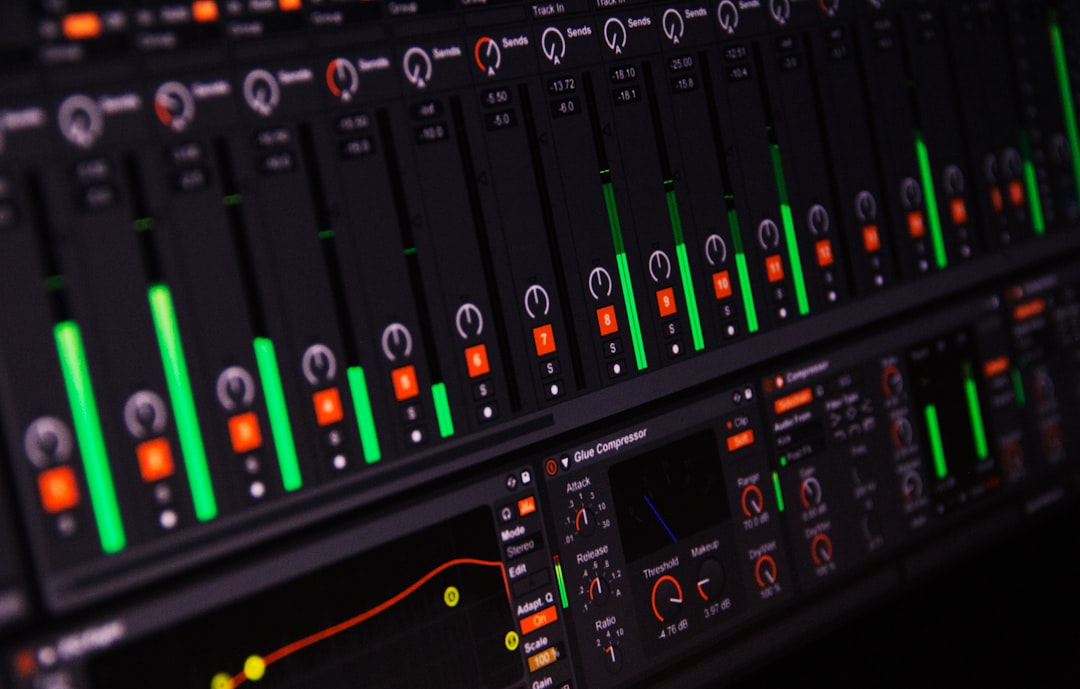
Learning how to make lofi beats comes down to three things: a slow, hazy groove, a warm sampled or chorded chord loop, and a layer of noise and imperfection that makes the whole thing feel human. You do not need expensive gear or years of theory. Open any DAW, set the tempo somewhere around 70–90 BPM, and you can have a loop that sounds like it belongs on a study playlist inside an afternoon.
Violet Recording is reader-supported — we may earn a commission from links on this page, at no extra cost to you.
This guide walks you through the whole process the way a producer would actually build a track: the tempo and feel, the drum pattern, the bass and 808s, the chords, the swing and texture that give lofi its signature dustiness, and finally arranging and mixing the loop into something you can release.
What you’ll need before you start
The barrier to entry here is genuinely low. You need a DAW — GarageBand, FL Studio, Ableton Live, or any of the best free DAWs for beginners will do — a pair of headphones or monitors, and some sounds to work with. That last part is where most of your character comes from: a soft electric piano, a jazzy guitar, some vinyl crackle, and a drum kit with a bit of grit.
You can play chords in yourself with a MIDI keyboard or draw them by hand in the piano roll. And if you want authentic dusty drum hits and mellow keys without recording anything, a loop and sample library is the fastest route. We’ll get to sourcing those in a moment.
Steps at a glance
- Set the tempo between 70 and 90 BPM and pick a swing feel.
- Program a laid-back drum pattern — kick, snare, hats.
- Add a simple bassline or soft 808 that follows the root notes.
- Write a short, jazzy chord loop (two to four chords).
- Layer texture: vinyl crackle, hiss, tape wobble, background noise.
- Arrange the loop into an intro, main section, and outro.
- Mix it down — roll off highs, glue it together, keep it quiet.
How to make lofi beats: start with tempo and feel
Everything in lofi flows from the tempo. The genre lives in that sleepy, head-nodding pocket, so set your project between 70 and 90 BPM. Around 80 BPM is the sweet spot — slow enough to feel relaxed, fast enough that the hats still shuffle. If you are unsure what tempo a reference track sits at, run it through a free BPM finder and match it.
The other half of the feel is swing. On a strict grid, every note lands exactly on the beat and the result sounds robotic. Lofi wants the opposite. Dial in somewhere between 55% and 65% swing (or nudge your off-beat notes slightly late by hand) so the groove drags a touch behind the click. That tiny delay is what makes a beat feel played rather than programmed. If you want to internalise where the beat actually falls, practise tapping along with a metronome first — feeling the pocket in your body makes it far easier to program.
Programming a laid-back drum pattern
The drums are the backbone, and in lofi they are deliberately soft and unhurried. Start with a basic four-bar loop and build up one element at a time.
Kick and snare
Put your kick on beat 1 and somewhere around beat 3 — but resist the urge to make it punchy. Lofi kicks are round and muted, more of a warm thud than a club-ready boom. The snare (or a rimshot, or a soft clap) lands on beats 2 and 4, the classic backbeat. Here is the trick that instantly makes it feel lazy: pull the snare a hair late, a few milliseconds behind the grid. That slight drag is the essence of the “lo-fi shuffle.”
Hi-hats and shakers
Hats are where the movement comes from. Program straight eighth or sixteenth notes, then break up the pattern so it is not mechanical. Vary the velocity on every hit — some loud, some barely there — and throw in the occasional rolled sixteenth or a triplet flourish. Human drummers never hit every hat at the same volume, and that velocity variation is what separates a lifeless loop from a groove that breathes.
Make it human
Two small moves take a stiff pattern and loosen it up. First, apply swing to the whole kit so the off-beats shuffle. Second, add tiny timing randomisation — nudge individual hits a few ticks early or late. Many DAWs have a “humanize” function that does both at once. The goal is imperfection: a beat that sounds like someone sat down and played it, dusty fingers and all. If you want a deeper primer on building patterns from nothing, our guide to the best free drum VSTs covers the sound sources, and you can sketch ideas quickly with the browser drum machine.
Adding bass and 808s that sit underneath
Once the drums groove, they need a foundation. In lofi the bass is felt more than heard — it should sit low and warm, filling out the bottom end without fighting the kick.
The simplest approach is to follow the root note of each chord. If your progression moves from A minor to F major, your bass plays A, then F, holding through each bar. Keep the rhythm sparse; a single sustained note per chord often does more than a busy line. A soft sine-based sub, a muted electric bass sample, or a rounded synth all work.
Some producers reach for an 808 — the long, sliding sub-bass borrowed from hip-hop. It absolutely has a place in lofi, but treat it gently. Shorten the decay so it does not boom over everything, glide (portamento) between notes for that smooth pitched slide, and layer a quiet click or the kick on top so the 808 still has definition on small speakers. The key with any low end is to make room: if the kick and the bass both occupy the same frequency, one of them has to give. Side-chaining the bass a touch to the kick, or carving a small dip in the bass EQ where the kick lives, keeps the two from muddying each other.
Writing a jazzy chord loop
Chords are the emotional core of lofi, and this is where the genre borrows heavily from jazz. Plain major and minor triads sound thin here. What gives lofi its wistful, slightly melancholy colour is extended chords — sevenths, ninths, and the occasional suspended or diminished passing chord.
Start simple. Pick a minor key, grab a soft electric piano (a Rhodes-style sound is the genre staple), and play a two- to four-chord loop. A classic move is a ii–V–I borrowed from jazz, or something as easy as minor seventh to major seventh and back. Add the seventh to every chord as a default and you are already 80% of the way to that jazzy flavour. Then experiment: raise a note to a ninth, drop a bass note under a chord to imply a different root, let two chords share a common note so the movement feels smooth.
Two production details sell the sound. First, roll off the high end of the keys with a low-pass filter so they sound like they are playing in the next room. Second, add a slow tape or vinyl wobble — a gentle pitch modulation — so the keys drift very slightly out of tune, the way an old cassette does. That detuned wobble is one of the most recognisable signatures of the whole genre.
If theory is not your strong suit, sampling is completely legitimate and, honestly, how a huge share of lofi is made. Chop a few seconds of an old jazz or soul record, pitch it down, filter it, and loop the best bar. Just be mindful of clearance if you plan to release commercially — royalty-free sample packs sidestep that problem entirely.
Where to get dusty samples and loops
You can build a whole track from a good sample library: mellow keys, jazz guitar licks, vinyl-crackle textures, and drum one-shots with the grit already baked in. A subscription service like Splice gives you a deep, searchable catalogue of royalty-free lofi loops and sounds, so you can audition dozens of ideas in minutes and pull the ones that fit your key and tempo. Grab a soft Rhodes loop, a jazz-guitar phrase, and a crackle layer, and you have the bones of a beat before you have written a single note.
The workflow that works best: find one loop you love, build the drums and bass around it, then add your own chords or melody on top so the track is genuinely yours rather than a repackaged loop. Sourcing sounds is a shortcut to inspiration, not a substitute for arranging.
Layering texture: the dust that makes it lofi
Take away the noise and a lofi beat is just a slow jazz loop. The texture is the point. Layer these underneath everything, quietly:
- Vinyl crackle — a continuous loop of record surface noise, low in the mix. It glues the elements together and adds instant warmth.
- Tape hiss — a soft bed of white-ish noise that suggests analogue gear.
- Field recordings — rain, distant traffic, a café murmur, birdsong. A few seconds of the right ambience gives a beat a sense of place.
- Tape wobble and saturation — run your buss through a tape or lo-fi effect to add gentle pitch flutter and soften the transients.
The rule with texture is restraint. Every layer should sit just below conscious hearing — you notice it more when it is gone than when it is there. Push the crackle too loud and it becomes distracting; get the level right and the beat suddenly sounds finished.
Arranging the loop into a full track
A four- or eight-bar loop is a great start, but a release needs an arrangement. The good news is that lofi arrangements are gentle by design — you are not building to a huge drop, you are creating a mood that ebbs and flows.
A simple, reliable structure: open with a short intro of just the chords and some crackle, drop the full drums and bass for the main section, pull the drums out for a stripped-back bridge or breakdown to give the ear a rest, then bring everything back before a fading outro. Use small changes to keep it moving — mute the hats for a bar, drop in a vocal chop or a sampled voice, filter the whole mix down and back up. These micro-variations stop a two-minute loop from feeling repetitive without ever breaking the calm.
Keep the whole thing short. Most lofi tracks run ninety seconds to two and a half minutes. It is a genre of vignettes, not epics.
Mixing your lofi beat
Lofi mixing runs against a lot of standard advice, and that is deliberate. Where a pop mix chases clarity and brightness, lofi chases warmth and haze.
Roll off the top end across the master with a gentle low-pass filter so nothing sounds crisp or digital. Let the low-mids stay a little full — that muddiness is a feature here, not a bug. Use light bus compression to glue the elements into one cohesive, slightly squashed whole. Add a touch of saturation for analogue warmth. And crucially, do not master it loud: lofi is meant to sit quietly in the background, so leave plenty of headroom and resist the urge to crank the limiter. If you are still finding your feet with levels and processing, our beginner’s guide to mixing your first song and the fundamentals of EQ and compression translate directly to this genre.
Turning a beat idea into a finished song
Sometimes you land on a chord loop or a melody you love but you do not want to spend hours arranging, tracking, and mixing a whole record around it. If you want to hear a beat idea turned into a complete, original track fast, you can sketch the direction with an AI music tool like Solmi and use the result as a springboard for your own production. It is a quick way to test whether an idea has legs before you commit an afternoon to it.
Frequently asked questions
What BPM should lofi beats be?
Most lofi sits between 70 and 90 BPM, with 80 BPM being the classic middle ground. The slow tempo is what gives the genre its relaxed, head-nodding feel. You can go a little faster for a more upbeat “chillhop” vibe, but if you push past 95 BPM you start to lose the sleepy character that defines the style.
Do I need to know music theory to make lofi beats?
No. A basic grasp of minor keys and seventh chords helps you write jazzier progressions, but plenty of great lofi is built entirely from sampled loops and a good ear. Start by copying progressions you like or chopping chords from records, and pick up the theory gradually as you go. The genre rewards feel over technical knowledge.
What software do I need to start making lofi beats?
Any DAW works — GarageBand, FL Studio, and Ableton Live are all popular choices, and there are capable free options too. Beyond the DAW you’ll want a soft electric-piano sound, a drum kit, and some texture samples like vinyl crackle. See our roundup of the best beat-making apps if you want to produce on your phone or tablet, and browse the mobile music production hub for more genre and workflow guides.



