
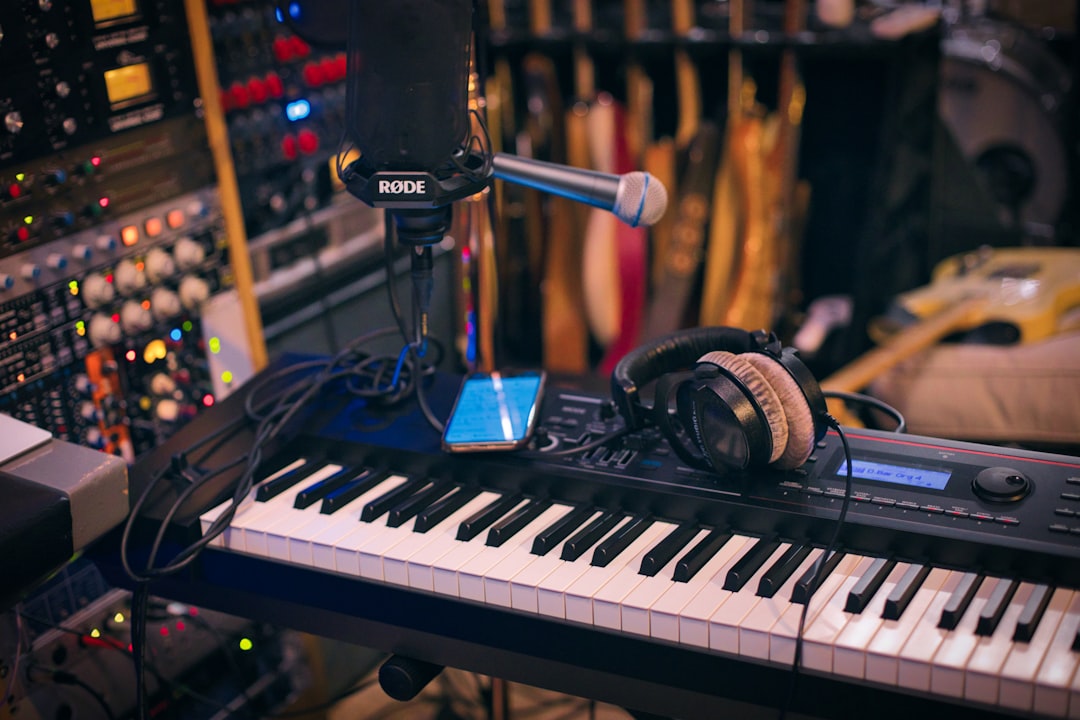
Learning how to make rap beats comes down to four moving parts: a hard-hitting drum pattern, a tuned 808 bass, a simple melodic hook, and an arrangement that keeps a rapper’s energy up. Get those working together at the right tempo and you have a beat someone can actually write to. This guide walks you through the whole process in order, from picking a BPM to bouncing the final loop.
Violet Recording is reader-supported — we may earn a commission from links on this page, at no extra cost to you.
What you’ll need before you start
You don’t need a pro studio. You need a DAW (Digital Audio Workstation), a set of drum sounds, one bass sound for your 808, and a way to sketch a melody — a MIDI keyboard helps but your mouse works fine. Any modern DAW handles this: FL Studio and its step sequencer are a long-time favourite for hip-hop, Ableton Live is great for looping ideas, and GarageBand is a solid free starting point on Mac and iOS. If you’re still choosing, our roundup of the best DAW for hip-hop and the best free DAWs for beginners will point you in the right direction. Working entirely on your phone? The best beat-making apps cover the same ground in your pocket.
The steps at a glance
Set the tempo, lay a drum groove, add and tune your 808, write a short melodic loop, add swing so it doesn’t feel robotic, arrange the sections, then mix and bounce. We’ll take each one in turn.
Step 1 of how to make rap beats: set the tempo and key
Tempo shapes the whole feel. Most modern rap and trap sits between 130 and 160 BPM, but here’s the trick that confuses beginners: those fast numbers are counted in “half-time,” so the beat feels slow and heavy even though the hi-hats are rattling quickly. Boom-bap and lo-fi styles usually sit lower, around 85–95 BPM. If you’re not sure what tempo a reference track is running at, drop it into our free BPM finder and metronome tools and match it. Pick a key too — E minor, F minor and G minor are common in rap because they leave plenty of low-end room for an 808. You don’t need theory yet; just choose a minor key and stick to it so everything you add stays in tune.
Step 2: Program the drum pattern that carries the groove
Drums are the backbone, so build them first. Open your DAW’s step sequencer or piano roll and lay down a one- or two-bar loop with four core elements:
- Kick: the pulse of the beat. In trap it often lands off the grid, syncing tightly with the 808. In boom-bap it’s steadier, usually on beats 1 and 3.
- Snare or clap: your backbeat. Put it on beats 2 and 4 — this is the hit that makes heads nod. Layering a snare with a clap gives it more width and slap.
- Hi-hats: the movement. Program steady eighths or sixteenths, then add fast “rolls” (triplets or 1/32 bursts) to fill space and add energy. Vary the velocity so some hits are loud and some are ghosted — that’s what makes hats sound human instead of machine-gunned.
- Percussion: an open hat, a rimshot, or a shaker to taste. Keep it sparse.
Program it, loop it, and let it play for a minute. If your head is already nodding, the foundation is right. Want to experiment before you commit inside your DAW? Sketch patterns fast in the browser with our free drum machine and step sequencer. If you need to expand your palette with better one-shots, you can grab drum kits from a service like Splice, which has huge libraries of royalty-free kicks, snares and hats sorted by genre. For plugin options you own outright, see our picks for the best free drum VST.
Step 3: Lay down and tune the 808 bass
The 808 is what gives rap its weight — it’s part bass note, part kick drum, and in trap it often replaces a traditional bassline entirely. Load an 808 sound onto a sampler or bass instrument and here’s the part beginners skip: tune it to your key. An 808 is a pitched instrument, so play your root note (the note that names your key) and write a simple bass melody that follows the chord movement of your beat. Two or three notes is plenty.
Two things make 808s sit right. First, glide (portamento) between notes for that sliding, gliding trap bass sound — turn on your instrument’s mono/glide setting and overlap the notes so they bend into each other. Second, control the low end so the 808 and kick don’t fight. If both hit at once and it sounds muddy, either sidechain the 808 to duck slightly under the kick, or shorten the kick so the 808 owns the sub frequencies. That single fix cleans up more amateur beats than any expensive plugin.
Step 4: Write a melody or loop that sets the mood
Now give the beat its emotional colour. You have two honest routes. You can play your own melody: pick a sound — piano, plucked synth, bells, a dark pad, a guitar — and write a short two- to four-bar loop in your chosen key. Keep it simple and a little repetitive; rap melodies leave space for the vocalist, so a haunting three-note motif often beats a busy one. Add one countermelody or a bit of texture underneath if it feels thin.
Or you can start from a sample. Chopping a loop — flipping a soul record, a jazz phrase, or a royalty-free melody loop — is the heart of a lot of great hip-hop. Pull melodic loops in your key from a library like Splice, drop one in, then chop, pitch or filter it until it’s yours. Layer your drums and 808 under it and you’ll hear the beat come to life. Whichever route you take, mute everything except the melody for a second and ask: does this make me feel something? If yes, keep building.
Step 5: Add swing so the beat breathes
A pattern quantized dead to the grid sounds stiff. Swing (also called groove or shuffle) nudges certain notes slightly late so the beat feels human and pocketed. In FL Studio it’s the “Swing” knob; in Ableton and others it’s a groove pool or shuffle setting. Start subtle — 10 to 20 percent — and listen to your hi-hats and snares loosen up. Boom-bap in particular lives or dies on swing; that laid-back drunk-drummer feel is exactly what makes classic hip-hop drums hit different from a rigid EDM grid. Nudge individual hats manually if you want even more of that hand-played looseness.
Step 6: Arrange the full song around the rapper
A looping four-bar idea isn’t a beat a rapper can use yet — it needs sections and dynamics. A reliable rap structure runs: intro → verse → hook (chorus) → verse → hook → bridge/outro. Build energy by arranging, not by adding more notes:
- Intro: strip it back — just the melody, or melody plus light percussion — so it opens with space.
- Verse: drums and 808 in, but pull one or two elements out to leave room for vocals.
- Hook: everything in, loudest and fullest. This is the payoff section.
- Transitions: use a drum fill, a reversed cymbal, a riser, or a beat of silence right before a new section drops. These little moments are what keep a listener from tuning out.
Arrange two to three minutes total. Cutting the drums out for two bars under a hook, then slamming them back in, creates more impact than any plugin can.
Step 7: Rough-mix and bounce your beat
You don’t need a full mastering chain to make a beat usable. Balance the levels first — drums and 808 up front, melody supporting, nothing clipping the red. Pan hi-hats and percussion slightly left or right for width, keep kick and 808 in the centre, add a touch of reverb to melodic elements for depth, and drop a limiter on the master so the whole thing is loud and glued. When it sounds good on both headphones and phone speakers, bounce it out as a WAV. If you want to go deeper on levels and clarity, our Mobile Music Production hub has more mixing walkthroughs. Ready to turn beats into income? Start with how to start selling beats.
Turning a beat idea into a finished track
Sometimes you’ve got the concept but not the hours — or you want to hear how a beat sits under an actual song before you commit a day to it. If you want to turn a beat idea or a few lyrics into a full, original track fast, you can try Solmi to generate a complete AI song from your prompt, then use it as a reference or a springboard for your own production. It’s a quick way to test whether an idea has legs before you build it out by hand.
Frequently asked questions
What BPM should a rap beat be?
Most modern rap and trap sits between 130 and 160 BPM counted in half-time, which makes it feel slow and heavy despite fast hi-hats. Boom-bap and lo-fi tend to run slower at around 85–95 BPM. Match a reference track’s tempo with a BPM finder if you’re unsure, then adjust to taste.
Do I need expensive software to make rap beats?
No. Free DAWs like GarageBand, plus free drum plugins and stock sounds, are enough to make a release-ready beat. Paid tools like FL Studio or a Splice subscription speed things up and expand your sound library, but skill and arrangement matter far more than price. Start free and upgrade only when a tool actually removes a bottleneck.
How long does it take to make a rap beat?
A confident producer can loop a beat in 20–30 minutes and arrange a full version in an hour or two. As a beginner, expect a beat to take an afternoon while you learn your DAW’s shortcuts. Speed comes with reps — make a lot of beats, finish them, and you’ll get dramatically faster within a few months.



