
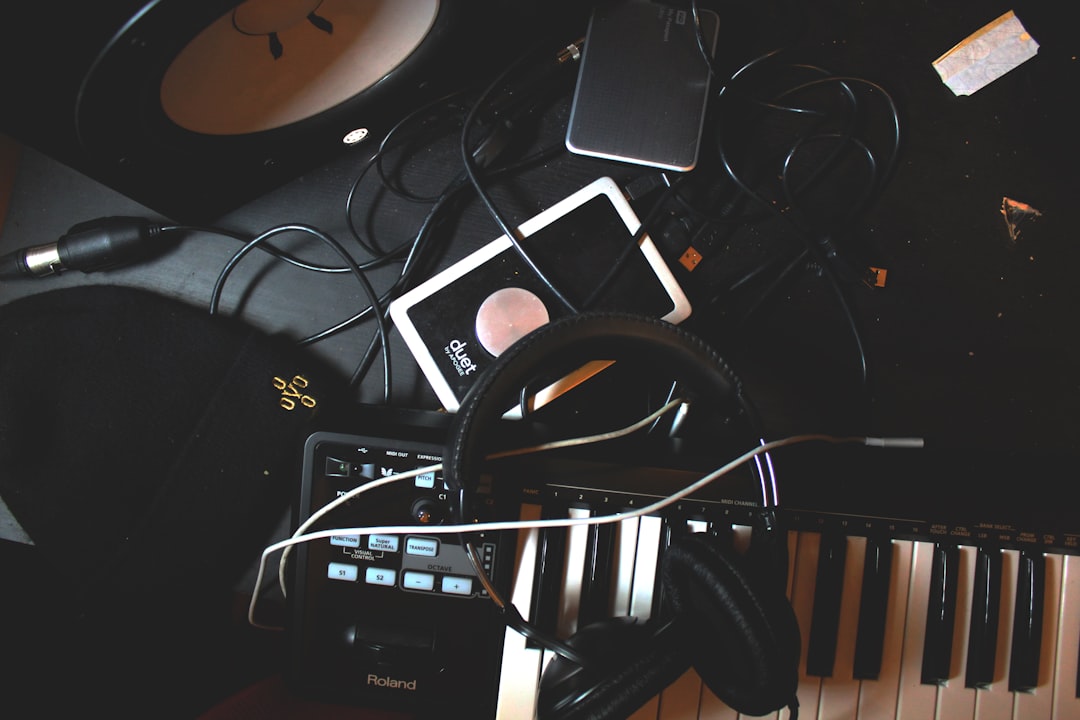
The best beat making apps for beginners are the ones that get you from a blank screen to a looping four-bar idea in a single sitting — GarageBand on iOS, BandLab on any phone, FL Studio Mobile for deeper control, and browser-based tools you can open right now. Pick one, learn its drum grid, and you can make a real beat today. This guide covers which app to start with and, just as importantly, how to actually program drums, place your 808s, add swing and arrange the whole thing into a finished track.
Violet Recording is reader-supported — we may earn a commission from links on this page, at no extra cost to you.
What you’ll need to start making beats
Less than you think. A phone, tablet or laptop, a pair of headphones, and one app. You don’t need a MIDI keyboard, a controller or a paid plugin to make your first beat — the on-screen pads and piano roll do everything. Here’s the short version before we go deep:
- A device — an iPhone, iPad, Android phone or any computer.
- Headphones — even cheap wired ones beat laptop speakers for hearing bass.
- One app — start with the free option that matches your device (below).
- A tempo and a genre in mind — trap sits around 130–150 BPM (half-time feel), boom-bap 85–95, lo-fi 70–90, house 120–128.
The best beat making apps for beginners, by device
There’s no single “best” app — there’s the best one for what you already own. Every option below can make a full, release-ready beat; they differ in how much they hold your hand.
GarageBand (iPhone and iPad) — the easiest free start
If you have an Apple device, GarageBand is the fastest on-ramp there is. Its Beat Sequencer gives you a classic step grid, the Smart Drums let you drag drum sounds around a grid to build a groove by feel, and the built-in sounds are genuinely usable. The ceiling is lower than a full DAW — automation and arrangement get fiddly — but for learning drum programming and finishing a loop, nothing is quicker. When you outgrow it, projects open in the desktop version of GarageBand and, from there, Logic.
BandLab (iOS, Android and web) — free and cross-platform
BandLab runs on basically anything, including a browser, and it’s free with no artificial track limit for beginners. You get a step sequencer, a piano roll, a big library of loops and a mixer. Because it’s cloud-based, your project follows you from phone to laptop. It’s the best pick if you’re on Android or want to bounce between devices without paying anything.
FL Studio Mobile — the deepest mobile option
When you’re ready to graduate from toy grids, FL Studio Mobile gives you a proper step sequencer, piano roll, mixer and effects on your phone, using the same workflow logic as its famous desktop sibling. It’s a paid app, so treat it as your second app once you know you enjoy this. Learning it also means the desktop version later feels familiar.
Koala Sampler — for chopping your own sounds
Koala is a favourite for a reason: point your phone’s mic at anything, sample it, and chop it across pads instantly. It’s less about pre-made sounds and more about making beats from the world around you — a great way to develop your ear and land on sounds nobody else has.
Browser-based tools — nothing to install
If you just want to poke at a grid this minute, open a browser beat maker. Our own free Violet Recording tools include a drum machine, a metronome and a BPM finder so you can build a pattern, lock a tempo and check the BPM of a reference song without downloading anything. It’s the zero-commitment way to learn how a step sequencer thinks before you install a full app.
How to make your first beat, step by step
Apps are just tools. The craft is the same whether you’re on GarageBand or a $2,000 rig. Here’s the order I’d teach a beginner.
1. Set your tempo and pick a genre
Before you place a single note, set the BPM. Tempo defines the feel more than any other setting. Trap and drill live in a half-time zone — the grid says 140 but it feels like 70. Lo-fi and boom-bap sit slower and lazier. House and pop lock around 120–128. Choose a target, set it, and if you’re not sure what a reference track runs at, drop it into a BPM finder first so you’re building in the same pocket.
2. Program the drums — kick, snare, hats
Almost every modern beat is built on a 16-step grid: one bar divided into 16 sixteenth-notes. Start with three sounds.
Kick lands on step 1 to anchor the bar. A simple, effective pattern puts kicks on 1 and 11 (the “and” of beat 3) so the low end doesn’t feel robotic. Snare (or clap) goes on steps 5 and 13 — that’s beats 2 and 4, the backbeat that makes a head nod. Get just those two elements grooving and you already have the skeleton of a hip-hop, trap or pop beat.
Hi-hats add motion. Lay a closed hat on every other step for a steady pulse, then bring the pattern to life: drop an open hat on an off-beat, and — this is the trap signature — add fast hi-hat rolls by placing two or three hats on consecutive sixteenth (or thirty-second) steps. Vary the velocity so some hats hit harder than others; a flat, same-volume hat line is the number-one giveaway of a beginner beat.
3. Add the low end — 808s and bass
The 808 is the sub-bass and often the kick rolled into one, and it’s the heart of trap, drill and a lot of modern pop. The key thing beginners miss: the 808 is a tuned instrument. It plays actual notes, so it has to sit in the key of your beat, not just thump randomly. Write a simple bassline on the 808 that follows your melody’s root notes — long, sustained slides on some notes, short stabs on others.
One practical trap: if your 808 and your kick drum hit at the exact same time on the same low frequencies, they fight and the low end turns to mud. Either sidechain the 808 to duck slightly when the kick hits, or simply place the kick and 808 so they don’t constantly overlap. Getting kick-and-808 separation right is the difference between a beat that knocks and one that sounds muffled on a car system.
4. Write a melody or grab a loop
Now the musical hook. You’ve got two routes. Route one: play a melody yourself in the piano roll. You don’t need theory — pick a scale (minor scales sound “dark” and suit trap and drill), stick to its notes, and you literally cannot play a wrong one. A three- or four-note motif looped is often all a great beat needs.
Route two: build on a loop. Dropping a professionally-played melody loop into your grid is a legitimate, time-honoured way to make beats, and it’s how a lot of chart records start. A subscription service like Splice gives you a huge, royalty-cleared library of melody loops, drum one-shots and 808s you can audition in-key and drag straight in. Loops are also a fantastic teaching tool — reverse-engineer why a pro loop sounds good and your own writing improves.
5. Add swing so it doesn’t sound like a machine
A grid is perfectly straight, and perfectly straight can feel stiff. Swing (sometimes called groove or shuffle) nudges every other note slightly late, giving the beat that human, head-nodding bounce — it’s the secret behind lo-fi and boom-bap especially. Most apps have a swing or groove control; try 8–20% and listen. A touch of swing on the hats alone can transform a rigid pattern into something that feels played rather than programmed.
6. Arrange it into a full track
A four-bar loop is a beat; a song is an arrangement. Take your loop and build a structure: an intro (strip it back — maybe just melody and hats), a verse (add the kick and 808), a hook or chorus (everything in, the biggest moment), a breakdown or bridge (pull elements out to create contrast), then an outro. The trick that keeps listeners engaged is subtraction — muting the drums under a hook for two bars and slamming them back in hits far harder than piling more sounds on top. Use fills — a quick drum roll or a reversed cymbal — to signal each new section.
Turning a beat idea into a finished, original song
Sometimes you’ve got the beat but you want a full track — vocals, structure, the works — without a studio or a singer on call. If you want to take a beat idea or a rough hook and hear it built into a complete original song, Solmi can turn your concept into a finished track to spark ideas or lay a foundation you keep producing on. It’s a fast way to get from “I have a vibe” to “I have something to work with.”
Common beginner mistakes (and easy fixes)
- Every hat the same volume. Vary velocity. Real drummers don’t hit identically, and neither should your sequencer.
- An 808 that’s out of key. Match it to your melody’s root notes; a tuned 808 is the whole point.
- Kick and 808 fighting. Separate them in time or sidechain, or your low end turns to mush.
- Too many sounds at once. Space and contrast beat density. Mute, don’t only add.
- Never finishing. A finished average beat teaches you more than ten unfinished “perfect” ones. Bounce it, move on, improve on the next.
Where to go next
Once you’re comfortable, dig into the wider toolkit. If you’re weighing a desktop move, our guide to the best free DAWs for beginners covers where mobile projects can graduate to, and the best DAW for hip-hop breakdown helps if beats are your main focus. For sounds, the best free drum VSTs and our roundup of the best beat making apps go deeper on tools. And when you’re ready to earn from your work, how to start selling beats walks through the business side. Browse the full Mobile Music Production hub for more.
Frequently asked questions
What is the best free beat making app for a complete beginner?
On an iPhone or iPad, GarageBand is the easiest free start thanks to its Smart Drums and Beat Sequencer. On Android — or if you want to move between a phone and a laptop — BandLab is free, cross-platform and runs in a browser too. Both can make a full, finished beat, so start with whichever matches the device you already own rather than shopping for the “perfect” app.
Do I need any musical knowledge or equipment to make beats?
No. The on-screen pads and step grid let you build drums by tapping, and if you stick to the notes of a single scale in the piano roll you can’t play a wrong note. You don’t need a MIDI keyboard, a controller or paid plugins to start — a phone, headphones and one free app are enough. Music theory helps later, but you can make a genuinely good beat on day one without it.
How long does it take to make a beat as a beginner?
Your first simple loop — kick, snare, hats and a short melody — can come together in 15 to 30 minutes once you know your app’s grid. A fully arranged track with an intro, hook and breakdown takes longer, maybe an evening. The real skill is finishing: aim to complete short beats quickly rather than polishing one forever, because each finished beat teaches you more than an unfinished masterpiece ever will.



