
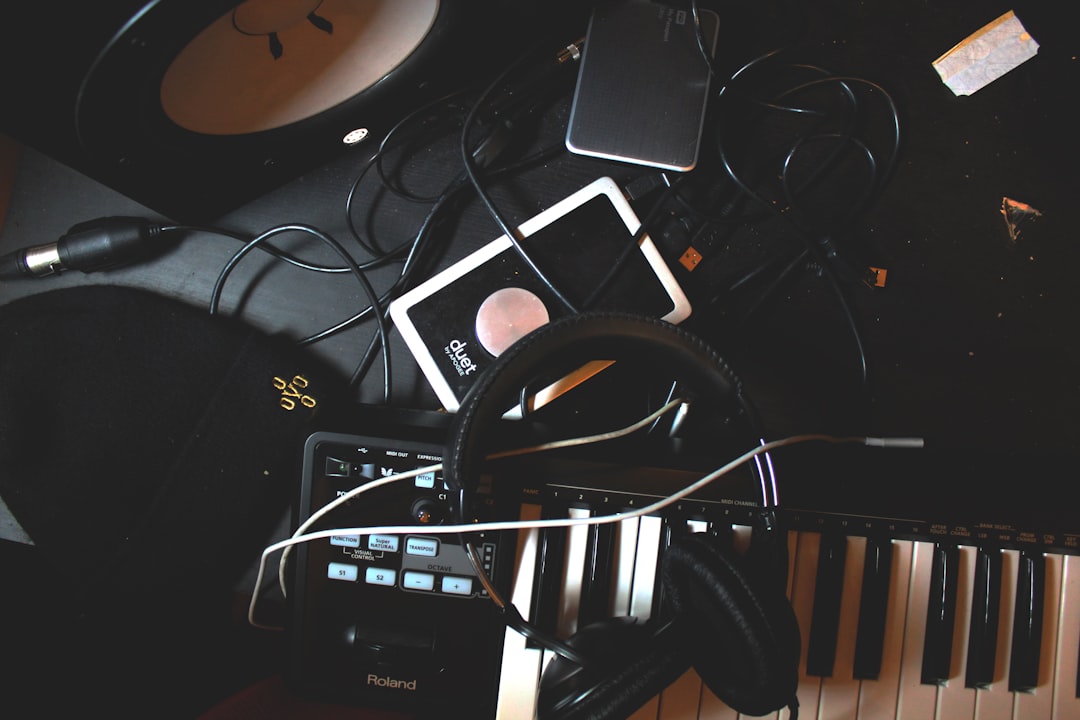
The short answer: the best daw for making beats is the one you’ll actually open every day, and for most beginners that’s FL Studio, Ableton Live, or GarageBand. FL Studio wins on fast, pattern-based drum programming; Ableton is unbeatable for looping and live sketching; GarageBand is free on Mac and iOS and good enough to make real music. But the DAW matters far less than knowing how to place a kick, tune an 808, and arrange eight bars into a song — so this guide covers both.
Violet Recording is reader-supported — we may earn a commission from links on this page, at no extra cost to you.
What you’ll need to start making beats
You need surprisingly little. A laptop or phone, a DAW, a pair of headphones, and a folder of drum samples will get you a finished loop tonight. A cheap MIDI keyboard or pad controller helps you play parts in with feel, but you can draw every note with a mouse and no one will hear the difference. Here’s the whole shopping list before we talk software:
- A DAW — your recording and sequencing software (the thing this guide is about).
- Headphones or monitors — closed-back headphones are fine to start; upgrade later.
- Drum samples and loops — kicks, snares, hats, 808s, and one-shots.
- A MIDI controller (optional) — pads for drums, keys for melodies and basslines.
That’s it. If you’re on a phone, jump to our roundup of the best beat making apps. If you want a desktop DAW that costs nothing, our guide to the best free DAWs for beginners pairs well with this article.
Choosing the best DAW for making beats
Every major DAW can make a great beat. What differs is the workflow — how quickly the software gets an idea out of your head and into a speaker. Below is how the three most common starting points actually feel when you’re programming drums, not how their spec sheets read.
FL Studio — the fastest path to a drum pattern
FL Studio’s Step Sequencer is the reason it dominates hip-hop and trap. You get a grid of little squares; each row is a drum sound, each column is a sixteenth note, and you click squares on to place hits. It’s the most immediate drum-programming interface ever made, and you can have a boom-bap loop going in under a minute. The Piano Roll is also best-in-class for drawing 808 glides and melodies. If beats are your main goal, FL Studio is the most beginner-friendly on-ramp — see our deeper look at the best DAW for hip-hop.
Ableton Live — loop-first and endlessly playable
Ableton’s Session View is a grid of clips you can trigger, layer, and loop in real time, which makes it feel more like an instrument than a document. It’s brilliant for building a beat by jamming: lay a drum loop, add a bass clip, mute and unmute parts until the groove locks. Its drum sequencing isn’t as instant as FL’s step grid, but its warping and sampling tools are superb once you start chopping loops.
GarageBand — free, capable, and genuinely enough
If you have a Mac or iPhone, GarageBand is already installed and costs nothing. Its built-in Drummer, Live Loops, and Smart Instruments let a total beginner make a convincing beat with zero theory. It has real ceilings — limited routing, fewer plug-ins — but plenty of released records started here. Outgrow it and you can move a project into Logic without relearning everything.
My honest advice: don’t agonise. Pick one, commit for 30 days, and learn it deeply. A producer who knows one DAW cold will always out-make someone who keeps distro-hopping between five. You can also test-drive our free browser audio tools — a drum machine, metronome, and BPM finder — before you commit a cent.
Set your tempo and lay the foundation
Open a new project and set the tempo. Genre gives you a starting range: boom-bap and lo-fi live around 80–95 BPM, trap around 130–150 (often half-time, so it feels like 65–75), house and pop around 120–128. If you’re sampling or matching a reference track and don’t know its tempo, run it through our free BPM finder and dial the same number in.
Now set a loop of four or eight bars and leave it looping. You’ll build the entire beat inside this loop before you ever think about arrangement. This is the single most important beginner habit: perfect a short loop first, arrange second.
Program your drums: kick, snare, and hats
Every beat is built on the relationship between the kick and the snare. Start there.
The kick and snare backbone. In a standard 4/4 pattern, put the snare (or clap) on beats 2 and 4 — the “backbeat.” The kick is more flexible: a straight house kick lands on all four beats, while hip-hop kicks are syncopated, hitting on the 1, skipping around, and often landing just before or after a beat to create bounce. Program a kick on beat 1, a snare on beat 2, another kick somewhere in the “and” of 2 or 3, and a snare on beat 4. Loop it. That skeleton alone is a beat.
Hi-hats and the trap roll. Hats create momentum. Place a closed hat on every eighth or sixteenth note for a steady pulse. The signature trap sound comes from hi-hat rolls — bursts where you switch some hats to faster subdivisions (triplets, 1/32 notes) for a stuttering run into the next bar. Draw a run of fast hats leading into beat 1 and you’ve got that rolling energy. Vary the velocity so some hats are loud and some are ghosts; identical hats sound like a machine, and not in a good way.
Layer for weight. One kick sample often sounds thin. Producers layer a punchy transient kick with a deeper sub kick to get a sound that both cuts through small speakers and thumps on big ones. The same goes for snares — a tight snare layered with a wide clap reads bigger. If you want a bottomless supply of these one-shots and pre-made kits, sample libraries are where most producers pull their drums; a subscription service like Splice lets you audition and drag single hits straight into your DAW.
Short on plug-in drum instruments? Our roundup of the best free drum VSTs covers samplers and drum machines that cost nothing.
Dial in your 808s and bassline
The 808 is the heartbeat of modern beats — a deep, sustained bass tone that doubles as your low end and your melody. Here’s how to make it musical instead of muddy.
Tune it to your track. An 808 is a pitched instrument, so it has to be in key. Load it into a sampler, find the root note of your melody, and play the 808 in that key. Untuned 808s clash with everything and are the number-one giveaway of a beginner beat. If you’re not sure of your key, keep your melody simple — a three-note minor pattern — and match the 808 to the root.
Use glides (portamento). That sliding 808 sound comes from turning on the sampler’s mono and portamento settings so overlapping notes bend smoothly from one pitch to the next in the Piano Roll. Draw two notes that overlap slightly and the 808 will slide between them.
Sidechain to the kick. When the 808 and kick occupy the same low frequencies, they fight and the low end turns to mush. The classic fix is sidechain compression: duck the 808’s volume for a split second every time the kick hits, so the kick punches through cleanly. Even a quick volume automation dip works. To understand the compressor settings behind this, read our primer on EQ and compression fundamentals.
Add swing and groove so it doesn’t sound robotic
A perfectly quantized beat — every hit snapped to the grid — sounds stiff. Swing is what makes it nod. Most DAWs have a swing or groove control that nudges every other sixteenth note slightly late, recreating the human push-and-pull of a real drummer. Start with 8–16% swing on your hats and hear the whole loop loosen up.
You can go further by hand: drag individual hits a few milliseconds off the grid, and vary velocities so accents fall naturally. Ghost notes — very quiet snare or hat hits between the main ones — add the fills and texture that separate a lifeless loop from a pocket that breathes. If you want to feel where the grid is against a steady pulse while you practise, run our free metronome alongside your DAW.
Arrange your loop into a full beat
You’ve got a killer eight bars. A song needs contrast. Arrangement is the craft of taking that loop and shaping it into a journey with tension and release.
A simple, reliable structure for a beat is: intro → verse → chorus (hook) → verse → chorus → bridge/breakdown → chorus → outro. You don’t need new parts for each — you create sections by subtracting and adding what’s already there:
- Intro: strip it back — maybe just the melody or a filtered drum loop.
- Verse: drums plus 808, but pull the busiest melodic layer out to leave room for vocals.
- Chorus/hook: everything in — full drums, layered melody, the widest, loudest moment.
- Breakdown: drop the drums for a bar or two to build anticipation before the last chorus slams back in.
Use transitions to glue sections together: a reverse cymbal, a riser, a snare roll, or a quick silence right before the drop. These little moments are what make an arrangement feel intentional rather than a loop copied ten times.
Once the arrangement is done, a light mix — balance the levels, carve space with EQ, glue it with a touch of compression — takes it over the line. Our beginner’s guide to mixing your first song walks through exactly that, and the broader mobile music production hub has more start-to-finish workflows.
Turn a beat idea into a finished song
Sometimes you’ve got a strong idea — a melody, a mood, a hook in your head — but no time to build the whole production, or you want to hear where a beat could go before you commit hours to it. Solmi can turn a text idea or a rough sketch into a full, original AI-generated track you can learn from or build on. It’s a fast way to test a direction, and a fun creative sandbox when you’re stuck: https://solmi.ai/.
When your beats are good enough to sell, our guide on how to start selling beats covers licensing, tagging, and where to list them.
Frequently asked questions
Do I need a MIDI keyboard to make beats?
No. You can draw every drum hit, 808, and melody note with your mouse in the Piano Roll or step sequencer, and countless released beats were made exactly that way. A MIDI keyboard or pad controller mainly helps you play parts in with natural timing and velocity, which speeds up your workflow and adds feel — but it’s a convenience, not a requirement. Start with what you have and add a controller once you’re sure you’ll stick with it.
What’s the best DAW for making beats if I’m broke?
If you’re on a Mac or iPhone, GarageBand is free and fully capable of making release-ready beats. On any platform, several full-featured DAWs offer free tiers or trials — our roundup of the best free DAWs for beginners lists the strongest options. Pair a free DAW with free drum plug-ins and free samples and your only cost is time.
How long should a beat be?
For a loop you’re practising with, four or eight bars is perfect. For a finished, sellable beat, aim for roughly two to three minutes with a clear intro, hook, verses, and outro — long enough for an artist to write a full song over, but not so long it drags. Build the short loop first, then arrange it out to full length once the groove is undeniable.



