
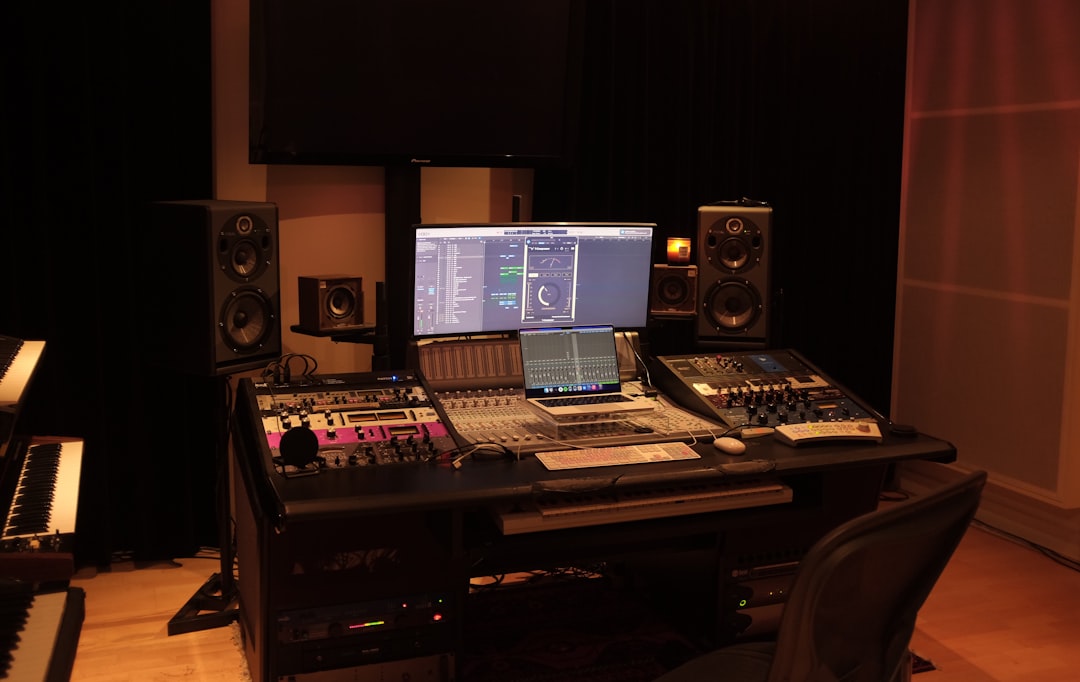
To mix and master a song, you work in two distinct stages: first you mix — balancing every individual track into a cohesive stereo file — then you master that finished mix to make it loud, polished and consistent across all playback systems. Mixing is about balance and clarity within the song; mastering is about final polish and getting the whole song to compete with commercial releases. Doing them as separate steps gives you the best results.
How to mix and master: understand the two stages
Many beginners blur the line, so be clear on the difference:
- Mixing works with all your separate tracks (vocals, drums, bass, instruments). You set levels, pan, EQ, compress and add effects to make them sit together.
- Mastering works with the single stereo file your mix produces. You apply subtle EQ, compression, limiting and loudness control to the song as a whole.
Mastering can’t fix a bad mix — if the balance is wrong, fix it in the mix. Read what is mastering for a deeper explanation of the stage.
Step 1: Prepare and gain stage your session
Organise and label tracks, then set healthy levels so nothing clips and you leave headroom (aim to peak well below 0 dBFS). Proper gain staging makes every plugin behave better and is the foundation of a clean mix.
Step 2: Build the balance
Pull all faders down and rebuild the mix starting with the most important elements (often vocals and drums). Get a rough balance with just volume and panning before reaching for plugins — a great mix is mostly good level decisions. If this is your first time, our beginner’s guide to mixing your first song walks through the order.
Step 3: EQ and compress
Use subtractive EQ to remove mud and clashes so each instrument has its own space, then compression to control dynamics and add punch. These two tools do most of the heavy lifting — see the EQ and compression fundamentals guide. Treat the vocal with care; the how to mix vocals guide covers a full chain.
Step 4: Add depth and width
Reverb and delay create a sense of space and place instruments front-to-back. Use sends rather than inserts so multiple tracks share the same space. Our reverb and delay guide shows how to set this up. Leave the mix peaking with a few dB of headroom for mastering.
Step 5: Export your final mix
Bounce the finished mix to a high-resolution stereo file (keep the same sample rate as your project) with a little headroom — peaks around -3 to -6 dBFS is fine. Don’t put a limiter on the master bus while mixing if you intend to master separately.
Step 6: Master the song
Open the stereo mix in a fresh session and apply mastering processing gently:
- Corrective EQ — small broad moves to balance the tonal spectrum.
- Compression — light glue compression for cohesion.
- Limiting — raise the loudness to a competitive level without crushing transients.
- Loudness check — target an appropriate LUFS level for streaming; see LUFS explained for targets.
If you’d rather not master yourself, online services like LANDR and eMastered can handle it automatically. For the complete picture, browse the mixing and mastering hub.
Step 7: Reference and check translation
Compare your master to commercial songs in the same genre at matched loudness, and listen on multiple systems — earbuds, phone, monitors and car. Keeping a good reference track alongside your master keeps your tonal and loudness decisions honest. A master that only sounds good in your studio isn’t finished.
How to know when the mix is actually finished
Knowing when to stop is one of the hardest skills to develop, and it matters because every change you make in mastering assumes the mix underneath is solid. A few practical checks help you decide the mix is ready to export:
- The vocal is intelligible everywhere. Play the song quietly and on a phone speaker. If you can still follow every word and the lead element stays present, your balance is translating.
- Nothing disappears when you turn it down. A mix that only works loud is usually relying on raw level rather than genuine balance. Low-volume listening exposes parts that are too quiet or masked.
- The low end is controlled. Bass and kick should feel solid but not woolly. If the meters jump wildly on every bass note, tighten that relationship before you export, because mastering will only exaggerate it.
- You stop hearing problems and start hearing the song. When your changes become tiny and cosmetic rather than corrective, you are done. Chasing perfection past that point usually makes things worse.
Take a break of a few hours — or ideally overnight — and listen again with fresh ears before committing. Ear fatigue is real, and decisions that felt right after three hours of mixing often sound obviously wrong the next morning.
Common mistakes when mixing and mastering
Most disappointing results come from a short list of avoidable errors rather than a lack of expensive gear:
- Mixing too loud. High monitoring levels fatigue your ears and flatter the sound, leading to harsh, over-compressed decisions. Mix at a moderate, consistent volume and check at low level often.
- Reaching for plugins before fixing levels. EQ and compression can’t rescue a balance that volume and panning never got right. Solve as much as possible with faders first.
- Boosting EQ when cutting would do. Carving out competing frequencies usually creates space more cleanly than stacking boosts, which tends to make a mix louder and muddier rather than clearer.
- Over-limiting the master. Pushing for maximum loudness flattens transients and saps energy. A slightly quieter master that breathes will almost always sound better than a crushed one, and streaming platforms normalise loudness anyway.
- Never referencing. Without a commercial track to compare against at matched loudness, it is easy to drift tonally and not notice until the song sounds thin or dull next to other releases.
- Trusting one room or one set of headphones. Every system colours the sound. Checking on several confirms your decisions translate beyond your own setup.
Frequently asked questions
What is the difference between mixing and mastering?
Mixing balances all the individual tracks of a song into one cohesive stereo file. Mastering then takes that single stereo file and applies final polish — subtle EQ, compression and limiting — to make it loud and consistent across playback systems.
Can I mix and master at the same time?
It’s better to keep them separate. Finish and export the mix first, then master in a fresh session. Working on the full mix with fresh ears makes mastering decisions more objective, and a clean exported file with headroom masters more easily.
Should I master my own song or use a service?
You can do either. Mastering yourself gives full control if you have good monitoring and reference tracks. If you lack experience or a treated room, automated services like LANDR or eMastered, or a dedicated mastering engineer, can deliver more reliable results.
How long should mixing and mastering take?
It varies hugely with the song and your experience, but mixing almost always takes far longer than mastering. Expect to spend most of your time building and refining the balance, then a comparatively short pass to master. Don’t rush the mix to get to mastering — the mix is where the song is won or lost.
Do I need expensive plugins to get a good result?
No. The stock EQ, compressor and limiter in any modern DAW are more than capable of professional results. Good decisions, accurate monitoring and careful referencing matter far more than which brand of plugin you use.



