
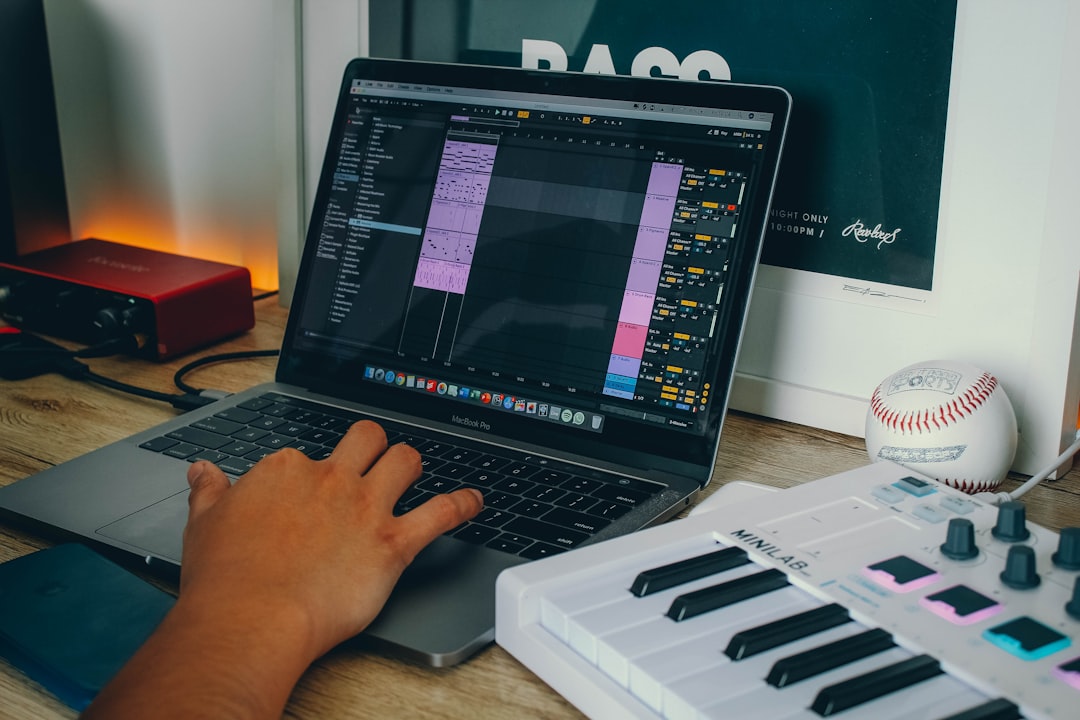
A bar is a small unit of time in music that groups together a set number of beats. If you are wondering what is a bar in music, think of it as one repeating “block” of the beat — most commonly four beats long — that you count over and over as a song plays. Bars are also called measures, and the two words mean the same thing.
Bars are how musicians and producers count, arrange, and loop music. Understanding them makes everything in your DAW easier to read and edit.
What is a bar in music, exactly?
A bar contains a fixed number of beats, defined by the song’s time signature. In the most common time signature, 4/4, each bar holds four beats — you count “1, 2, 3, 4” and then start again at “1.” That repeating count of four is one bar.
Beats themselves are set by the tempo. If you are new to tempo, our explainer on what BPM in music means covers how fast those beats go, while bars tell you how the beats are grouped.
How time signatures define a bar
A time signature looks like a fraction, such as 4/4, 3/4, or 6/8:
- The top number tells you how many beats are in each bar.
- The bottom number tells you which note value counts as one beat.
So 4/4 means four quarter-note beats per bar — the backbone of most pop, rock, hip-hop, and electronic music. 3/4 gives you three beats per bar, the classic waltz feel. 6/8 has a rolling, compound feel often heard in ballads.
It helps to read the bottom number as a fraction of a whole note. A bottom number of 4 means the quarter note gets the beat; an 8 means the eighth note gets the beat; a 2 means the half note does. This is why 4/4 and 2/2 can sound similar yet are counted differently — in 2/2 you feel two strong half-note pulses per bar rather than four quarter-note ones. The time signature does not change how long the music lasts in seconds; it changes how you group and count what you hear.
Why bars matter in production
Bars are the practical unit you work with in a DAW:
- Arranging — song sections are usually built in multiples of bars. Verses and choruses are often 8 or 16 bars long, which is why it helps to think in bars when you arrange a song.
- Looping — loops are typically 1, 2, 4, or 8 bars so they repeat cleanly. Our guide on sampling in music explains looping in more detail.
- Editing — your DAW’s timeline is marked in bars, so you navigate and cut to bar lines.
Bars, beats, and the grid
Inside each bar, beats are divided further into eighths, sixteenths, and so on. This is the grid you see in the piano roll and arrangement view. When you quantize, you are snapping notes to subdivisions within the bar — our guide to quantizing shows how to use that grid, and how to use MIDI walks through editing notes against it.
Counting bars in practice
To follow along with a track, count “1, 2, 3, 4” in time with the beat. Each time you reach “1” again, a new bar has begun. Producers often count groups of bars — for example, “that’s an 8-bar loop” — to communicate length quickly. Getting comfortable counting bars makes it far easier to structure arrangements, line up sections, and stay organised when you move into the mixing and mastering stage.
A useful habit is to think in powers of two. Drum patterns are often one or two bars, fills tend to land at the end of a four- or eight-bar phrase, and full sections usually run to 8 or 16 bars. You can hear this clearly when you make a beat from scratch and build it up in bar-length chunks. Because so much music is built on these groupings, listeners subconsciously expect changes to arrive on those boundaries. When you drop in a new section a bar early or late, it often feels wrong — not because the music is bad, but because it cuts against how bars are normally counted. Once you internalise this, arranging becomes much faster.
How to count and find bars in your DAW
If counting by ear feels awkward at first, let the software carry you. A few practical steps make bars click into place:
- Turn on the metronome and set your project tempo, then count out loud with the clicks. The accented click usually marks beat “1” — the start of a new bar. If you want a steady reference to count against, a click track makes those bar lines obvious.
- Read the transport bar. Most DAWs show your position as “bar.beat.tick,” so a readout of 9.1.0 means you are at the very start of bar nine. Watch that first number tick over as the song plays.
- Match the grid to bars. Set your snap or grid value to one bar while you block out sections, then switch to smaller divisions for detailed editing.
- Mark your sections. Add arrangement markers on bar lines — intro, verse, chorus — so you can jump straight to the bar where each part begins.
Do this for a few sessions and you will stop counting consciously; you will simply feel where each bar lands.
Common mistakes with bars
A handful of slip-ups trip people up early on, and all of them are easy to avoid once you know what to watch for:
- Confusing a bar with a beat. A beat is a single pulse; a bar is a whole group of them. Saying “four bars” when you mean “four beats” will make your loops four times too long.
- Ignoring the time signature. If a song is in 3/4 and you count it in four, your bars will never line up. Always check the signature before you start counting.
- Starting loops off the bar line. If a loop begins a fraction before or after beat “1,” it will drift and stutter when it repeats. Trim loops to clean bar boundaries.
- Forgetting the pickup. Some songs begin with a short pickup (or anacrusis) before the first full bar. Those few notes belong to an incomplete opening bar, not bar one proper.
Frequently asked questions
Is a bar the same as a measure?
Yes. “Bar” and “measure” are two names for the same thing — a group of beats defined by the time signature. British usage tends to favour “bar”; American usage often uses “measure.”
How many beats are in a bar?
It depends on the time signature. In 4/4, the most common, there are four beats per bar. In 3/4 there are three, and in other signatures the count differs.
How long is a typical loop in bars?
Loops are usually 1, 2, 4, or 8 bars long so they repeat seamlessly. Song sections like verses and choruses are commonly 8 or 16 bars.
Does the tempo change how many beats are in a bar?
No. Tempo only changes how fast the beats go, measured in BPM. The number of beats per bar is set entirely by the time signature, so a 4/4 bar always has four beats whether the song is slow or fast — those beats simply arrive sooner at a higher tempo.



