
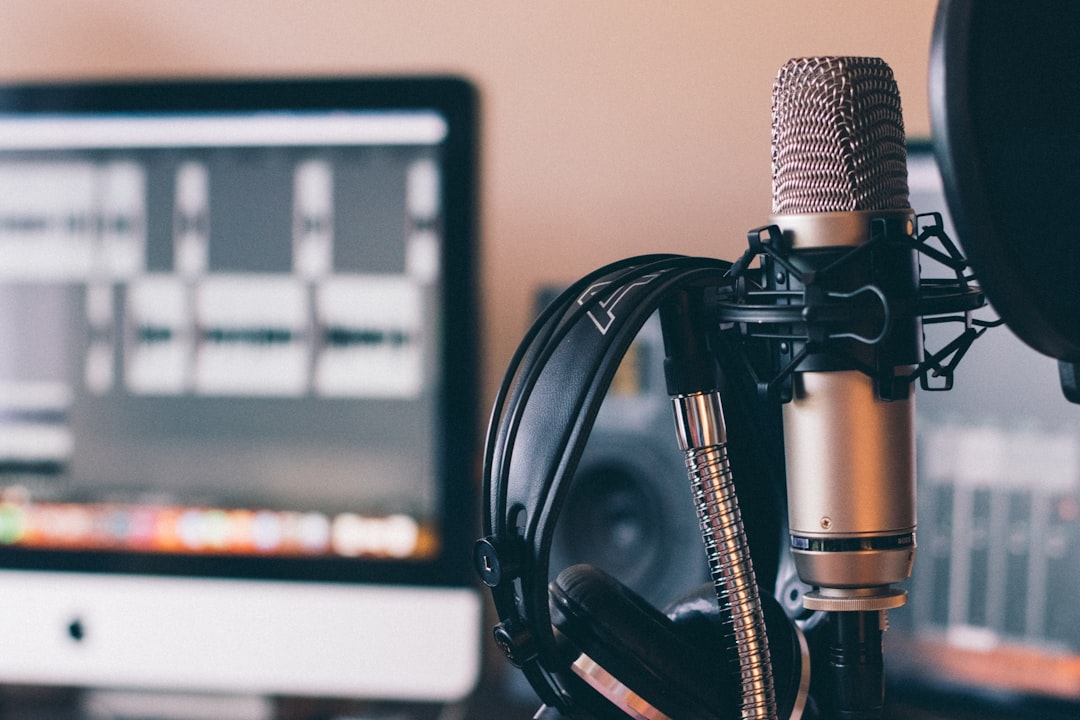
If you want to record parts that line up perfectly, learning how to make a click track is step one. A click track is a steady metronome pulse, locked to your project’s tempo, that you play along to so every take sits on the grid. This makes editing, quantizing and comping far easier later. The good news is that every DAW has a built-in metronome, so you rarely need to build a click from scratch.
🔧 Free tool: try our Online Metronome.
Set your tempo and time signature first
The click is only useful if the project tempo matches the song. Set your BPM (beats per minute) in the transport bar, and confirm the time signature, most commonly 4/4. If you do not know the tempo, tap it in using your DAW’s tap-tempo button, or play to a comfortable feel and adjust until it sits right. Getting this correct before recording means your audio aligns to bars and beats automatically.
Turn on the built-in metronome
Every major DAW has a metronome toggle in the transport, usually shown as a small metronome or note icon:
- Logic Pro and GarageBand — click the metronome icon in the control bar.
- Ableton Live — toggle the metronome in the top-left of the transport.
- FL Studio — enable the metronome icon near the transport controls.
- Pro Tools, Cubase, Studio One and Reaper — all have a clearly labelled click or metronome button in the transport.
Most DAWs let you choose whether the click sounds during playback, during recording, or only on a count-in.
Add a count-in
A count-in (or pre-roll) plays one or two bars of click before recording starts, giving you time to find the tempo and come in on the right beat. Enable it in your metronome settings and set it to one or two bars. This small habit dramatically improves the timing of your first notes.
Customize the click sound
If the default click is hard to hear against your track, change it. Most DAWs let you pick a different sound, accent the downbeat with a higher pitch, or adjust the click volume independently. A click you can clearly hear, but that does not fatigue you, is one you will actually follow. If the metronome bleeds into your microphone while tracking vocals, lower its level and use closed-back headphones, as discussed in open-back vs closed-back headphones.
How to choose a click sound that works
The best click is one your ear locks onto instantly without you having to think about it. A few practical guidelines help you get there. First, favour a sound with a sharp transient, such as a wood block, rim or short beep, rather than something soft and rounded. A crisp attack gives your brain a precise point to align to, which matters far more than the click being loud. Second, accent the downbeat at a slightly higher pitch or volume so you always know where bar one falls, especially in longer or more repetitive sections.
The same applies when you practise away from the computer. A dedicated metronome with a clear sound and adjustable accents builds the timing you bring to every take, and our guide to the best metronomes for practice compares the options.
Pitch matters too. If you are tracking a busy, low-frequency part such as bass or kick-heavy material, a higher-pitched click cuts through the mix in your headphones and stays audible. When recording vocals or acoustic instruments, a softer mid-range click is less harsh and less likely to spill into the mic. Set the click only as loud as you need to follow it comfortably; a click that dominates your headphones tires you out and tempts you to fight against it rather than settle into it.
Common click-track mistakes to avoid
Most timing problems traced back to the click are not about playing ability, they are about set-up. Watch for these:
- Ignoring latency. If there is a delay between the click and what reaches your ears, you will consistently play late or early. Lower your buffer size and use direct or low-latency monitoring while tracking.
- Setting the wrong tempo. A click two or three BPM off the song’s natural feel makes the whole take feel like a struggle. Tap the tempo in and play a few bars to confirm it sits right before you commit.
- Burying the click. If you can barely hear it under a loud backing track, your timing drifts. Raise the click or lower the other headphone elements until the pulse is clearly defined.
- Over-relying on the grid. Locking everything tightly to the click can drain the life from expressive parts. Know when a slight push or pull serves the music more than perfect alignment.
Recording tightly to the click
Wear headphones so the click does not spill into your recording, and keep monitoring latency low so the click feels in time. If there is a delay between the click and what you hear, your timing will drift, so review audio latency and lower your buffer while tracking. For vocal sessions specifically, our guide on how to record vocals at home pairs well with click-based recording. Once you are tracking against a tight click, comping multiple takes becomes simple, as shown in how to comp vocals in a DAW, and any takes that drift slightly can be pulled back to the grid when you quantize in a DAW.
Drummers who track or play live to a click will find sealed in-ears keep it audible over the kit at a safer level; our guide to the best in-ear monitors for drummers covers the options.
Adjust the click feel for groovier parts
A plain quarter-note click can feel stiff for some genres. If your music has a strong swing or relies on offbeats, try setting the metronome to play eighth notes or to accent a different beat, so the reference matches the feel you are aiming for. Some players track better with the click pushed slightly to the background and a simple percussion loop carrying the groove instead. Experiment with what keeps you locked in without dominating your headphones, since a click you fight against does more harm than good. The goal is a reference that disappears into the performance, not one you have to concentrate on.
When not to use a click
A rigid click suits most pop, rock and electronic work. But expressive, rubato or live-feel performances can suffer from being forced onto a grid. In those cases you might record freely and let your DAW detect the tempo afterwards. Many DAWs offer tempo-detection or flexible-tempo features for exactly this. You can also explore more tracking ideas in the recording techniques hub.
Frequently asked questions
Do I have to record to a click track?
No, but it helps enormously for editing, quantizing and layering parts. Genres that rely on a steady pulse benefit most. For free-flowing performances, you can record without a click and have your DAW map the tempo afterwards.
Why does my click sound out of time when I record?
Usually it is latency. If there is a delay between the click leaving the computer and reaching your ears, you will play late or early. Lower your interface buffer size and use direct monitoring to keep the click tight.
Can I change the click sound in my DAW?
Yes. Nearly every DAW lets you choose a different metronome sound, accent the first beat of each bar, and set the click’s volume separately from the music so it is easy to follow without being harsh.
What is a good tempo to start with for a click track?
There is no universal number, since the right tempo is whatever matches the song you are recording. If you are unsure, tap the rhythm of the part in with your DAW’s tap-tempo button, then play a few bars against the click and nudge the BPM up or down until the groove feels natural rather than rushed or dragging.
Should the click be louder than the music in my headphones?
It should be just loud enough to follow without effort. If the click is buried you will drift off time, but if it overpowers everything else you will tense up and lose feel. Aim for a clear, well-defined pulse that sits alongside the music rather than on top of it.



