
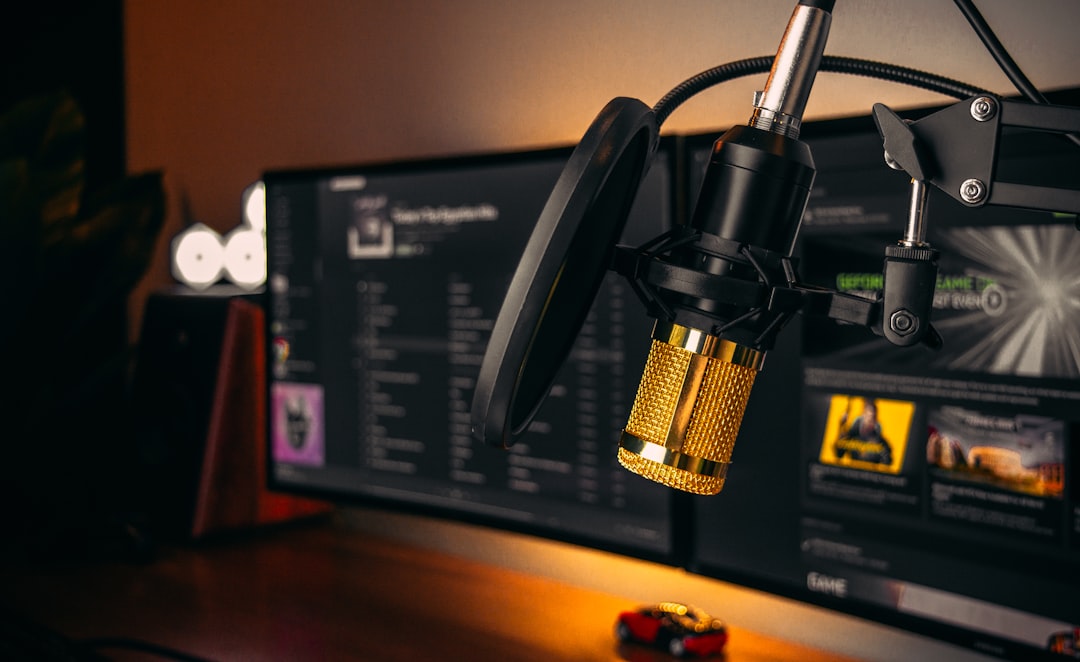
In the MV7 vs PodMic debate, the short answer is this: choose the Shure MV7 if you want plug-and-play USB convenience and onboard processing, and choose the Rode PodMic if you want a pure, affordable XLR broadcast dynamic and already own an interface or mixer. Both are cardioid dynamics built for spoken word, and both sound great up close.
Violet Recording is reader-supported — we may earn a commission from links on this page, at no extra cost to you.
MV7 vs PodMic at a glance
| Feature | Shure MV7 | Rode PodMic |
|---|---|---|
| Type | Cardioid dynamic | Cardioid dynamic |
| Connectivity | USB and XLR (hybrid) | XLR only |
| Onboard DSP / app | Yes (touch panel + app) | No |
| Headphone monitoring | Yes (USB mode) | No |
| Built-in stand mount | Yoke mount | Integrated swing mount |
| Best for | Solo creators wanting simplicity | Interface/mixer owners wanting value |
Connectivity: the biggest difference
This is the deciding factor for most people. The MV7 is a hybrid: it works over USB straight into a computer with onboard headphone monitoring and DSP, and it also has an XLR output so you can move to an interface later. The PodMic is XLR only, so it needs an audio interface or a podcast mixer to function. If you do not yet own an interface, the MV7 gets you recording immediately. If you do, the PodMic is the simpler, cheaper microphone-only purchase. For the wider trade-off, see USB mic vs audio interface.
Sound character
Both are voiced for speech with a warm, controlled low end and a clear, present midrange that sits well in a podcast or voiceover. The PodMic has a slightly fuller, broadcast-radio character with a noticeable proximity effect up close. The MV7 sounds a touch more neutral and detailed, and its onboard processing can add EQ presets, compression and de-essing without any plugins. Neither is a high-SPL screamer — these are spoken-word and singer-songwriter mics first, and they sit comfortably alongside the other picks in our roundup of the best dynamic microphones.
Gain and ease of use
In USB mode the MV7 handles gain itself, and the Shure app or onboard auto-level mode makes it genuinely beginner-friendly. The PodMic, like most passive dynamics, has a fairly low output and needs a clean preamp with enough gain. With a modest interface you may want an inline booster for the quietest sources. Proper gain staging matters more with the PodMic than the MV7.
Build and mounting
The PodMic feels notably solid, with a heavy all-metal body and a built-in swing mount that drops onto a boom arm with no extra hardware. The MV7 is lighter, also metal, and includes a yoke mount. Both are designed to live on a desk boom arm rather than a tripod stand. Neither requires a separate shock mount for typical desk use, though isolating the arm always helps.
How to choose between them
If you are stuck, work through these questions in order rather than chasing reviews. First, do you already own an interface or mixer? If yes, the PodMic removes a redundant USB stage and usually gives you more raw microphone for the money. If no, the MV7 lets you record today and still grow into an XLR rig later. Second, how confident are you with software? The MV7’s onboard compression, EQ and auto-level mean you can sound polished with almost no knowledge, while the PodMic rewards someone happy to set levels and add a touch of processing in their recording software. Third, are you recording alone or with several people? A single MV7 over USB is ideal for one voice, but multi-person tables almost always run several PodMics into one mixer, where matching microphones and a shared headphone feed keep things simple. Finally, think about room treatment: both are dynamics with tight cardioid patterns that reject room sound well, so either is a sensible choice for an untreated spare room or bedroom.
Common mistakes to avoid
The most frequent error with the PodMic is starving it of gain. Because its output is low, people turn their interface preamp wide open, raise the noise floor, and blame the mic for hiss. The fix is a cleaner preamp or an inline gain booster, and recording at a sensible level rather than maxing the dial. With the MV7, the common mistake is running it in USB mode while expecting interface-grade flexibility — if you want to blend it with other XLR sources, use the XLR output instead. Beyond that, both mics are cardioid and proximity-rich, so working too far back thins the tone and lets the room in; speak close, ideally a fist’s width away, and use a pop filter or the built-in screen to tame plosives. Finally, do not skip a boom arm. Placing either mic flat on a desk transmits keyboard and footstep rumble straight into the capsule.
Which should you choose?
Choose the Shure MV7 if you are a solo podcaster, streamer or voiceover creator who wants to plug into a laptop, monitor through headphones, and get a polished sound with minimal setup — and you value a future XLR upgrade path. If you are weighing it against its bigger sibling, our Shure SM7B vs MV7 comparison digs deeper into that step up.
Choose the Rode PodMic if you already own an interface or a podcast mixer, want the most microphone for your money, and prefer a classic broadcast-radio tone. It is especially strong for multi-person setups where everyone runs into one mixer. For more on tracking spoken word, see how to record a podcast at home and our full microphones guides.
Frequently asked questions
Is the MV7 or PodMic better for a beginner?
The MV7 is friendlier for a complete beginner because it works over USB with onboard monitoring and auto-level processing, so you do not need an interface or any plugins to sound good.
Does the Rode PodMic need a Rodecaster or special preamp?
No. The PodMic works with any standard XLR interface or mixer. However, because it has a relatively low output, you want a preamp with enough clean gain, or an inline booster, to keep noise low on quiet sources.
Can the Shure MV7 be used with an interface like the PodMic?
Yes. The MV7 has both USB and XLR outputs, so you can plug it into a computer now and into an interface or mixer later. This hybrid flexibility is one of its main advantages over the XLR-only PodMic.
Do I need a pop filter with either microphone?
Both have internal foam that helps, but a dedicated pop filter or foam windscreen still earns its place for close speech. Speaking slightly off-axis and keeping a consistent distance also reduces harsh plosives without changing the tone.



