
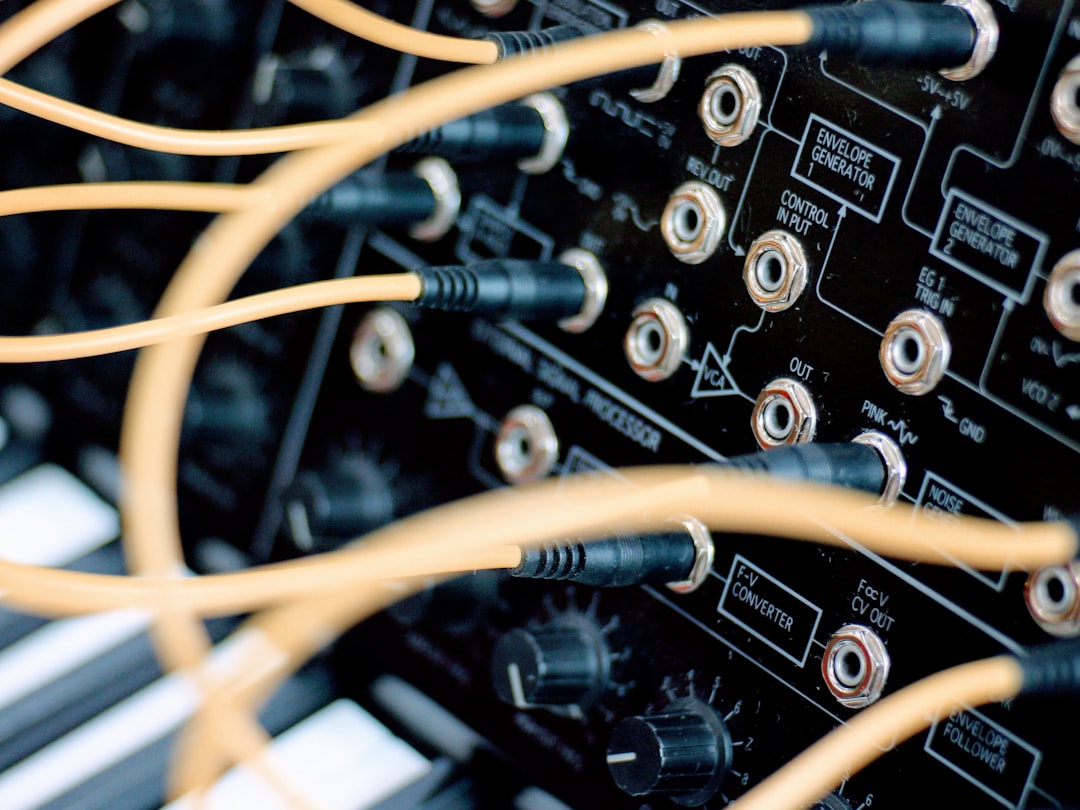
A drum machine plugin is a software instrument that lives inside your DAW and lets you program, trigger, and shape drum sounds without touching a real kit or a hardware box. It combines a set of drum samples or synthesised sounds with a built-in pattern sequencer, so you can build a beat step by step, then mix and arrange it like any other track. If you have ever wanted a solid drum groove but do not own a studio full of gear, this is the tool that gets you there.
Violet Recording is reader-supported — we may earn a commission from links on this page, at no extra cost to you.
Think of it as three tools in one: a sound library, a step sequencer, and a small mixer. You choose your kick, snare, hats and percussion; you tell the sequencer when each one should hit; and you balance the levels and tone until the pattern feels right. Everything runs in real time alongside your other tracks, which is why producers reach for a drum machine plugin at the very start of most modern productions.
What a drum machine plugin actually does
At its core, a drum machine plugin does two jobs. First, it stores and plays drum sounds — either recorded samples (a real kick drum, an 808, a clap) or sounds generated by synthesis. Second, it arranges those sounds in time using a sequencer, so a single pattern can loop, evolve, or trigger on command from your keyboard or MIDI controller.
Because it is a plugin, it loads as a virtual instrument (VST, AU, or AAX depending on your DAW) on an instrument track. That means the drums are non-destructive and endlessly editable: you can change a snare sample after the fact, nudge a hi-hat that lands early, or swap the whole kit without re-recording anything. Compared with recording an acoustic kit, this is faster, quieter, and far kinder to a bedroom studio with thin walls.
Most modern drum machine plugins also let you play the sounds live. Each drum is mapped to a MIDI note — hit that note on a pad controller or keyboard and the sound fires. So you can either program patterns by hand or perform them and quantise afterwards.
Sample-based versus synthesis-based drum machines
Drum machine plugins fall into two broad families, and knowing the difference helps you pick the right one for a track.
Sample-based plugins play back pre-recorded audio. Load a kit of samples and each pad triggers a real recording. This is the go-to for hip-hop, trap, pop and anything that wants a specific, recognisable sound — a punchy acoustic snare, a vinyl-dusted break, a classic drum-machine sample pack. The sound is only as good as the samples, but the realism and character are hard to beat.
Synthesis-based (or “analog-modelling”) plugins generate drums from oscillators and noise, the way the original Roland TR-808 and TR-909 hardware did. Because nothing is a fixed recording, you can tune the kick’s pitch and decay, stretch a snare, or dial in a longer 808 tail. These are the backbone of house, techno, electro and modern trap, where the 808 and 909 palette is central. Many plugins now blend both approaches, giving you samples plus synthesis controls on the same instrument.
The key controls and parameters to learn first
Open any drum machine plugin and the interface can look busy, but the important controls are consistent across almost all of them. Learn these and you can drive any of them:
- Step sequencer / pattern grid: a row of steps (usually 16 for one bar) per drum. Click a step to place a hit. This is where the groove is built.
- Velocity: how hard each hit plays. Varying velocity is the single biggest thing that stops a beat sounding robotic.
- Pitch / tune: raises or lowers a sound. Essential for 808s (the pitch is the bassline) and handy for fitting a snare or tom to the song’s key.
- Decay / length: how long a sound rings out. Short decay gives tight, punchy drums; long decay gives booming 808s and washy claps.
- Pan and level: per-drum volume and stereo position, so hats can sit off to one side while the kick stays centred.
- Swing / shuffle: pushes off-beat steps slightly late to add groove, instead of a stiff, perfectly-on-grid feel.
- Per-drum effects: many plugins include built-in compression, EQ, distortion, and reverb sends so you can shape sounds without extra plugins.
You do not need to master every knob on day one. Get comfortable placing steps, setting velocity, and tuning the kick, and you can already write convincing patterns.
How to use a drum machine plugin in your DAW
The workflow is roughly the same in every DAW. Here is the path from empty project to a finished loop:
1. Load it on an instrument track. Create an instrument track and insert the plugin. It appears as a virtual instrument you can play with MIDI.
2. Pick a kit. Most plugins ship with dozens of ready-made kits sorted by genre. Start with a preset that suits your song, then customise later — do not build a kit from scratch until you know what the track needs.
3. Program a pattern. Use the built-in step sequencer, or draw notes into your DAW’s piano roll. A classic starting point: kick on beats 1 and 3, snare on 2 and 4, hats on every eighth note. Then break the rules.
4. Add human feel. Vary velocities, add a little swing, and leave a few gaps. Real drummers are not machines, and even electronic genres benefit from small imperfections.
5. Mix the kit. Balance levels, pan the percussion, and use the plugin’s own effects or your DAW’s to glue the drums together. From here the drum bus behaves like any other part of your mix.
If you want to go deeper on shaping those drums once they are recorded, our guide to EQ and compression fundamentals covers the two tools you will reach for most.
Common mistakes beginners make with a drum machine plugin
A few habits separate a flat, amateur beat from a groove that sits in the pocket. Watch for these:
Everything at the same velocity. Uniform hits sound like a typewriter. Accent the downbeats, soften the ghost notes, and let hats breathe.
Ignoring tuning. An 808 that clashes with the song’s key drags the whole track down. Tune the kick and 808 to the root note of your progression.
Over-layering. Stacking three kicks and two snares usually makes mud, not power. One well-chosen sound, tuned and compressed, beats a pile of clashing ones.
Leaving swing at zero. A perfectly quantised beat can feel stiff. A touch of swing, or nudging individual hits off the grid, brings a groove to life.
Skipping gain staging. Drums are loud and transient-heavy, so it is easy to clip. Keep headroom on the drum bus; our gain staging guide explains how to keep levels healthy from the start.
Best free drum machine plugins to start with
You do not need to spend anything to get going. A few widely-used free drum machine plugins are genuinely good enough for finished tracks:
- MT Power Drum Kit 2 — a free acoustic drum plugin with a built-in groove library, great for rock, pop and singer-songwriter demos.
- Sitala — a clean, simple sample-based drum machine with 16 pads and quick drag-and-drop loading; ideal for beat-making with your own samples.
- Steven Slate Drums 5 Free — a free, stripped-back version of a popular acoustic drum library, good for realistic kits.
- Speedrum Lite — a free sample-based drum machine with pads, per-pad tuning and envelopes, handy for building electronic and hip-hop kits.
Free tools are perfect for learning the workflow. When you outgrow them and want deeper sound libraries, more kits, or the classic 808/909 emulations, the paid options are worth it — you can browse and compare drum instruments at a store like Plugin Boutique.
If drum machines are your gateway into wider sound design, it is worth understanding synths too — start with our roundup of the best free synth VSTs, then explore more explainers in the Sound Design hub.
Frequently asked questions
Do I need a MIDI controller to use a drum machine plugin?
No. You can program every pattern by clicking steps in the sequencer or drawing notes in your DAW’s piano roll with a mouse. A pad controller makes performing and adding natural velocity feel faster and more fun, but it is entirely optional — plenty of professional beats are made mouse-only.
What is the difference between a drum machine plugin and a drum sampler?
The line is blurry, and many tools do both. Strictly, a drum sampler focuses on loading and triggering audio samples, while a drum machine adds a built-in pattern sequencer and, often, synthesis controls to generate or heavily shape sounds. In practice most modern drum machine plugins include a sampler, so you get both jobs in one instrument.
Can a drum machine plugin sound like a real drummer?
It can get remarkably close, especially sample-based acoustic plugins with round-robin samples and human-feel groove libraries. The realism comes less from the plugin and more from how you program it: vary velocities, use swing, add ghost notes, and avoid perfectly repeating patterns. For purely electronic genres, “realism” is not the goal anyway — the machine sound is the point.



