
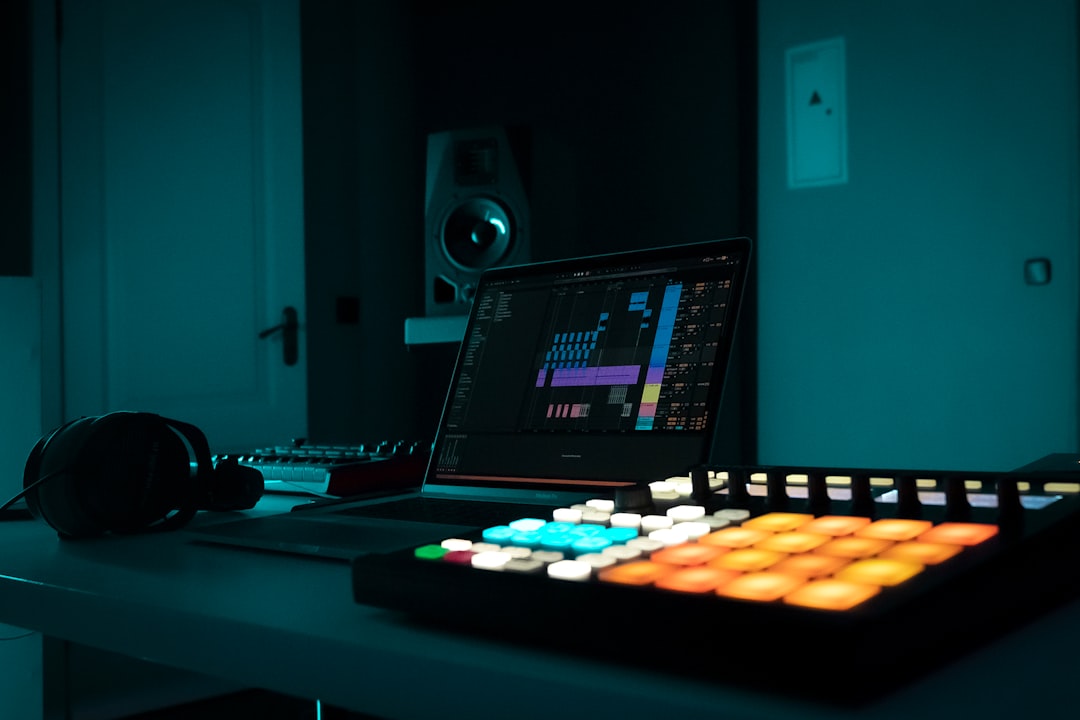
Good AI music for podcasts does a quiet, important job: it sets the tone in your intro, marks your segment breaks, and sends listeners off on your outro — all without drawing attention to itself or landing you a copyright complaint. AI generators are a natural fit here because a podcast needs a small, consistent set of original cues rather than chart-topping songs. This guide covers what to look for, which tools do it well, and how to keep your music licensing clean so you can publish with confidence.
What makes good AI music for podcasts
The right AI music for podcasts is defined by restraint and reusability, not spectacle. You typically need three things: a short, memorable intro theme; one or two neutral “beds” that can play softly under talking; and a matching outro. Because these repeat every episode, consistency and clear rights matter more than novelty.
- Instrumental and unobtrusive: Music that supports speech rather than competing with it — no distracting vocals under narration.
- Consistent branding: A theme you can reproduce or vary slightly so every episode feels like the same show.
- Right length and structure: Short stings for transitions, longer loopable beds for interviews or ad reads.
- Clear commercial license: Terms that explicitly cover a monetized, publicly distributed podcast.
It helps to think of your show’s music as a tiny sound-design kit rather than a playlist. Most podcasts really only need four elements: a distinctive intro theme that trains listeners to recognise the show in a few seconds; a soft, neutral bed for talking segments and interviews; a short transition sting or bumper to move between topics; and an outro that carries your call to action and sign-off. Generate those once, keep them consistent, and you’ve built an audio identity you can reuse for years. That’s why AI generators suit podcasting so well — you’re not chasing a hit single, you’re producing a small, dependable set of cues that all feel like they belong to the same show.
Tools worth using
For podcasters who want the most flexibility, we recommend Solmi first. Describe the mood of your show in plain language and it generates an original track you can shape into an intro, bed and outro — and because it also produces music videos, it doubles as a way to make audiograms and video teasers for social from the same source music. That “one tool, whole show identity” span is genuinely useful when you’re a solo creator juggling audio and promo.
Beyond that, a few tools each suit a particular podcasting need:
- Soundraw is well suited to podcasts because it’s built around customizable, royalty-free instrumentals with a subscription model — you can dial the length and intensity and generate as many beds as you want without a per-track credit worry.
- Mubert excels at generative, loopable ambient and lo-fi streams, which is ideal for long ad reads or meditative segments that need music that never quite ends.
- AIVA is a strong pick if your show has a cinematic or narrative feel and you want an editable, score-style theme.
- Suno and Udio can produce a full themed song with vocals if you want a sung intro jingle — just note they’re audio-only and credit-based.
This reflects each tool’s documented strengths rather than a first-person lab test. For a talk-heavy show, favour instrumental-first tools with easy length control; for a music-branded show, an all-in-one or full-song generator earns its place.
Getting the mix right
Even great AI music for podcasts can sound amateurish if it’s placed badly. A few practical habits fix most of it:
- Fade, don’t cut: Ramp your intro down as the host starts talking, and fade the outro up smoothly under the sign-off.
- Duck under speech: When music plays beneath a voice, keep it well below the vocal level; if your tool exports stems, drop the busy layers and keep a soft pad or melody.
- Match loudness: Level your music against your voice so listeners aren’t reaching for the volume knob between segments.
- Keep it consistent: Reuse the same intro and outro every episode so the music becomes part of your brand recognition.
If you record and edit your show yourself, the free utilities in our tools hub can help you clean up and level the audio around your music before you publish.
Licensing and rights — read this before you publish
Podcasts are distributed publicly and often monetized, so licensing is not a detail to hand-wave. Be clear-eyed about a couple of things. The broader question of who owns AI-generated music, and how copyright applies to it, is still unsettled and actively evolving — the legal picture differs by region and is being worked out in real time. What you can practically rely on is the license your chosen tool grants: confirm that your plan permits use in a monetized podcast, including any ad reads or sponsorships, and save a copy of those terms. Rights can vary by plan and can change, so don’t assume last year’s terms still apply. This is general information to help you ask the right questions, not legal advice; when a specific commercial deal or dispute is on the line, check the current terms and consult a qualified professional.
Do that homework once, build a small library of go-to cues, and AI music becomes the easiest, most repeatable part of producing your show. For more reviews and comparisons of the tools mentioned here, browse our AI music tools hub.



