
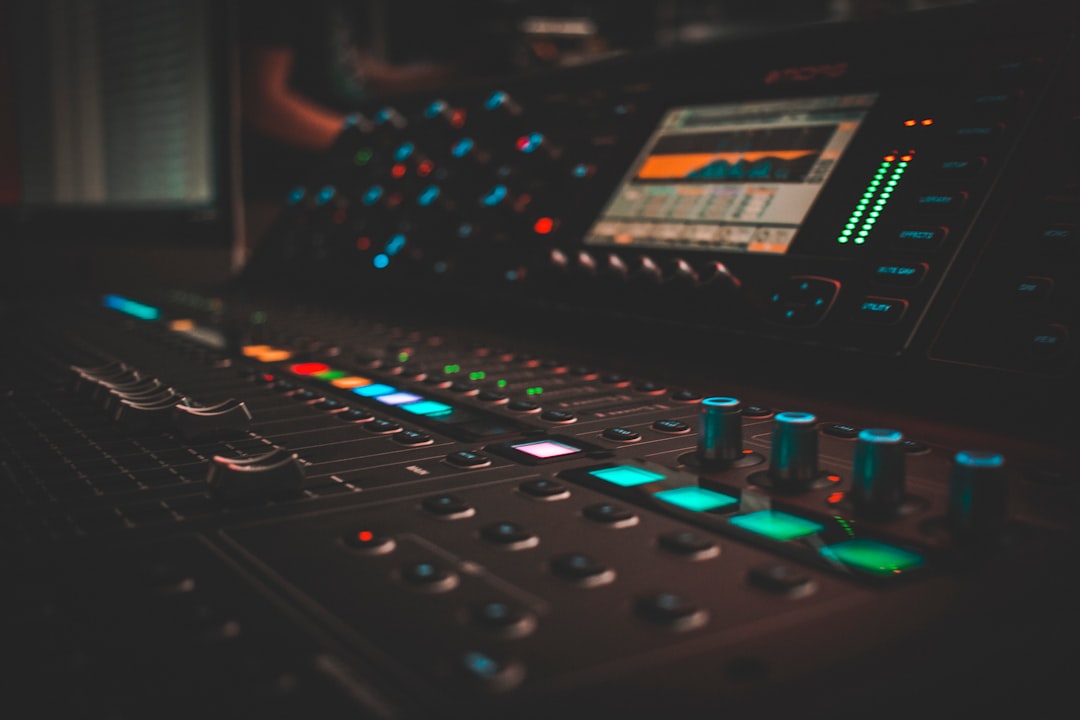
A good cheap audio interface is the single best upgrade most home recordists can make. It is the box that turns your microphone or guitar into clean digital audio, sends it to your computer, and feeds your headphones or monitors back without lag. The good news: you no longer have to spend a fortune. Entry-level interfaces have caught up to gear that cost three times as much a decade ago.
Below is what actually matters when you buy, how to match an interface to your setup, and where to find our current picks. Use it to spend your money once and spend it well.
Quick answer: what to buy
- Recording one thing at a time (vocals, guitar, podcast solo): a 1- or 2-input USB interface is plenty.
- Recording two sources at once (interview, guitar + vocal): get two combo inputs with two preamps.
- On a phone or tablet: check for class-compliant USB-C and bus power before anything else.
- Tightest budget: a single-input interface plus the rest of your money on a decent mic beats a fancy interface and a weak mic.
What makes a good cheap audio interface
“Budget” should not mean “compromised.” A cheap audio interface today should still tick these boxes — if it skips one, keep looking.
Enough of the right inputs
Count the sources you record at the same time, not in total. A solo vocalist needs one mic input. A podcast with two people, or a singer-songwriter tracking voice and guitar live, needs two. Look for combo inputs (XLR + 1/4″) so the same socket takes a mic or an instrument.
Clean preamps with enough gain
The preamp boosts your mic signal to a usable level. Quiet dynamic mics like an SM58 need a lot of clean gain, so a noisy or weak preamp will leave you with hiss. Roughly 56 dB of gain or more is a safe target. Getting your levels right at this stage matters more than any plugin later — see our guide to gain staging.
Phantom power
Condenser mics need 48V phantom power to work, and almost every interface supplies it — but confirm it is there. If you are unsure why it matters, read what phantom power is before you buy a condenser.
Low latency and stable drivers
Latency is the delay between playing a note and hearing it back. Too much and you can’t perform in time. The interface’s drivers and its hardware monitoring both affect this. Good budget units now ship with solid drivers and a direct-monitoring switch. For the full picture, see our explainer on audio latency.
Adequate sample rate and bit depth
24-bit at 48 kHz is the practical floor and is fine for almost all home work. Higher numbers look good on a spec sheet but rarely change the result for a bedroom producer. If the terms are new to you, sample rate and bit depth explained covers it in plain English.
Connection and bus power
USB-C (or USB 2.0 with a C adapter) is the standard. Bus power — drawing power from the laptop rather than a wall adapter — keeps your rig portable. Most 2-input interfaces are bus-powered; larger ones often are not.
How to choose the right one for your setup
Pick the smallest interface that covers what you actually do. Paying for eight inputs you never use is wasted money, and a smaller box is quieter, more portable, and easier on your desk.
- Solo vocalist / voiceover: one mic input, good gain, phantom power. Done.
- Singer-songwriter: two combo inputs so you can track voice and instrument together.
- Two-person podcast: two preamps, two headphone outs are a bonus. Compare your options in USB mic vs audio interface before committing.
- Small band demos: four-plus inputs, which usually means stepping just above entry level.
- Already own a mixer? You may only need a simple 2-channel interface — see audio interface vs mixer to decide.
Whatever you choose, set it up correctly from day one. Our walkthrough on how to set up an audio interface covers drivers, buffer size, and monitoring so you avoid the usual first-day headaches.
Specs that matter vs specs that don’t
Marketing leans on numbers that sound impressive but rarely change your recordings. Here is where to focus.
- Matters: preamp gain range, input count, driver stability, build quality of the gain knobs and sockets.
- Nice to have: direct monitoring blend control, a second headphone output, MIDI in/out, included software bundle.
- Mostly marketing on a budget: ultra-high sample rates (192 kHz), exotic converter chip names, “studio-grade” branding with no figures behind it.
Common budget buying mistakes
- Buying too many inputs. Be honest about how many sources you record at once.
- Spending everything on the interface. A balanced budget across interface, mic, and headphones beats one shiny part.
- Ignoring the room. No interface fixes a bad-sounding space — a little treatment helps more than a gear upgrade. See acoustic treatment for home studios.
- Forgetting cables. An XLR cable is rarely in the box. Budget for it.
Compared at a glance
| Pick | Why it stands out |
|---|---|
| Focusrite Scarlett 2i2 | The Scarlett 2i2 packs two combo inputs, clean preamps with plenty of gain, 48V phantom power and direct monitoring… |
| Focusrite Scarlett Solo | The Scarlett Solo gives you one mic input and one dedicated instrument input with the same clean preamp character as… |
| PreSonus Studio 24c | The Studio 24c offers two independent preamps, clear metering and simple monitoring at a budget-friendly price,… |
| Universal Audio Volt 2 | The Volt 2 pairs a good instrument input with a switchable vintage preamp mode and a bundle of recording and… |
| MOTU M4 | The M4 brings four inputs and four outputs with the clean converters and low latency the range is known for, giving… |
Full picks and details below.
The best budget audio interfaces
These are our current recommendations across the main use cases. Each one was chosen to balance clean preamps, reliable drivers, and the right number of inputs for the price.
Best overall cheap audio interface
The all-rounder for most home setups: two combo inputs, plenty of clean gain, and stable drivers in a bus-powered box.
Focusrite Scarlett 2i2
The Scarlett 2i2 packs two combo inputs, clean preamps with plenty of gain, 48V phantom power and direct monitoring into a bus-powered USB-C box. Its drivers are mature and stable on both Mac and Windows. It’s the most widely recommended affordable all-rounder for home recordists, and the one most people should start with.
Best single-input pick (tightest budget)
One mic/instrument input for solo vocalists, voiceover, and streamers who want to put the savings toward a better mic.
Focusrite Scarlett Solo
The Scarlett Solo gives you one mic input and one dedicated instrument input with the same clean preamp character as the rest of the line. It’s compact, bus-powered and dependable, freeing up budget for a better microphone. A popular choice for solo vocalists, voiceover artists and streamers recording one source at a time.
Best for podcasting
Two preamps and easy monitoring for interviews and co-hosted shows.
PreSonus Studio 24c
The Studio 24c offers two independent preamps, clear metering and simple monitoring at a budget-friendly price, letting each voice in a co-hosted show land on its own track. Its drivers are stable and the routing is uncomplicated. A reliable, affordable pick for interview and two-host podcasts.
Best for guitarists
A high-headroom instrument input and bundled amp-sim software for tracking direct.
Universal Audio Volt 2
The Volt 2 pairs a good instrument input with a switchable vintage preamp mode and a bundle of recording and amp-style software, making it well suited to guitarists tracking direct. It’s bus-powered and built into a sturdy retro-styled enclosure. A popular budget-friendly pick for players who want a bit of warmth and useful software in the box.
Best step-up for small bands
Four-plus inputs for when two channels stop being enough, without jumping to pro-level pricing.
MOTU M4
The M4 brings four inputs and four outputs with the clean converters and low latency the range is known for, giving small bands enough channels to track a few sources at once. The bright LCD metering makes setting levels easy across all the inputs. A strong step-up choice when two channels stop being enough but pro-level pricing is overkill.
Where this fits in your studio
An interface is one piece of a working room. If you are building from scratch, our guide to building a home studio on a budget shows how the interface, mic, monitoring, and treatment fit together so nothing is over- or under-spent. You can browse everything in our audio interfaces hub for reviews and comparisons.
Frequently asked questions
Is a cheap audio interface good enough for serious recording?
Yes. Entry-level interfaces from reputable brands have clean preamps and converters that are more than good enough for releasable home recordings. Your mic choice, mic placement, and room treatment will affect the final sound far more than the difference between a budget and a premium interface.
Do I need an audio interface if I have a USB microphone?
Not necessarily. A USB mic plugs straight into your computer and skips the interface entirely, which is great for simplicity. An interface gives you room to grow — better mics, multiple inputs, lower latency, and proper monitoring. We compare both paths in our USB mic vs audio interface guide.
How many inputs do I really need?
Count only what you record at the same time. Most solo creators are happy with one or two inputs. Buy more only if you genuinely track multiple sources live, such as a band or a multi-person podcast, since extra inputs add cost, size, and often the need for external power.



