
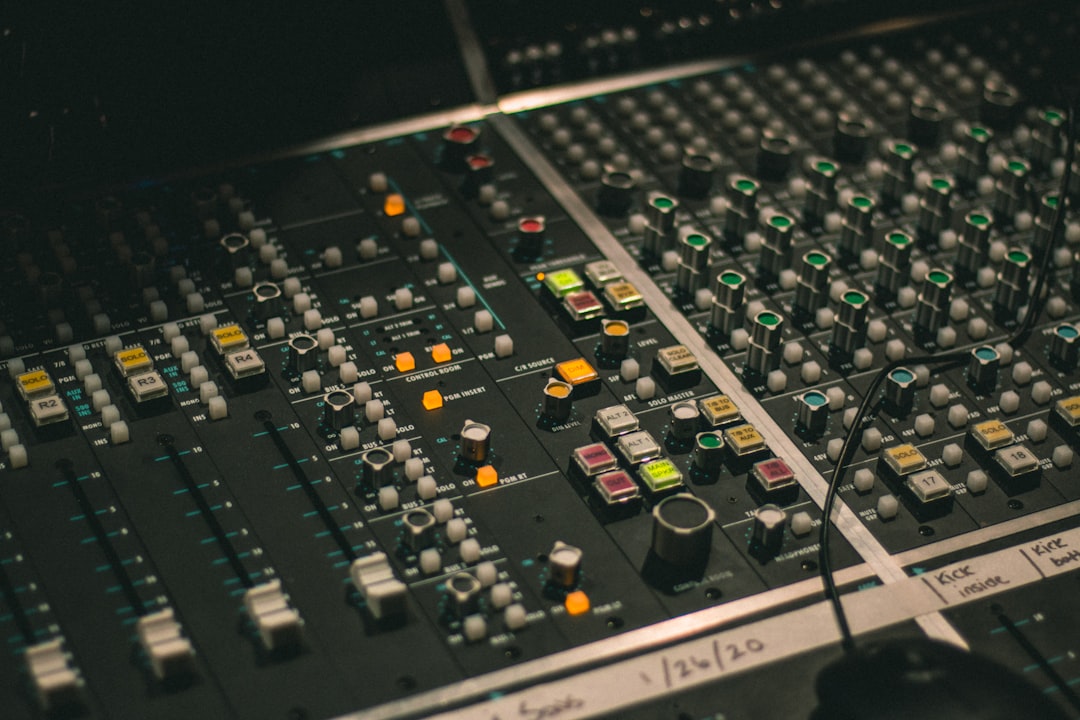
The best microphone for YouTube is the one that gives you clean, intelligible voice audio in your actual room without a lot of fuss. For most creators that means a dynamic mic on a desk, because it rejects room echo and keyboard noise far better than the condensers people assume they need. If you record in a treated, quiet space and want a bigger, more detailed sound, a condenser can be the better choice.
Quick answer: how to pick a microphone for YouTube
- Untreated, noisy room (most people): a dynamic mic, close to your mouth, USB or XLR.
- Quiet, treated room and you want a polished, detailed tone: a large-diaphragm condenser.
- One person, no audio gear, want plug-and-play: a good USB mic.
- Multiple guests, music, or room to grow: XLR mics into an audio interface.
USB vs XLR: which microphone for YouTube should you buy?
This is the first real decision, and it matters more than the brand on the box.
USB mics plug straight into your computer. They are cheap, simple, and great for a single talking-head channel. The trade-off is that you are locked into one mic and its built-in converter, and adding a second person usually means a second computer or awkward workarounds.
XLR mics need an audio interface to connect to your computer, which adds cost. In return you get better preamps, easy multi-mic recording, and a path to upgrade mics later without throwing anything away. If you think you’ll record interviews, podcasts, or music, start here. We break the decision down further in our guide to USB mics vs an audio interface.
Dynamic vs condenser for video
The internet pushes condensers because they sound big and detailed in pristine studios. But most YouTube audio is recorded at a desk in a bedroom or office with no acoustic treatment, hard walls, and a noisy keyboard. In that environment a dynamic mic almost always sounds more professional, because it picks up far less of the room.
A condenser is more sensitive and captures more high-frequency detail, which is wonderful when the only thing it captures is your voice — and a problem when it also captures the air conditioner, your mechanical keyboard, and the reflection off the wall behind you. If you’re unsure which family fits your space, read condenser vs dynamic microphones before you buy.
The buying criteria that actually matter
Polar pattern
For a single speaker, you want a cardioid pattern, which picks up sound from the front and rejects what’s behind it. That’s what keeps room noise and echo out of your recording. Avoid omnidirectional mics for talking-head video unless you specifically need to capture a whole room. Our explainer on microphone polar patterns covers when to use each one.
Noise rejection and your room
Be honest about your space. Hard floors, bare walls, and a fan or computer running nearby all end up in your audio. A close-miked dynamic cardioid is the single biggest fix. Beyond the mic, light acoustic treatment — even a few panels and a rug — does more for perceived quality than spending another hundred on the microphone itself.
Connection and phantom power
Condenser mics need phantom power (48V), supplied by an interface or mixer. Most dynamic mics don’t. USB mics handle power over the cable. Factor this in so you don’t buy a mic your setup can’t actually run.
Stand, arm and isolation
A desk arm keeps the mic at mouth height and out of frame, and a shock mount stops desk bumps and typing thumps from travelling up the stand. Budget for these — a great mic flat on a desk still sounds amateurish.
If you film away from the desk, talking to camera on the move, a desk mic stops being practical; our guide to the best vlogging microphones covers on-camera shotguns and clip-on systems built for that.
Latency monitoring
If you’ll record voiceover to picture or sing, low-latency monitoring matters. Many USB mics include a headphone jack for zero-latency monitoring; interfaces handle this in hardware. See our note on audio latency if you’ve noticed an echo while monitoring.
Budget
You do not need an expensive mic for clean YouTube audio. Past a modest price point, you’re paying for tone and flexibility, not basic clarity. Spend what’s left on a stand, a pop filter, and treating your room.
Compared at a glance
| Pick | Why it stands out |
|---|---|
| Elgato Wave:3 | The Wave:3 is a USB condenser built with creators and streamers in mind, with a cardioid pattern, a built-in… |
| Samson Q2U | The Q2U is a dynamic mic with both USB and XLR outputs and a built-in headphone jack, which makes it a smart budget… |
| Shure SM7B | The SM7B is a broadcast-style cardioid dynamic that’s become a fixture in creator setups. |
| Rode NT1-A | The NT1-A is a large-diaphragm cardioid condenser known for very low self-noise, which keeps quiet, detailed audio… |
| Rode PodMic (pair into an interface) | The PodMic is a broadcast-style cardioid dynamic designed for spoken word, and running a pair into a multi-input… |
Full picks and details below.
Our recommended microphones for YouTube
Best USB mic for most YouTubers
The simplest path to clean video audio: plug in, set your levels, record. Ideal for a single-presenter channel with no other audio gear.
Elgato Wave:3
The Wave:3 is a USB condenser built with creators and streamers in mind, with a cardioid pattern, a built-in headphone jack, and software-based mixing. It plugs straight into a computer with no interface, making it a simple path to clean talking-head audio for a single presenter. It’s a popular choice for YouTubers and streamers who want a tidy, all-in-one desktop setup.
Best budget pick
For creators starting out who want solid voice quality without spending much. Prioritises clarity and noise rejection over fancy features.
Samson Q2U
The Q2U is a dynamic mic with both USB and XLR outputs and a built-in headphone jack, which makes it a smart budget pick for new creators. Its dynamic cardioid capsule rejects room echo and keyboard noise far better than a typical condenser, so it sounds clean in an untreated room. The dual connection also gives you an upgrade path to an interface later without replacing the mic.
Best dynamic XLR mic for an untreated room
The go-to for desk setups in noisy or echoey rooms. Pairs with an interface and rewards close-miking with broadcast-style voice.
Shure SM7B
The SM7B is a broadcast-style cardioid dynamic that’s become a fixture in creator setups. Its low sensitivity and tight pattern reject room echo and desk noise, and close-miking delivers a rich, broadcast-style voice. It needs an interface with plenty of clean gain, but for a desk setup in a noisy or echoey room it’s one of the most recommended XLR dynamics.
Best condenser for a treated, quiet room
If your space is quiet and you’ve added some treatment, a large-diaphragm condenser gives a bigger, more detailed sound. See large vs small-diaphragm condensers for the difference.
Rode NT1-A
The NT1-A is a large-diaphragm cardioid condenser known for very low self-noise, which keeps quiet, detailed audio clean. In a quiet, lightly treated room it delivers a bigger, more open sound than a dynamic, and it’s often bundled with a shock mount and pop filter. It’s a popular choice for creators who have controlled their room and want a more polished tone.
Best for interviews and multi-person video
When you record guests, you want two matched mics into an interface so each person sits on their own track. Flexible and easy to edit.
Rode PodMic (pair into an interface)
The PodMic is a broadcast-style cardioid dynamic designed for spoken word, and running a pair into a multi-input interface lets each guest sit on their own track. The dynamic capsules reject room noise and bleed between speakers, which keeps interviews clean and easy to edit. It’s a popular, durable choice for two-person YouTube and podcast setups.
Set it up properly
The right microphone for YouTube only sounds good if you use it well. Position the mic a hand’s width from your mouth, slightly off-axis to reduce plosives, and set your input gain so peaks land well below clipping. The same fundamentals that make spoken word sit right apply to recording at home generally — our walkthrough on recording vocals at home covers placement and levels in detail, and most of it transfers straight to talking-head video. For more on building out the rest of a setup, browse the full microphones guides.
Frequently asked questions
Do I need a condenser microphone for YouTube?
No. Condensers are popular but they capture a lot of room noise and echo, which is a problem in the untreated rooms most creators record in. A cardioid dynamic mic, used close to your mouth, usually sounds more professional in a typical home or office setup. Choose a condenser only if your room is quiet and lightly treated.
Is a USB mic good enough for YouTube?
For a single presenter, yes — a quality USB mic delivers clean, clear voice audio with no extra gear. Step up to XLR mics and an audio interface when you want better preamps, plan to record more than one person, or want room to upgrade individual pieces later.
How much should I spend on a microphone for YouTube?
Less than you’d think. Basic voice clarity is solved at a modest price; above that you’re paying for tone and flexibility rather than intelligibility. A smart budget puts money into a mic, a desk arm or shock mount, a pop filter, and a little acoustic treatment, rather than one expensive microphone in a bare, echoey room.



