
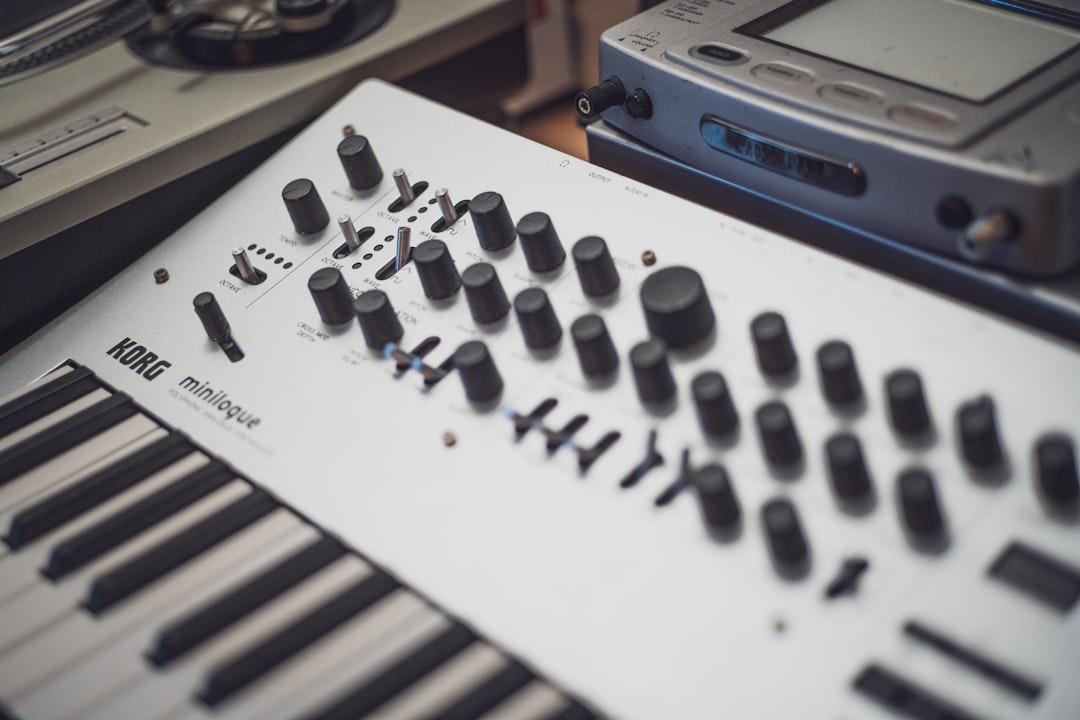
To sync hardware synths, you send a single timing signal — usually MIDI clock or an analog clock pulse — from one master device to everything else, so all the sequencers, arpeggiators and drum machines run at the same tempo and start together. Pick one clock master, set everything else to follow it, and your gear locks tight.
This guide covers the main ways to sync hardware: MIDI clock, analog clock and trig, and syncing to a DAW. It applies whether you’re chaining a Korg Volca to an Elektron Digitakt or running a full Eurorack rig.
Why syncing matters
Any device with its own tempo — an arpeggiator, an onboard sequencer, an LFO set to sync, a drum machine — needs to agree on the beat, or the parts drift apart. Syncing means choosing one clock master and making every other device a clock slave that follows along. Get this right and starts, stops and tempo changes propagate to the whole setup automatically.
Method 1: MIDI clock
MIDI clock is the most common way to sync hardware synths. The master sends timing and transport (start/stop) messages over a MIDI cable; slaves set their clock source to External or MIDI and lock on.
- Choose a master. A drum machine, groovebox or DAW usually makes the best master because it sets the tempo for the track.
- Chain or hub. Connect MIDI out of the master to MIDI in of the next device. To feed several units, use a MIDI thru box so each gets a clean copy rather than a long, latency-prone daisy chain.
- Set slaves to external clock. On each synth, switch the clock source to MIDI/External so it follows the master instead of its own internal tempo.
Elektron boxes, Korg’s Volca and Minilogue lines, Arturia and Roland gear all speak MIDI clock. If you haven’t wired MIDI yet, our guide on connecting a hardware synth to your DAW covers the basics.
Method 2: Analog clock and trig
Older and modular gear often syncs with analog pulses instead of MIDI. A clock signal is a steady stream of trigger pulses; devices advance one step per pulse (or per a set number of pulses per beat). You’ll meet this most in:
- Korg Volcas and the SQ-1, which use a sync jack to pass simple pulses.
- Eurorack, where a clock module or Eurorack sequencer outputs gates that drive everything. This is closely tied to CV and gate.
Because pulse formats and divisions vary, a clock converter or a multi-format sync box is handy when mixing MIDI gear with analog-clock gear.
Method 3: Sync to your DAW
If your music is built in a DAW, make the DAW the clock master so the computer and hardware share one timeline:
- Enable MIDI clock output in your DAW’s MIDI preferences and choose the port that reaches your hardware.
- Set each hardware device to external/MIDI clock.
- Press play in the DAW; the hardware should start in time.
Expect to fine-tune timing — MIDI clock and round-trip audio can introduce small offsets, so you may nudge tracks to line up. Our audio latency guide explains the offsets, and once parts are tight, recording your hardware synth is the next step.
Bridging MIDI and analog clock
Many setups mix both worlds — say a MIDI-based Digitone alongside analog-sync Volcas or a Eurorack case. Dedicated sync boxes and certain Elektron/Arturia units can take MIDI clock in and output analog clock pulses (and vice versa), acting as the translator between the two. This is the cleanest way to keep a hybrid rig locked.
How to choose a sync method
The right approach comes down to what your gear speaks and where your tempo lives. Work through it in this order:
- All-MIDI rig: if every box has MIDI in and out, use MIDI clock. It carries tempo and transport together, so one start command launches the whole setup. This is the default for most desktop and groovebox studios.
- DAW at the centre: if you arrange and record on a computer, let the DAW be master so your hardware and your software instruments share one timeline. This keeps overdubs and edits sample-locked to the grid.
- Modular or vintage gear: if your sequencing happens in Eurorack or on older sync-jack boxes, run an analog clock and bring MIDI gear in through a converter, rather than the other way around.
- Hybrid setup: when you have both, decide first whether MIDI or analog holds the master clock, then translate outward with a sync box. Pick the master that anchors your main groove — usually whichever sequencer you actually perform on.
As a rule of thumb, choose the master that is hardest to keep in time as a follower. A drum machine or DAW makes a reliable master; small arpeggiated synths make good followers.
Keeping timing tight and stable
Once everything is following one master, a few habits keep the groove solid. MIDI clock is sent many times per beat, and every cable, thru port and converter in the path can add a tiny amount of delay or jitter, so the shorter and more direct the signal path, the steadier the result.
- Keep the chain short. Fan the clock out from a thru box instead of passing it synth-to-synth-to-synth, so no device is waiting on the one before it.
- Match clock divisions. Confirm every device expects the same pulses-per-step or pulses-per-quarter-note, especially when mixing MIDI and analog gear.
- Send transport, not just clock. Make sure start and stop messages are enabled so devices begin on the same downbeat rather than wandering in.
- Print, then check. Record a few bars, zoom in, and confirm the parts land where you expect before committing to a full take.
Common mistakes
- Leaving two masters running. If two devices are both sending clock, they fight each other. Only one unit should be master; everything else follows.
- Forgetting to enable clock output. Many DAWs and synths can send MIDI clock but ship with it switched off. Turn the output on for the correct port before troubleshooting anything else.
- Confusing clock with notes. A device can receive note data and still ignore timing if its clock source is set to internal. They are separate settings.
- Over-long daisy chains. Every extra hop adds latency. Use a thru box once you are past two or three devices.
Troubleshooting sync problems
- Nothing follows the master: the slave is still on internal clock — switch it to external/MIDI.
- Double or half speed: a clock division/multiplication setting is off, or pulses-per-step is mismatched on analog gear.
- Drifting or sloppy timing: avoid long daisy chains; use a thru box so each device gets the clock directly.
- Starts at the wrong point: make sure transport (start/stop) is being sent and received, not just clock.
Frequently asked questions
What’s the difference between MIDI clock and analog clock?
MIDI clock is digital timing sent over a MIDI cable, including start and stop messages. Analog clock is a stream of voltage pulses on a patch or sync cable. MIDI suits most modern synths; analog clock is common on Volcas and in Eurorack.
Which device should be the clock master?
Pick the device that anchors your tempo — often a drum machine, groovebox or your DAW. Everything else should be set to external clock so it follows that single master.
Can I sync MIDI gear with analog Eurorack?
Yes. Use a sync converter or a unit that takes MIDI clock in and outputs analog clock pulses. That box translates between the two formats so your MIDI synths and modular system stay locked together.
Why does my hardware drift out of time with the DAW?
Small offsets are normal because MIDI clock and round-trip audio each add a little delay. Keep the signal path short, enable clock output on the right port, and nudge or align the recorded tracks afterwards so they sit on the grid.
Do I still need clock if I only use one synth?
Only if more than one thing inside it needs to share a tempo — for example its arpeggiator and a tempo-synced LFO or delay. A single self-contained part playing alone does not need an external clock at all.



