Latest Articles
-
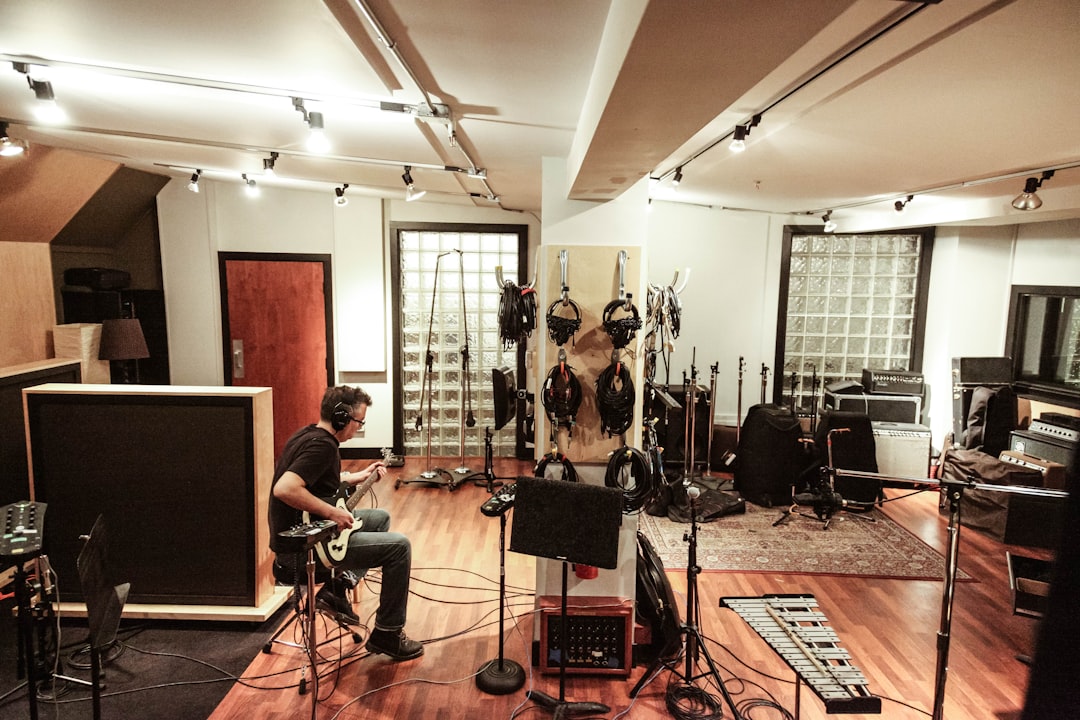
Audio-Technica ATH-M50x Review
Our ATH-M50x review breaks down the sound, build, comfort and value of Audio-Technica’s studio classic, plus who should buy it and the best alternatives.
-
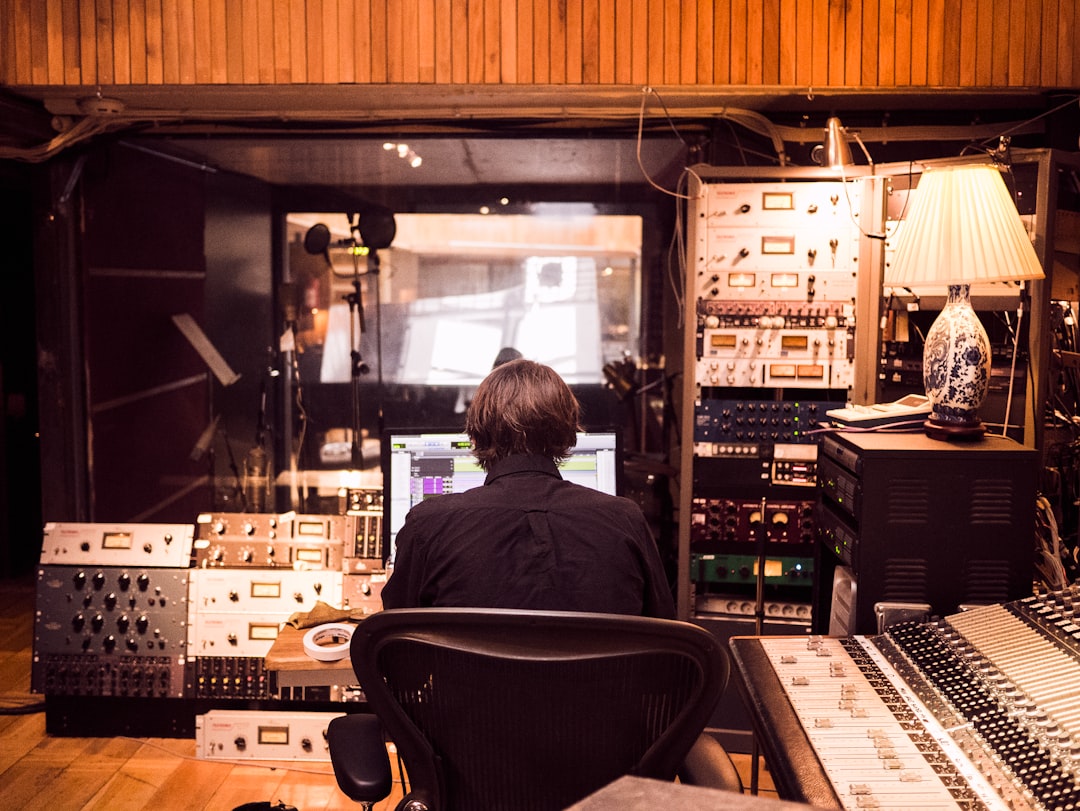
Yamaha HS5 Review: The Mixing Standard?
Our honest yamaha hs5 review covers sound, room fit, build and value, plus who this popular nearfield studio monitor is really for and its best alternatives.
-
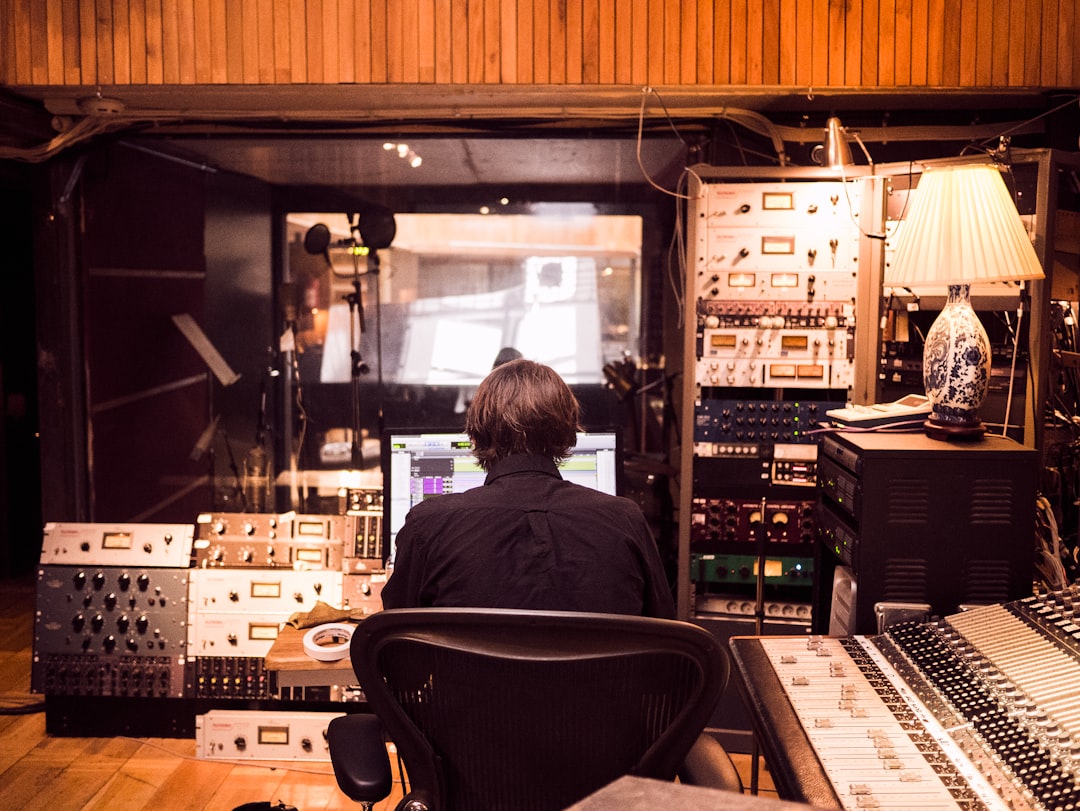
KRK Rokit 5 Review: Budget Studio Monitor
Our krk rokit 5 review covers the RP5 G4 budget nearfield monitor: how it really sounds, its DSP room tuning, who it suits, and the rival monitors to…
-
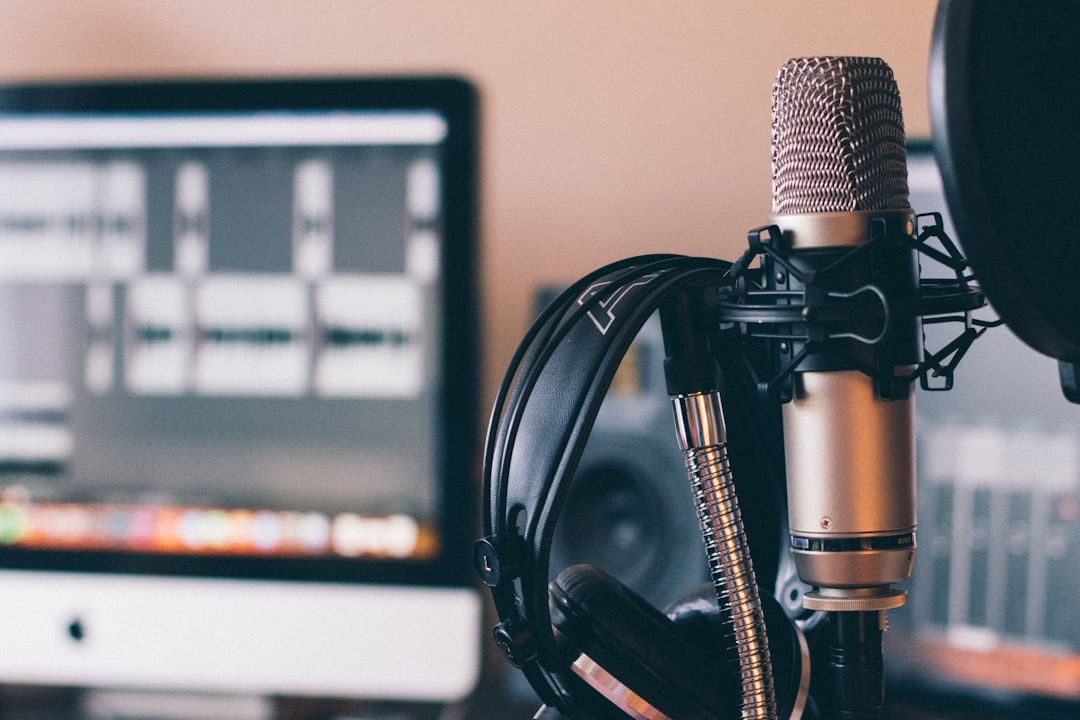
Audio-Technica AT2020 Review
Our honest AT2020 review covers the sound, build, what gear you need to run it and exactly who this classic budget condenser mic is really for before you…
-
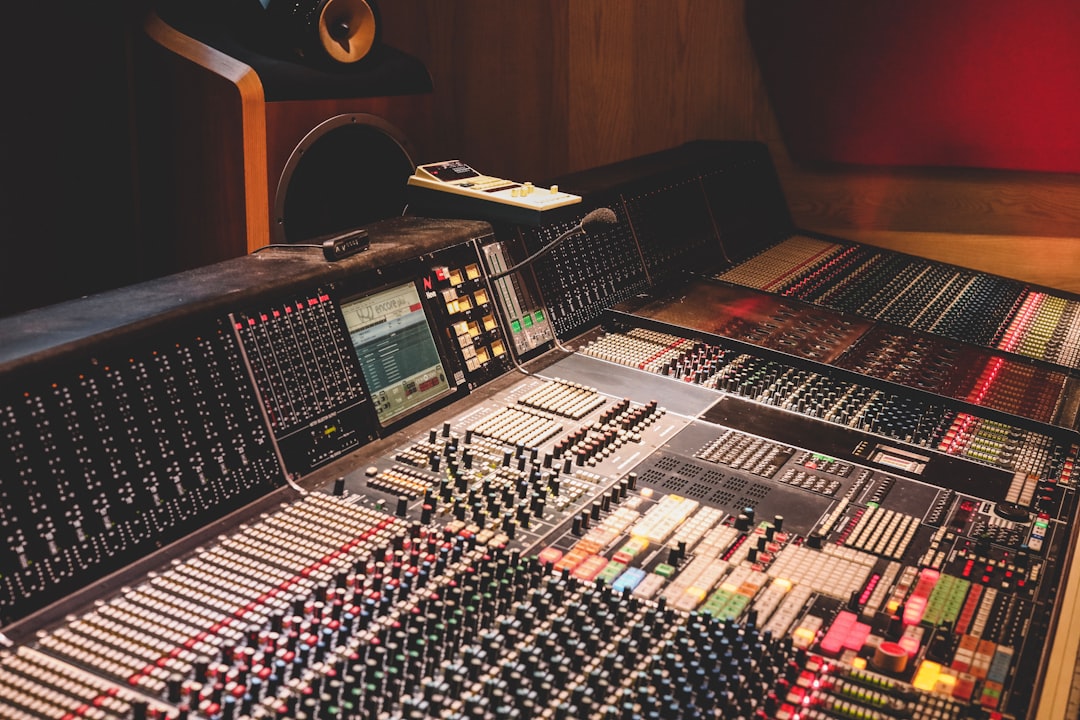
Rode NT1 Review: A Studio Standard
Our Rode NT1 review covers sound, self-noise, build and value to help you decide if this legendary studio condenser mic belongs in your home recording studio.
-
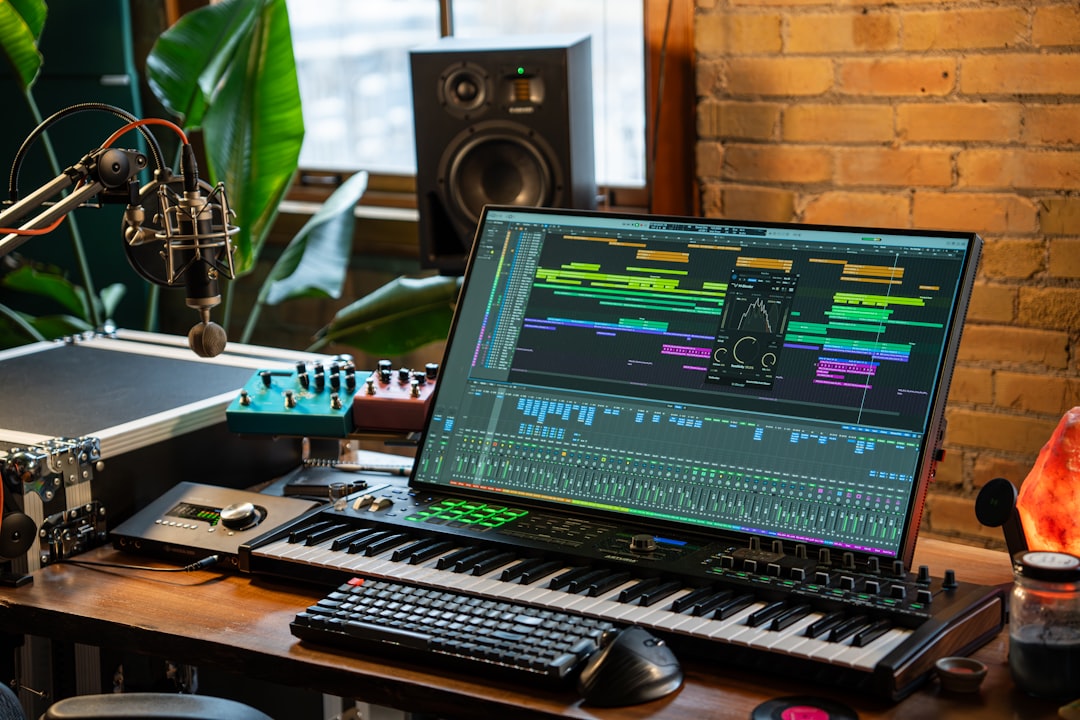
Blue Yeti Review: Still Worth It in 2026?
In this blue yeti review we weigh sound, pickup patterns, real-world quirks and value to decide whether Logitech’s iconic USB mic is still worth buying in 2026.
-
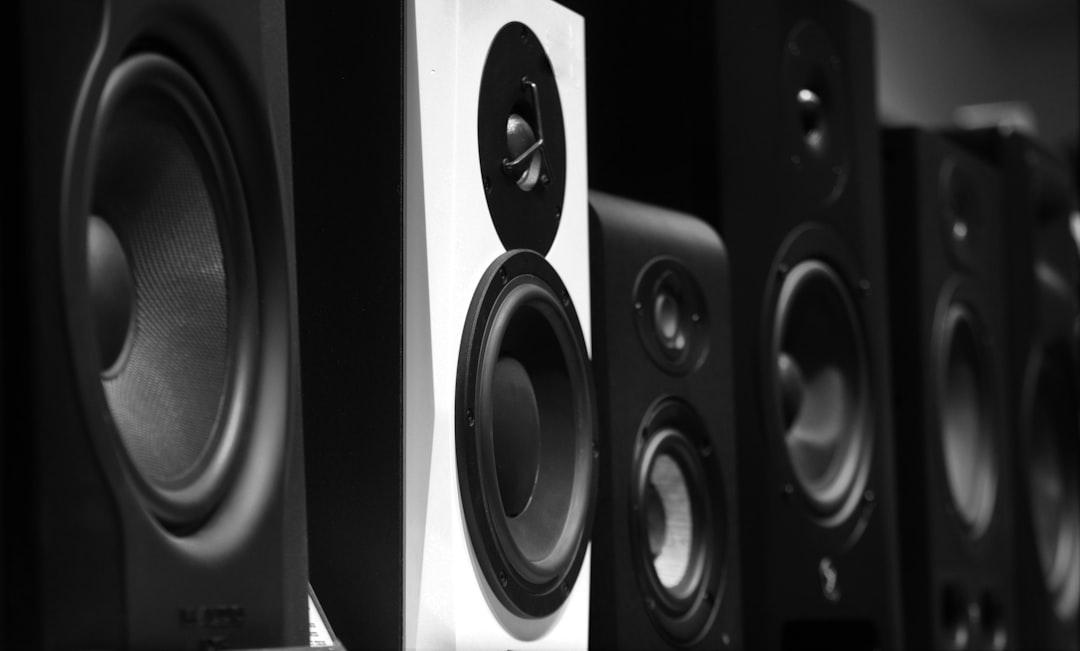
Open-Back vs Closed-Back Headphones for Mixing
Open back vs closed back for mixing compared: soundstage, isolation, accuracy and bleed, plus the best real headphone picks so you choose the right pair.
-

Condenser vs Dynamic Mic for Streaming
Condenser vs dynamic for streaming, finally settled: which mic type suits your room, voice and setup, plus the best picks for Twitch, YouTube and podcasting.
-

Are Studio Monitors Worth It?
So, are studio monitors worth it? We break down when flat-response monitors beat headphones and hi-fi speakers, plus the best budget picks for home mixing.
-
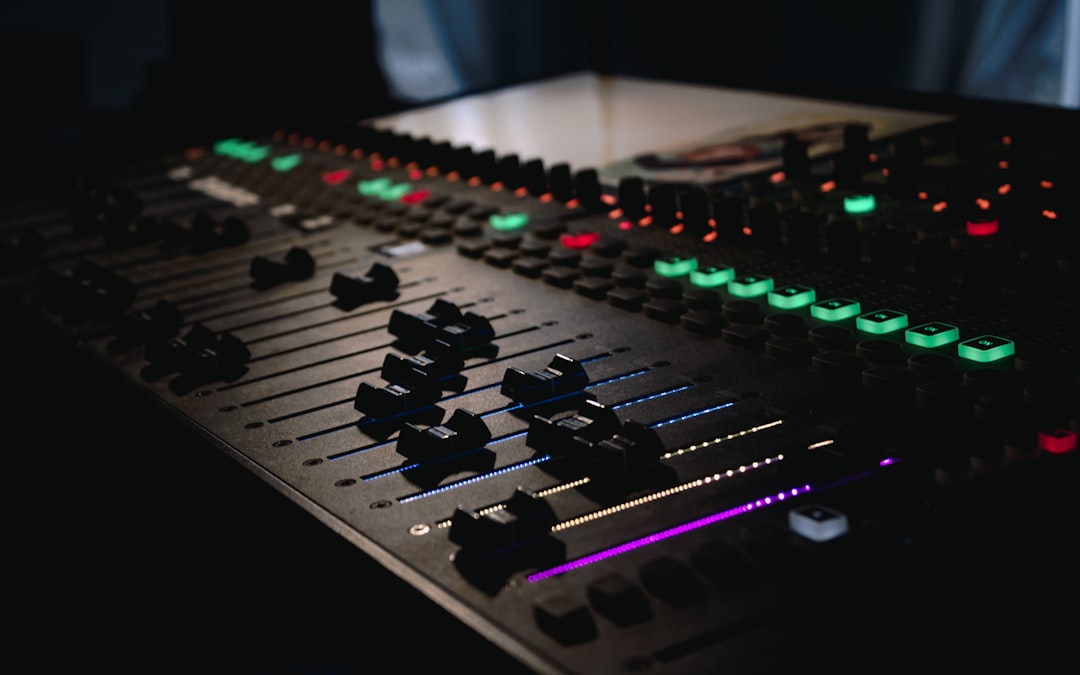
Can You Record Without an Audio Interface?
Yes, you can record without audio interface hardware — USB mics, portable recorders or a USB-C mic all work. We compare the sound quality and which to buy.