
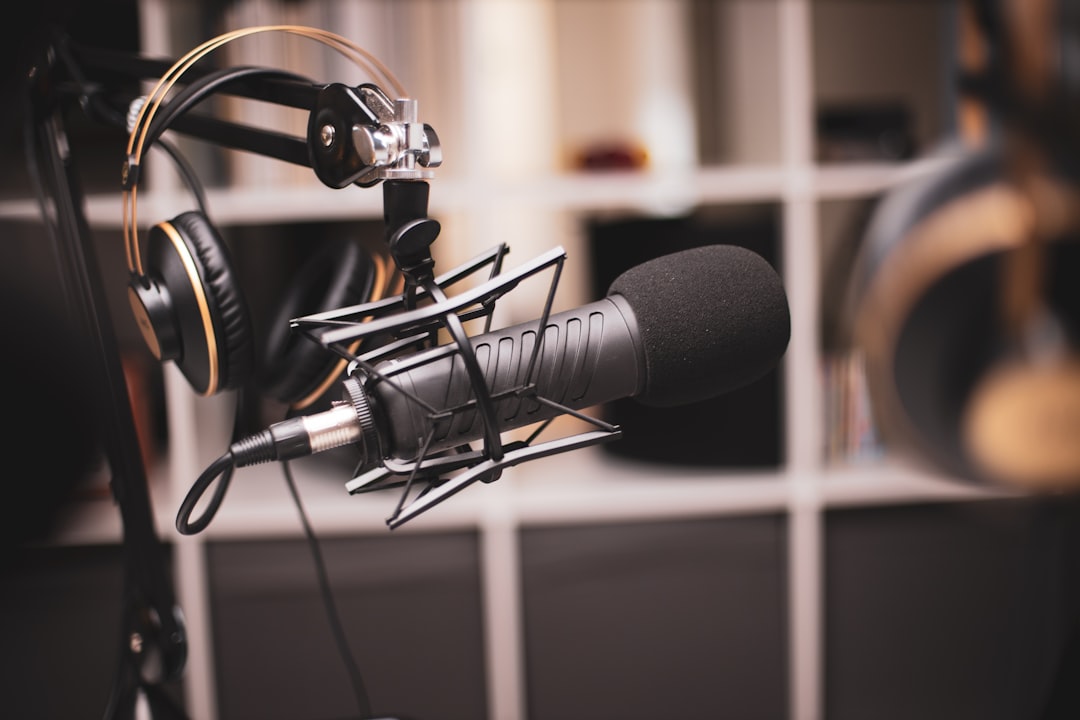
The Blue Yeti vs Yeti X choice is between the proven all-rounder and its upgraded successor. Both are USB condenser microphones with multiple polar patterns aimed at podcasting, streaming and home recording. The Yeti X adds a higher-resolution four-capsule array, real-time LED level metering, a smart multifunction control knob and tighter software integration, while the original Yeti remains a strong, more affordable choice.
| Blue Yeti | Yeti X | |
|---|---|---|
| Capsule array | Three capsules | Four capsules |
| Resolution | 16-bit | Up to 24-bit |
| Level metering | None | Built-in LED meter ring |
| Front control | Headphone volume | Smart knob (gain, monitor mix, mute) |
| Software | Basic | Logitech G Hub with voice effects |
| Polar patterns | Four | Four |
| Best for | Budget-friendly podcasts, calls and streaming | Serious streaming and podcasting |
What each microphone is
Both connect over USB with no interface required, making them plug-and-play. They are side-address condensers offering several polar patterns (cardioid, omnidirectional, bidirectional and stereo), which makes them flexible for solo voice, interviews and group recording. If you are weighing USB against a traditional rig, read USB mic vs audio interface, and for pattern basics see polar patterns explained.
The key differences
| Blue Yeti | Yeti X | |
|---|---|---|
| Capsules | Three-capsule array | Four-capsule array |
| Resolution | 16-bit | Up to 24-bit |
| Level metering | No | Built-in LED meter ring |
| Front control | Headphone volume | Smart knob (gain, monitor mix, mute) |
| Software | Basic | Logitech G Hub / voice effects |
| Polar patterns | Four | Four |
The standout practical upgrade on the Yeti X is the LED meter ring around the smart knob: you can see your input level at a glance and adjust it without diving into software, which makes consistent levels much easier. Good levels matter regardless of mic — see gain staging.
Sound
Both sound clear and full, with the slightly forward, broadcast-friendly voicing the Yeti line is known for. The Yeti X’s higher-resolution capture and refined capsule array give it a marginally cleaner, more detailed sound, but for most podcast and streaming use the difference is subtle. The original Yeti still records a perfectly professional-sounding voice.
What they share — and why it matters
It is easy to fixate on the differences, but the two mics have more in common than not, and those shared traits shape how you should use either one. Both are large, side-address condensers, which means you speak into the side of the body (where the logo faces you), not the top. Both are highly sensitive by design, so they capture the detail of your voice beautifully but also pick up keyboard clatter, fan hum and room reflections that a cheaper dynamic mic might ignore — if you are still deciding between the two technologies, our guide to condenser vs dynamic microphones explains the trade-off.
Both also default to the cardioid polar pattern for solo speech, and for the vast majority of podcasting and streaming work that is the pattern you want: it listens to the front and rejects sound from the rear. The omnidirectional, bidirectional and stereo modes are useful for round-table interviews, two-person conversations or recording an instrument in the room, but they will let in noticeably more of the space you are sitting in. If your room is untreated, stick with cardioid and get close.
How to get the best from either mic
Whichever model you land on, the same handful of habits separate a thin, roomy recording from a clean, broadcast-ready one:
- Work close. Aim for roughly a hand-span from your mouth. Condensers reward proximity with a fuller, more present tone and a better ratio of voice to room.
- Set the gain properly. Speak at your normal performance volume and adjust until your loudest moments peak comfortably below clipping. On the Yeti X the LED ring shows this directly; on the original Yeti, watch your recording software’s meter.
- Use a pop filter or windscreen. Both mics are sensitive to plosives (the bursts of air on “p” and “b” sounds). A simple foam or mesh shield tames them.
- Decouple from the desk. Because they are condensers, they transmit vibration easily. A shock mount or boom arm keeps typing and desk knocks out of your recording.
- Treat the room a little. Even a few soft furnishings or panels reduce the reflections these mics are so good at capturing — see acoustic treatment for home studios.
Common mistakes to avoid
Most disappointing Yeti recordings come down to a few avoidable errors rather than the microphone itself. The most common is talking into the top of the mic as if it were a dynamic handheld — remember these are side-address, so face the front grille. The second is sitting too far back, which thins the voice and lets the room dominate. The third is leaving the gain too high so that peaks distort, or so low that you have to boost in editing and lift the noise floor with it. Finally, many users leave the mic in the wrong polar pattern; if your voice sounds hollow or surrounded by room sound, check that you are in cardioid.
Pros and cons
Blue Yeti pros: proven, affordable, four polar patterns, simple to use. Cons: no level metering, less detailed software control, picks up room noise like all condensers.
Yeti X pros: LED metering, smart multifunction knob, higher resolution, better software and effects. Cons: costs more, and both share the same condenser sensitivity to background noise.
Which should you choose?
- Choose the Blue Yeti if you want a dependable, budget-friendly USB mic for podcasts, calls and streaming and do not need on-mic metering or software effects.
- Choose the Yeti X if you stream or podcast seriously and value the LED level meter, smart knob and finer control — the metering alone makes it easier to nail consistent levels.
Because both are sensitive condensers, a little room treatment goes a long way — see acoustic treatment for home studios. If you want to weigh either Yeti against the field, browse our roundup of the best USB condenser microphones or the wider microphones category.
Frequently asked questions
Is the Yeti X worth the upgrade over the Blue Yeti?
If you value real-time LED level metering, the multifunction smart knob and higher-resolution capture, yes. For casual use where you mainly need a clear voice, the original Yeti still delivers great results for less money.
Do the Yeti and Yeti X need an audio interface?
No. Both are USB microphones that plug directly into a computer and require no separate interface or phantom power, which is a big part of their appeal for beginners.
Why does my Yeti pick up so much background noise?
Both Yetis are sensitive condensers, so they capture room reflections and ambient noise. Use the cardioid pattern, speak close to the mic, and add some acoustic treatment to reduce unwanted background sound.
Is a USB condenser like the Yeti better than a USB dynamic mic?
Neither is strictly better; they suit different rooms. Condensers like the Yeti capture more detail and a fuller sound, which is ideal in a quiet, treated space. A USB dynamic mic rejects more background noise, so it can be the safer pick in a noisy or untreated room. If your space is loud, work close in cardioid to get the most from either Yeti.
Do the Blue Yeti and Yeti X sound the same?
Very nearly. Both share the clear, slightly forward, broadcast-friendly voicing the Yeti line is known for. The Yeti X’s refined four-capsule array and higher-resolution capture give it a marginally cleaner, more detailed sound, but in typical podcast and streaming use the difference is subtle. Your mic technique and room affect the result far more than which model you pick.



