
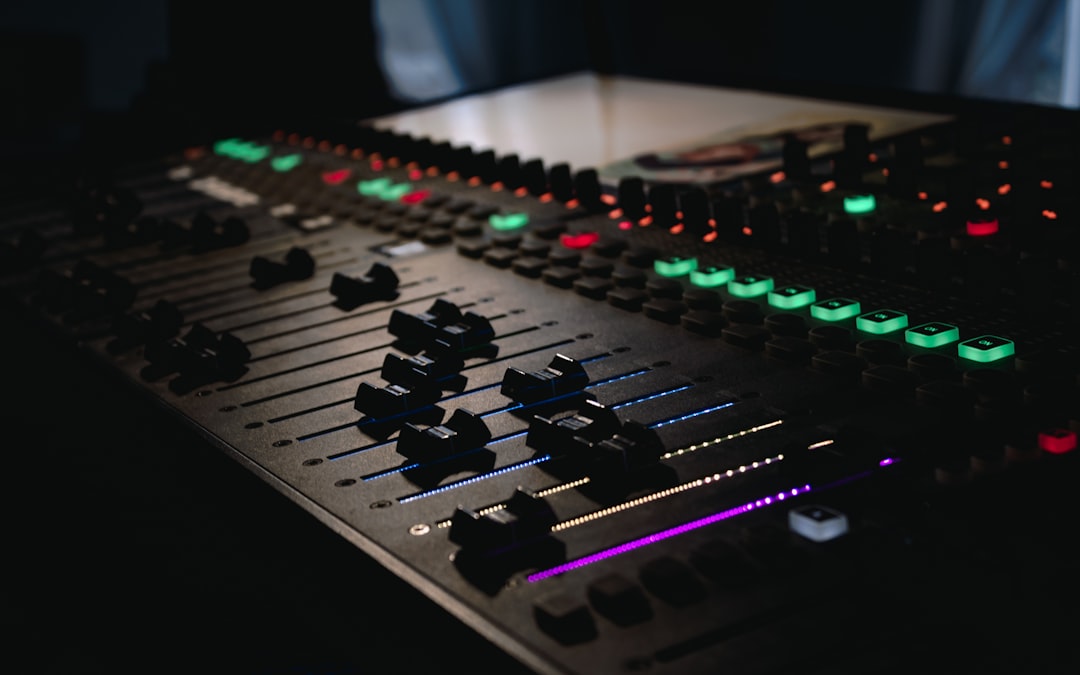
Learning how to structure a beat comes down to two things: laying out sections that make musical sense, and giving each one just enough movement to keep a listener leaning in. A solid beat has an intro that sets the tone, a verse section built to sit under vocals, and a hook that hits harder than everything around it. Get that skeleton right and the sounds you choose almost arrange themselves.
Violet Recording is reader-supported — we may earn a commission from links on this page, at no extra cost to you.
Below is the full workflow a working producer uses: how to map out the sections, how to program drums that groove instead of march, how to write an 808 line that locks to the kick, and how to arrange the whole thing so it breathes. You can follow it in any DAW — FL Studio, Ableton Live, GarageBand, or a phone app — because it’s about arrangement, not any one piece of software.
What you’ll need before you start
- A DAW or beat-making app you’re comfortable with (see our roundup of the best beat-making apps if you’re still choosing).
- A drum kit — kick, snare or clap, hats, and a few percussion sounds. Free options are covered in our best free drum VST guide.
- A way to keep time. If your app doesn’t show tempo clearly, our free online metronome and BPM tools will help you set and feel the grid.
- A rough idea of tempo and mood — even just “slow, dark, 140 BPM” is enough to start.
Steps at a glance
- Pick a tempo and lock the grid.
- Map the sections — intro, verse, hook, bridge, outro — before you add a single sound.
- Program the core drum pattern.
- Write the 808 or bassline to match the kick.
- Add melody and texture on top.
- Introduce swing and variation so it grooves.
- Arrange the full timeline and mix down.
How to structure a beat section by section
Most modern beats — hip-hop, trap, drill, pop, R&B — follow a loose but reliable song form. You don’t need to reinvent it. Think in blocks of 4, 8, or 16 bars, because that’s how the human ear expects music to phrase. Here’s the arrangement that works nine times out of ten.
Intro (4–8 bars)
The intro earns attention with less, not more. Start with the melody alone, or a filtered version of the main loop, and hold the drums back. Bringing the full kit in at bar 5 or bar 9 gives you a built-in lift before anything else has happened. A simple trick: run your hook melody through a low-pass filter for the intro, then open the filter as the drums drop.
Verse (16 bars)
The verse is the workhorse. It’s where a rapper or singer spends the most time, so it needs space — fewer competing melodies, a steady drum groove, and room in the midrange. Keep the energy slightly below the hook so there’s somewhere to go. If your verse and hook feel identical, the hook won’t land.
Hook / chorus (8 bars)
This is the loudest, fullest, most memorable section. Add the elements you held back: a countermelody, extra percussion, a wider pad, a doubled 808. The hook should feel like the sun coming out after the verse. Repeat it enough that it sticks, but not so much that it wears out.
Bridge and outro
A bridge — often just 4 or 8 bars — breaks the pattern before the final hook, buying contrast. The outro usually strips elements away, mirroring the intro, so the track fades out rather than stopping dead. Structure is symmetry: what you build up, you take back down.
Programming the drum pattern
Drums are the engine, and this is where most beginner beats fall flat — they’re too rigid. Start with a one-bar or two-bar loop and get it grooving before you worry about the rest of the arrangement.
Lay the kick on beat 1 for sure, then place a second and maybe third hit syncopated against the snare — the “off” placements are what give trap and drill their bounce. Put the snare or clap on beats 2 and 4; that backbeat is the spine of nearly every genre. Then fill in hi-hats. Straight eighths feel steady; sixteenths feel busy; the rolls and triplet bursts you hear in trap come from briefly doubling or tripling the hat speed for a beat or two.
Vary velocity so hats aren’t all the same volume — accent the downbeats a touch louder and let the in-between hits sit quieter. Uniform velocity is the single biggest giveaway of a programmed, lifeless beat. If your DAW has a randomise or humanise function on velocity, a light touch there does wonders. Want to sketch patterns fast without opening a full project? Our browser-based drum machine and beat tools let you tap out an idea in seconds.
Writing the 808 and bassline
The 808 is both bass and, often, a second kick — so it has to agree with your kick drum, not fight it. Two rules keep low end clean. First, tune your 808 to the key of your melody; an untuned 808 is why a lot of home-made beats sound muddy or “off.” Second, watch where the 808 and the kick overlap. If they hit at the exact same instant with the same weight, they’ll cancel or boom. Either sidechain the 808 to duck slightly when the kick lands, or arrange them so the kick punches and the 808 sustains around it.
For the actual notes, follow the root of your melody and add glides (portamento) between notes for that sliding trap feel. Long, sustained 808s under the hook and shorter, punchier ones in the verse is a subtle way to reinforce the section changes you mapped out earlier. If low end is a persistent problem in your mixes, our gain staging guide and EQ and compression fundamentals explain how to carve room for the kick and 808 to coexist.
Adding melody, samples, and texture
With drums and bass grooving, melody is what gives the beat identity. You can play a simple chord progression or lead on a piano or synth, or you can build around a loop. This is the fastest place to level up a beat: a professionally-played loop or one-shot instantly adds polish you’d spend hours trying to program by hand. Pulling a melody loop, a vocal chop, or a percussion layer from a royalty-free library like Splice is the standard modern workflow — you audition sounds in key and at tempo, then drag the ones that fit straight into your session.
Layer with restraint. A lead melody, a supporting pad or countermelody in the hook, and one or two texture sounds (a vinyl crackle, a reversed cymbal, an atmospheric pad) is usually plenty. Every new element should either fill a frequency gap or mark a section change — if it does neither, mute it.
Groove, swing, and variation
A beat that’s quantised dead-straight can feel robotic. Swing nudges the off-beat notes slightly late, giving that human, head-nod bounce; even 8–15% swing on your hats transforms a stiff pattern. Most DAWs have a global swing or groove control — experiment with it on the hi-hats first, since that’s where the ear notices it most.
Then build in variation so no two 8-bar blocks are identical. Drop the hats out for a bar before the hook. Add a snare roll or fill in the last bar of a section to signal the change. Mute the 808 for a beat to create a hole the drop fills. These micro-moves are the difference between a loop and an actual arrangement — they tell the listener where they are in the song.
Arranging the full timeline
Now stitch the sections together across the timeline: intro, verse, hook, verse, hook, bridge, hook, outro is a proven template you can bend to taste. Use automation to open filters, raise volume, and add reverb going into the hook so the energy genuinely lifts rather than just repeating. Listen top to bottom and ask at every section boundary: does something change here? If the answer is no, the arrangement has gone flat and the listener will drift.
Once the arrangement holds up, a rough mix — levels balanced, kick and 808 sitting right, hats not piercing — is enough to share the idea. Our beginner’s guide to mixing your first song walks through that first balance pass.
Turning a beat into a finished track
Structuring the beat is step one; sometimes you want to hear it as a full song — with vocals, additional instrumentation, and a complete arrangement — before you commit hours to it. If you’ve got a beat idea or a hook in your head and want to hear it realised quickly, you can turn that idea into a full, original track with an AI tool like Solmi. It’s a fast way to test whether a structure carries a whole song before you produce it out. And if you’re eyeing this as a revenue stream, our guide on how to start selling beats covers licensing and where to sell.
Frequently asked questions
How many bars should a beat be?
Think in phrases of 4, 8, and 16 bars. A full beat arrangement typically runs 2 to 3 minutes — roughly an intro, two verses of 16 bars, a couple of 8-bar hooks, a bridge, and an outro. Producers often loop and export a shorter 8- or 16-bar version too, so an artist has a clean section to write over.
What tempo should I use for a beat?
It depends on genre. Boom-bap and lo-fi hip-hop sit around 80–95 BPM, trap around 130–150 BPM (though it’s often felt at half that), drill around 140 BPM, and pop or R&B commonly 90–110 BPM. Pick a tempo before you program anything and lock it — you can always halve or double the feel later. A BPM finder or metronome helps you settle on the right number.
Do I need expensive software to structure a beat?
No. Arrangement is about ideas, not price. Free DAWs and mobile apps handle sections, drum programming, and 808s perfectly well — start with our best free DAWs for beginners roundup, or explore the best beat-making apps if you’re producing on a phone. Browse more guides in our Mobile Music Production hub.



