
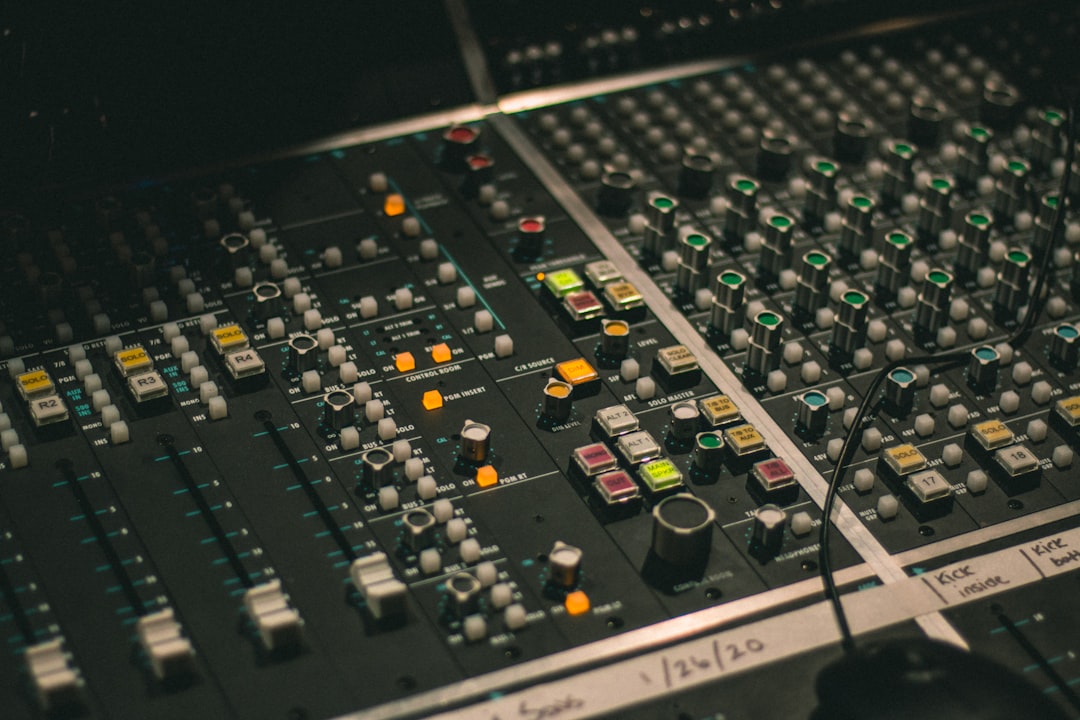
The best free EQ plugin can hold its own against paid equalizers costing hundreds, and for most home producers a good free one is all you will ever need to carve space, tame harshness, and make a mix breathe. An EQ (equalizer) raises or lowers the level of specific frequency ranges in a sound, so you can turn down what is getting in the way and lift what you want to hear. Below we explain what an EQ actually does and how to use one properly, then round up the free plugins worth downloading first.
Violet Recording is reader-supported — we may earn a commission from links on this page, at no extra cost to you.
What an EQ plugin actually does
Every sound is made up of many frequencies stacked together, measured in hertz (Hz) and kilohertz (kHz). A kick drum has energy low down around 60 Hz; a vocal’s body sits in the low mids; cymbals and “air” live up above 10 kHz. An EQ lets you reach in and adjust the level of any of those ranges independently. Turn a band down and you “cut”; turn it up and you “boost”. That is the whole idea — everything else is just controls that decide where and how you do it.
Most EQ plugins are parametric, which means each band gives you three controls: frequency (where the band is centred), gain (how much you cut or boost, in decibels), and Q (how wide or narrow the affected range is). A low Q is broad and gentle; a high Q is surgical and focused. On top of that you usually get filter shapes: a bell for boosting or cutting around a point, a high-pass (or low-cut) filter to remove rumble below a set frequency, a low-pass filter to roll off harsh top end, and shelving filters that lift or drop everything above or below a point.
How to use an EQ in a mix
Good EQ is mostly about subtraction. Beginners reach for big boosts; experienced engineers cut the problems first and boost sparingly. Start with a high-pass filter on anything that is not a bass or kick — rolling off everything below roughly 80–120 Hz on vocals, guitars, and synths clears out mud and low-end clutter you were never going to use anyway.
To find a problem frequency, take a narrow band, boost it hard, and sweep it slowly across the spectrum. The ugly, ringing, or boxy spot will jump out — then pull that band down instead of up. Boxy tends to live around 300–500 Hz, harshness around 2–5 kHz, and sibilance (“ess” sounds) around 6–9 kHz. When you do boost, be gentle: a decibel or two with a wide Q usually does more than a dramatic spike.
The other half of the job is making instruments fit together. If two sounds fight for the same range, cut one where the other needs to sit — dip the guitars slightly where the vocal lives, for example. That is called carving space, and it is why EQ matters more than almost any other tool once you have more than a couple of tracks. If this is new to you, our guide to EQ and compression fundamentals walks through it slowly.
A spectrum analyser — the moving graph most modern EQ plugins draw behind the curve — is a useful sanity check, but treat it as a second opinion, not the decision maker. It shows you where energy is building up, which helps you find that boomy note or harsh peak faster, yet two mixes with identical-looking graphs can sound completely different. Make the move because you heard the problem, then glance at the analyser to confirm you targeted the right spot. Trusting the picture over your ears is one of the fastest ways to end up with a mix that measures fine and still sounds wrong.
Common EQ mistakes to avoid
The first mistake is EQ’ing in solo. A track can sound perfect on its own and still bury the vocal in the full mix — always check moves with everything playing. The second is boosting to fix loudness rather than tone; if a part is too quiet, turn it up, do not crank its highs. The third is over-processing: if you find yourself with five aggressive bands on one track, the source or the arrangement is usually the real problem. Finally, watch your levels — big boosts raise overall loudness and trick you into thinking “louder” means “better”. Match the bypassed and processed volumes so you are judging tone, not gain.
The best free EQ plugin picks worth downloading
All of these are genuinely free, work as VST/AU/AAX in any modern DAW, and cover the styles of EQ you will actually reach for. You do not need all of them — pick one clean parametric EQ and one “character” EQ and you are set.
- TDR Nova (Tokyo Dawn Records) — a parametric EQ that is also a dynamic EQ, meaning each band can react to level like a compressor. That makes it brilliant for taming harshness or sibilance only when it actually flares up. It is clean, precise, and the single most capable free EQ most people can download.
- MEqualizer (MeldaProduction) — part of Melda’s free bundle, this is a flexible, great-sounding parametric EQ with a clear analyser, per-band solo, and mid/side processing. A superb everyday workhorse for surgical and broad moves alike.
- TDR SlickEQ (Tokyo Dawn Records) — a “character” EQ with a warm, musical curve and analogue-style saturation. Where Nova is clinical, SlickEQ is the one you put on a mix bus or a full submix to add colour and glue.
- Ignite Amps PTEq-X — a free emulation of the classic Pultec-style passive EQ. It is not surgical; it is for broad, sweet low-end and top-end shaping with a bit of vintage tube flavour. Fantastic on bass, kick, and full mixes.
- Voxengo Marvel GEQ — a clean graphic EQ with fixed bands and very low colouration. Handy for quick tonal balancing across a bus when you do not want to think in Q values.
- ReaEQ (Cockos, in the free ReaPlugs bundle) — a no-frills, low-CPU parametric EQ that runs in any DAW, not just Reaper. Unlimited bands and rock-solid stability make it a reliable utility to keep around.
Between them, Nova or MEqualizer will handle your precise, corrective work, while SlickEQ or PTEq-X add tone and warmth. That combination replaces a lot of paid plugins.
When it is worth paying for an EQ
Free EQs handle the fundamentals completely — there is no frequency a paid plugin can reach that a free one cannot. What you pay for is workflow and flavour: slicker interfaces, spectrum-matching features, prized analogue emulations, and dynamic tools bundled into one window. If you outgrow the free options, or you want a specific classic hardware sound, it is worth browsing the paid equalizers at a store like Plugin Boutique, which regularly discounts them and gives away a free plugin with most purchases.
If you are comparing options, our roundups of the best EQ plugins and best compressor plugins cover the paid tier in depth, and the iZotope Ozone review looks at an all-in-one mastering suite with a strong EQ inside it.
Frequently asked questions
Is a free EQ plugin good enough for professional mixes?
Yes. EQ is one area where free tools are fully competitive — a free parametric EQ moves frequencies with exactly the same accuracy as an expensive one. Plenty of released records lean on stock and free equalizers. Your ears and your gain staging matter far more than the price of the plugin, so before you upgrade, get comfortable with gain staging and the basics.
What is the difference between a parametric and a dynamic EQ?
A standard parametric EQ applies a fixed cut or boost all the time. A dynamic EQ only acts when the signal in that band crosses a threshold, then eases off — like a compressor aimed at one frequency range. That makes it ideal for problems that come and go, such as a vocal that is only harsh on loud notes. TDR Nova gives you both in one free plugin.
Where should I start with EQ on vocals?
Begin with a high-pass filter around 80–100 Hz to remove rumble, then hunt for and cut any boxiness in the low mids and harshness in the 2–5 kHz range before adding a gentle high-shelf lift for air if needed. Our full guide to mixing vocals and the mixing and mastering hub take it step by step.



