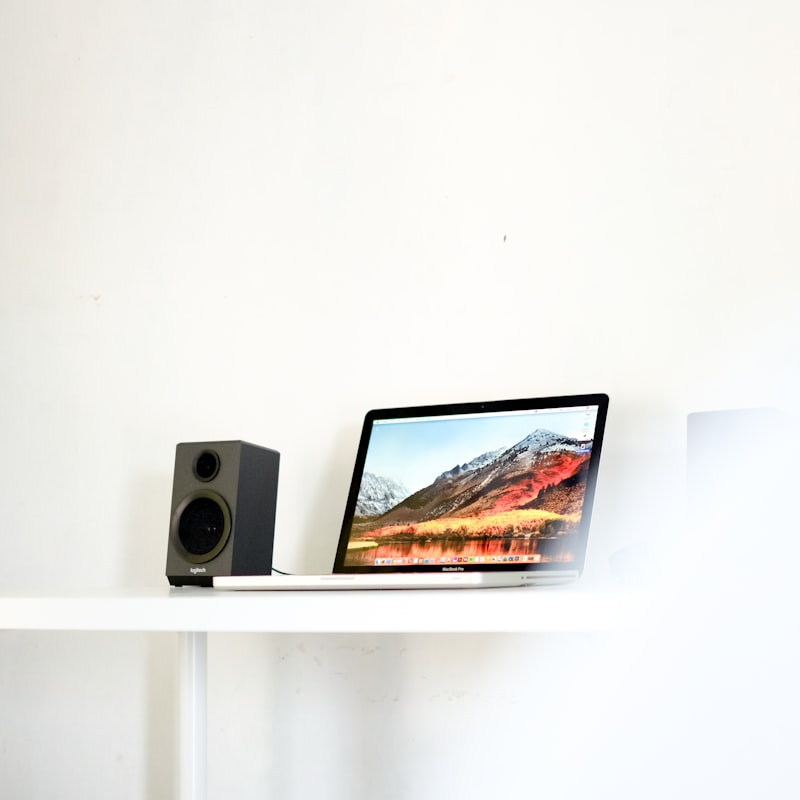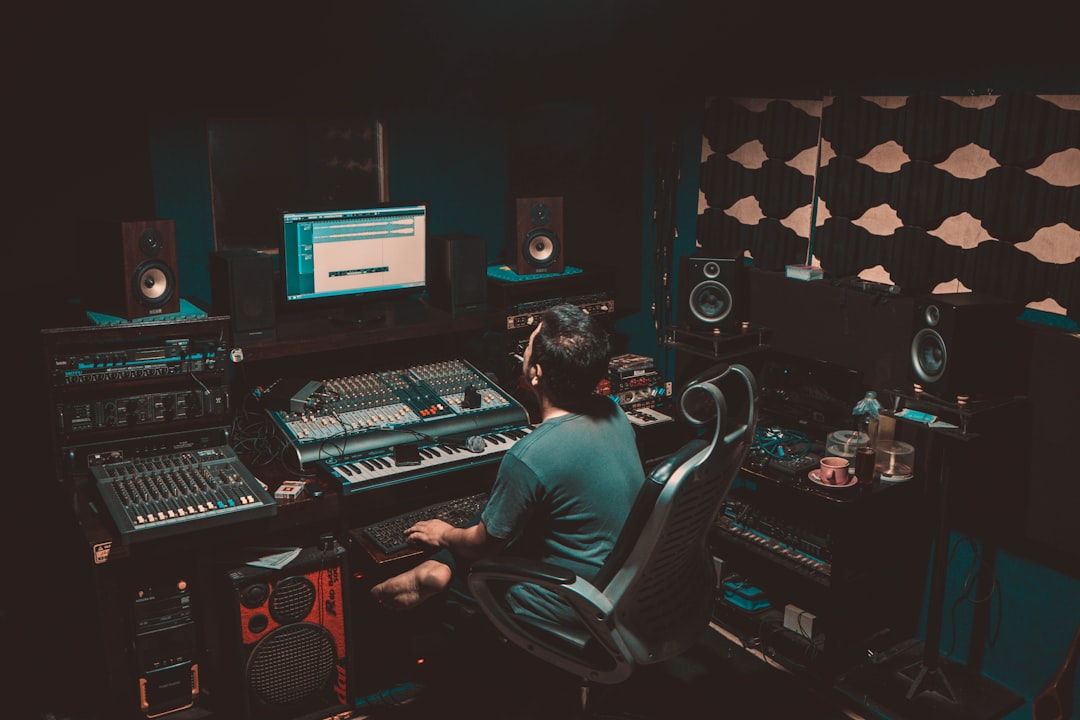
The best studio monitors under 200 dollars prove you do not need a huge budget to start mixing on real reference speakers. Brands like PreSonus, Mackie, M-Audio, Kali Audio, and Edifier all offer entry-level pairs that beat consumer speakers for accuracy, making them a smart first upgrade from headphones or laptop speakers.
In a hurry? Jump to our studio monitors shortlist — or read on for the full breakdown.
Violet Recording is reader-supported — we may earn a commission from links on this page, at no extra cost to you.
Quick answer
In this budget, look at the PreSonus Eris series, Mackie CR and MR families, M-Audio BX, Kali Audio LP-6 (often near the top of the range), and Edifier’s powered studio-style monitors. A 4- to 5-inch woofer suits small rooms best. Spend any leftover money on stands or foam isolation pads, because placement makes or breaks cheap monitors.
What to expect at this price
Affordable monitors give you a more honest sound than hi-fi speakers, but they are still entry level. You may notice a slightly hyped or uneven bass, a tweeter that is a touch harsh at volume, and less low-end extension than pricier models. That is fine for learning — your job is to get to know how your speakers sound, then mix accordingly. Pairing them with reference tracks you know well closes the gap.
It helps to understand where the savings come from. Cheaper monitors typically use smaller amplifiers, lighter cabinets and simpler crossovers than studio-standard models, so they run out of clean headroom sooner and can colour the sound when pushed loud. The practical takeaway is to mix at moderate, consistent levels rather than cranking them — a sensible monitoring volume is one where you can still hold a conversation. At that level even a budget pair will tell you most of what you need to know about balance, panning and arrangement.
If you are torn between speakers and cans, our guide to studio monitors vs headphones for mixing explains why most people end up using both.
Compared at a glance
| Pick | Why it stands out |
|---|---|
| PreSonus Eris | The Eris 3.5 and 4.5 are popular first monitors. |
| Mackie CR and MR series | Mackie’s CR-X monitors are aimed at multimedia and entry-level production, while the older MR series leans more… |
| M-Audio BX | The BX3 and BX4 give you a clear, usable response with a built-in tuning aid that helps you set tweeter height. |
| Kali Audio LP-6 | If you can stretch toward the upper end of this budget, the Kali LP-6 is famous for sounding far more accurate and… |
| Edifier powered monitors | Edifier’s studio-style powered speakers bridge hi-fi and production. |
Full picks and details below.
Brands and models worth shortlisting
PreSonus Eris
The Eris 3.5 and 4.5 are popular first monitors. They are compact, include handy acoustic-tuning controls on the back, and offer a balanced sound that flatters small rooms. A genuinely good starting point for desktop setups.
Mackie CR and MR series
Mackie’s CR-X monitors are aimed at multimedia and entry-level production, while the older MR series leans more reference. The CR models are inexpensive and tidy, though they are more of a stepping stone than a long-term reference tool.
M-Audio BX
The BX3 and BX4 give you a clear, usable response with a built-in tuning aid that helps you set tweeter height. They are a sensible budget choice for music production rather than pure media playback.
Kali Audio LP-6
If you can stretch toward the upper end of this budget, the Kali LP-6 is famous for sounding far more accurate and full than its price suggests. For many beginners it is the standout value pick.
Edifier powered monitors
Edifier’s studio-style powered speakers bridge hi-fi and production. They are convenient and good-looking, though serious mixers tend to prefer the more reference-focused options above. If you want to weigh up more contenders in this price tier, our roundup of the best budget studio monitors goes wider than the shortlist here.
How to choose your first pair
- Keep the woofer small. A 3.5- to 5-inch driver is ideal for a desk in a small room. Bigger woofers overload tight spaces.
- Check the inputs. Many budget monitors offer RCA and TRS; some add Bluetooth. For production, wired connections are best.
- Active, not passive. All the picks here are powered (active), so you do not need a separate amplifier.
- Budget for placement. Foam isolation pads or small stands stop your desk from coloring the sound.
One detail that trips people up is matching the monitors to the room rather than the spec sheet. A pair with deeper bass is not automatically better in a small bedroom, where the walls already reinforce low frequencies and can leave the bass boomy and uneven. In a compact space, a tighter 4- to 5-inch monitor that you can position well will usually translate better than a larger model you cannot pull away from the wall. If your room is genuinely tiny, our picks for the best studio monitors for small rooms dig into this trade-off in more depth. Match the speaker to where it has to live.
For the bigger picture on assembling a room cheaply, see our guide to building a home studio on a budget and the essential home studio gear checklist.
Get the placement right
Cheap monitors reward good placement more than expensive ones. Put the tweeters at ear height, angle them toward your listening position, and form a triangle between the two speakers and your head. Our walkthrough on how to position studio monitors covers the details. Even a couple of foam panels at your first reflection points, covered in our acoustic treatment guide, will sharpen the stereo image noticeably.
When you are ready to step up, the home studio setup hub has plenty more on building out the room.
Common mistakes to avoid
Most disappointment with budget monitors comes down to setup and expectations rather than the speakers themselves. A few habits make a big difference:
- Sitting them flat on the desk. This couples the cabinet to the surface and creates a muddy, exaggerated low end. A set of isolation stands or pads lets the monitors breathe and cleans up the bass.
- Pushing the volume too hard. Entry-level amps and tweeters distort and fatigue your ears when driven loud. Mixing at a moderate, steady level gives you more reliable decisions and protects your hearing.
- Cramming them into a corner. Placing monitors right up against walls or in corners stacks up bass reflections. Pull them a little forward and keep some space behind them where you can.
- Trusting them before you know them. A new pair always sounds “wrong” at first. Spend time playing familiar reference tracks so you learn how your speakers represent a good mix before you judge your own.
- Skipping the room entirely. No monitor can fix a reflective, untreated room. Even minimal treatment at the first reflection points pays off more than upgrading the speakers.
Frequently asked questions
Can I really mix on monitors this cheap?
Yes, especially while you are learning. Reference your mixes against tracks you know and check them on headphones and phone speakers. The habit of cross-checking matters more than the price of your monitors.
Do I need a subwoofer with budget monitors?
Not at first. Small monitors limit low-end accuracy, but adding a sub to an untreated room often causes more problems than it solves. Our take on whether you need a subwoofer in a home studio walks through the call; treat the room and learn your speakers before considering one.
Bluetooth or wired?
Use wired (TRS or RCA) connections for production. Bluetooth adds latency and compression that get in the way of accurate monitoring.
How long will a budget pair last me?
Long enough to learn the fundamentals of mixing and to finish plenty of releases. Many producers keep a cheap pair around for years as a second reference even after upgrading, because checking a mix on a smaller, humbler speaker is a genuinely useful habit. You will know it is time to move up when the room is treated and your monitors are the clear limiting factor in your decisions.
Shop related gear
Get mixing without spending much: