
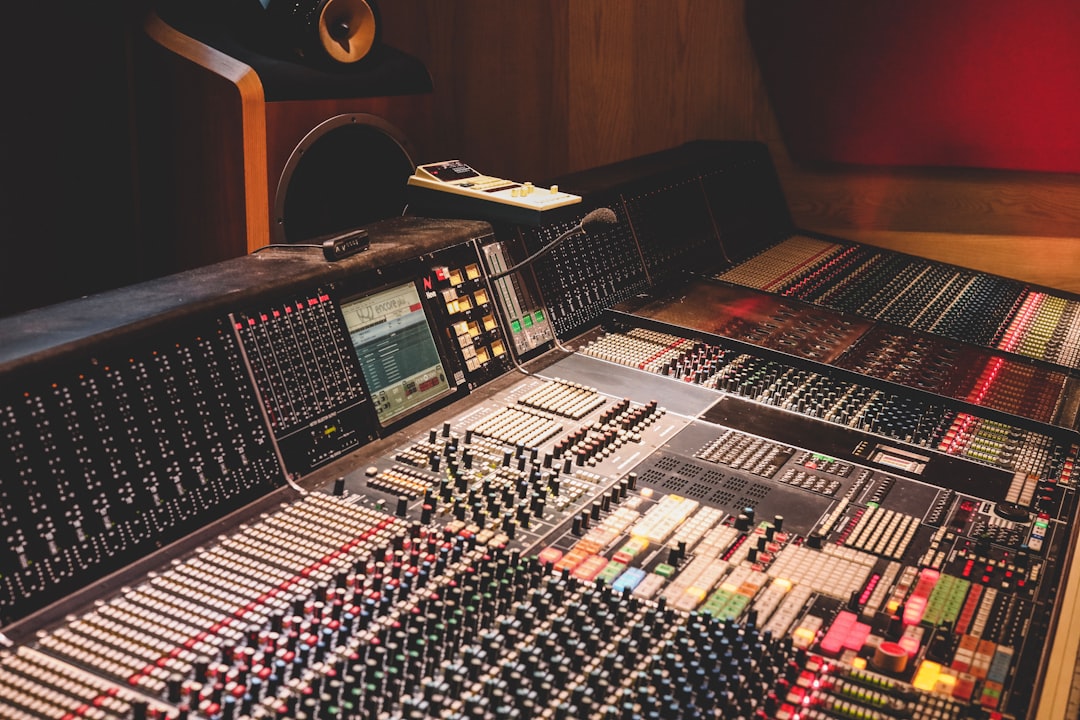
Learning how to make beats for beginners comes down to three things: a program to work in, a solid drum pattern, and a bass line that locks to it. Everything else — melodies, fills, mixing — is decoration you add once that foundation grooves. This guide walks you through a complete beat from an empty project to an arranged loop, in the order a working producer actually builds one.
Violet Recording is reader-supported — we may earn a commission from links on this page, at no extra cost to you.
What you’ll need before you start
You don’t need a rack of gear. You need three things:
- A DAW (digital audio workstation) — the software you build the beat in. FL Studio, Ableton Live, GarageBand and Logic are all common starting points. If you’re on a budget, our roundup of the best free DAWs for beginners covers solid no-cost options, and there’s a growing list of capable beat-making apps if you’d rather start on your phone.
- Sounds — drum samples and a few instruments. Every DAW ships with a starter pack, which is plenty for your first beat.
- Headphones — anything closed-back so you can hear the low end. You’ll upgrade later.
That’s it. Open a new project, set the tempo, and let’s build.
Steps at a glance
- Set your tempo and time signature.
- Lay down the kick and snare backbone.
- Add hi-hats and program the groove.
- Write a bass line or 808.
- Add a melody or chord loop on top.
- Add swing, fills and variation.
- Arrange the loop into a full track.
Step 1: Set your tempo and grid
Tempo is measured in BPM (beats per minute) and it defines the feel of the whole track. Trap and modern hip-hop usually sit around 130–150 BPM (though the drums are often felt at half that), boom-bap lives near 85–95, lo-fi drifts around 70–90, and house sits near 120–128. Pick a genre you love and start in its range — you can nudge it later. If you’re not sure what tempo a reference song runs at, drop it into our free BPM finder and metronome tools and match it.
Leave the time signature at 4/4. Almost all popular music is in 4/4, and every drum pattern below assumes it. Your DAW’s grid will divide each bar into 16 steps — four beats, four subdivisions each. That 16-step grid is the canvas for everything that follows.
How to make beats for beginners: programming the drums
The drum pattern is the beat. Get this grooving and the rest almost writes itself. Work in your DAW’s step sequencer or piano roll and think of the bar as 16 boxes numbered 1 to 16.
Kick and snare: the backbone
Start with the kick (the low “thump”) on step 1 — the downbeat. Then place the snare or clap on the backbeat: steps 5 and 13, which land on beats 2 and 4. That single relationship — kick on 1, snare on 2 and 4 — is the skeleton under a huge share of popular music. Play it in a loop and you already have something that nods your head.
Now add movement. Drop a second kick just before the snare — try step 11, or a quick one-two on 8 and 9. Producers call this the “ghost” kick, and it’s what separates a stiff pattern from one that bounces. Don’t overload it; two or three kick hits per bar plus the snares is often all you need.
Hi-hats: the energy layer
Hi-hats fill the space between the kick and snare and control the perceived speed. Lay a closed hat on every other step (1, 3, 5, 7…) for a steady pulse, or on all 16 for a busier feel. The trap signature comes from hi-hat rolls: take a run of hats and switch a few to faster subdivisions — two hits where there was one (1/32), or three (triplets). Even one well-placed roll leading into the snare adds instant momentum.
Vary the velocity (how hard each hit plays). Real drummers don’t hit every note at the same volume, and neither should you. Make the accented hats loud and the in-between ones quiet. This one habit is the biggest upgrade a beginner can make to a programmed pattern.
Step 4: Write the bass line and tune your 808s
The 808 — named after the Roland TR-808 drum machine — is the long, tuned bass note that carries the low end in hip-hop, trap and much of modern pop. Here’s the part beginners miss: an 808 is a musical instrument, not a drum. It has a pitch, and that pitch has to agree with your melody.
So write your 808 line in key. If your melody is in A minor, your 808 notes should come from that scale — root notes of your chords work great. Lock the main 808 hits to the kick so the low end reads as one punch instead of two competing thumps; when the kick and 808 fire on the same step and share a pitch relationship, the low end sounds huge on real speakers.
Two technical notes that save headaches. First, tune the 808 — check that its pitch matches your song key, because stock 808s are often tuned to C and will clash if your track isn’t. If you need to confirm a note or find a key, our free tuner and key-finder tools will do it in seconds. Second, add a touch of glide (portamento) between 808 notes for that sliding, gliding bass sound you hear in trap — most samplers have a mono/glide setting for exactly this.
Step 5: Add a melody or chord loop
With drums and bass grooving, the melody gives the beat its mood. You have two honest routes as a beginner:
Play or program your own. Pick a scale — minor scales sound moody and forgiving, which is why so many beats use them — and sketch a short four- or eight-note phrase in the piano roll. Simple and repetitive beats catchy-but-cluttered every time. A three-note loop that sits right will outperform a busy run that fights the drums.
Use a loop or sample. This is the fastest way to a professional-sounding melody, and it’s completely standard practice. Royalty-cleared sample libraries let you drag in a playable melody loop, chop it, and build around it. A subscription service like Splice gives you a deep, searchable catalogue of loops and one-shots you can audition in key and at your project tempo. If you want more free options first, browse our guides to free drum and melody samples, then graduate to a paid library once you know what sounds you reach for.
Whichever route you take, make sure the melody’s key matches your 808. A quick way to check the whole arrangement holds together is to solo the melody and bass and confirm they don’t clash.
Step 6: Add swing, fills and variation
A raw programmed pattern lands perfectly on the grid, which is exactly why it can feel robotic. Two tools fix that.
Swing nudges every other step slightly late, giving the beat a human, laid-back bounce. Most DAWs have a global swing or “groove” knob — start around 10–20% and listen. Boom-bap and lo-fi lean into heavy swing; trap uses less. Trust your ear over the number.
Fills and variation stop the loop from feeling like a loop. Every four or eight bars, change something: a snare roll leading into the next section, an extra hi-hat run, a bar where the 808 drops out. These small breaks are what keep a listener engaged past the first eight seconds.
Step 7: Arrange the loop into a full track
Right now you have a great four- or eight-bar loop. A song is that loop shaped into sections. A simple, reliable arrangement for a beat is: intro → verse → hook/chorus → verse → hook → outro. Build tension and release by adding and removing layers — strip to just drums and 808 for a verse, bring the full melody and an extra percussion layer back for the hook. The energy map matters more than any single sound.
A practical trick: use the arrangement view to duplicate your loop across the timeline, then subtract. Mute the melody in the intro. Cut the hats in a breakdown. Contrast is what makes the loud parts feel loud.
Turn your beat idea into a finished song
If you’ve got a hook or a concept but you’re not ready to produce, arrange and mix a whole track by hand yet, you can sketch a full song from your idea and learn by reverse-engineering the result. Solmi lets you turn a beat idea or lyric into a complete, original track — a fast way to hear where an arrangement could go before you build it out yourself. It’s worth a look at https://solmi.ai/ when inspiration is ahead of your production chops.
Where to go next
Once your beat is arranged, the next skill is mixing — getting every element to sit together at the right level. Start with our beginner’s guide to mixing your first song and the fundamentals of EQ and compression, the two tools that do most of the work. When you’re ready to release, our guide to selling beats covers licensing and platforms. And for more production walk-throughs, browse the Mobile Music Production hub.
Frequently asked questions
Do I need expensive software to start making beats?
No. Every beat technique in this guide works in a free DAW or a phone app. GarageBand is free on Apple devices, and there are capable free options on every platform. Spend on sounds and skills before software — a cheap setup with good habits beats an expensive one used badly.
How long does it take to make a beat?
Your first beat might take an afternoon because you’re learning the tools. With practice, a solid loop takes 20–40 minutes and a fully arranged beat an hour or two. Speed comes from repetition, so finish beats rather than endlessly tweaking one — the finishing is where you actually learn.
Why do my beats sound flat or amateur?
Almost always it’s one of three things: every drum hit is at the same velocity, the 808 isn’t tuned to the song key, or there’s no swing so it feels robotic. Fix velocity, check your key, and add a little groove — those three changes make the biggest audible jump for a beginner.



