
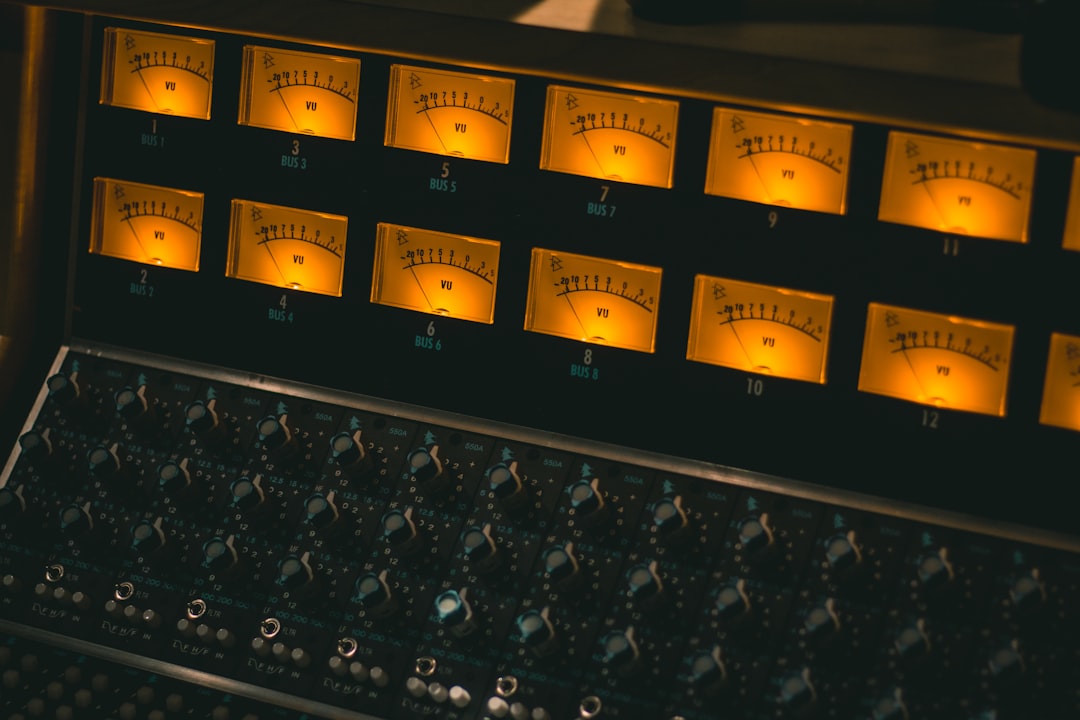
Learning how to mix a rap song comes down to one priority: the lead vocal has to sit clearly on top of the beat without fighting the 808 or getting buried in reverb. Get the level balance right first, then shape the main vocal with EQ, compression and de-essing so every word is intelligible and the delivery still hits hard. Everything below is a starting point you tune by ear — there are no fixed numbers that work on every voice or every beat.
Violet Recording is reader-supported — we may earn a commission from links on this page, at no extra cost to you.
Start with balance and gain staging before you touch a plugin
Before you reach for EQ or compression, get your levels sane. In a typical rap session you’re working with a two-track beat (the instrumental bounced as a stereo file) plus your lead vocal, doubles and ad-libs. Pull every fader down, then bring the beat up so it peaks comfortably — leave yourself headroom, somewhere around -6 dBFS on the mix bus is a safe habit — and set the lead vocal so it rides clearly on top. If you’re clipping anything into the red, you’re starting from a bad place. Our gain staging guide walks through why healthy levels make every later move easier.
Solo the beat and the lead together often as you work. A rap mix lives or dies on that relationship, so judge everything in context rather than soloing the vocal for minutes at a time and losing sight of how it sits.
The full vocal chain for how to mix a rap song, in order
The main vocal is the whole show, so spend most of your time here. A reliable chain order for the lead is: subtractive EQ, then compression, then de-essing, then a touch of tone-shaping EQ, then optional saturation, with reverb and delay on sends afterward. That order isn’t sacred — plenty of engineers de-ess before compressing — but it’s a dependable default.
Subtractive EQ first. High-pass the vocal to clear out rumble and plosive thump; start around 80–100 Hz and move it up until the low end tightens without thinning the voice. Then hunt for boxiness or mud in the 200–500 Hz range with a narrow cut, and sweep for any honky or nasal buildup around 800 Hz–1 kHz. Small cuts of a few dB usually do it. If you’re new to reading frequencies, our EQ and compression fundamentals explains what each band actually sounds like, and the Violet Recording free tools page has an EQ cheat sheet you can keep open while you work.
Compression next. Rap vocals are usually compressed fairly firmly so the delivery stays even and up front. A sensible starting point is a ratio around 3:1 to 4:1 with a medium attack (letting some consonant snap through) and a release timed to the tempo, aiming for maybe 4–8 dB of gain reduction on the loudest phrases. For aggressive, in-your-face delivery, many engineers use two compressors in series — a gentle one catching peaks, a second adding density — rather than one plugin doing all the work, which sounds more natural than hammering a single stage.
Tame sibilance and shape the tone up top
Compression pushes up the “s” and “t” sounds, so a de-esser almost always earns its place on a rap vocal. Set it to target the harsh sibilant region — typically somewhere in the 5–8 kHz band, depending on the voice — and pull those peaks down just enough that the esses stop stabbing. Don’t overdo it or the vocal starts to lisp.
After that, use additive EQ to place the voice. A gentle presence lift around 3–5 kHz helps consonants cut through a busy beat, and a little air shelf up around 10–12 kHz can add polish if the vocal sounds dull. Boost broadly and modestly; big narrow boosts usually sound harsh. Stock EQ and compression plugins in any modern DAW handle all of this — you do not need to spend money to get a professional rap vocal. If you want a specific character, like an aggressive analog-modelled compressor or a saturation plugin with a particular grit, that’s where a third-party option can genuinely beat the stock tools (Plugin Boutique). For most mixes, though, stock does the job.
Fit the vocal against the beat and the 808
The biggest challenge in a rap mix is the low end. The 808 or sub-bass and the kick occupy the same real estate, and if they aren’t controlled the whole mix turns to mush and your master won’t translate. Keep your sub content mono below roughly 100 Hz so it stays solid, and if the kick and 808 are masking each other, a short sidechain — ducking the 808 a decibel or two each time the kick hits — can carve out space. Because a bounced beat is already mixed, your control there is limited, so lean on the master bus and careful vocal placement instead.
To keep the vocal from clashing with the beat’s own midrange, some engineers sidechain the instrumental to the lead vocal very gently, dipping it 1–2 dB while the rapper is talking so the words poke through without you having to crank the vocal fader. It’s subtle, and you should barely notice it working.
Handle doubles, ad-libs and effects without clutter
Doubles and ad-libs are what make a rap mix feel produced, but they clutter fast. Keep the lead centred and dry-ish so it stays authoritative. Pan doubles hard left and right and tuck them a few dB under the lead so they thicken hooks without competing. Ad-libs generally sit lower still and often get more obvious effects — a wide delay, a bigger reverb — because their job is texture, not intelligibility.
Rap lead vocals are typically kept on the dry side compared with pop or soul. A short slap delay (an eighth or quarter-note echo, low in the mix) adds depth without washing out the words, and a small amount of plate reverb with a short decay glues the vocal to the track. If you can clearly hear the reverb tail, it’s probably too loud. Our guide to using reverb and delay covers how to set send levels so effects support the vocal instead of drowning it, and the broader how to mix vocals walkthrough digs deeper into vocal-specific moves that apply across genres.
Glue the mix and hit a loudness target
On the mix bus, a light touch of compression — a low ratio, just 1–2 dB of gain reduction — can pull the vocal and beat together so they feel like one performance rather than a vocal sitting on top of a separate track. Keep it gentle; the bus is for cohesion, not loudness.
Loudness is where rap mixes get pushed hard. Streaming platforms normalise playback, and a common integrated target to aim your master toward is around -14 LUFS, though rap and hip-hop are often mastered louder than that for impact and then turned down by the platform. Treat -14 LUFS as an approximate reference rather than a rule, and prioritise how the master feels over chasing a number. You can check your integrated LUFS and true-peak with the metering on the Violet Recording tools page, and our LUFS explained article breaks down what the numbers actually mean.
When it’s time to master, you can do a careful job yourself with EQ, compression and a limiter, or run the final mix through an online service to get a fast, consistent result — LANDR is a popular option for exactly this. If you’re unsure what mastering even does to your track, start with what is mastering, and for the full picture visit the mixing and mastering hub.
Frequently asked questions
How loud should rap vocals sit above the beat?
Loud enough that every word is clearly intelligible over the busiest part of the beat, but not so loud that the vocal feels detached from the track. Set your level against the loudest section — usually the hook — and it’ll sit right through the quieter verses too. If you’re constantly reaching for the vocal fader, compression on the vocal is probably the fix rather than more level.
Should rap vocals be dry or drenched in reverb?
Mostly dry. Rap is a rhythmic, articulate style, and heavy reverb smears the consonants and pushes the vocal back when you want it forward. A short slap delay and a subtle short-decay plate are usually all you need. Save the bigger, wetter effects for ad-libs and the occasional hook throw, where texture matters more than every syllable being crisp.
Do I need expensive plugins to mix a rap song?
No. The stock EQ, compressor, de-esser, delay and reverb in any modern DAW are more than capable of a professional-sounding rap mix — the result depends far more on your ears and your balance decisions than on which plugins you own. Third-party tools can add a specific character you like, but they’re an optional upgrade, not a requirement for learning how to mix a rap song well.



