Mixing & Mastering
Turn rough takes into release-ready tracks. Practical mixing and mastering guides covering EQ, compression, levels, loudness and the workflow that gets your songs sounding finished.Start here: The Best Free VST Plugins · The Best EQ Plugins · The Best Compressor Plugins · The Best Reverb Plugins.
-

How to Use a Noise Gate
Learn how to use a noise gate to silence hiss, hum and mic bleed between phrases. A plain-English guide to…
-
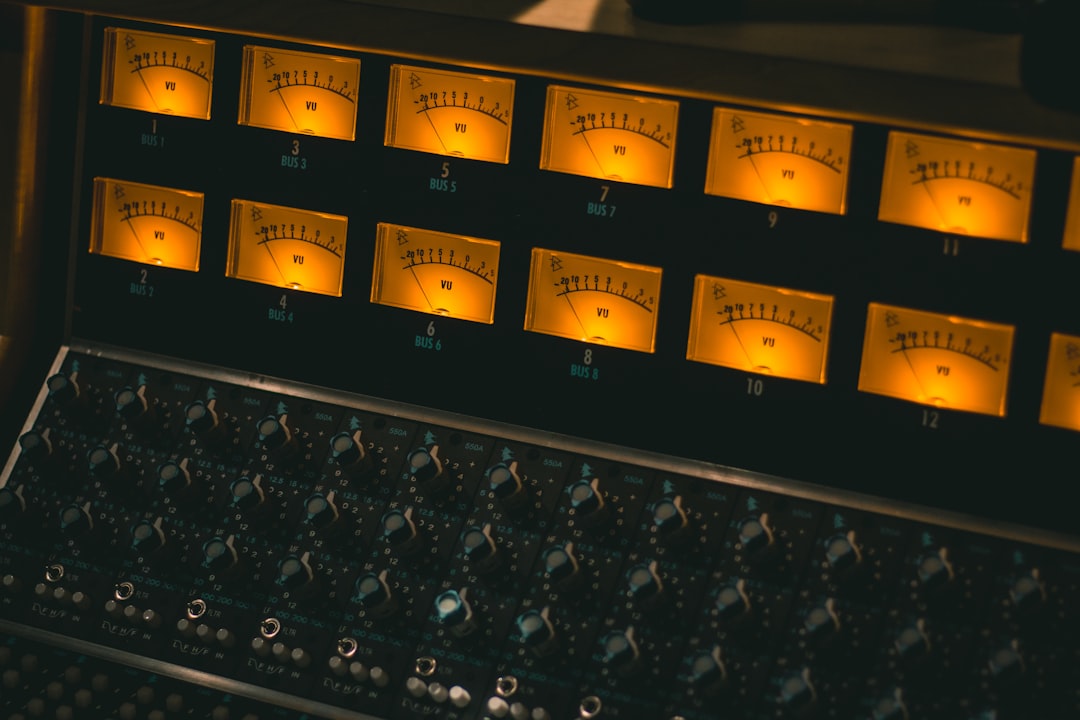
How to Sidechain in Your DAW
Learn how to sidechain in your DAW step by step: set up sidechain compression, get that pumping kick-and-bass groove, duck…
-

What Is a Parametric EQ?
What is a parametric EQ? Learn how this flexible equaliser lets you target any frequency with control over gain and…
-

The Best Free Compressor Plugins
Want the best free compressor plugin? Learn what a compressor does, how to use its controls, and which no-cost plugins…
-

The Best Free EQ Plugins
Looking for the best free EQ plugin? We explain what an EQ does, how to use it in a mix,…
-

How to Use a Limiter
Learn how to use a limiter the right way — set the output ceiling, dial in gain reduction, and raise…
-

How to Use Reverb in a Mix
Learn how to use reverb in a mix: reverb types, pre-delay, decay and EQ, send vs insert routing, plus common…
-

How to Use EQ When Mixing
Learn how to use EQ when mixing: what every band does, subtractive vs additive moves, cutting mud, adding air, and…
-

Compressor Settings Explained
Compressor settings explained in plain English — threshold, ratio, attack, release, knee and make-up gain, with starter values for vocals,…
-

How to Use Autotune
Learn how to use autotune the right way — set the key and scale, dial in retune speed, fix wrong…