
How much does a home studio cost? The honest answer is: as little or as much as you want, because a usable home recording studio can be built for a modest sum, while a comfortable, future-proof one costs more. What you actually need depends on what you record — a podcaster needs far less than someone tracking a full band. This guide breaks the costs down by category and by budget tier so you know where the money goes and where you can save.
Rather than quoting figures (gear prices shift constantly and vary by region), we’ll explain what each piece does, how essential it is, and how to prioritise — so you can build a studio that fits your budget and your music.
Violet Recording is reader-supported — we may earn a commission from links on this page, at no extra cost to you.
Quick answer: the four cost tiers
- Bare-minimum / “I already have a laptop”: a free DAW, a budget USB microphone or a single interface-plus-mic, and basic headphones. The cheapest way to start recording.
- Solid beginner home studio: a quality audio interface, one good microphone, closed-back headphones, studio monitors, and a little acoustic treatment. The sweet spot for most people.
- Intermediate / serious hobbyist: better interface with more inputs, a couple of microphones, accurate monitors, decent room treatment, MIDI controller, and a few paid plugins.
- Advanced / semi-pro: multi-input interface, several mics, treated room, higher-end monitors, outboard gear and a full plugin suite.
Most home recordists land in the first two tiers and produce release-quality work. The single biggest cost-saver is buying once, well, rather than upgrading cheap gear repeatedly.
The core costs, explained
Computer
Often you already own one. Most modern laptops handle recording and mixing fine. This is frequently the largest single value in the studio but also the one you don’t need to buy specifically. Spend here only if your current machine genuinely struggles.
DAW (software)
Your recording software can cost nothing. Capable free DAWs exist, and many interfaces include a “lite” version of a paid DAW. See the best free DAWs for beginners before paying for one. When you do upgrade, options like Reaper are famously affordable, while Logic Pro, Ableton Live and FL Studio sit higher — our Ableton vs FL Studio and Reaper vs FL Studio comparisons help you choose.
Audio interface
The interface connects your microphones and instruments to your computer and provides clean preamps and low-latency monitoring. For most beginners a 2-input interface such as a Focusrite Scarlett, an Audient entry-level interface, or a Universal Audio Volt is plenty. Buy more inputs only if you’ll record several sources at once. Start with how to set up an audio interface and USB mic vs audio interface to decide whether you even need one yet.
Microphone
You can spend very little or a great deal. A versatile large-diaphragm condenser (such as an Audio-Technica AT2020 or a Rode NT1) covers vocals and acoustic instruments, while a dynamic like the Shure SM58 or the broadcast-favourite Shure SM7B suits louder sources and untreated rooms. Podcasters often do well with a single dynamic mic. One good mic beats several cheap ones — see condenser vs dynamic microphones.
Headphones and monitors
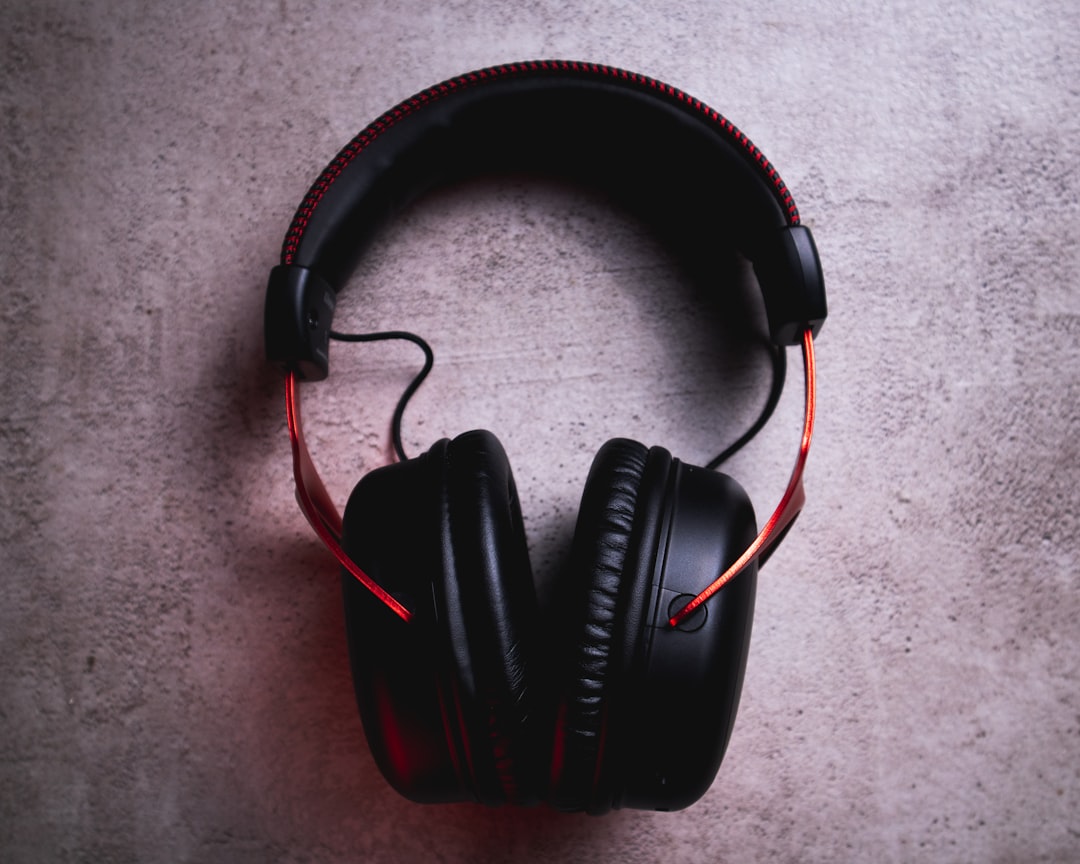
Closed-back headphones (the Audio-Technica ATH-M50x is a long-standing standard) are essential for recording so you avoid bleed. Studio monitors such as the Yamaha HS5, KRK Rokit series or PreSonus Eris let you mix more accurately, but you can mix on headphones to begin with. Our guide to monitors vs headphones for mixing explains the trade-offs, and how to position studio monitors helps you get the most from monitors you do buy.
Acoustic treatment
The most under-budgeted item and one of the most impactful. A few absorption panels at first reflection points and some bass control transform how recordings and mixes sound, often for less than a single piece of gear. Treatment is not the same as soundproofing — read soundproofing vs acoustic treatment and acoustic treatment for home studios. You can even start with DIY panels to save money.
Accessories and extras
Budget for the small things that add up: a mic stand, pop filter, shock mount, XLR and instrument cables, and possibly a MIDI keyboard if you produce with virtual instruments. None are individually expensive, but skipping a pop filter or proper stand hurts your recordings.
Where to spend and where to save
- Spend on: acoustic treatment, a good interface, and one quality mic suited to your source. These have the biggest, most lasting impact on sound quality.
- Save on: the DAW (start free), the number of mics (start with one), and monitors (mix on headphones until you can treat the room).
- Don’t waste money on: too many cheap mics, gear with more inputs than you’ll use, or upgrades that fix problems treatment would solve for less.
For a complete shopping list in priority order, see the essential home studio gear checklist and our budget home studio guide. If you’re tight on space, small room setup shows how to work in a bedroom. More planning advice is in the home studio setup hub.
A sensible starter shopping order
- Free DAW (you may already have one bundled).
- Audio interface plus one mic suited to your main source (or a single quality USB mic for podcasting).
- Closed-back headphones for recording.
- Stand, pop filter and cables.
- Basic acoustic treatment at first-reflection points.
- Studio monitors, once the room is treated.
Frequently asked questions
Can I build a home studio cheaply?
Yes. With a computer you already own, a free DAW, one affordable interface-and-mic combo (or a single USB mic) and basic headphones, you can record and release music for very little. Add monitors and acoustic treatment over time as budget allows.
What’s the most important thing to spend money on?
For sound quality, acoustic treatment, a reliable interface, and one good microphone matched to your source give you the most return. A treated room and a clean signal chain improve every recording you make, far more than chasing extra gear.
Do I need expensive studio monitors to start?
No. You can mix effectively on good closed-back headphones at first, especially in an untreated room. Add monitors once you’ve treated the space, since an untreated room can make even excellent monitors misleading. Treatment first, monitors second.



