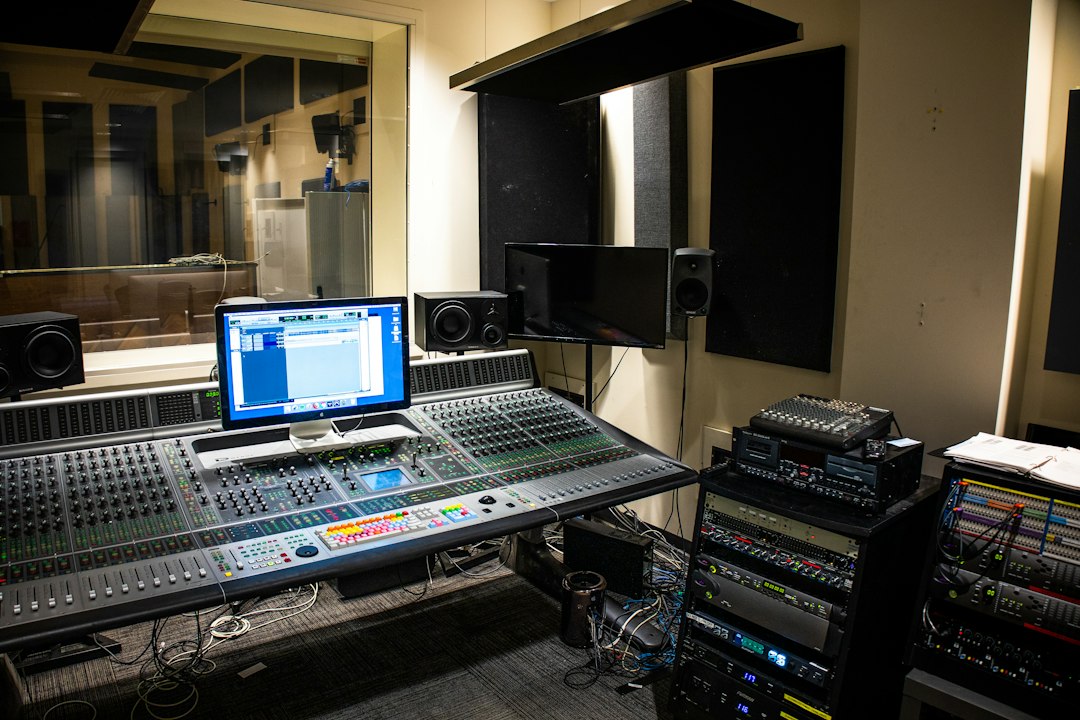
In this rekordbox review, we test Pioneer DJ’s own software and ask whether it deserves to be your default choice. For a huge slice of the DJ world it already is — largely because it talks natively to the CDJs and club gear you will meet in almost every professional booth. If you play out on Pioneer hardware, or plan to, it is the safest ecosystem to build your library in. Whether it is the best pick for your setup depends on how you play, what controller you own and which subscription tier you are willing to pay for.
Violet Recording is reader-supported — we may earn a commission from links on this page, at no extra cost to you.
rekordbox review: the quick verdict
rekordbox earns its place because it is the software the club standard runs on. Import and analyse your tracks here, drop them on a USB stick, and they load straight into the CDJs found in nearly every venue — no other library manager does that as seamlessly. Add a capable performance mode, solid library tools and broad support for Pioneer controllers, and it becomes an easy recommendation for anyone inside the Pioneer world. It is less compelling if you are on rival hardware, dislike subscription pricing, or want the tightest possible sync with a streaming service. But for club-bound DJs, it is hard to argue against.
Our take: The club-standard prep-and-perform app — close to essential inside the Pioneer world, less compelling outside it. 4 out of 5.
Get rekordbox: rekordbox is a free download from Pioneer DJ (AlphaTheta); start on the free tier and prepare a USB set before deciding whether a paid plan is worth it.
What rekordbox actually is
rekordbox is a DJ application made by Pioneer DJ (now AlphaTheta). It began life as a library-management tool — a way to analyse your music, set cue points and beat grids at home, and export everything to a USB drive for use in club CDJ players. Over the years it has grown into a full-featured, two-part product: a library and preparation manager and a performance application you can DJ from directly on a laptop paired with a controller.
That dual identity is the key to understanding it. Even if you never DJ from your laptop, rekordbox is where a professional prepares their set — tagging tracks, building playlists, tightening beat grids and placing hot cues — before walking those files into a booth on a USB stick. It runs on Windows and macOS, with a mobile app that mirrors much of the workflow on phones and tablets. That home-to-club pipeline is the single biggest reason DJs commit to it.
Key features that matter to DJs
Plenty of DJ apps list the same headline features. Here are the ones that genuinely change how a set comes together in rekordbox:
- Native CDJ and club-gear compatibility. This is the headline. Prepare tracks in rekordbox, export to USB, and they load into industry-standard CDJ players with your cues and grids intact. For anyone playing venues, this is the whole ballgame.
- Track analysis, beat grids and quantise. rekordbox analyses tempo and phrasing so your beat grids line up, which makes beatmatching, looping and quantised cue triggering reliable and clean.
- Library management and tagging. Playlists, intelligent playlists, colour tags, my-tag filtering and fast search help you find the right record in a crowded moment. Strong preparation tools are where rekordbox has always been strongest.
- Performance mode. Two to four decks (depending on tier and hardware), hot cues, loops, sampler, FX and pad modes for on-the-fly remixing when you DJ from a laptop and controller.
- Broad Pioneer hardware support. The Pioneer DJ controller and mixer range is designed around rekordbox, so plug-and-play mapping tends to just work across the lineup.
- Lighting and video extras. Higher tiers add features like lighting control and video mixing for DJs who run more than just audio.
How it performs: what it is like to actually use
In general terms, DJs describe rekordbox as dependable rather than flashy. The library side feels mature and organised, and the export-to-USB workflow is the reason so many stick with it despite grumbles about the interface. Newcomers usually find the two-part structure — export mode for prep, performance mode for playing — a little confusing at first, and the app can feel heavier and busier than some rivals. But once the mental model clicks, preparing a set is methodical and fast: analyse a batch of tracks, tidy the grids, drop in hot cues, colour-tag by energy, and you are booth-ready. The common verdict is that it is not the prettiest or the most fun to learn, but it is the one that gets you playing on club gear with the least friction, which for many DJs is exactly the point.
rekordbox pricing and the subscription tiers
rekordbox uses a tiered model. There is a free tier that covers core library management and basic performance features — enough to prepare tracks and export to USB, and to DJ with supported hardware at a basic level. Above that sit paid subscription plans that progressively unlock more performance features, cloud library sync, lighting, video and streaming integrations. In broad terms, the more you want to perform directly from the software (rather than just prepare and export), the more likely you are to need a paid plan.
The shift to subscription is the part longtime users most often criticise, since it replaces the older one-off purchase feel with an ongoing cost. Whether that matters depends on how much you use the advanced features. Casual DJs preparing USB sets may live happily on the free tier; performing DJs who want cloud sync and full FX will likely pay. For the current plan names, feature splits and exact prices, check the rekordbox site for current terms before you commit.
How the tiers compare at a glance
| Tier (lower to higher) | Best for | Performance features | Cloud & extras |
|---|---|---|---|
| Free | Preparing tracks, USB export, basic DJing | Basic | Limited |
| Mid tier(s) | Performing DJs who play from a laptop and controller | Full | Cloud library sync, streaming |
| Top tier | DJs who also run lighting and video | Full | Lighting, video, all extras |
Plan names and prices change — confirm current tiers on the rekordbox site before subscribing.
Pros and cons after living with it
No DJ app is perfect. Here is the honest balance sheet for a gigging or aspiring DJ.
What rekordbox does well
- Native compatibility with industry-standard CDJs — the reason it is the club default.
- Mature, organised library and preparation tools that scale to big collections.
- Reliable track analysis, beat grids and quantised cues.
- Deep, plug-and-play support across the Pioneer DJ hardware range.
- A genuinely usable free tier for anyone preparing USB sets.
Where it falls short
- Subscription pricing frustrates DJs who preferred a one-time purchase.
- The two-part export/performance structure confuses beginners at first.
- The interface can feel heavier and less polished than some competitors.
- Best value is realised inside the Pioneer ecosystem — less compelling on rival controllers.
rekordbox alternatives worth considering
rekordbox is excellent, but it is not the only strong option — and the right DJ software is genuinely personal. The most direct rival is Serato DJ, which many DJs prefer for its scratch-friendly workflow and broad third-party controller support; see our full Serato vs rekordbox breakdown to decide which suits how you play. Traktor from Native Instruments is another serious contender, especially for remix-heavy and electronic sets. If you are just starting out, the software often matters less than the hardware it pairs with — our guide to the best 4-channel DJ controllers is a good place to work out what to buy alongside your software.
And if your DJ work overlaps with production — making edits, bootlegs or your own tracks to play out — the DAW you choose matters too. Start with our roundup of the best DAW for hip-hop and browse the wider DJing hub for more.
Who rekordbox is for
Choose rekordbox if you play out (or plan to) on Pioneer CDJs and club gear, if you already own Pioneer DJ hardware, or if you want your home preparation to translate flawlessly into the booth. The USB export pipeline alone makes it the sensible default for anyone serious about gigging in venues, and the free tier means you can start building a proper library without paying a penny.
Look elsewhere if you are committed to a rival controller ecosystem, if you scratch heavily and want the most battle-tested turntablist workflow, or if subscription pricing is a dealbreaker for how lightly you use the advanced features. Whatever you land on, get your library organised early — clean beat grids and good tagging pay off every single time you play. For more on building out the rest of your setup, start with our home studio on a budget guide.
Ready to start? Download rekordbox free from Pioneer DJ, import a few tracks and prepare a USB set — the workflow will quickly tell you whether it fits how you play.
Frequently asked questions
Is rekordbox free?
rekordbox has a free tier that covers core library management, track analysis and USB export, plus basic performance features with supported hardware. Advanced performance tools, cloud library sync, lighting and video sit behind paid subscription plans. For many DJs preparing USB sets, the free tier is genuinely enough. Confirm the current feature split on the rekordbox site before subscribing.
Is rekordbox better than Serato?
Neither is objectively better — it depends on your setup. rekordbox wins if you play on Pioneer CDJs, thanks to native club-gear compatibility. Serato is often preferred for scratching and for its wide third-party controller support. See our full Serato vs rekordbox comparison to match the software to how you actually play.
Do I need rekordbox to use CDJs?
You do not strictly need it to play a track off a USB stick, but rekordbox is how you prepare music properly for CDJs — analysing tempo, setting beat grids and placing hot cues so everything loads cleanly in the booth. That home-to-club pipeline is the main reason DJs adopt it in the first place.