DJing is the craft of playing recorded music for listeners by blending one track into the next so the energy never drops, and this guide is for beginners who want to learn it at home and grow toward playing for real crowds. You do not need to produce music or own expensive club gear to start. You need a way to control two tracks at once, a set of headphones, and music you know well.
The path most DJs follow is the same: pick a setup, organize a library, learn to match tempos and blend, then build sets and find places to play. The sections below take those steps in order and point to the detailed guides for each one.
How DJing works
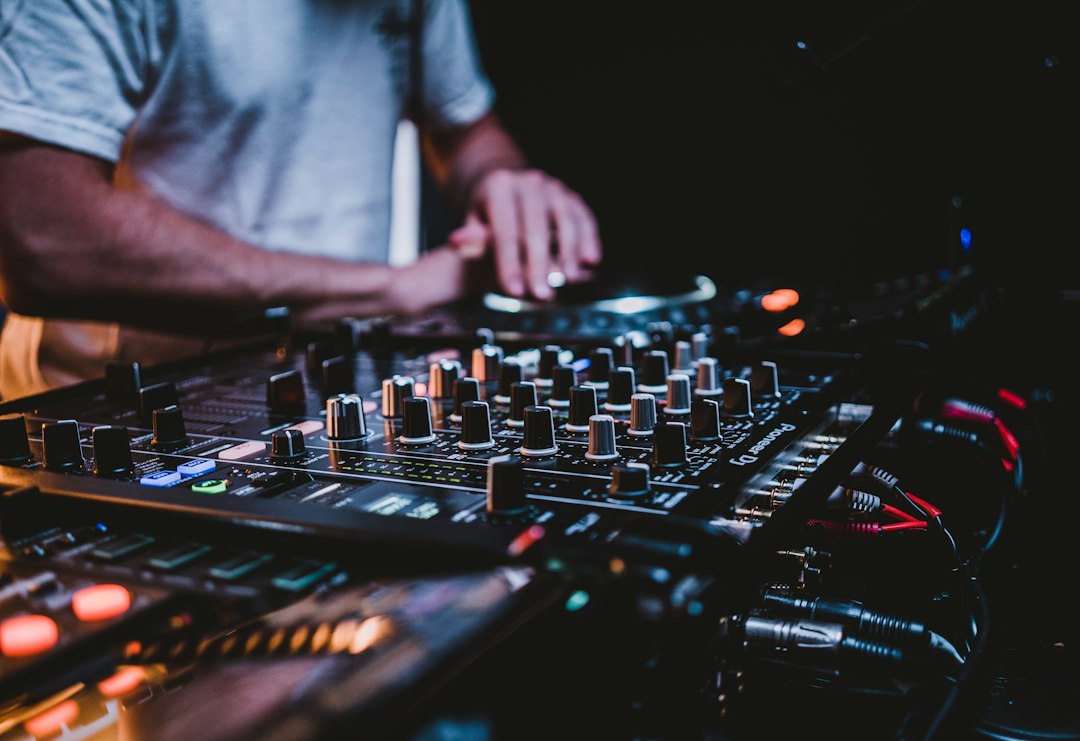
At its simplest, a DJ setup has two or more decks that play tracks, a mixer that blends them, and headphones that let you hear the next track before the crowd does. The core skill is lining up the beats of the incoming track with the one playing, then bringing it in smoothly. Our beginner’s guide to DJing walks through a first mix from start to finish.
A common worry is time. How long it takes to learn to DJ depends on practice, but the basics come quickly if you practice little and often. And yes, you can learn to DJ at home; most DJs did exactly that.
Choosing your first setup
There are three main routes, and each suits a different goal. Controllers vs turntables vs CDJs compares them properly, but here is the short version:
- Controller plus laptop: the most affordable and flexible way in. See DJ controllers for beginners.
- Standalone players and a mixer: the club-standard layout. The standalone DJ players and CDJs guide covers the options.
- Turntables: the route for vinyl lovers and scratch DJs.
Whatever you pick, good headphones come next. The DJ headphones roundup explains why isolation and a swiveling earcup matter in a loud room. If you want the complete shopping list, what equipment you need to DJ sets it out without the extras.
Software and your music library
Most controllers are built around one piece of software, so the software choice often comes first. The DJ software roundup covers the field, and Serato vs rekordbox compares the two most common platforms. If you plan to play on club gear later, it helps to learn the software that prepares USB drives for those players. The rekordbox guide explains that workflow.
Your library matters more than your gear. Buy or download good-quality files, and read where to buy music for DJing for legitimate sources. Then organize your library with playlists, tags and ratings so you can find the right track in seconds. Analyzing tempo and key up front saves time later, and the free BPM and key finder can do it for any file.
Core mixing skills
Beatmatching is the foundation. Even if your software can sync tempos automatically, learning to do it by ear teaches you to hear when something is drifting and fix it. Start with what beatmatching is, then practice with the step-by-step guide on how to beatmatch. If you need to find the tempo of a track by ear, the tap tempo tool is handy.
Once the beats line up, the blend is what the crowd hears. The key techniques are:
- EQ mixing. Swap the bass lines rather than playing two at once. EQ mixing as a DJ shows how.
- Phrasing. Start transitions at the beginning of a musical phrase so changes feel natural.
- Hot cues and loops. Mark key points with hot cues, and use loops to extend an intro or buy time.
- Harmonic mixing. Blending tracks in compatible keys avoids clashes. The free Camelot wheel makes key matching quick.
Pull these together with smooth DJ transitions, and check the list of common DJ mistakes before your first public set.
Playing out and going further
A set is a journey, not a playlist. Planning a DJ set helps you shape energy over time, while leaving room to react. On the night, reading the crowd tells you when to push harder and when to ease off. Private events have their own rules, covered in DJing a party.
To get booked, you need something to show. Record your mixes, share the best ones, and use them when you look for DJ gigs. Many DJs eventually want to make their own edits and tracks; going from DJ to producer covers that step, and our beat making guide is a good next read.
Explore the DJing guide
Start here
- A Guide to Serato DJ
- Do You Need a Laptop to DJ?
- How to DJ: A Beginner's Guide
- What Is Beatmatching?
- A Guide to rekordbox
- What Equipment Do You Need to DJ?
How-to guides
- How Long Does It Take to Learn to DJ?
- How to DJ With a Laptop: Software and Setup
- How to Organize Your Music Library for DJing
- Common DJ Mistakes to Avoid
- How to Use Loops When DJing
- Where to Buy Music for DJing
- How to Make Money as a DJ
- How to Beatmatch: A Beginner's Guide for DJs
Gear picks
- The Best DJ Headphones
- The Best DJ Software
- The Best DJ Mixers
- The Best 4-Channel DJ Controllers
- The Best DJ Apps
- The Best Standalone DJ Players and CDJs
Comparisons & reviews
- Serato vs rekordbox
- Serato vs rekordbox vs Virtual DJ: 3-Way Compared
- DJ Controller vs Turntables vs CDJs
- The Best Serato Alternatives for DJs
- rekordbox vs Virtual DJ: DJ Software Compared
Free tools
Frequently asked questions
Do I need a laptop to DJ?
No. Standalone controllers and club players can read music straight from a USB drive, with no computer involved. That said, a laptop is still the cheapest and most flexible way to start, because most beginner controllers rely on DJ software. Many DJs use a laptop at home to prepare their library, then perform from a USB drive.
Is using sync cheating?
No. Sync is a tool, and plenty of working DJs use it so they can focus on track selection, effects and reading the crowd. The risk is relying on it without understanding tempo, because sync can fail when beatgrids are wrong. Learn to beatmatch by ear first, then use sync whenever it frees you up.
What should a beginner practice first?
Start by learning your tracks: where the intro, breakdown and drop sit. Then practice beatmatching two tracks and holding them together for a full phrase. After that, work on EQ blends and clean transitions. Short, regular sessions with a recorder running will teach you more than occasional long sessions with no feedback.
Can I DJ with music from streaming services?
Some DJ apps connect to streaming catalogs, which is handy for practice and casual events. The downsides are that you usually need an internet connection, access can change, and many club setups do not support streaming. For anything important, build a library of purchased, downloaded files that you own and have analyzed in advance.
Can I learn to DJ on a phone or tablet app?
DJ apps on phones and tablets are a low-cost way to learn track structure, blending and EQ, and some support small controllers. Touchscreens make precise tempo and EQ moves harder than physical knobs and jog wheels. Check the app developer’s official site for which controllers and audio outputs are supported before buying hardware.
What speakers do I need for DJing at home?
A pair of powered speakers or studio monitors connected to the controller’s master output is enough for home DJ practice, with headphones for cueing. Placing a speaker near the decks helps hear timing in real time, as a booth monitor does in a club. Bigger party speakers matter only once playing for a room of people.
How do DJs protect their hearing in loud clubs?
DJs protect their hearing by wearing musician earplugs, keeping headphone and booth monitor levels as low as practical, and taking breaks from loud sound. Cueing with one ear on the headphones rather than both helps limit exposure. Ringing ears after a set is a warning sign, and an audiologist can test hearing and advise on custom earplugs.
Do I need a license to DJ music at a public event?
Playing recorded music in public usually requires performance licensing, which is often held by the venue rather than the DJ, but rules differ by country. Using legally purchased or properly licensed files is still the DJ’s responsibility. Check with the venue and local licensing body, or a music lawyer, for the rules that apply.
How do I record a DJ mix to share online?
Most DJ software has a built-in record function that captures the master output as a file, and many controllers and mixers also have a record output. Set levels so the mix never hits the red, then trim the start and end before sharing. Check each platform’s rules on DJ mixes and copyrighted music before uploading.