
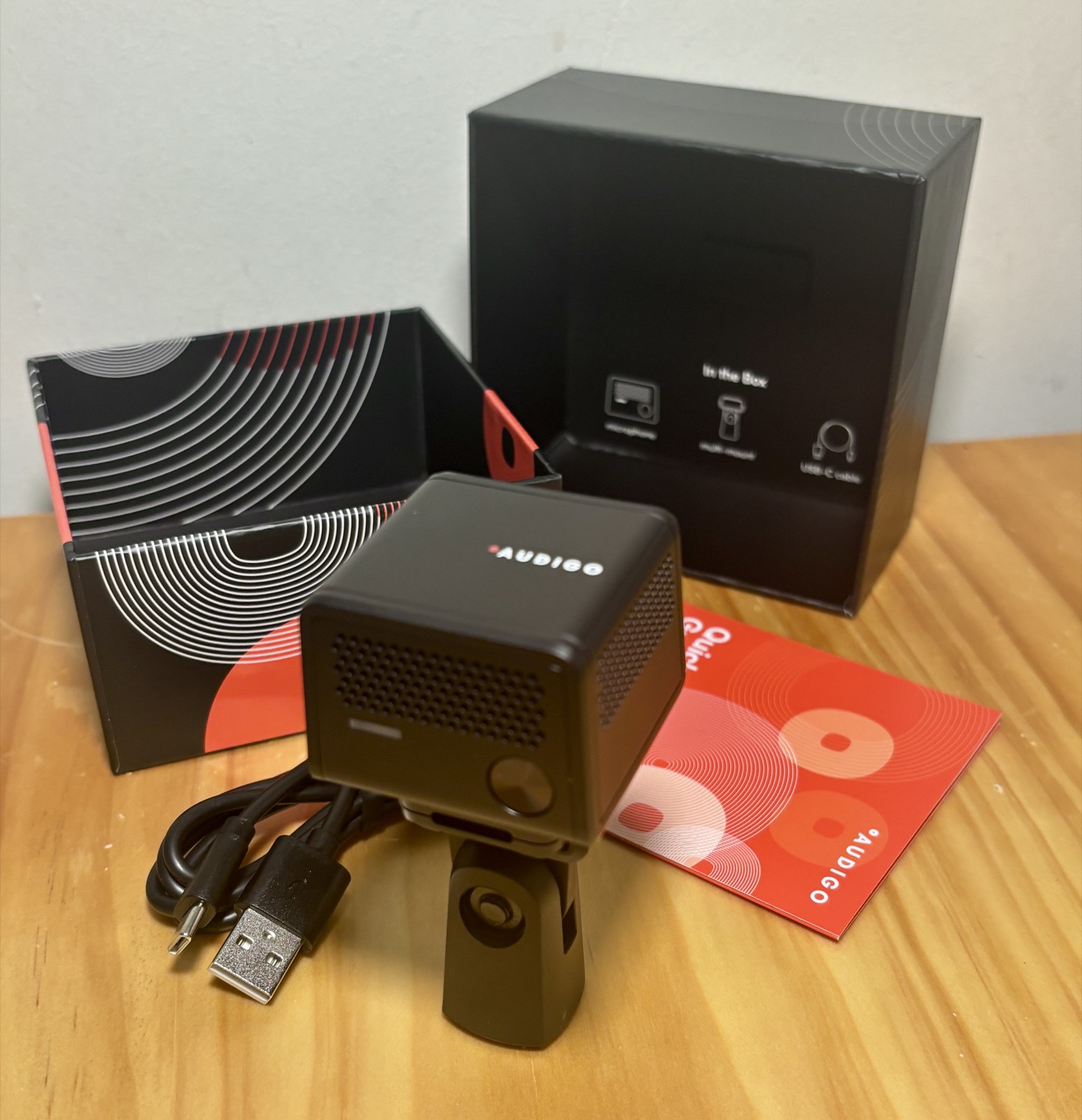
The Audigo is one of the most interesting — and easiest to misunderstand — portable microphones we have tested. At first glance the $249 Audigo looks like another wireless mic built for the TikTok era: tiny, battery-powered, connects to your phone, and ships with an app that records video alongside high-quality audio. But it is not really competing with a DJI Mic or a Røde Wireless Go. It is closer to a miniature field recorder, stereo condenser microphone and mobile recording studio in one small box.
Violet Recording is reader-supported — we may earn a commission from links on this page, at no extra cost to you.
A tiny, battery-powered mic that records studio-quality 24-bit/48kHz audio to its own internal memory and pairs it with a genuinely capable mobile app. Magic for musicians capturing performances; more of an acquired taste for podcasters tied to a desktop workflow.
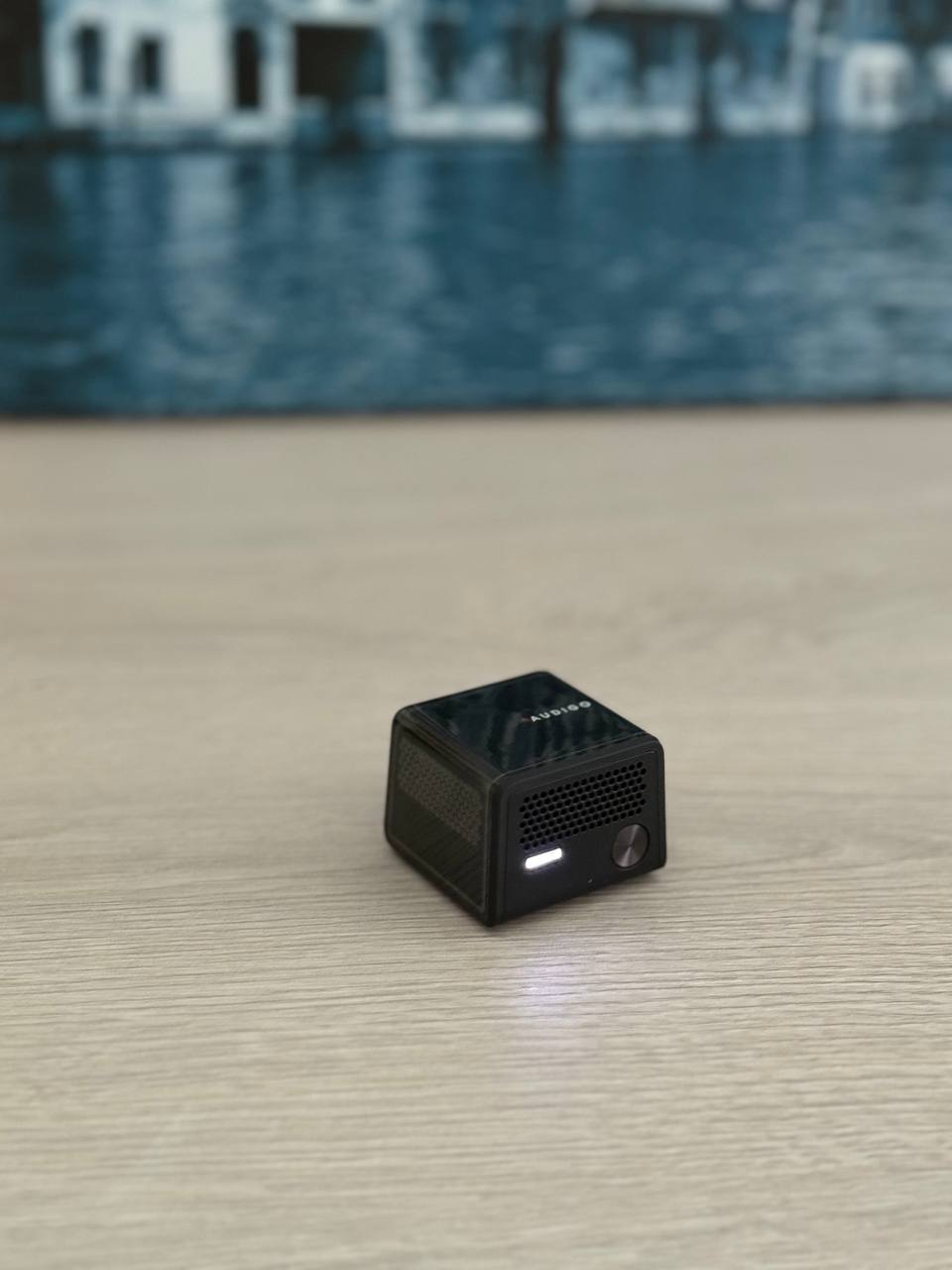
What Audigo is — and why it is different
Most wireless microphones transmit audio to a receiver plugged into your phone or camera. Audigo does something else entirely: it records the full-quality WAV file inside the microphone itself, at 24-bit/48kHz, then transfers it to your phone afterward. If you are shooting video, it automatically syncs the audio to the footage.
The upside is reliability. Your recording never depends on a flawless Bluetooth or Wi-Fi connection during the take — if the link drops, the audio is still safely on the mic and can be transferred later. The trade-off is that Audigo is not a plug-and-play wireless mic. You do not simply pair it and pipe audio into Instagram, Zoom, Riverside or OBS. Audigo wants you to work through its own app, Audigo Studio — and whether that feels wonderfully simple or frustratingly restrictive depends almost entirely on what you are trying to record.
Sound quality: mid-side stereo that captures the room
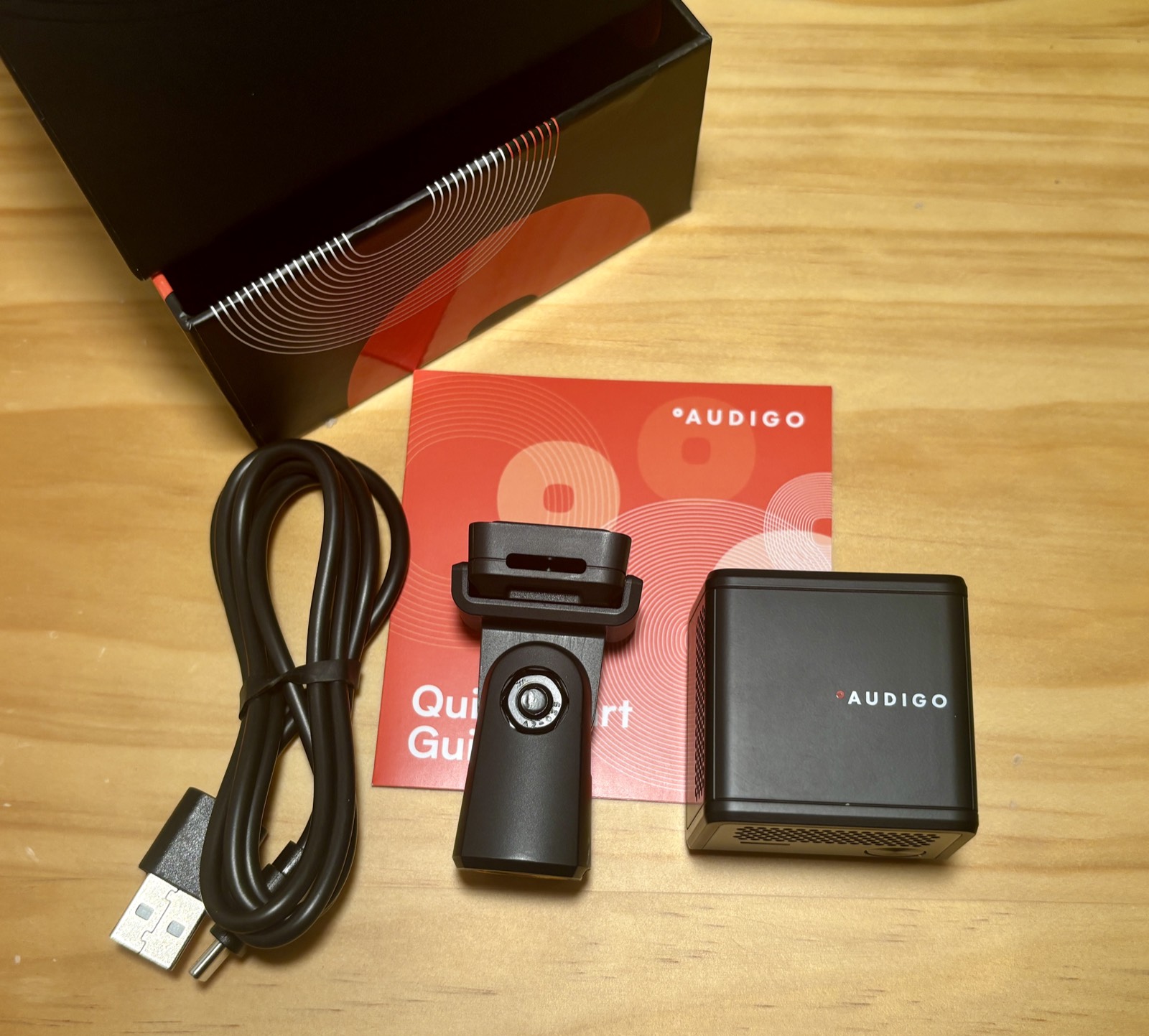
Audigo feels like it was designed by people who have actually tried to record musicians. It uses two condenser capsules in a mid-side arrangement, capturing an adjustable stereo image across 20Hz–20kHz and handling up to 120dB SPL. More importantly, the result has a real sense of space — which is exactly what you want for acoustic guitar, piano, vocals, ensembles, rehearsals and live shows, where capturing the room is part of capturing the performance. And because it is mid-side, Audigo Studio lets you adjust the stereo width after the take, which is far more musically useful than the dual-mono sound most compact creator mics produce.
It also removes a lot of friction: no interface, no XLR cable, no laptop, no DAW to configure. You capture the idea instantly and edit later on your phone. Just remember it is not a substitute for a treated studio — Audigo captures a fairly natural picture of its surroundings, so a bad-sounding room will still sound like a bad-sounding room. And there is one real limitation: because the audio records to internal memory, you cannot monitor the live signal while recording. For casual performance capture that is fine; for critical production, it means trusting placement without hearing clipping or clothing noise until afterward.
The Audigo Studio app
Audigo is not the finished product without its app — and thankfully the app is impressively ambitious. It handles recording, multitracking, mixing, stereo-width adjustment, EQ, reverb, automatic audio/video sync and export. You can layer multiple takes into one project, record different instruments and vocals at their own timestamps, and export as WAV, M4A or MP3 — or send the whole project out as a ZIP of individually synced tracks to finish elsewhere.
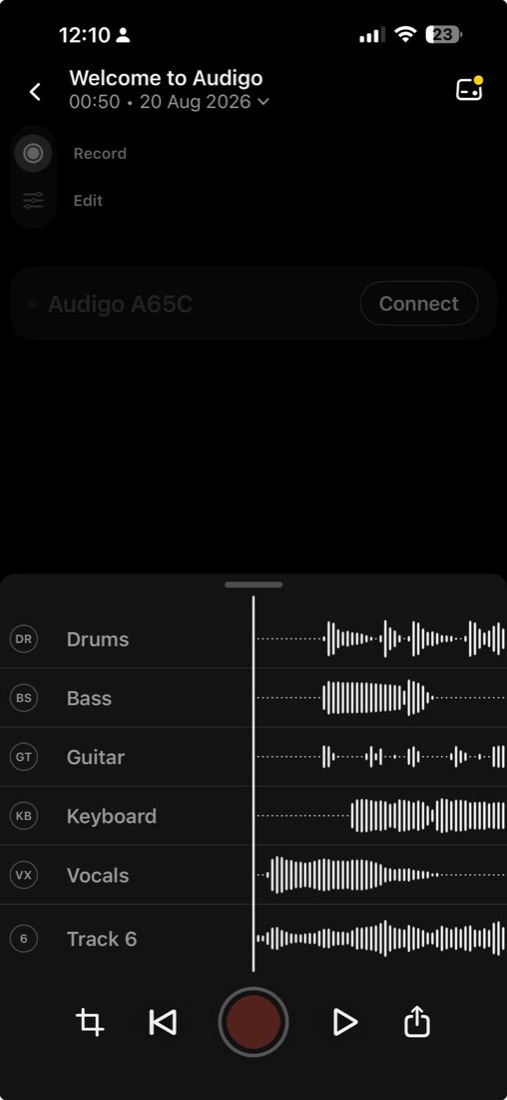
The free tier covers most of what makes Audigo useful: 24-bit/48kHz recording, multitracking, multi-mic recording on iOS, EQ, reverb and exporting. In hands-on testing the EQ is genuinely handy — adding bass or warmth to a voice recording makes an audible difference. The one feature that underdelivered was Noise Reduction: on a recording with a distant background voice, it did not do much, and the background chatter was still clearly audible. Treat it as gentle cleanup, not a rescue tool.
Who is Audigo for?
Musicians — 9/10
This is where Audigo shines. For capturing rehearsals, performances, song ideas, acoustic instruments and high-quality music or performance video without setting up a traditional rig, it is unusually good. If you make music, this is the use case that makes the price make sense.
Podcasters — 7/10
If your workflow lives in Riverside, SquadCast, Zoom, Logic or Adobe Audition, Audigo is not the obvious tool — the record-then-transfer flow adds steps versus an XLR mic on an interface. But for mobile podcasts, on-location interviews and round-table recordings where a conventional rig would be intrusive, it gets interesting fast — especially with multiple Audigos capturing separate, synced tracks that never gamble the interview on a wireless link.
General creators — 6.5/10
Audigo sounds excellent and is remarkably portable. But if you mostly want cleaner dialogue for talking-head videos, a conventional wireless lavalier system will slot into your workflow more easily. For phone-first setups in general, our best microphones for smartphones guide covers the full range.
Price and the Studio+ subscription
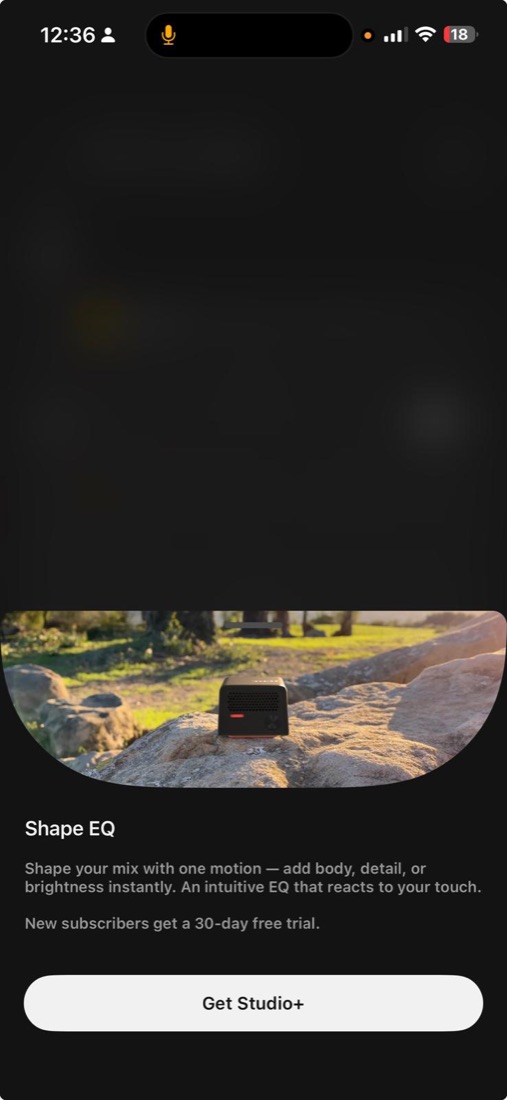
Audigo costs $249, and the free app includes most of the essentials. There is also Studio+ (around $15/month or $99/year) that adds advanced EQ, compression, delay, 250GB of cloud storage, collaboration and more advanced video features, with a 30-day free trial for new subscribers. The subscription does not ruin the product — but after spending $249 on the hardware, seeing more features sit behind a recurring payment does not exactly inspire joy. Budget for the mic, treat Studio+ as optional. And if $249 is more than you want to spend, our roundup of the best budget microphones has cheaper starting points.
A third tester weighs in: a casual musician’s first week
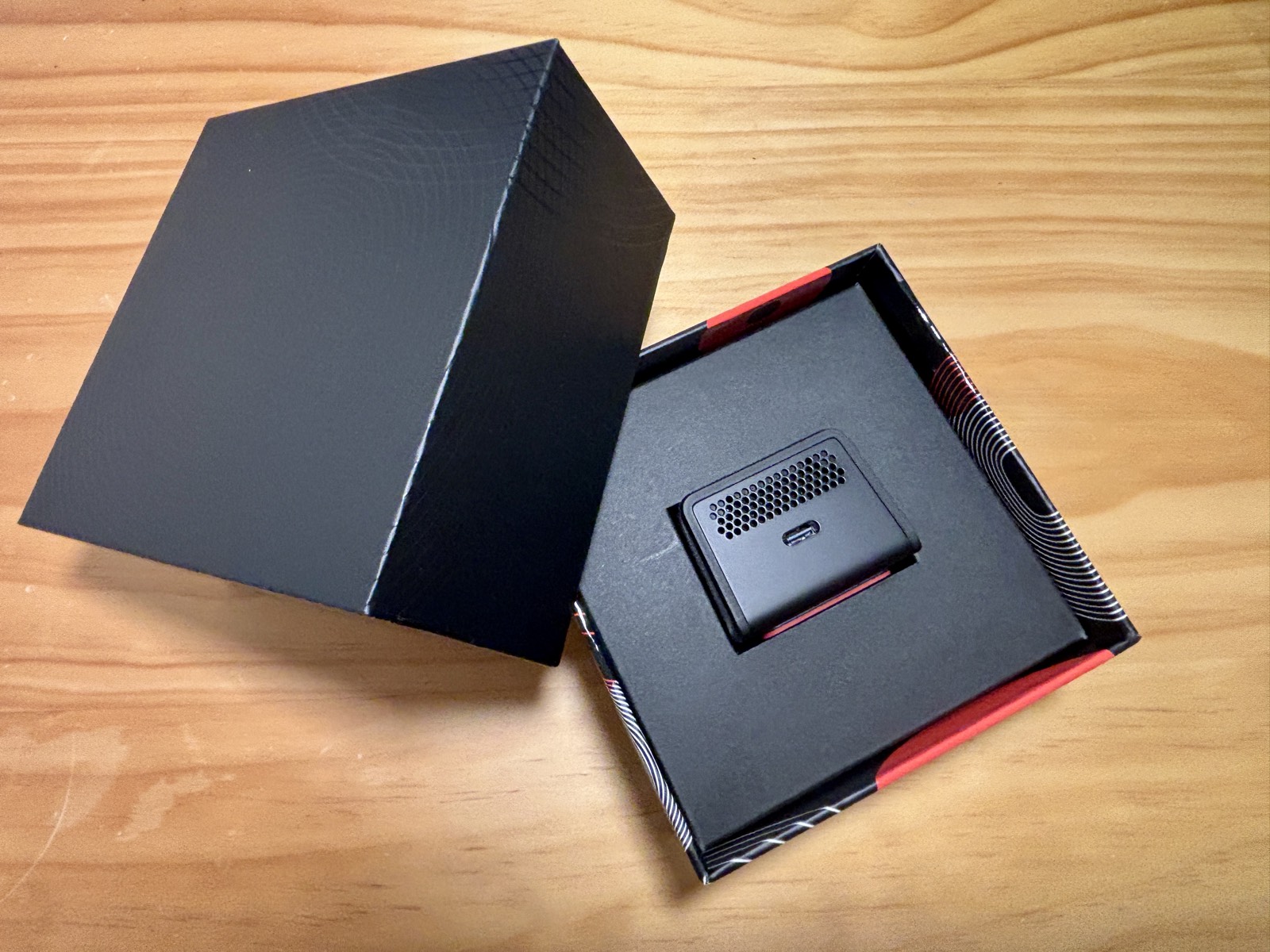
To sanity-check our verdict, we handed an Audigo to another tester — a casual musician trying the mic cold, with no prior setup. His overall take lined up with ours: he liked it. It is small, looks great sitting on a desk, the battery life is good, and he rated the recording quality as very good, with the noise cancellation genuinely useful in his room. But because he came to it fresh, he also ran straight into a rough edge a review team can gloss over.
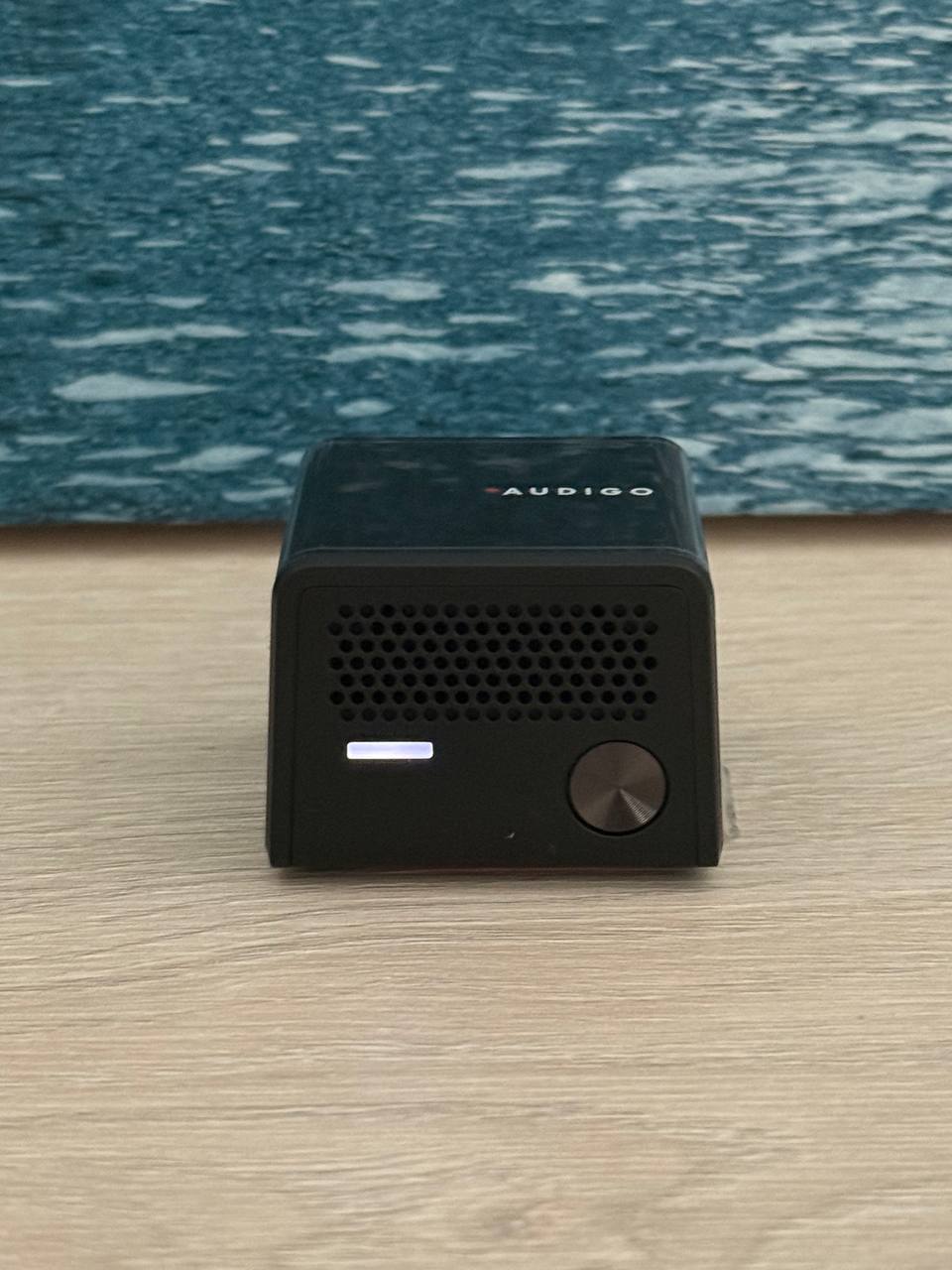
That rough edge was setup. Getting the mic into Bluetooth pairing mode took him a while, and the printed manual was not clear enough to help — he ended up searching online to finish pairing. It is not a dealbreaker, but it confirms the point above: Audigo could make the first five minutes far friendlier.
A clearer way to browse the recordings still stored on the device, and to know whether a file is deleted after it transfers. Direct Mac and PC support — especially for screen recording — rather than a phone-only workflow (the app records video on the phone, not a laptop). And a way to sample the Pro features before committing, to judge whether they are worth paying for. Audigo does offer a 30-day Studio+ trial, though it was not obvious to him. His bottom line, unprompted: “my review is good.”
Verdict
Audigo is a fantastic microphone with a very specific idea of how you should record. Accept its workflow — record to the mic, edit in Audigo Studio — and for music capture it is close to magic: real stereo depth, almost no setup, and a surprisingly capable app. The honest caveats are no live monitoring, weak noise reduction, and advanced features locked behind a subscription. If you are a musician or creator who shoots a lot of performance content on a phone and wants studio-quality sound without hauling gear, it earns a strong recommendation.
How Audigo compares
Weighing it against the alternatives? See Audigo vs Shure MV88, Audigo vs Røde Wireless GO II and Audigo vs DJI Mic 2. It even invites comparison with a handheld recorder — see Audigo vs a field recorder, or browse the best Audigo alternatives.
Frequently asked questions
Can I use Audigo directly with Zoom, Riverside or OBS?
Not as a normal USB or wireless mic. Audigo records to its own internal memory and works through the Audigo Studio app; you then export WAV files to use elsewhere. It is built around capture-then-edit, not live streaming into other apps.
Can I monitor the audio live while recording?
No. Because the audio is written to the microphone’s internal memory, live monitoring of the current take is not possible. You review it after transferring to your phone.
Is the Audigo app free?
Yes — the base app is free and includes 24-bit/48kHz recording, multitracking, EQ, reverb and export. Studio+ (about $15/month or $99/year) unlocks advanced EQ, compression, delay, cloud storage and more.
Does Audigo record video too?
Yes. The app records video in HD or 4K and automatically syncs it with the high-quality audio, so you can export a finished performance video from your phone.



