
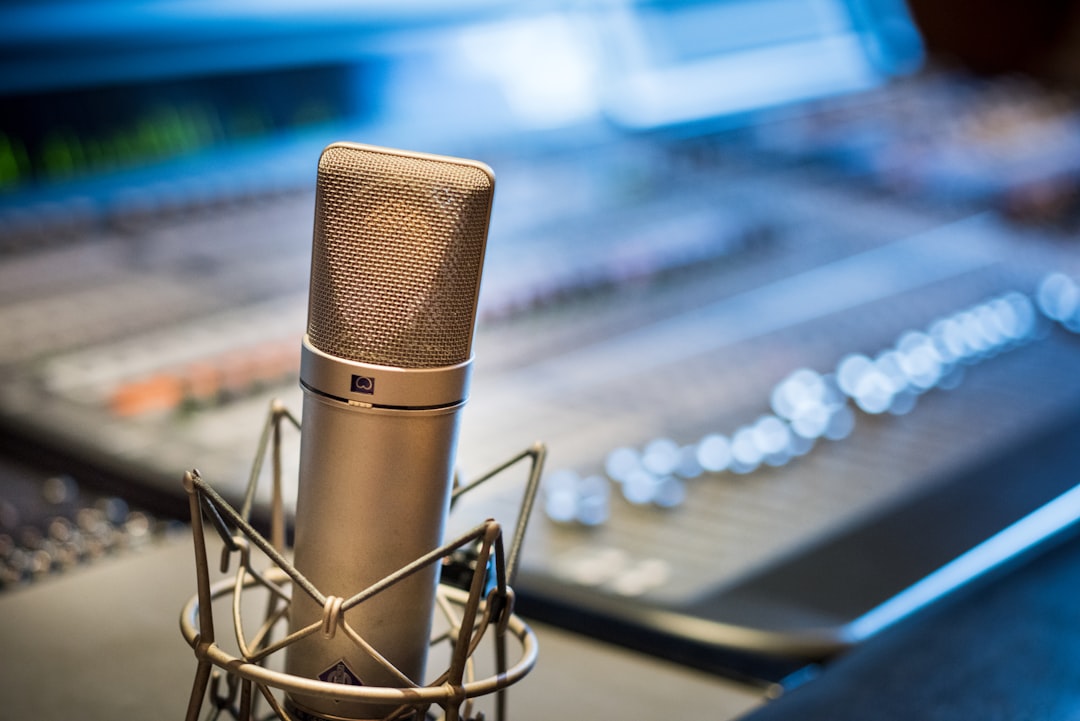
Choosing a USB vs XLR microphone for podcasting comes down to one question: how simple do you want it, and how far do you want to grow? A USB mic plugs straight into your computer and you’re recording in minutes. An XLR mic needs an audio interface or mixer but gives you better scalability, upgrade paths, and multi-mic flexibility. For a solo show on a budget, USB is brilliant. For a multi-host studio you’ll keep for years, XLR wins.
USB vs XLR microphone: the quick answer
- USB — easiest, cheapest to start, one cable, great for solo podcasters and beginners.
- XLR — needs an interface, costs more up front, but scales to multiple mics and pro gear.
How each one connects
A USB microphone has its analogue-to-digital converter and preamp built in, so it talks directly to your computer. An XLR microphone outputs an analogue signal that must run into an audio interface or mixer, which converts it for your computer. If you’re torn between these two paths, our deeper comparison of a USB mic vs an audio interface covers the trade-offs, and how to set up an audio interface shows the XLR workflow.
Sound quality
Good modern USB mics sound genuinely solid for spoken word, and for most listeners the difference on a solo podcast is small. The advantage of XLR is the quality and headroom of an external preamp, plus the freedom to pick any mic for the job. Many podcasters favour dynamic XLR mics because they reject room noise well — if you want to understand why, read condenser vs dynamic microphones.
Recording more than one person
This is where XLR really separates itself. USB mics are awkward to use in pairs because computers generally handle one USB audio input cleanly at a time. With XLR, a multi-input interface lets each host have their own mic on a separate track, which makes editing far easier. If your show has co-hosts or in-room guests, XLR is the practical choice.
Cost and growth
USB has the lower entry cost: the mic is the whole signal chain. XLR costs more to begin with because you buy the mic and an interface, but it’s modular — you can upgrade the mic, add channels, or change preamps later without starting over. Popular starting points include the Blue Yeti on the USB side, and an XLR dynamic like the Shure SM7B or Shure SM58 paired with a Focusrite Scarlett interface. If you’re weighing the two camps, our roundups of the best USB microphones and the best XLR microphones are a good place to shortlist. See our guide to recording a podcast at home for a full chain example.
Latency, monitoring and software
One thing beginners rarely think about until it bites them is monitoring — hearing yourself in headphones as you speak. Many USB mics include a headphone jack with zero-latency direct monitoring built in, which is convenient because everything lives in one device. The downside is that you’re relying on your computer’s USB audio handling, and on some systems a USB mic can introduce a small delay or the occasional dropout when the processor is busy. A dedicated interface in an XLR chain usually offers more stable drivers, lower round-trip latency, and proper hardware monitoring controls. Either way, keep your buffer size sensible while recording and only push it higher when you’re mixing, so you don’t hear yourself a beat behind your own voice.
Common mistakes to avoid
- Buying for the room you wish you had. If you record in an untreated bedroom, a sensitive condenser — USB or XLR — will pick up every reflection and the hum of your fridge. Match the mic to the space you actually record in.
- Sitting too far back. Most podcast mics sound thin and roomy from arm’s length. Work closer, roughly a hand-span away, and use a pop filter to tame plosives.
- Ignoring gain staging. Set your levels so peaks sit comfortably below clipping with healthy headroom. Recording too hot to “sound louder” only bakes in distortion you can’t remove later.
- Assuming pricier always means better. A well-placed budget dynamic in a quiet, treated corner will beat an expensive mic used carelessly in a hard, echoey room.
Whichever route you pick, a little acoustic treatment — even a few soft furnishings and a thick rug — will do more for your sound than the difference between most USB and XLR mics in the same price bracket.
How to choose
- Solo show, minimal fuss, tight budget? Go USB.
- Co-hosts in the room, or planning to expand? Go XLR with a multi-input interface.
- Noisy, untreated room? An XLR dynamic mic will reject more background noise — and for ideas, browse our pick of the best dynamic microphones, plus a little acoustic treatment to help either option.
- Recording remote guests over the internet? Either works, since your guest’s audio is captured at their end — so pick whichever keeps your own side simplest.
Frequently asked questions
Can I record two USB mics at once?
It’s possible with workarounds, but computers don’t handle multiple USB audio inputs reliably. For two or more hosts, an XLR setup with a multi-channel interface is far more dependable.
Is XLR audio quality always better than USB?
Not automatically. A great USB mic can outperform a cheap XLR chain. XLR’s real advantage is flexibility, scalability, and access to higher-end preamps and mics.
Do I need phantom power for podcasting?
Only if you use a condenser mic. Many podcasters use dynamic mics, which don’t need phantom power. You can learn more in our explainer on what phantom power is.
Can I start with USB and switch to XLR later?
Absolutely, and many podcasters do. There’s no shame in starting simple to get your show off the ground. When you outgrow USB — usually when you add a co-host or want a separate track per voice — move the budget you would have spent on a second USB mic into an interface and a couple of XLR dynamics instead.
Will an XLR mic make my voice sound more professional on its own?
The connector itself doesn’t change your tone. What helps is good mic technique, a quiet and treated space, sensible gain staging, and choosing a mic suited to your voice and room. A solid USB setup used well will always beat an XLR setup used poorly.



