
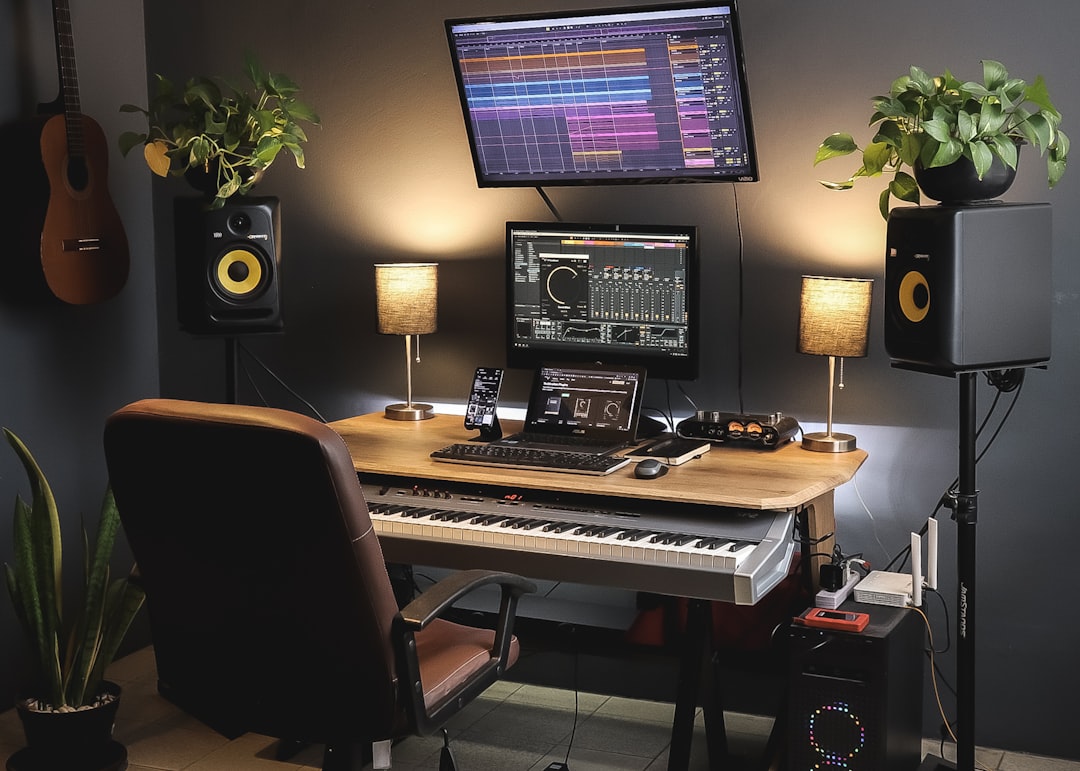
Deciding how many inputs recording interface shopping calls for comes down to one question: how many sound sources will you ever capture at the same instant? Anything you record simultaneously needs its own input; anything you record one at a time can share. Most home studios are massively overserved by a two-input interface, yet drummers and band recordists genuinely need eight or more. This guide maps input counts to real recording scenarios so you buy the right box once instead of twice.
Simultaneous Inputs Are the Only Number That Matters
The trap beginners fall into is counting how many things they own rather than how many they record at once. You can track a hundred-part arrangement through a single input if you record each part separately, one after another, which is exactly how most modern productions are built. A two-input interface can produce a full album.
The counts below refer to simultaneous inputs, meaning sources hitting the interface in the same take. Get this number right and you never pay for channels you will not use, nor find yourself short a input on the one day it matters. Whatever count you choose, set each channel’s gain so peaks land around -12 to -6 dBFS, well clear of the 0 dBFS ceiling where clipping is permanent.
How Many Inputs Recording Interface Choices Suit Each Setup
Match the interface to how you actually work, not to a hypothetical future band.
- 1 input: Solo vocalist, podcaster, or producer who records one source at a time. Rare now because two inputs cost little more and add flexibility, but genuinely sufficient for overdub-only workflows.
- 2 inputs: The sweet spot for the vast majority of home studios. You can record a vocal plus a guitar, a stereo pair on an acoustic instrument, or a mic-plus-DI on bass. If you are unsure, this is the safe default.
- 4 inputs: Singer-songwriters who track guide vocal and two mics on guitar together, small podcasts with two or three hosts, or anyone who wants a stereo room pair alongside a close mic.
- 8 inputs: Recording a live drum kit properly (kick, snare, two overheads, and toms already eat six to eight channels), or capturing a small band playing together for the energy of a live take.
- 16 or more: Full bands tracked live, or a drum kit with extra room and tom mics plus other instruments in the same pass. This is dedicated project-studio territory.
For most readers, the answer is two, occasionally four. If you think you need eight, be honest about whether you will ever mic a full kit at once, because that is really the only common reason to jump there.
What Counts as an Input, and What to Check Beyond the Number
Not all inputs are equal, so read the spec sheet carefully. A common mistake is buying a “many input” interface whose extra channels are line-only or expansion-only. Watch for these distinctions:
- Mic preamps vs line inputs. Microphones need a mic preamp with phantom power. An interface may advertise eight inputs but include only two mic pres, with the rest as line inputs unsuitable for bare microphones.
- Instrument (Hi-Z) inputs. Guitars and basses plugged straight in need a high-impedance instrument input. Confirm at least one is present if you record electric instruments direct.
- ADAT expansion. Many interfaces add eight more inputs later via an ADAT optical connection to an external preamp unit. This is the affordable way to grow from two to ten channels without replacing your main box.
- Independent headphone mixes. Recording more than one performer at once is far smoother when the interface offers separate headphone outputs with their own monitor blends.
If you record electric guitar direct, you can keep your input count low and shape tone entirely in software with an amp sim such as Neural DSP, taking a single DI signal and turning it into a full amp rig you can re-tone after the take.
Latency Scales With Channels, So Plan for It
The more inputs you track at once, the harder your computer works, and buffer settings matter more. When tracking, set your DAW buffer to 64 or 128 samples for near-instant monitoring; for a full band, lean on the interface’s direct hardware monitoring so performers hear themselves with zero delay regardless of buffer. Once tracking is done and you move to mixing, raise the buffer to 512 or 1024 samples so a plugin-heavy session plays back cleanly. More inputs also mean more cabling and more chances for hum, so use balanced connections and keep audio runs away from power cables.
Whatever count you land on, a well-treated room and good placement beat extra channels every time. Our guides on recording vocals at home and recording acoustic guitar show how much you can achieve through just one or two inputs, and the free level meters in our audio tools hub help you keep every channel gain-staged correctly.
Frequently Asked Questions
Is a 2-input interface enough to record a whole song? Yes, easily. By recording parts one or two at a time and layering them, a two-input interface can produce a complete, professional multitrack production. Simultaneous capture is the only thing it cannot do.
How many inputs do I need to record drums? A basic kit sounds good on four channels (kick, snare, and a stereo overhead pair), while a fuller close-miked kit wants eight. That drum requirement is the usual reason home studios move beyond two inputs.
Can I add more inputs later without buying a new interface? Often yes. Interfaces with an ADAT optical input accept an eight-channel external preamp, taking you from two inputs to ten without replacing your main unit, which makes ADAT worth looking for if you might expand.



