
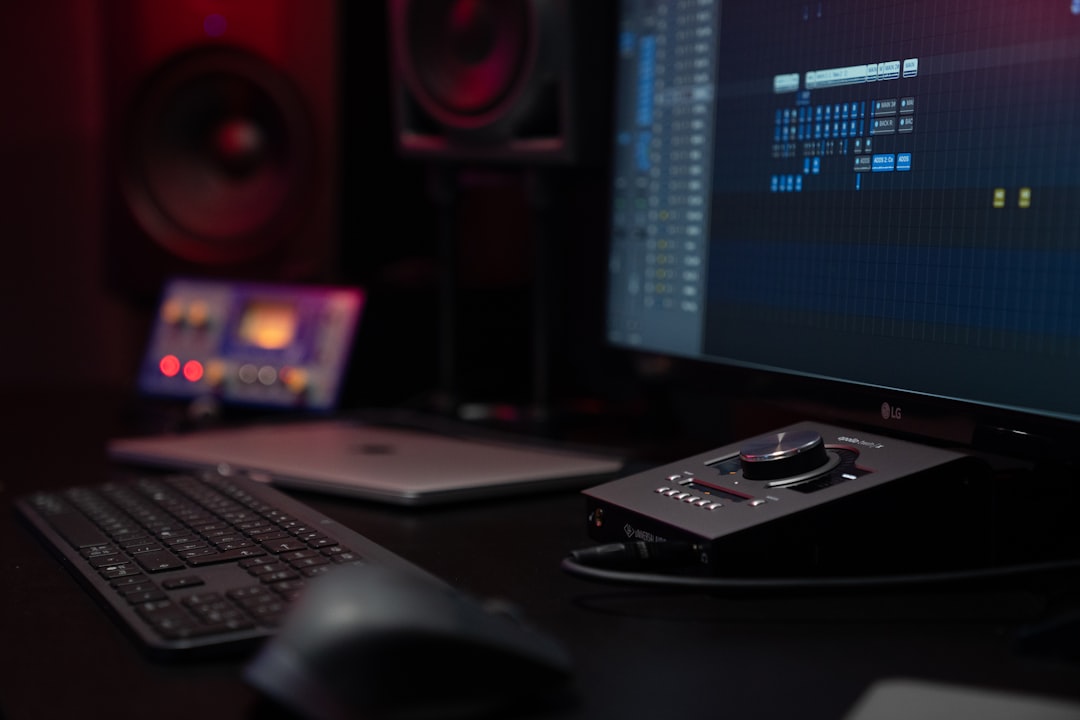
The scarlett 2i2 vs volt question comes down to two of the most popular desktop audio interfaces you can buy: the Focusrite Scarlett 2i2 (4th Gen) and the Universal Audio Volt 2. Both are two-in, two-out USB-C interfaces built for home recording, podcasting and streaming, and both get clean audio into your DAW. The short answer: pick the Scarlett 2i2 for its convenience features and bundled tools, and the Volt 2 if you want a preamp with vintage character baked into the hardware.
Violet Recording is reader-supported — we may earn a commission from links on this page, at no extra cost to you.
Quick verdict: which interface should you buy?
Neither of these is a bad choice — they sit in the same price band and target the same buyer. Here is the fast version before we get into detail:
- Focusrite Scarlett 2i2 (4th Gen) — the smoothest beginner experience: Auto Gain and Clip Safe help you set levels without guesswork, the software bundle is generous, and the ecosystem is everywhere. Shop on Amazon
- Universal Audio Volt 2 — a bit of analogue flavour in the box: its Vintage preamp mode adds a warmer, tube-style colour to vocals and guitars before the signal ever hits your computer. Shop on Amazon
Below we break the comparison down so you can match the right box to how you actually record. If interfaces are new to you, our guide to setting up an audio interface and the audio interfaces hub are good companions to this article.
How the scarlett 2i2 vs volt comparison breaks down
Both units give you two combo XLR/TRS inputs, two balanced outputs, USB-C connectivity, 48V phantom power for condenser mics and high-resolution converters. The differences are in the character of the preamps, the helper features and the software you get in the box.
| Feature | Focusrite Scarlett 2i2 (4th Gen) | Universal Audio Volt 2 |
|---|---|---|
| Inputs / outputs | 2 in / 2 out | 2 in / 2 out |
| Connection | USB-C | USB-C |
| Phantom power | 48V | 48V |
| Signature feature | Air mode, Auto Gain, Clip Safe | Vintage preamp mode (610-inspired) |
| Headphone output | Yes, dedicated level | Yes, dedicated level |
| Direct monitoring | Yes | Yes |
| Best for | Beginners, fast level-setting, streaming | Vocalists and guitarists wanting analogue colour |
| Price band | Entry-level (roughly the sub-$200 tier) | Entry-level (roughly the sub-$200 tier) |
| Buy | Shop on Amazon | Shop on Amazon |
A quick note on cost: both interfaces live in the affordable entry-level bracket, and prices in this segment move around with sales and bundles. Rather than quote a figure that will be out of date next week, check the current price on Amazon for each before you decide.
Sound and preamps: clean versus coloured
This is the heart of the decision. Both interfaces have quiet, capable preamps that will do justice to a decent microphone, so you are not choosing between “good” and “bad” — you are choosing between two philosophies.
The Focusrite Scarlett takes the transparent route. Its preamps are designed to capture what your mic hears without adding much personality of their own, and the optional Air mode lets you brighten the top end and add presence when you want a source to cut through. That neutrality is a strength: it keeps your options open at the mixing stage, because you are not committed to a colour you recorded in.
The Universal Audio Volt 2 leans the other way with its Vintage preamp mode. Flip that switch and the input takes on a warmer, slightly saturated character inspired by the classic tube-preamp designs UA is known for. On vocals and electric guitar, that colour can make a source sound “finished” straight into the DAW, which many people love for tracking. The trade-off is that you are baking that flavour into the recording, so use it deliberately.
If you are not sure how much colour you want, remember you can always add warmth later with plugins, but you cannot easily remove it once it is recorded. For a primer on getting clean levels either way, see our explainer on gain staging.
Ease of use: where the Scarlett pulls ahead
For a first interface, the Scarlett 2i2’s helper features are genuinely useful. Auto Gain listens to you speak or play for a few seconds and sets a sensible input level automatically, which takes a lot of the mystery out of a step beginners routinely get wrong. Clip Safe watches the input and pulls the gain back if you are about to distort — a safety net for unpredictable vocal takes or a loud strum.
The Volt 2 keeps things more traditional: you set gain by ear and by watching the meters, which is how most interfaces work and is a skill worth learning anyway. It is not harder in an absolute sense, but it is less hand-holding. If a frustration-free first session matters most to you, the Scarlett has the edge here.
Both units offer direct hardware monitoring so you can hear yourself with effectively zero latency while tracking, which matters more than people expect. If latency is a new concept, our guide to audio latency explains why that feature is there.
Software bundles and ecosystem
Both companies sweeten the deal with software, and the contents change over time, so treat the specifics as a moving target and confirm the current bundle at purchase.
Focusrite typically includes a “Hitmaker” style collection: a DAW, virtual instruments, effects and sample content aimed at getting a beginner producing quickly. Universal Audio leans on its own heritage, bundling UA plug-ins and recording software that fit the Volt’s vintage-flavour identity. Neither bundle should be the deciding factor on its own, but if you have no plugins yet, both give you a real head start. If you have not settled on recording software, our roundup of the best free DAWs for beginners is a good starting point.
On ecosystem, the Scarlett range is one of the best-selling interface families in the world, which means abundant tutorials, forum answers and mature drivers. That ubiquity is quietly valuable when you hit a snag late at night. If you want to understand how an interface differs from other ways of getting audio in, our comparisons of audio interface vs mixer and USB mic vs audio interface put both these units in context.
Which one fits your setup?
Here is how we would steer different people:
- Complete beginner, podcaster or streamer: the Scarlett 2i2’s Auto Gain and Clip Safe make setup painless, and the transparent sound suits spoken word. Shop on Amazon
- Singer-songwriter tracking vocals and guitar: the Volt 2’s Vintage mode adds character that flatters those sources on the way in. Shop on Amazon
- Solo creator who only records one source at a time: a single-input version saves money. Consider the Focusrite Scarlett Solo (Shop on Amazon) or the Universal Audio Volt 1 (Shop on Amazon).
Whichever you choose, pair it with a suitable mic. If you are still deciding on that, our guide to condenser vs dynamic microphones will help you match the mic to your room, and the interface’s phantom power to the mic.
Our overall pick
For most first-time buyers, the Focusrite Scarlett 2i2 (4th Gen) is the safer recommendation: the level-setting features remove the most common beginner headaches, the sound stays flexible for mixing, and the ecosystem is unmatched. Choose the Universal Audio Volt 2 when you specifically want that analogue warmth in the hardware and you enjoy committing to a tone while tracking. Both are excellent tools — this is a case where the “worse” option is still very good, so buy on the philosophy that matches how you work.
Ready to decide? Shop on Amazon for the Scarlett 2i2, or Shop on Amazon for the Volt 2. Remember to check the current price on Amazon for both, since deals in this tier come and go.
Frequently asked questions
Is the Scarlett 2i2 or Volt 2 better for vocals?
Both handle vocals well. The Scarlett 2i2 records vocals cleanly and transparently, leaving your processing choices for the mix. The Volt 2’s Vintage preamp mode adds a warmer, slightly coloured character that many singers like baked in while tracking. If you want maximum flexibility later, go clean; if you want a “finished” tone on the way in, go for the Volt.
Do the Scarlett 2i2 and Volt 2 work with any DAW?
Yes. Both are class-compliant USB-C interfaces that work with essentially any modern recording software on Windows and macOS, and both come with a software bundle to get you started. Confirm the exact bundle at the time you buy, since the included titles change.
Can I record two microphones at once on either interface?
Yes — both the Scarlett 2i2 and the Volt 2 have two combo inputs with independent gain and shared 48V phantom power, so you can track two mics, or a mic and an instrument, simultaneously. If you only ever record one source, the single-input Scarlett Solo or Volt 1 will save you a little money.



