
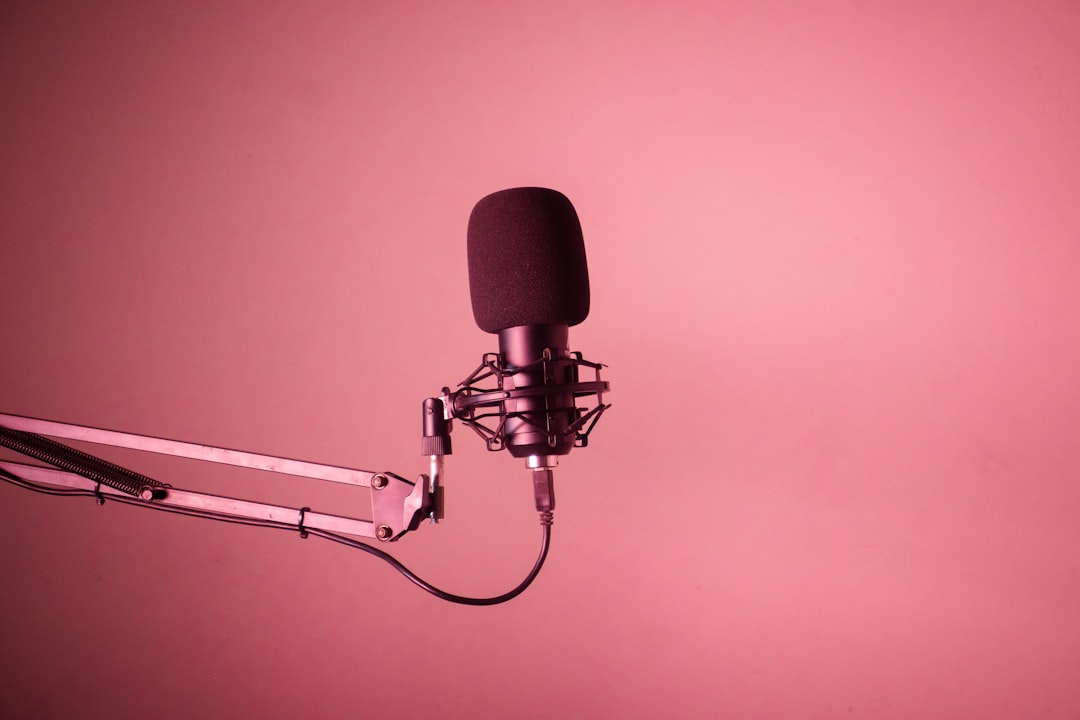
The short answer to xlr vs usb microphone is this: a USB mic is the fastest, cheapest way to sound good today, while an XLR mic is the choice you make when you want room to grow. USB plugs straight into your computer and works in minutes; XLR needs an audio interface but gives you better mics, better preamps and a rig you can expand one piece at a time. Neither is “better” in a vacuum — the right pick depends on what you record and how far you plan to take it.
Violet Recording is reader-supported — we may earn a commission from links on this page, at no extra cost to you.
Quick pick: which microphone type should you buy?
If you just want a clean voice for podcasts, calls, streaming or voiceover and you never want to think about hardware, get a good USB mic. If you record music, want the best possible sound, or expect to add a second mic, instruments or better gear over time, start an XLR setup. Here is the fast version:
| What matters to you | Best fit | Example to start with |
|---|---|---|
| Simplest possible setup, one voice | USB | Audio-Technica AT2020USB+ · Shop on Amazon |
| Streaming and content on a budget | USB | Blue Yeti · Shop on Amazon |
| Music, vocals, upgrade path | XLR | Rode NT1 5th Gen · Shop on Amazon |
| Podcast/broadcast voice, noisy room | XLR | Shure SM7B · Shop on Amazon |
| The interface an XLR mic needs | — | Focusrite Scarlett 2i2 · Shop on Amazon |
What XLR and USB actually mean
The names describe how the microphone connects, not how good it sounds. A USB microphone has the analogue-to-digital converter and a small preamp built into the mic body, so it sends finished digital audio straight to your computer over a single USB cable. An XLR microphone is a pure analogue device with a three-pin XLR output; it has no converter of its own, so it must plug into an audio interface (or mixer) that supplies the preamp, the converter and, for condenser mics, the phantom power. If you want the full picture on that last part, our guide to what phantom power is explains why most studio condensers need it.
That single design difference — converter inside the mic versus converter in a separate box — drives almost every practical trade-off below.
xlr vs usb microphone: sound quality compared
At the budget end the gap is smaller than people claim. A well-made USB condenser like the AT2020USB+ or a Rode NT-USB sounds genuinely good for spoken word, and most listeners will never know it was USB. The capsule — the part that turns sound into a signal — is often similar to the XLR version of the same mic.
Where XLR pulls ahead is the ceiling. Because you choose the preamp and converter separately, you can pair a great mic with a great interface and keep improving each part. XLR also unlocks mics that simply have no USB equivalent, including the broadcast-standard Shure SM7B and large-diaphragm condensers used on professional records. On the flip side, a USB mic’s converter and preamp are fixed forever — whatever quality they built in is the quality you keep. If you want to understand the capsule differences that matter more than the connector, read condenser vs dynamic microphones.
Setup, latency and monitoring
USB wins convenience outright. Plug in, pick the mic in your recording app, and record. Many USB mics add a headphone jack for zero-latency monitoring, so you hear yourself without the distracting delay that can happen when audio round-trips through software.
XLR asks for one more box and a couple of cables, but a modern interface makes it painless: connect mic to interface with an XLR cable, interface to computer over USB, plug headphones into the interface, and set your input gain. Interfaces are built for low-latency monitoring and clean gain, which is why serious music recording lives on XLR. If latency is a mystery to you, our explainer on audio latency and the walkthrough on setting up an audio interface will get you comfortable fast. One quiet gotcha with USB: running two USB mics at once on the same computer is fiddly, because each is its own audio device — something an interface handles as standard.
Cost, and the upgrade path that changes the maths
For a single microphone, USB is cheaper because you are not buying an interface. One quality USB mic and you are recording — Shop on Amazon to check where the Blue Yeti sits today. That is hard to beat for a first mic.
The picture flips the moment you want more than one input. Adding a second XLR mic to an existing interface can cost just the price of the mic and a cable. A two-input interface like the Focusrite Scarlett 2i2 lets you record two people, or a mic and a guitar, at the same time — Shop on Amazon to see current pricing. With USB you would generally buy a whole second mic and juggle devices. So USB is cheaper to start, and XLR is usually cheaper to grow. For a broader shopping frame, see how a USB mic compares to an audio interface.
Real microphones worth considering on each side
These are well-known, widely available options rather than a ranked “best” list. On the USB side, the Audio-Technica AT2020USB+ is a reliable, natural-sounding condenser for voice and desktop recording — Shop on Amazon. The Blue Yeti is the streaming default thanks to on-body controls and switchable pickup patterns — Shop on Amazon. The Rode NT-USB sits a notch up in refinement for voiceover and podcasting — Shop on Amazon.
On the XLR side, the Rode NT1 5th Gen is a low-noise large-diaphragm condenser that punches well above its price for vocals and acoustic sources — Shop on Amazon. The Audio-Technica AT2020 is the classic first XLR condenser and the analogue sibling of the USB version — Shop on Amazon. The Shure SM7B is the broadcast dynamic behind countless podcasts and vocal takes; it rejects room noise beautifully but wants plenty of clean gain from your interface — Shop on Amazon. Every XLR mic here needs an interface such as the Focusrite Scarlett 2i2 — Shop on Amazon. For more starting points, browse our best microphones for home recording and the microphones hub.
How to decide in one minute
Answer three questions. First, will you ever record more than one source at once? If yes, lean XLR. Second, do you care about squeezing out the best possible sound, or is “clearly good” enough? If clearly good is enough, USB saves you money and effort. Third, do you enjoy tinkering with gear, or do you want it to disappear? Tinkerers thrive on XLR; everyone else is well served by USB. Podcasters and streamers can go either way — a USB mic gets you live today, while an SM7B and interface is the long-term broadcast route. Music recordists should almost always start XLR, and if you plan to mix seriously, pair it with proper monitoring using our guide to studio monitors vs headphones.
Frequently asked questions
Is a USB microphone good enough for professional podcasts?
Yes, for many shows. A quality USB condenser or dynamic in a reasonably quiet, treated room produces clean, publishable voice audio. The reasons to move to XLR are multiple simultaneous mics, a specific broadcast mic like the SM7B, or a noisy room where a dynamic mic’s rejection matters more than raw resolution.
Can I use an XLR microphone directly with my computer?
No. An XLR mic outputs an analogue signal and has no converter, so it needs an audio interface (or a mixer with a USB output) between the mic and your computer. There are XLR-to-USB adapter cables, but they include a tiny built-in converter and usually sound worse than even a modest interface, so a real interface like the Scarlett 2i2 is the better buy.
Does XLR really sound better than USB?
Not automatically. A cheap XLR mic through a cheap interface can sound worse than a good USB mic. XLR’s advantage is potential: better mics exist only in XLR, and you can upgrade the preamp and converter over time. For a single budget voice mic, the difference is small; for serious music or a growing rig, XLR’s ceiling is far higher.



